PC
$14.99 Region US

Content rating unavailable
Audio Production · CHEHRAZ
Screenbits - Screen Recorder

Content rating unavailable
Windows
Very Positive · 83% of 302

 Wait Chip's verdict · US updated yesterday
 Good game, but it sits 100% of the way from its all-time low to full price. It drops harder in seasonal sales. Patience pays.
Why this verdict
Price position between all-time low and full price 100%
All-time low $7.49 · 7d ago
Player reviews 83% positive of 302
Quality score 83/100
Value score 0/100
Offers
Accepted regional prices from official stores
Official stores (1)
Clean outbound link. We never touch your payment.
Report a wrong price
About this game
What this game is, in the developer's words
Ultimate screen recorder software for game recording, video tutorials, product demos, YouTube videos and more.
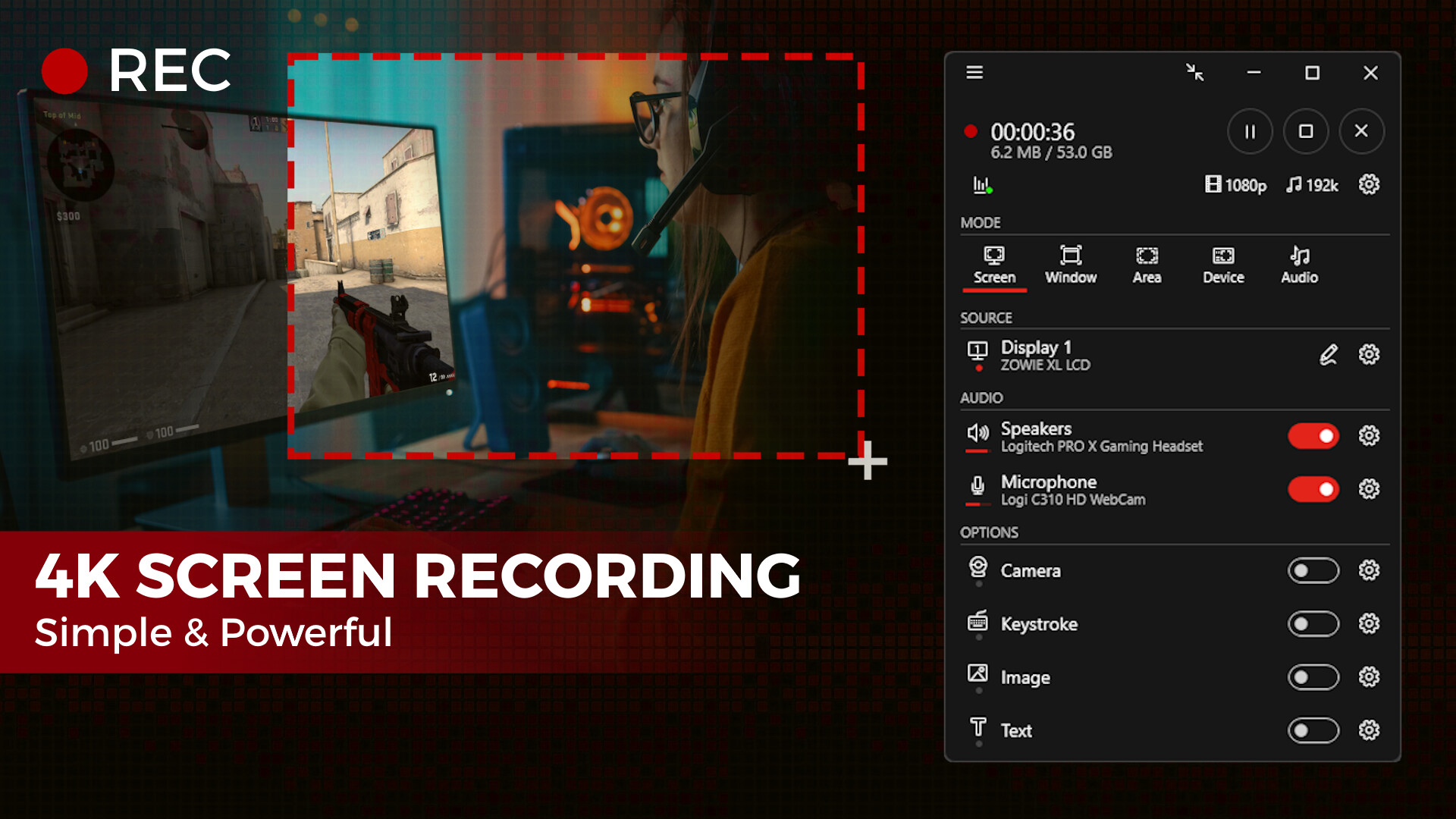
Ultimate screen recorder software for game recording, video tutorials, product demos, YouTube videos and more. Screenbits allows you to capture screen content, system sound, microphone and camera into HD/4K quality video files. With a reasonable price, it has all the features you expect from a screen recording software provided in an easy to use interface.
Video Recording
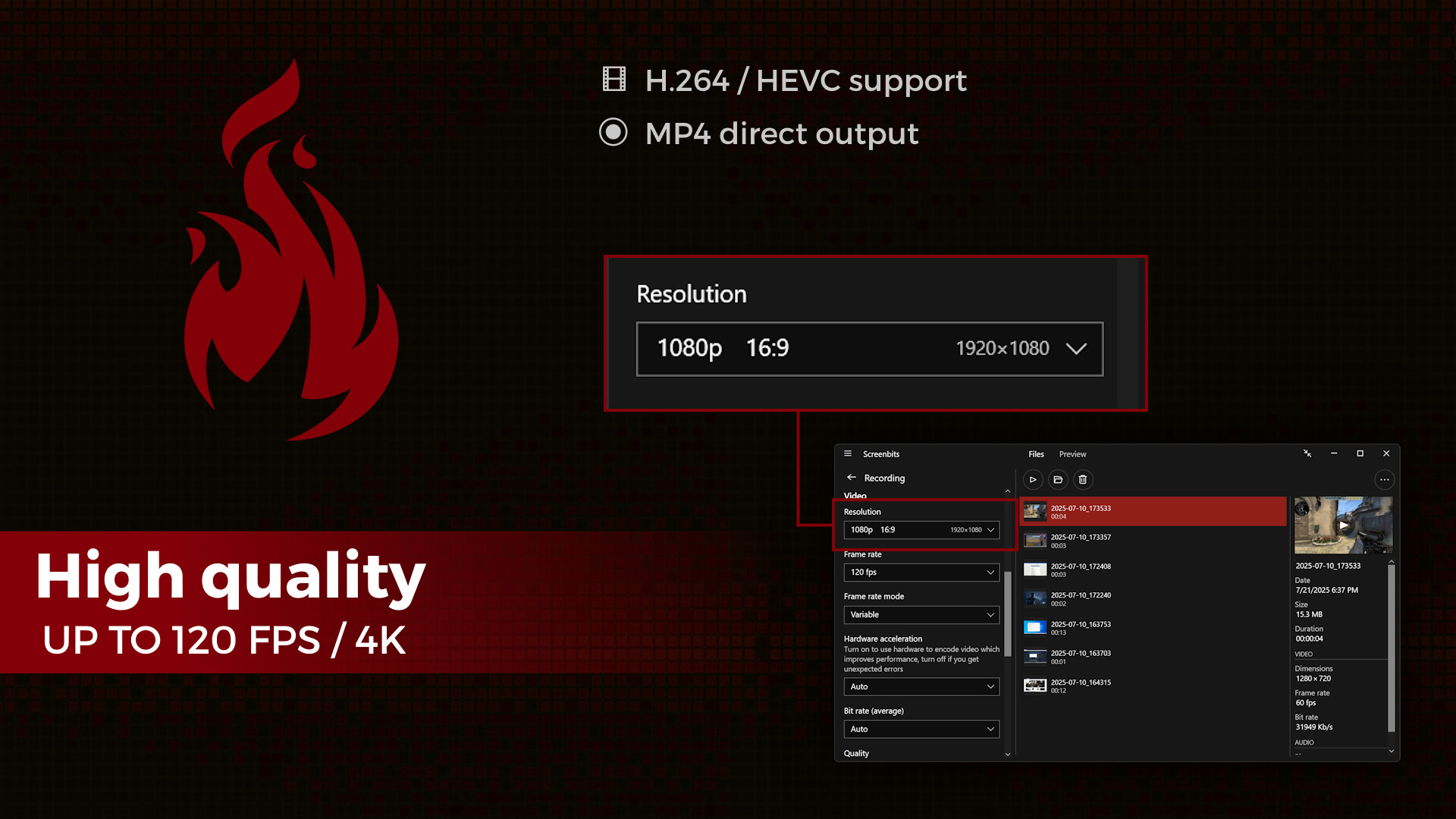
• MP4 file format
• High quality (HD) recording up to 4K*
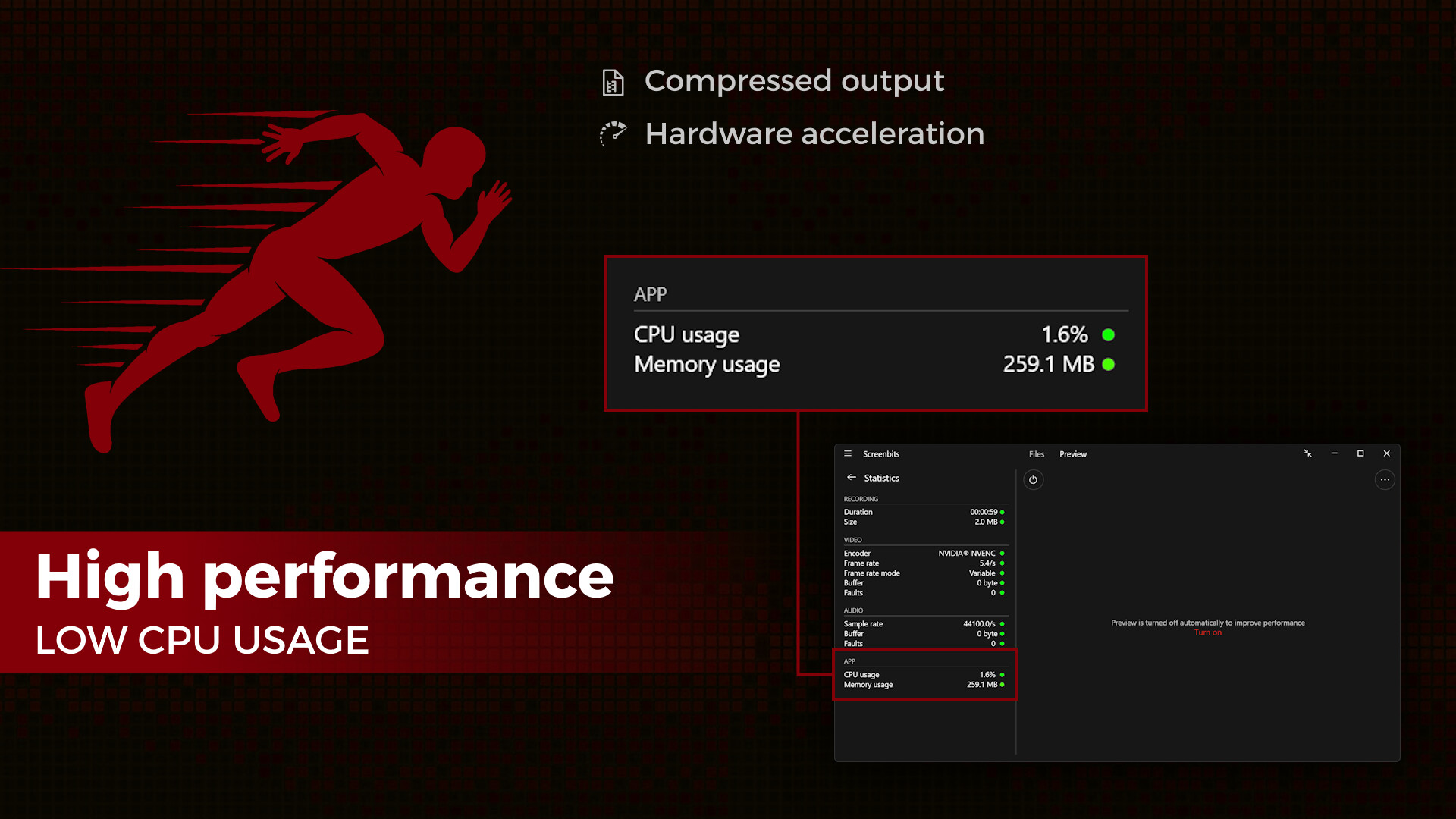
• High performance
• Up to 120* frames per second recording
• Adjustable output resolution and scaling
• Adjustable quality and frame rate
• Compressed (H.264/HEVC) output
Audio Recording
• Ability to record input audio (microphone, headset, etc.)
• Ability to record system sound (speakers, headphones, etc.)
• MP4A file format
• High quality audio (AAC)
• Adjustable audio format (bit-rate, sample-rate and channels)
Screen Capture
• Ability to capture a single display or all displays (multi-display support)
• Ability to capture mouse pointer
• Ability to exclude taskbar
• Ability to switch between screens during recording
• Ability to capture active screen
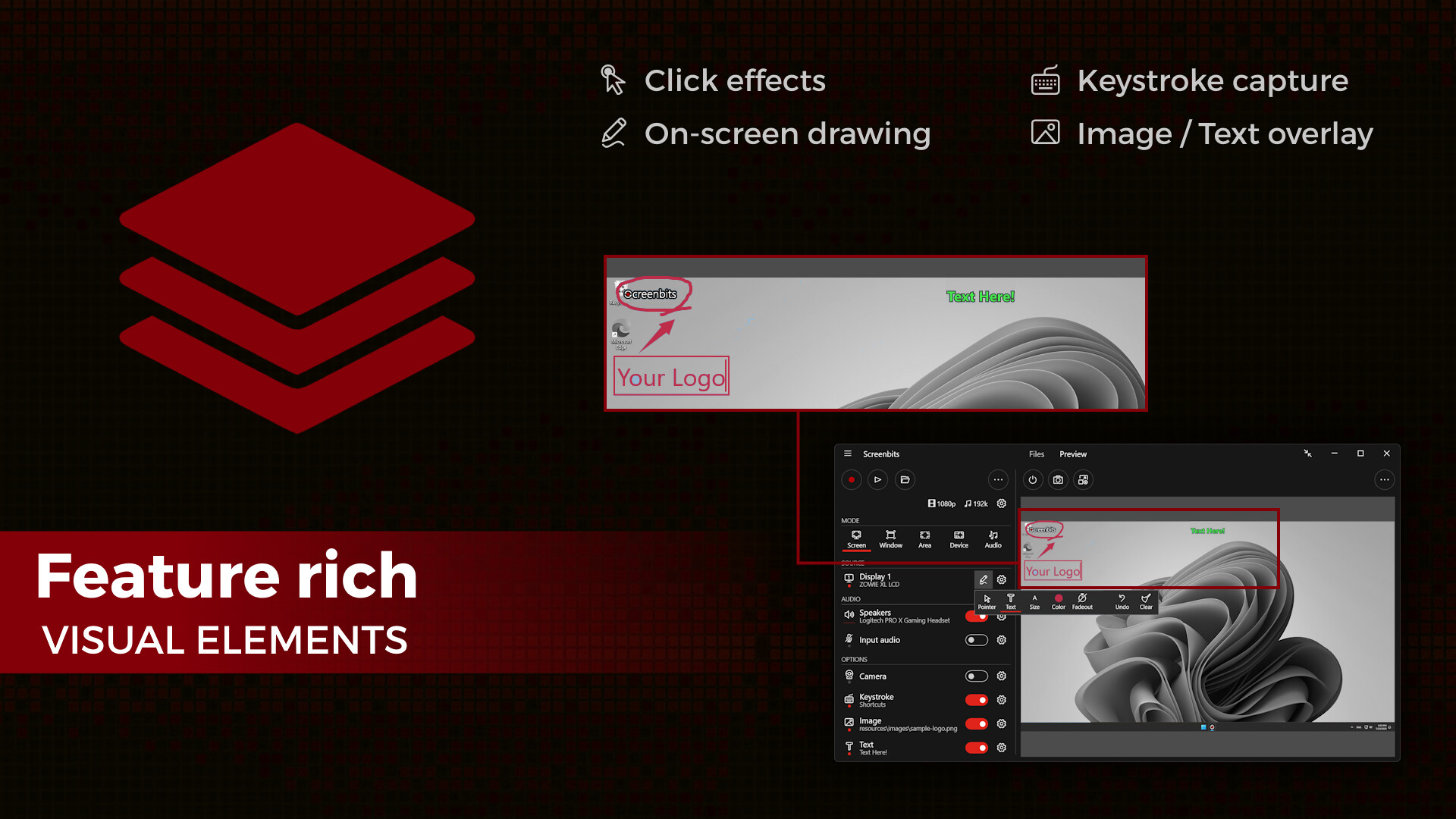
• Pointer highlighting and click effects
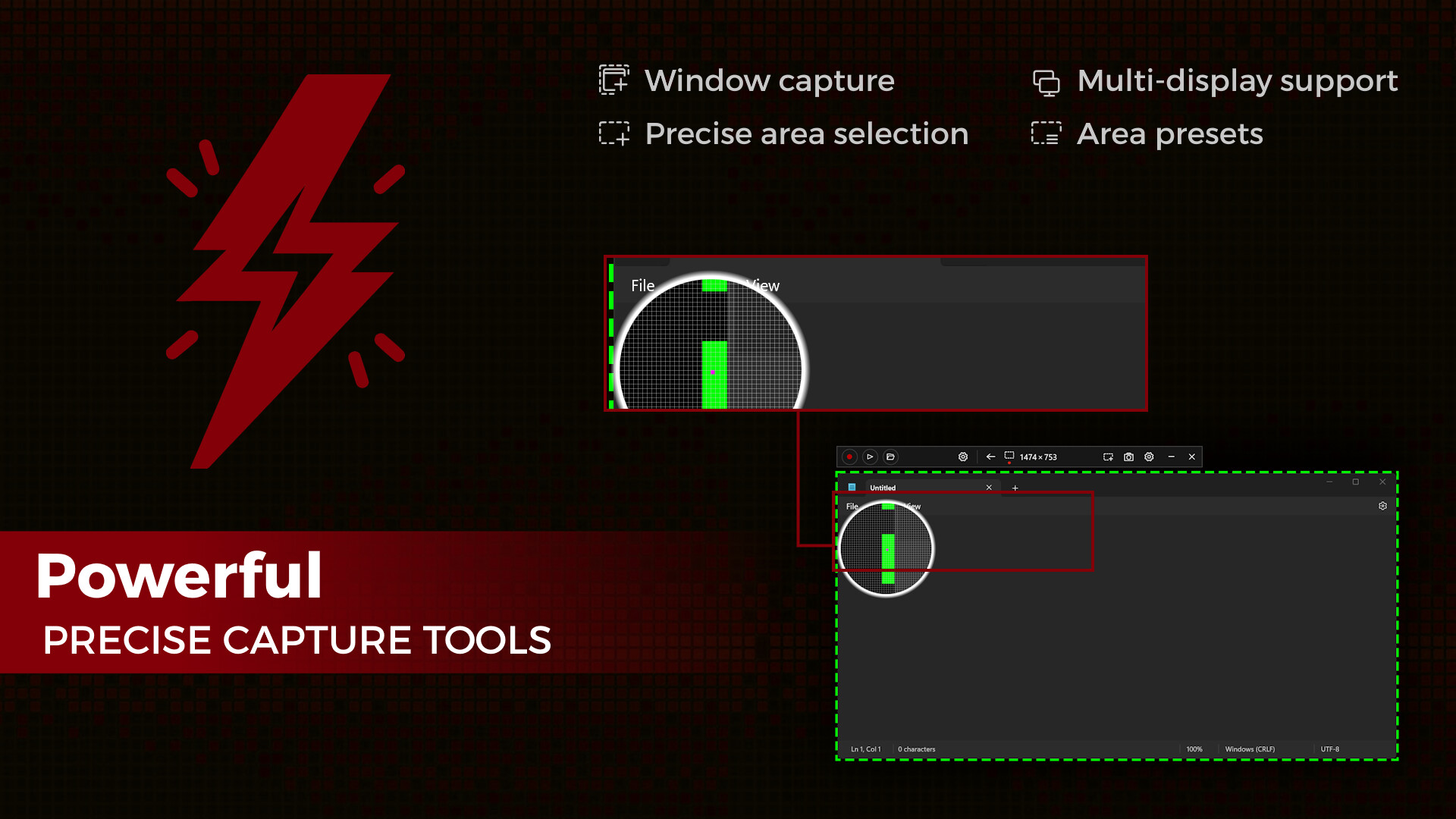
Window Capture
• Ability to select windows from list of open applications
• Ability to select windows on the screen
Area Capture
• Ability to capture rectangular area and around mouse pointer
• Ability to show movable frame around the capture area
• Advanced area selection tool
• Ability to add custom presets
Device Capture
• Ability to record camera or other video capture devices individually
• Ability to switch between device capture and screen capture modes during recording
• Adjustable format
Audio Capture
• Ability to capture and record audio individually into audio files
• Ability to use push-to-talk mode for capturing input audio
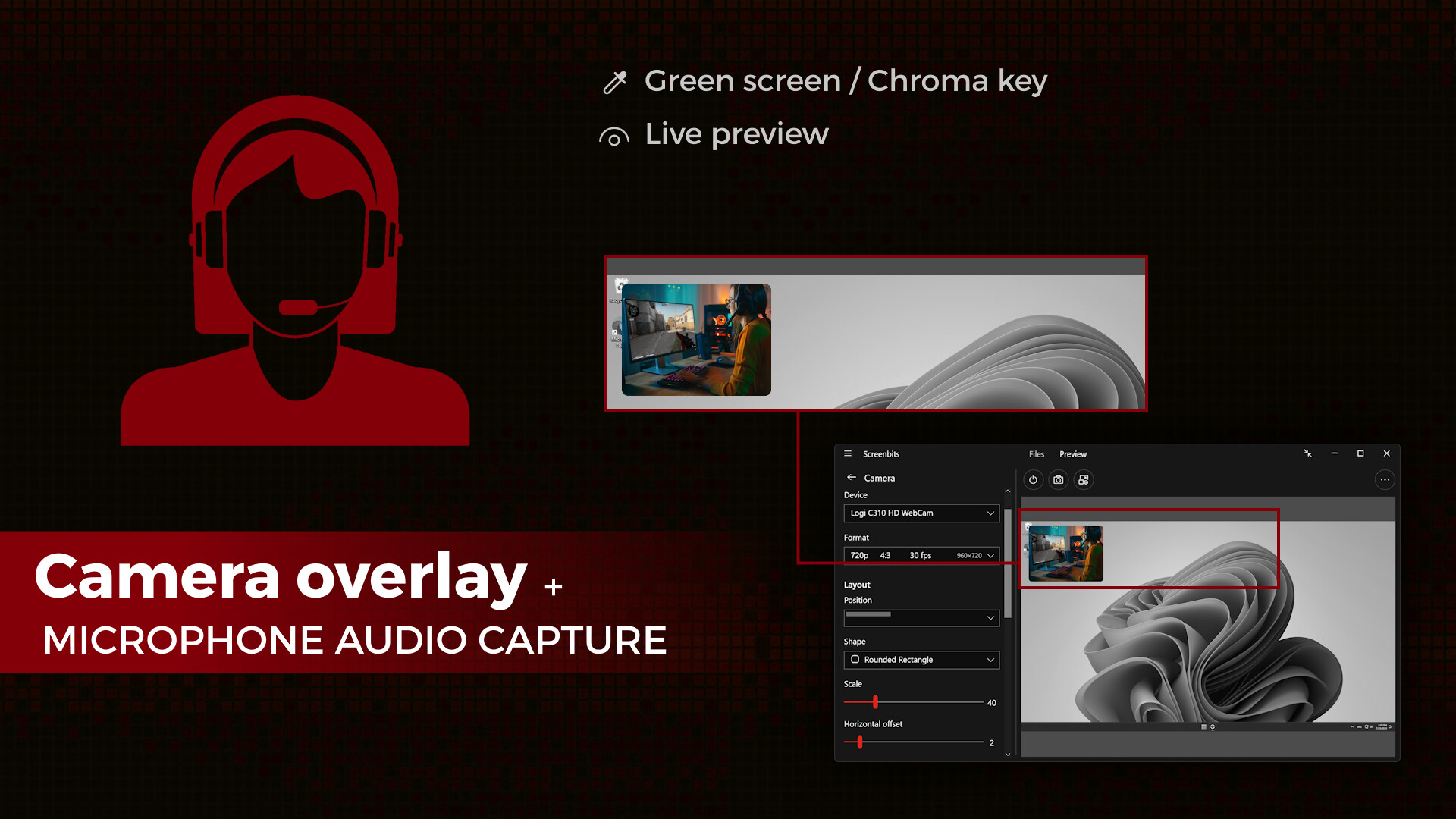
Camera Overlay
• Adjustable format, size and position
• Chroma key effect
• Custom graphics
• Outline
Screenshot
• Ability to take screenshots from a single display or all displays
• Ability to take screenshots from any area on the screen
• Ability to take screenshots from the capture scene
• PNG and JPEG file format
Draw on Screen
• Ability to use several tools such as pen, marker, arrow, rectangle and text
• Ability to interact with other apps while drawing
• Ability to turn drawing on and off by keyboard shortcuts
• Ability to fadeout drawing automatically
Keystroke
• Customizable keys, position, duration, etc.
• Customizable appearance
Visual Elements
• Ability to add image
• Ability to add text with custom font, color, outline, etc.
* Recording performance depends on your hardware.
- Video Recording: Create high quality, compressed MP4 (H.264/HEVC/AAC) multimedia files from captured video and audio.
- Audio Recording: Create high quality, compressed MP4A (AAC) audio files from captured audio.
- Screen Capture: Capture video from system display in full-screen mode.
- Window Capture: Capture video from a window.
- Area Capture: Capture video from an area on the screen.
- Device Capture: Capture video from camera individually.
- Audio Capture: Capture system sound and your voice from microphone.
- Camera Overlay: Add camera image to the captured video from the screen.
- Screenshot: Take screenshots from the screen and capture scene.
- Draw on Screen: Write, draw and highlight anywhere on your screen.
- Keystroke: Make professional looking tutorials by adding keystrokes to the video.
- Visual Elements: Enrich your content by adding visual elements.
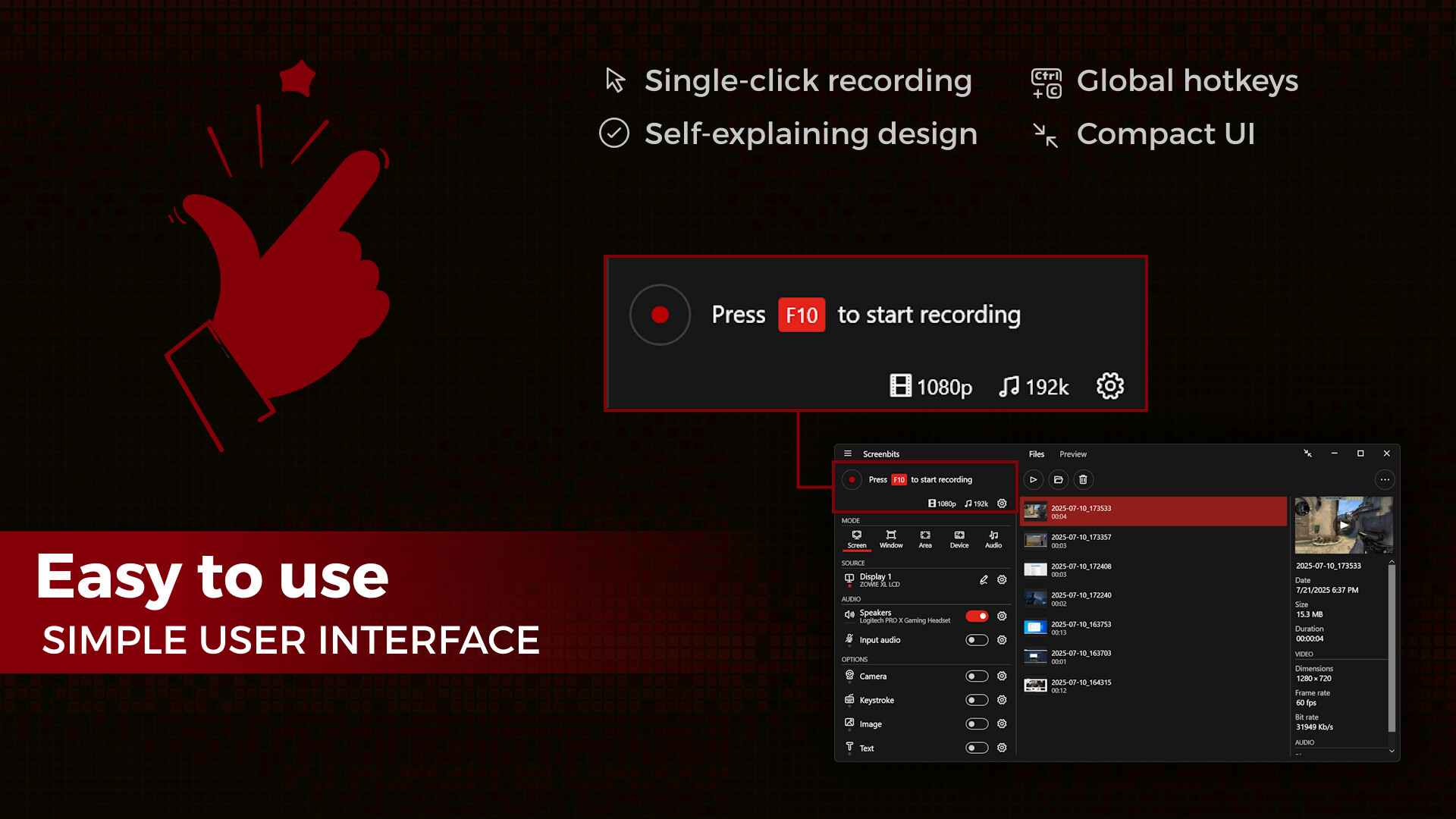
- Global Hotkeys: Start and stop recording, take screenshots and change options by keyboard shortcuts.
- Preview: View the output before and during the recording.
- Schedule: Start, pause, and stop recording at a specific time, duration or size of the output file.
- Countdown: Play countdown before recording starts.
- Push-To-Talk: Use push-to-talk key to capture microphone only when you speak.
- File Manager: View and manage recorded files directly from the application.
- Compact View: Use a minimal user interface to interact with the app.
- File Name Template: Define a custom template for file names.
Video Recording
• MP4 file format
• High quality (HD) recording up to 4K*
• High performance
• Up to 120* frames per second recording
• Adjustable output resolution and scaling
• Adjustable quality and frame rate
• Compressed (H.264/HEVC) output
Audio Recording
• Ability to record input audio (microphone, headset, etc.)
• Ability to record system sound (speakers, headphones, etc.)
• MP4A file format
• High quality audio (AAC)
• Adjustable audio format (bit-rate, sample-rate and channels)
Screen Capture
• Ability to capture a single display or all displays (multi-display support)
• Ability to capture mouse pointer
• Ability to exclude taskbar
• Ability to switch between screens during recording
• Ability to capture active screen
• Pointer highlighting and click effects
Window Capture
• Ability to select windows from list of open applications
• Ability to select windows on the screen
Area Capture
• Ability to capture rectangular area and around mouse pointer
• Ability to show movable frame around the capture area
• Advanced area selection tool
• Ability to add custom presets
Device Capture
• Ability to record camera or other video capture devices individually
• Ability to switch between device capture and screen capture modes during recording
• Adjustable format
Audio Capture
• Ability to capture and record audio individually into audio files
• Ability to use push-to-talk mode for capturing input audio
Camera Overlay
• Adjustable format, size and position
• Chroma key effect
• Custom graphics
• Outline
Screenshot
• Ability to take screenshots from a single display or all displays
• Ability to take screenshots from any area on the screen
• Ability to take screenshots from the capture scene
• PNG and JPEG file format
Draw on Screen
• Ability to use several tools such as pen, marker, arrow, rectangle and text
• Ability to interact with other apps while drawing
• Ability to turn drawing on and off by keyboard shortcuts
• Ability to fadeout drawing automatically
Keystroke
• Customizable keys, position, duration, etc.
• Customizable appearance
Visual Elements
• Ability to add image
• Ability to add text with custom font, color, outline, etc.
* Recording performance depends on your hardware.
Media
Trailers and screenshots straight from the store page
Price intelligence
Accepted price history and the lows that matter
Historical lows
All-time low ATL $7.49 2026-07-06
3-month low $7.49
12-month low $7.49
Current $14.99
Price events From the accepted price history · updates automatically
Jul 10, 2026
Sale ended · back to $14.99
Jul 6, 2026
Sale started · -50% to $7.49
Jul 6, 2026
New all-time low $7.49
Screenbits - Screen Recorder price history and best deals
Screenbits - Screen Recorder for PC currently sells from $14.99 at authorized stores. Its all-time low is $7.49, set on 2026-07-06.
Frequently asked questions
Answered from this game's own price and edition data
Should I buy Screenbits - Screen Recorder now or wait?
Our verdict is wait. At 100% of the way to full price, it usually drops harder in seasonal sales, so patience tends to pay.
Is $14.99 a good price for Screenbits - Screen Recorder?
$14.99 sits 100% of the way from the all-time low of $7.49 to the full price. It has been cheaper before, so there is room to wait.
Where can I buy Screenbits - Screen Recorder?
Screenbits - Screen Recorder is tracked at steam. We only list authorized stores here and always link out with a clean outbound link.
Scores
Steam reviews Very Positive · 83%
83% positive of 302
Media (7)
Tech
Requirements
Facts
DeveloperCHEHRAZ
PublisherCHEHRAZ
GenresAudio Production · Software Training · Utilities · Video Production · Web Publishing
TagsUtilities · Video Production · Software Training · Audio Production · Software · Education
Links