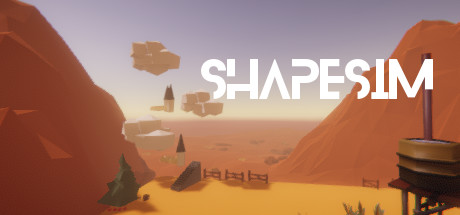
ShapeSim


 Chip's verdict · US
 Why this verdict
Offers
Accepted regional prices from official stores
No offers tracked yet for this product.
Report a wrong price
DLC (12)
Add-on content for this game
- ShapSim - Items & Props Pack 3 From $9.99
- ShapSim - Items & Props Pack 4 From $9.99
- ShapSim - Items & Props Pack 5 From $9.99
- ShapSim - Items & Props Pack 6 From $9.99

- ShapeSim - Animals & Creatures pack From $7.99
- ShapeSim - Foods & Confectionaries Pack From $9.99
- ShapeSim - Furniture & Architecture Pack From $9.99
- ShapeSim - Leisure Town construction set From $9.99
- ShapeSim - Plants & Nature Pack From $9.99
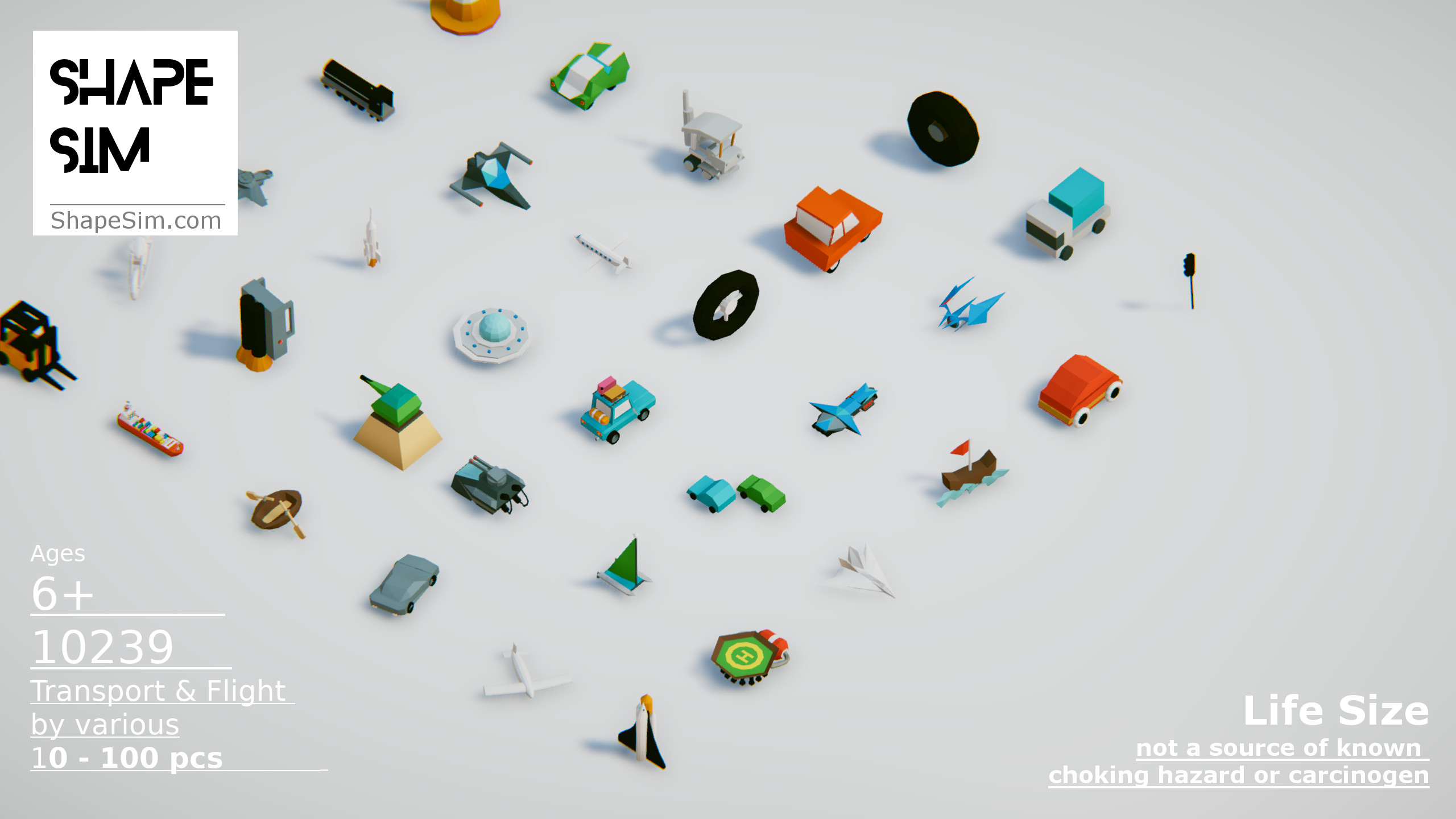
- ShapeSim - Transport & Flight Pack From $4.99
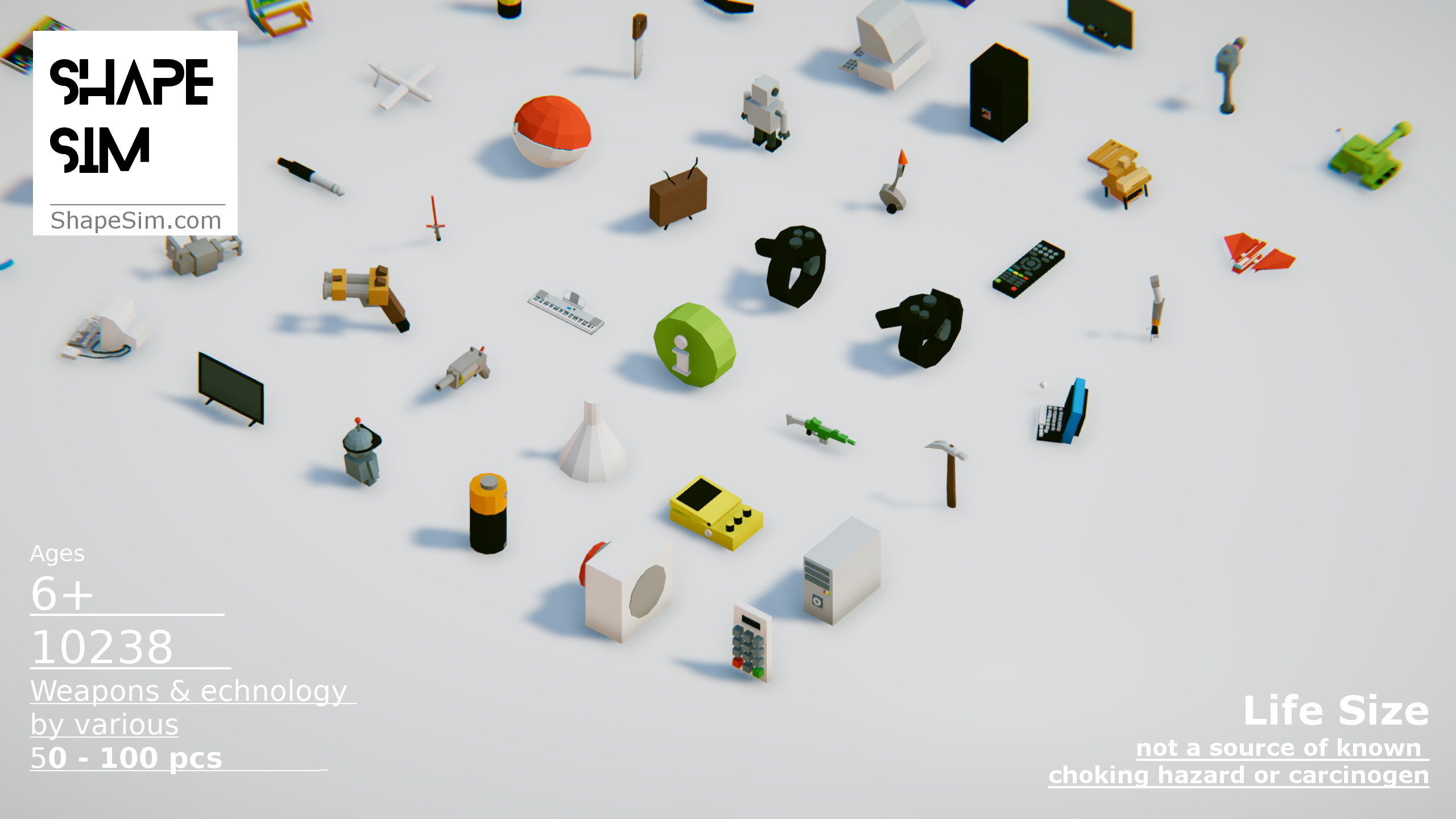
- ShapeSim - Weapons & Technology Pack From $5.99
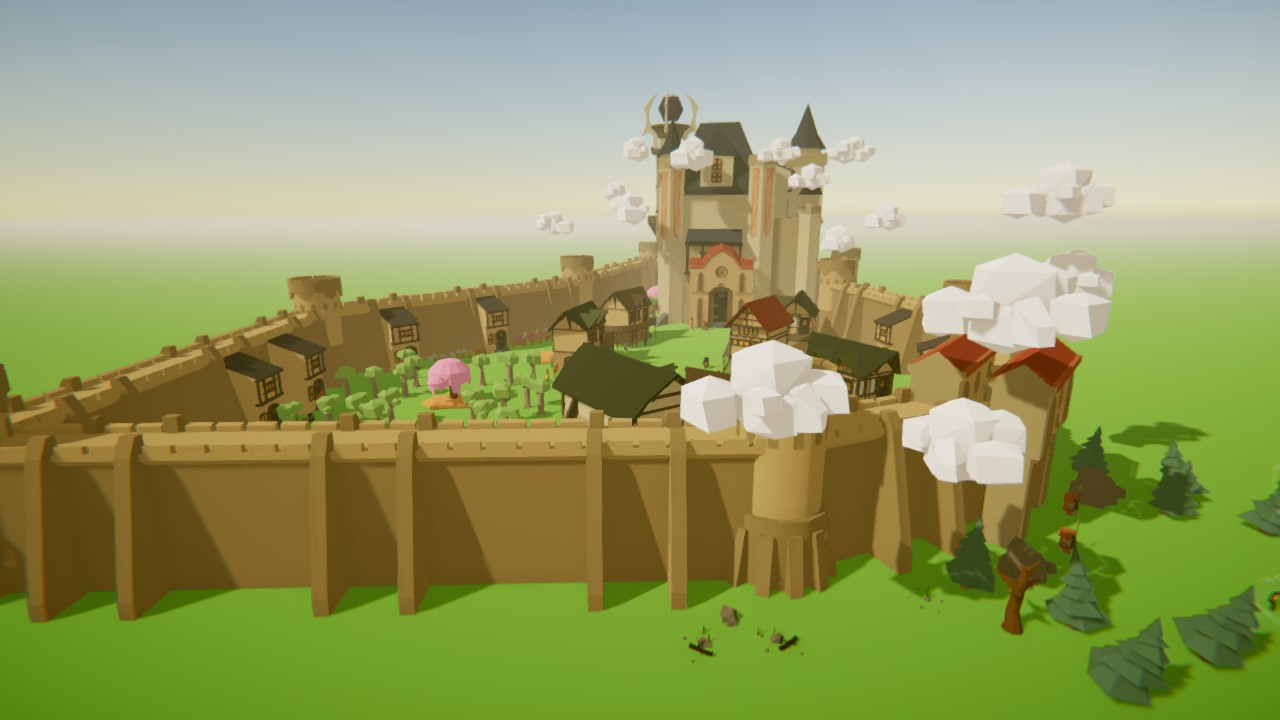
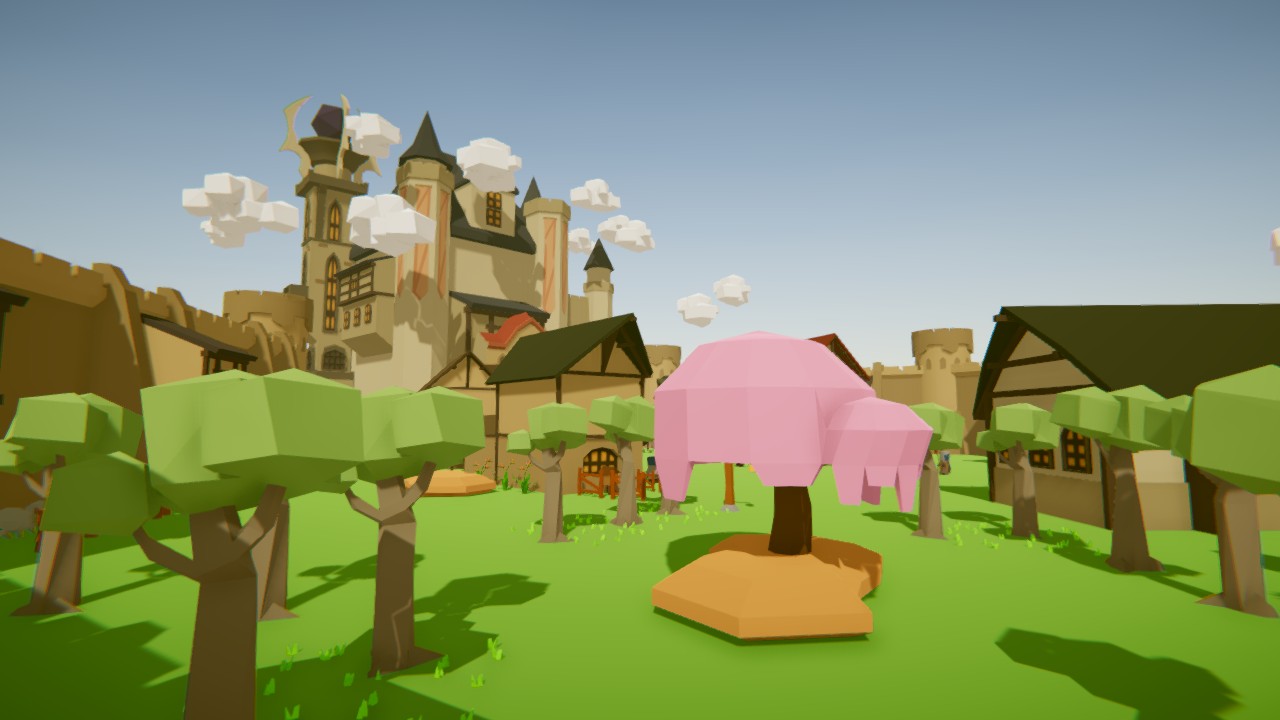
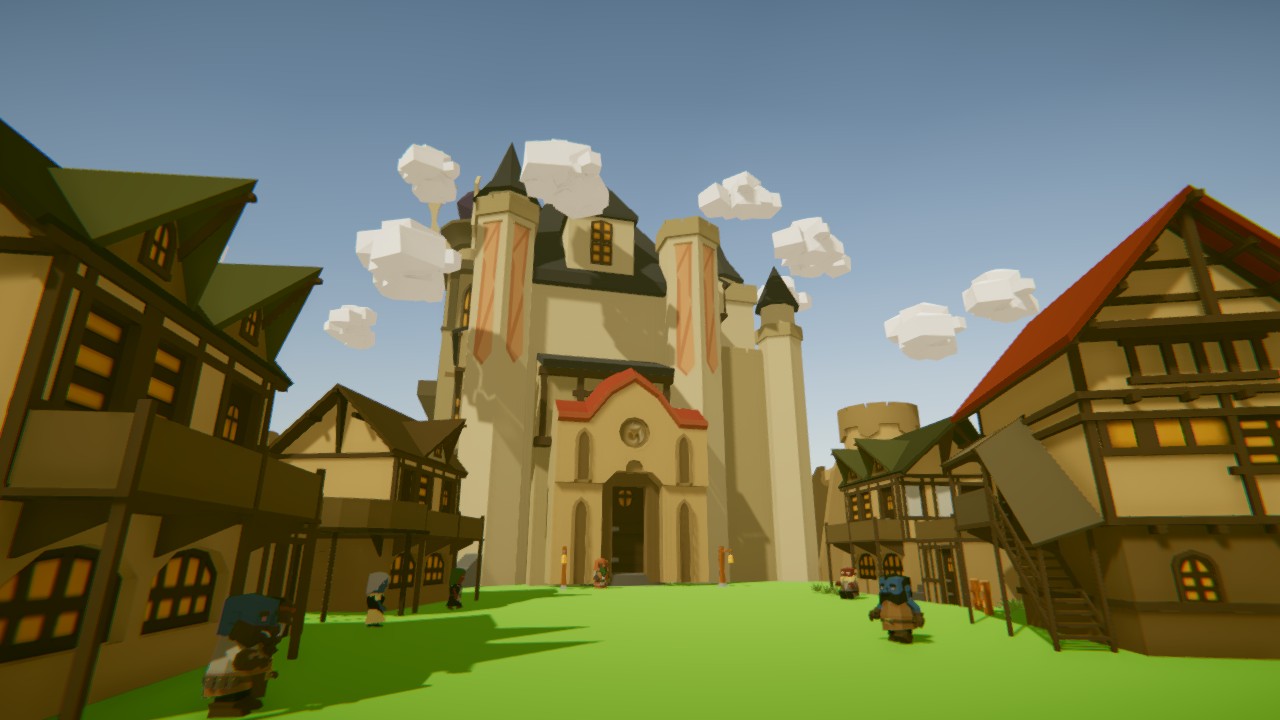
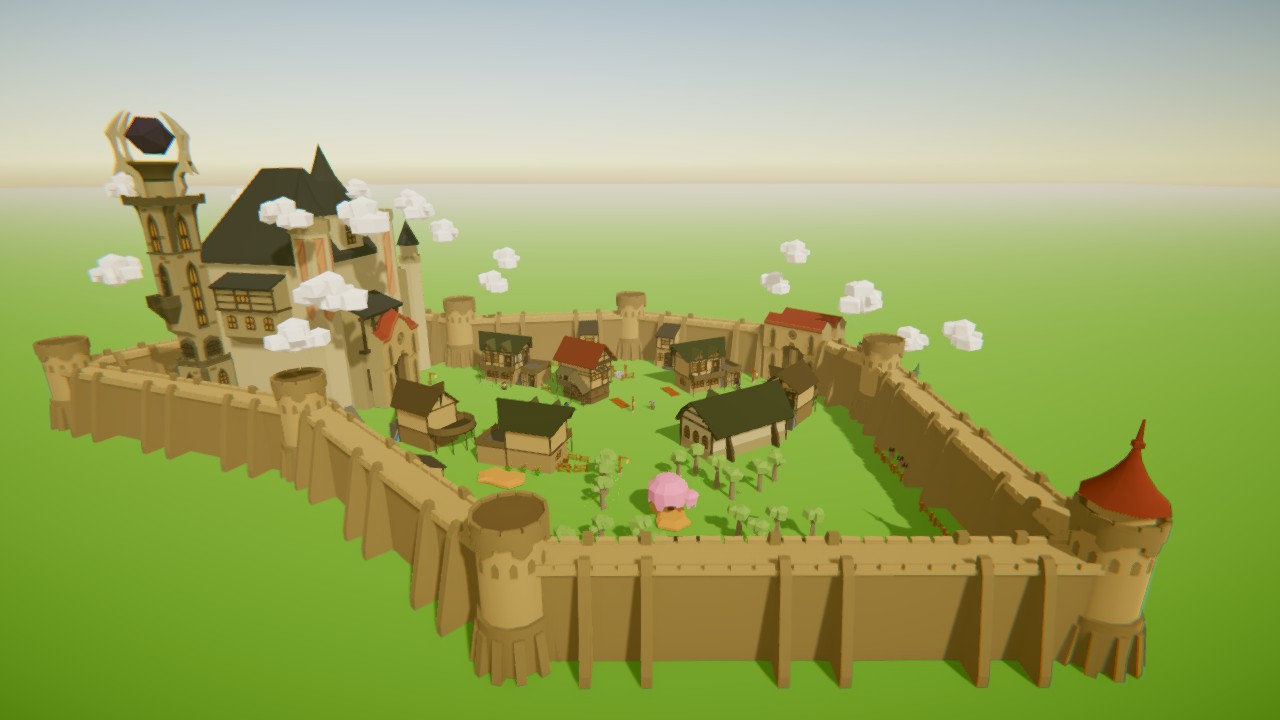
- ShapeSim - Wizard Castle construction set From $9.99
About this game
What this game is, in the developer's words
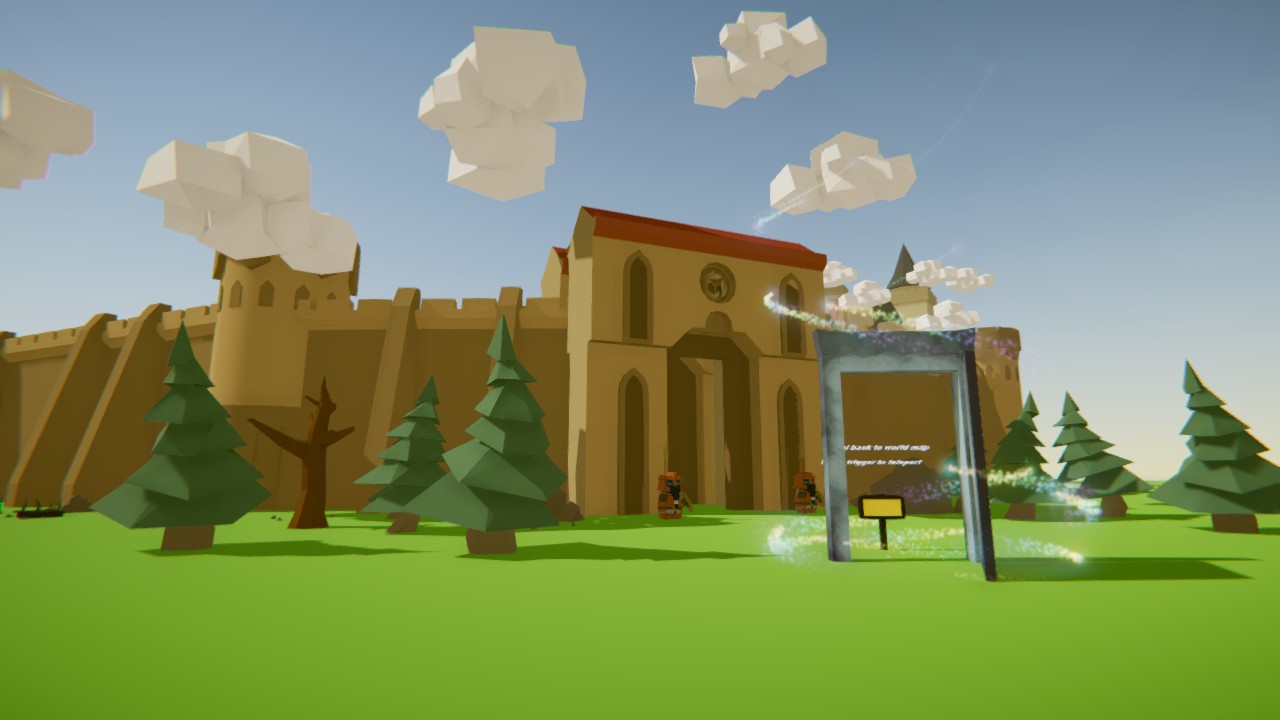
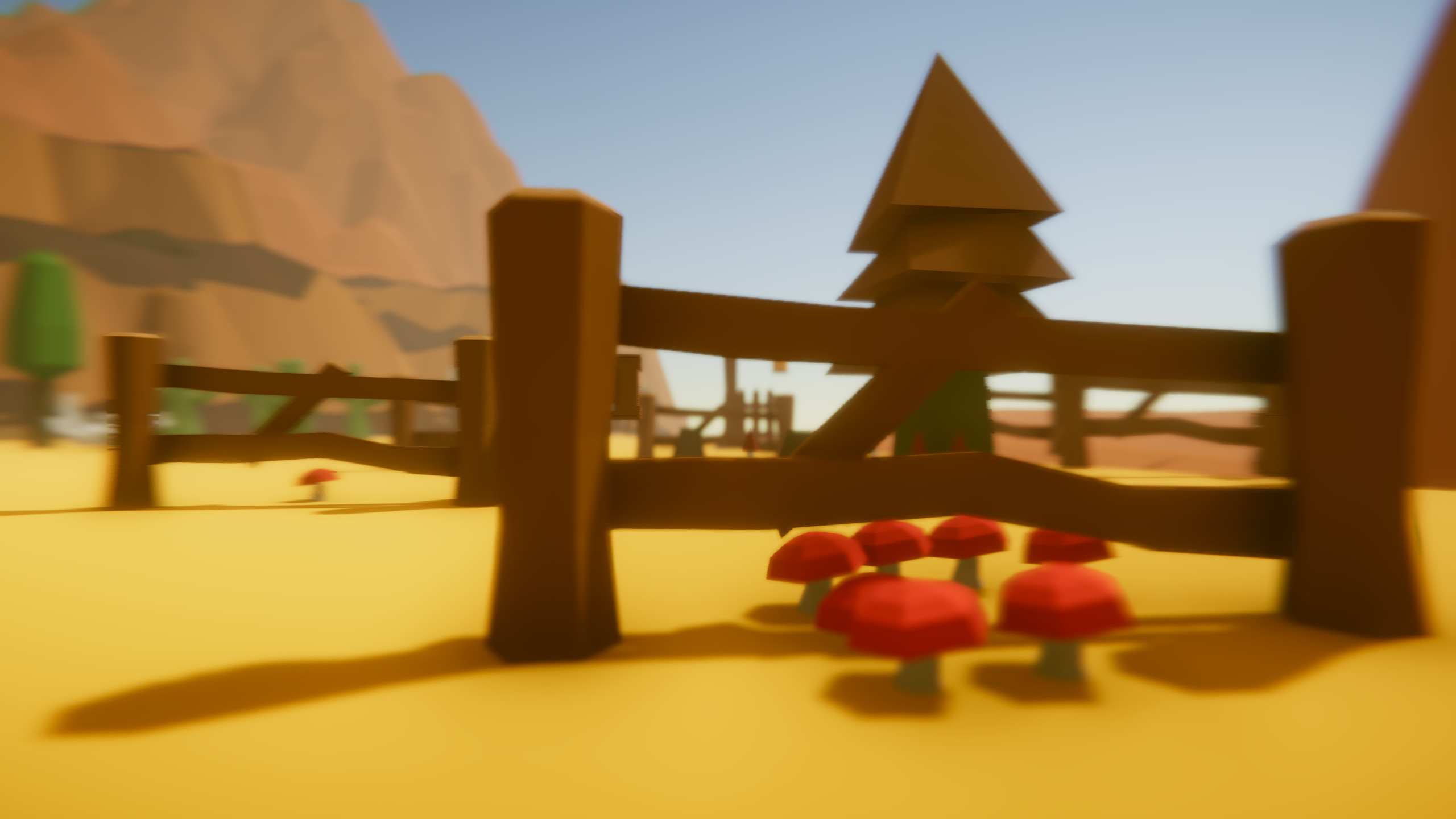
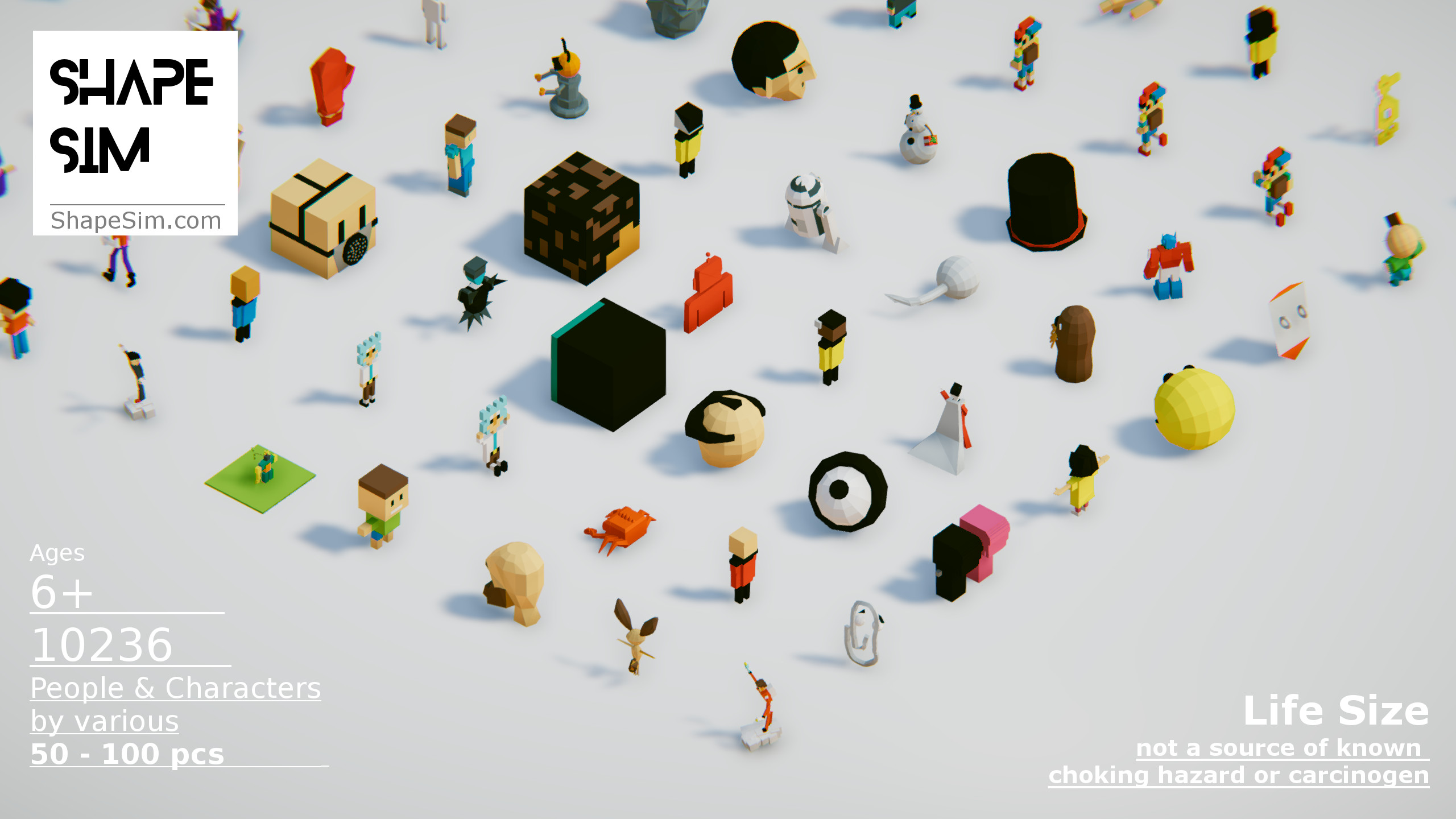
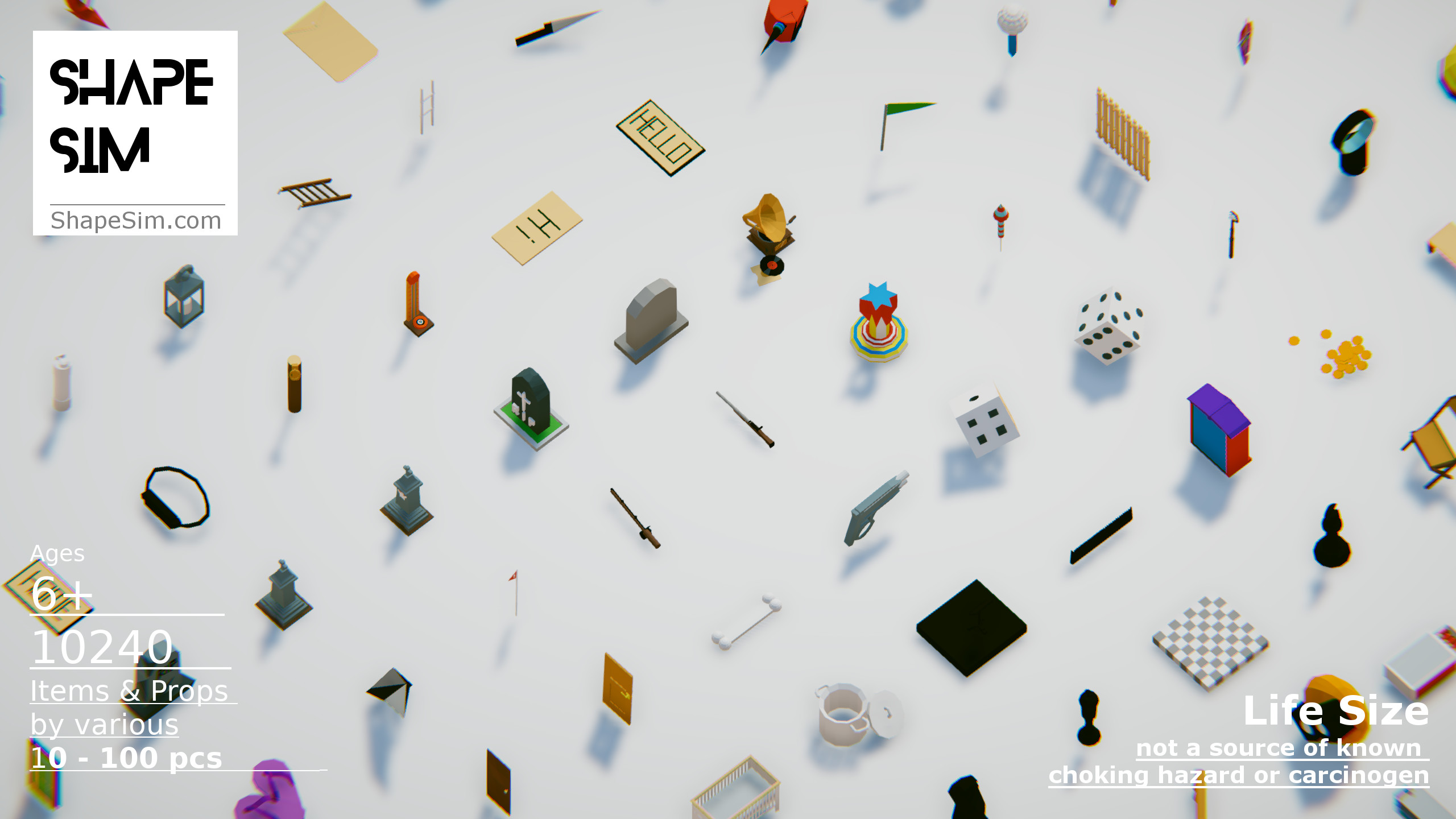
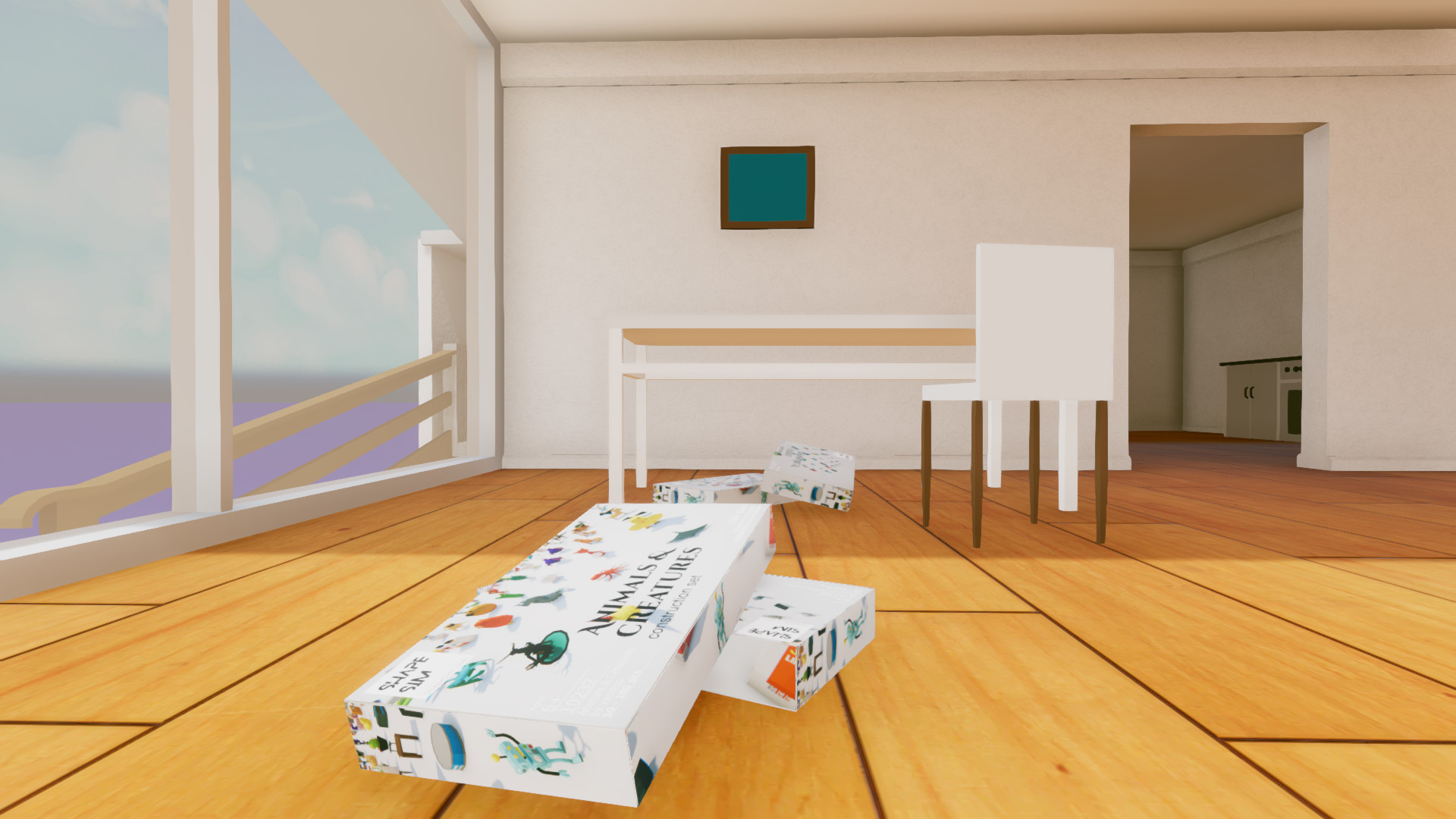
Have you ever dreamed of creating virtual worlds? But don't know where to start or overwhelmed by 3d software's screenfuls of buttons and knobs? Try ShapeSim, currently the most easy to use scene builder and world constructor. Simply grab an object/prop and place it to where you like it, and whichever direction you want it to face. All as natural and familiar as playing with toys in real life. Choose from hundreds of free and premium items and props ranging from furniture, vehicles, to people/animals/plants and castles. With something for everyone, realize the vision in your imagination. Additional features: -if you are a writer, import dialog texts you have written and teach them to people in your world. -duplicate props freely and as much as your computer can handle -Shrink/enlarge items, or make them float in air. -1000 items/props and counting
But don't know where to start or overwhelmed by 3d software's screenfuls of buttons and knobs?
Try ShapeSim, currently the most easy to use scene builder and world constructor.
Simply grab an object/prop and place it to where you like it, and whichever direction you want it to face. All as natural and familiar as playing with toys in real life.
Choose from hundreds of free and premium items and props ranging from furniture, vehicles, to people/animals/plants and castles. With something for everyone, realize the vision in your imagination.
------------------------------------
Keyboard + Mouse controls
------------------------------------
- WASD: move around
- Left Mouse click: grab object
- Right Mouse click: rotate
- Mouse wheel: scroll through construction sets/tools
- Page Up/Page Down: loop through pieces in construction sets
- KeyPad 1,2,3,4,5,6,7,8,9: Drop a piece into scene
------------------------------------
Virtual Reality controls
------------------------------------
----------------
Grip button:
----------------
Extend your arm and use your virtual hand's grip button to pick up/copy/erase objects. Press again to release/drop object.
------------------------------
Click touch pad / Thumbstick:
------------------------------
Left controller: move around
Right controller: levitate up/down, quick turns
------------------------------
Tap touch pad or thumb-rest pad
------------------------------
Lightly tap to scroll between construction sets and editing tools
------------------------------
Construction sets:
------------------------------
While a construction set is in hand, lightly tap the touch pad up/down to switch to next/previous group of pieces. Use your other hand's grip button to grab any into your scene.
------------------------------
Glove: Move:
------------------------------
This blue glove allows you to manipulate objects defying conventional physics. Objects picked up while wearing this glove can pass through other solid objects and float in the air.
------------------------------
Glove: Grab:
------------------------------
While wearing this white glove, dropping an object will fall as affected by gravity. Use this to stack a lamp on top of a desk for example.
Note: overlapping objects, which would be impossible in real life, understandably frustrates our physics engine, causing wildly swinging motions.
------------------------------
Glove: Copy:
------------------------------
While wearing this green glove, any object picked up is duplicated.
------------------------------
Glove: Erase:
------------------------------
This red glove erases any object picked up
------------------------------
Saving:
------------------------------
Your progress is saved automatically every 30 seconds or so. Please keep in this mind that as a software in development, occasionally we may change the format.
Available for Arcades on SpringboardVR
Media
Trailers and screenshots straight from the store page
Price intelligence
Accepted price history and the lows that matter
No price history recorded yet.
No history yet.
ShapeSim price history and best deals
Price tracking for ShapeSim across authorized stores.