PC
Region US

Content rating unavailable
Utilities · Shariiing
Shariiing VR

Content rating unavailable
Windows
1 user reviews · 0% of 1
Chip's verdict · US
Why this verdict
Player reviews 0% positive of 1
Quality score 0/100 · small sample
Offers
Accepted regional prices from official stores
No offers tracked yet for this product.
Report a wrong price
About this game
What this game is, in the developer's words
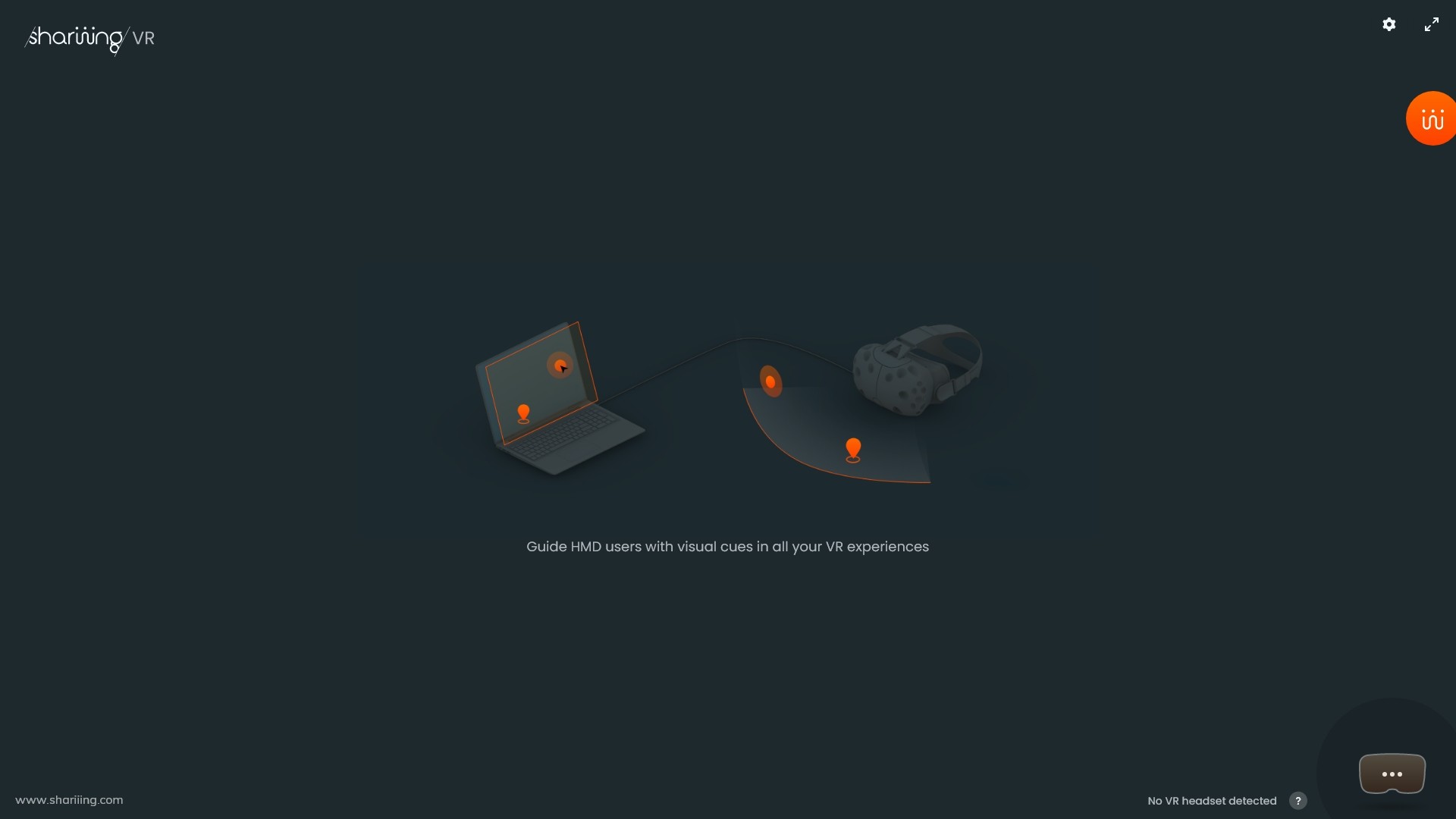
To guide HMD users with visual cues in all your VR experiences, locally or in video conferences, Shariiing VR consists both in an overlay for the VR user and an enhanced interactive mirror-view to highlight details, indicate a location, or draw the user’s gaze towards the right direction.
As a VR user, have you ever felt alone in your VR experience? Have you ever needed to stream your VR experience to remote observers, to participate to a video conference in VR? When assisting a VR user, have you ever had difficulties communicating your instructions or ideas?
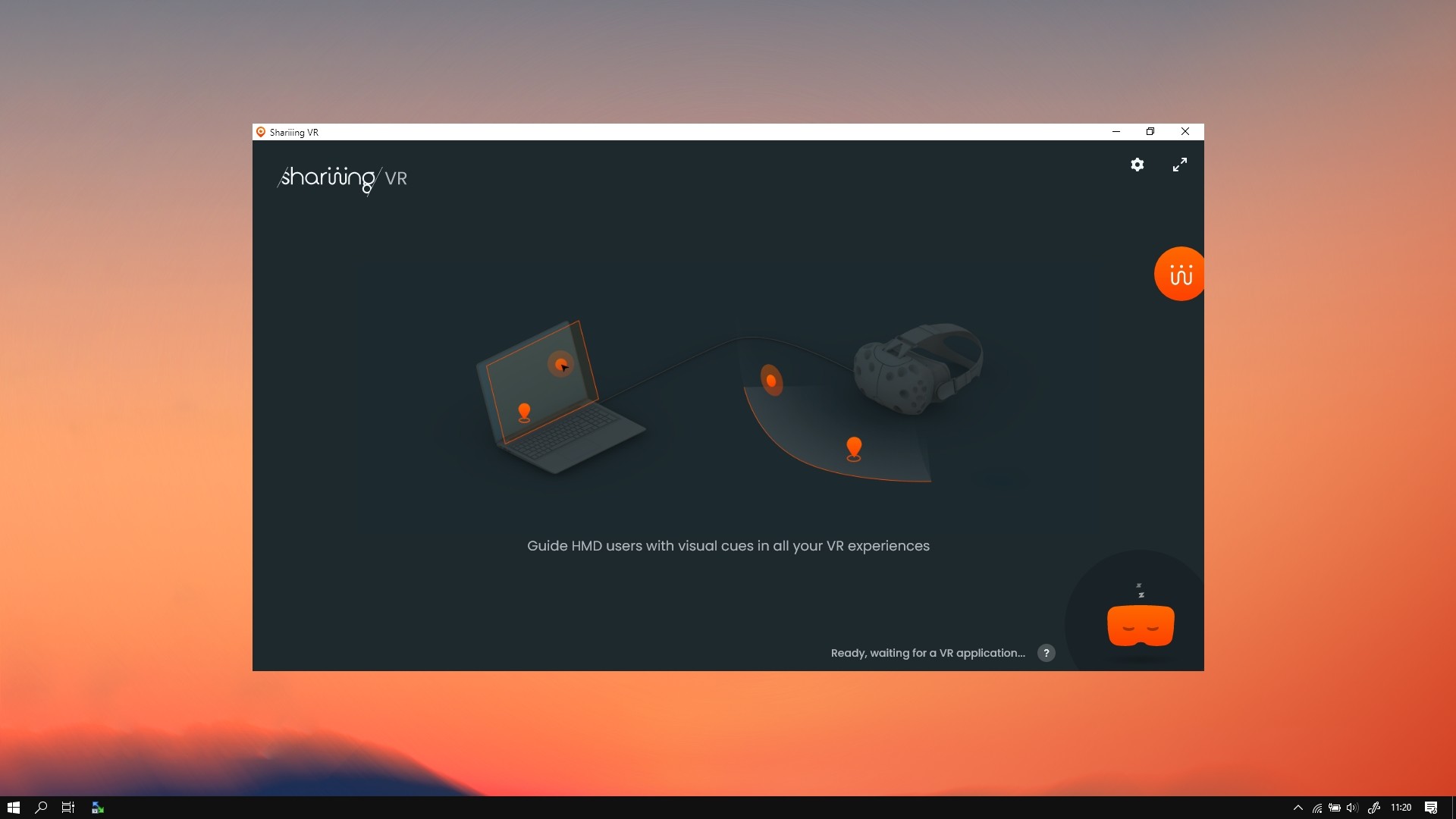
Shariiing VR is a VR companion app designed to guide HMD users with visual cues in their VR experiences. It consists both of an overlay for the VR user and an enhanced mirror-view for the external observers. They visualize a more comfortable stabilized view of the VR experience and send visual cues to the VR user to highlight a specific detail, to indicate a target location or to draw the user’s gaze towards the right direction.
Furthermore, when connected to a Shariiing meeting, Shariiing VR brings video conferencing capabilities right into the VR experience. With Shariiing VR, VR users can view and discuss with remote participants, see shared information, or even share their own experience while visualizing other participants’ live feedbacks.
In the near future, when connected to a Shariiing meeting, Shariiing VR will introduce hybrid collaboration by enabling video conference between desktop computers, tablets, smartphones and VR systems:
While Shariiing VR itself does not have particular computing power requirement, it may introduce a slight computing overhead (up to 5%).
Shariiing VR is a VR companion app designed to guide HMD users with visual cues in their VR experiences. It consists both of an overlay for the VR user and an enhanced mirror-view for the external observers. They visualize a more comfortable stabilized view of the VR experience and send visual cues to the VR user to highlight a specific detail, to indicate a target location or to draw the user’s gaze towards the right direction.
Overview
Shariiing VR patented approach is innovative and unique as it augments existing virtual reality experiences with collaboration capabilities, rather than replacing them. The VR experience is still working as intended in your original VR application. Shariiing VR does not alter this experience, it simply temporarily displays non-invasive graphical feedbacks on an overlay on top of the VR experience every time someone interacts with the mirror-view user interface on the computer.Furthermore, when connected to a Shariiing meeting, Shariiing VR brings video conferencing capabilities right into the VR experience. With Shariiing VR, VR users can view and discuss with remote participants, see shared information, or even share their own experience while visualizing other participants’ live feedbacks.
Benefits
Shariiing VR demonstrates the following benefits:- more control on the VR session, as VR users are naturally guided through the intended steps,
- time is gained, as understanding is faster and there is less need to switch the HMD from user to user,
- conclusions are easier to work with, as results are clearer and better integrated in existing processes.
Use Cases
Shariiing VR can help in many situations where communicating with someone in VR is critical. It is therefore especially interesting in the following use cases:- Virtual visits: the presenter guides the HMD user towards the right orientation and location. The presenter has better control over the VR demonstration, and exchanges can be captured for future reference so that visitor's requirements are better considered. VR virtual visits can be streamed to remote stakeholders, which is especially relevant for architecture VR projects.
- Project reviews: anyone not wearing an HMD can now comfortably view the 3D world to support the discussion. Shariiing VR is therefore well suited for project and design reviews in the automotive, aerospace or transportation industries, as observers now take part in the review and precisely illustrate different hypothesis. Time is gained as exchanges are faster and there is no need to pass the VR equipment from user to user. Remote attendees can even participate to the review as Shariiing VR brings the video conference in VR.
- Training: Shariiing VR helps strengthen the relationship between the trainer and the trainees, who are not alone in VR anymore. Trainees not using HMDs are made active by assisting the HMD user. Mistakes can be corrected earlier in the training process to avoid students dropping out.
- Remote expertise: Remote experts visualize what is performed in the 3D immersive environment and share their knowledge through voice, annotations, and data. As Shariiing meetings combines augmented and virtual reality, one could even explain in VR what must be done to someone on the field.
Features
Shariiing VR enables the following features on the computer running the existing VR application:- Stabilize the mirror-view of the on-going VR experience, to avoid dizziness or nausea when observing the experience for a long time, on a large screen or remotely
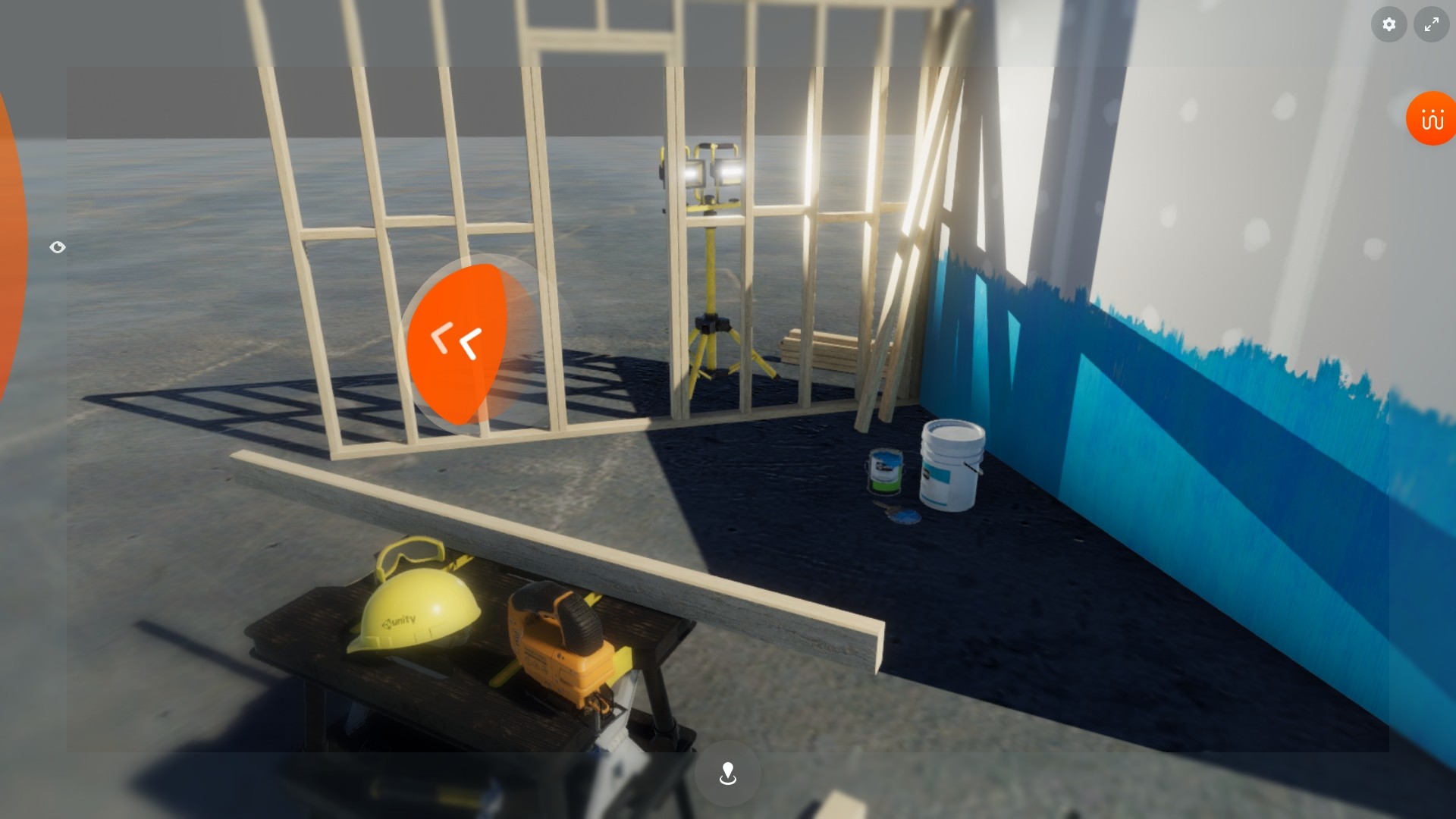
- Draw the user’s gaze towards the right direction by simply pointing on the edge of the screen
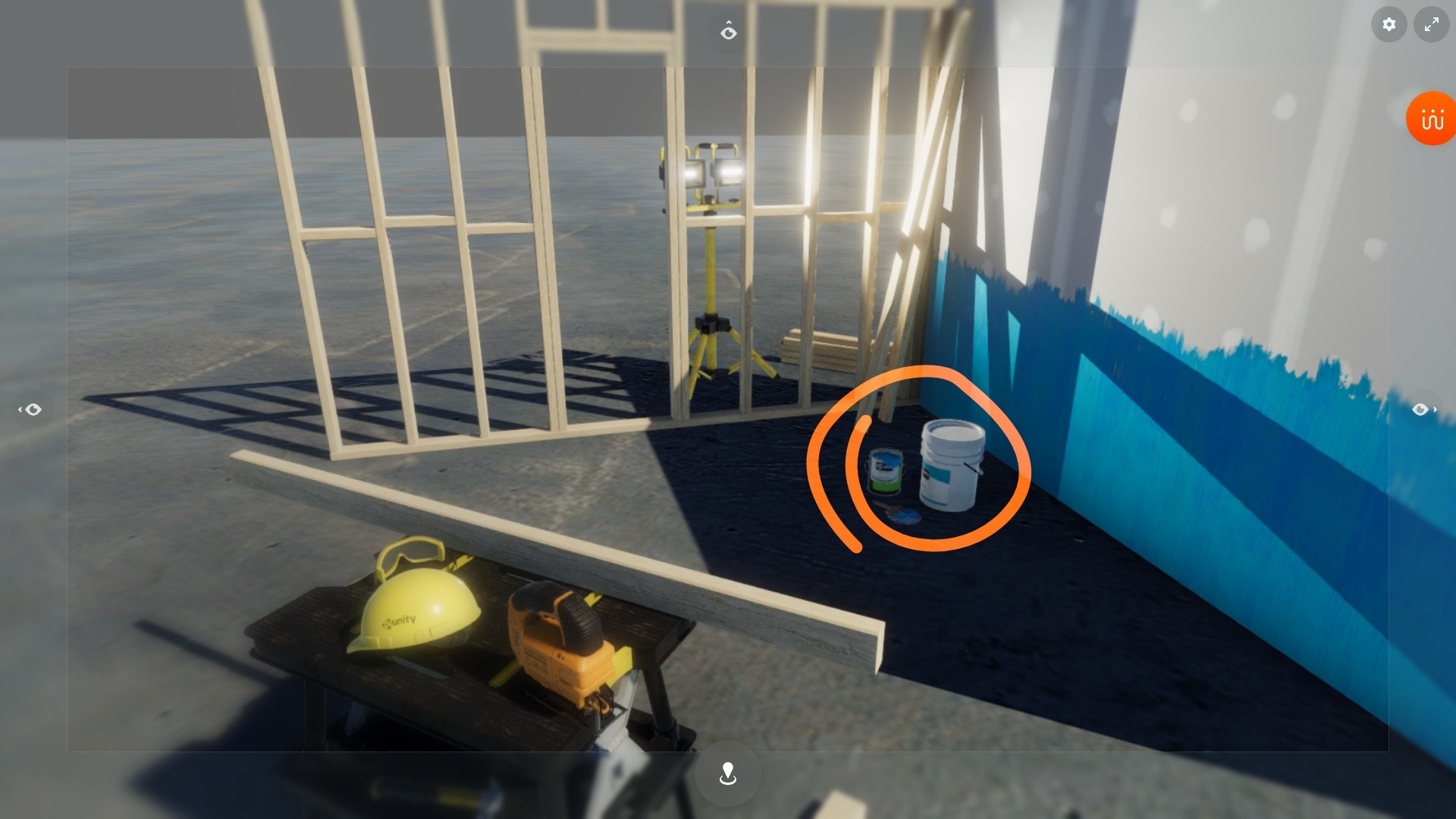
- Highlight a specific element in the VR experience by pointing on or dragging around the target
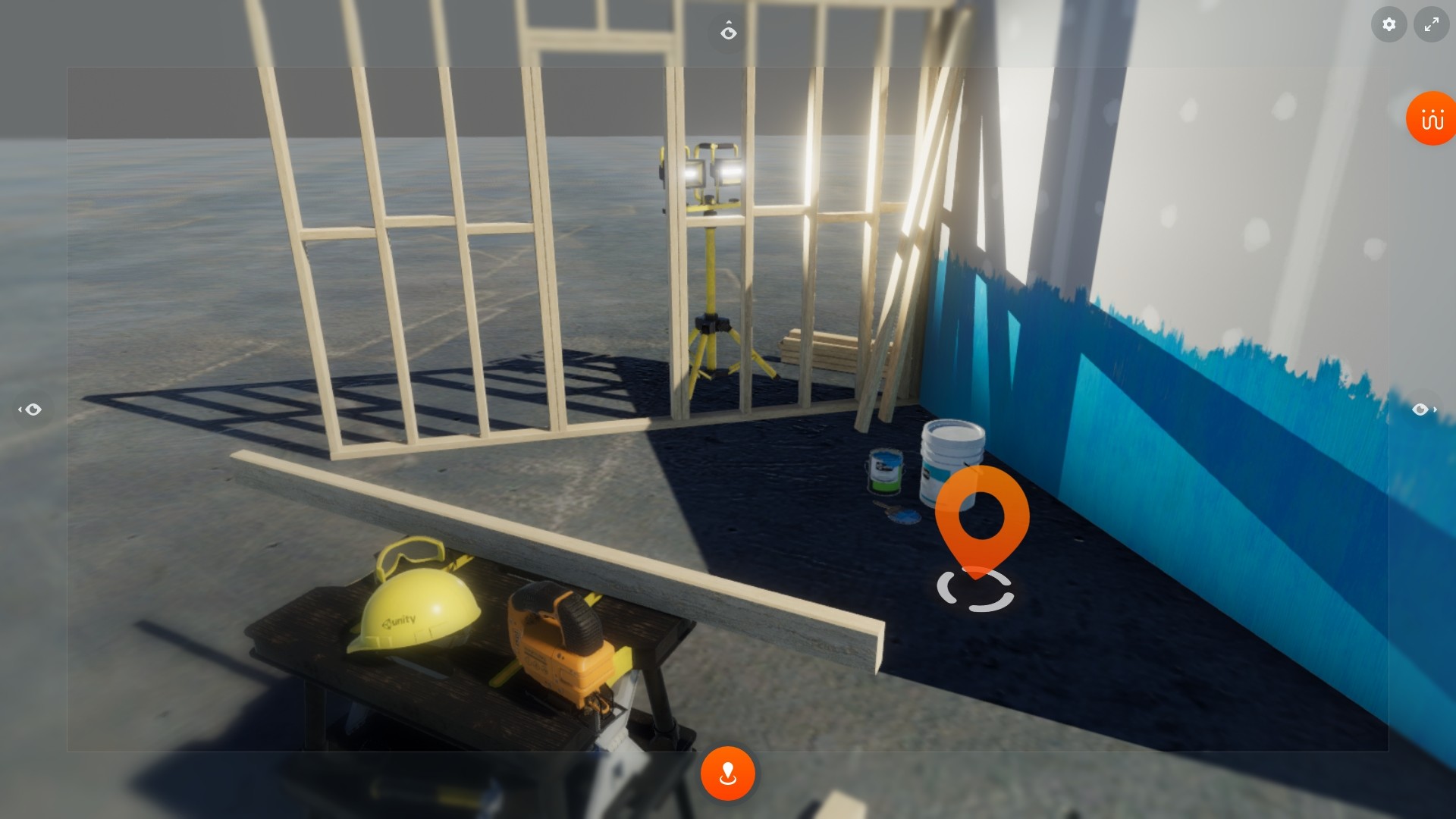
- Guide the VR user’s motion by indicating a precise location in the 3D environment
- Make use of touch screens for more natural interaction
In the near future, when connected to a Shariiing meeting, Shariiing VR will introduce hybrid collaboration by enabling video conference between desktop computers, tablets, smartphones and VR systems:
- Bring the video conference in the VR experience
- Participate to the video conference in VR
- Stream the ongoing VR experience to remote participants
- View the data that is being shared in the meeting, including any highlight or annotation made by the participants
Compatibility
Shariiing VR has been designed with the widest compatibility in mind, and supports the following configurations:- Software: Windows® 10, Steam VR 1.14.15 and up
- VR applications: Steam VR games or apps
- VR hardware: HTC Vive and Vive Pro, Valve Index, Occulus Rift, Windows Mixed Reality headsets.
While Shariiing VR itself does not have particular computing power requirement, it may introduce a slight computing overhead (up to 5%).
Media
Trailers and screenshots straight from the store page
Price intelligence
Accepted price history and the lows that matter
No price history recorded yet.
Historical lows
No history yet.
Shariiing VR price history and best deals
Price tracking for Shariiing VR across authorized stores.
Scores
Steam reviews 1 user reviews · 0%
Media (5)
Tech
Requirements
Facts
DeveloperShariiing
PublisherShariiing
GenresUtilities · Early Access
TagsUtilities · Early Access · VR · Asymmetric VR
Links