PC
Region US
Content rating unavailable
Casual · Simplode LLC
Simplode Suite
Content rating unavailable
Steam Deck Unsupported Windows
Mixed · 66% of 59

 Chip's verdict · US
 Why this verdict
Player reviews 66% positive of 59
Quality score 66/100
Offers
Accepted regional prices from official stores
No offers tracked yet for this product.
Report a wrong price
Purchase options (1)
Steam packages and bundles that include this game
- Simplode Suite No offer trackedSimplode Suite
DLC (22)
Add-on content for this game
- Simplode Suite - Audio Utilities From $4.99

- Simplode Suite - Basic Power Management From $0.99
- Simplode Suite - Basic Window Management From $4.99
- Simplode Suite - Beta Features No offer tracked
- Simplode Suite - Borderless Fullscreen From $1.99
- Simplode Suite - Capture and Clipboard Utilities From $3.99

- Simplode Suite - Chill Boost From $9.99
- Simplode Suite - Color Grabber From $0.99

- Simplode Suite - Core No offer tracked
- Simplode Suite - Custom Menu No offer tracked
- Simplode Suite - Display Utilities From $4.99
- Simplode Suite - Extras From $3.99
- Simplode Suite - Free No offer tracked

- Simplode Suite - Free Select No offer tracked
- Simplode Suite - Glass Apps From $4.99
- Simplode Suite - Hybrid Tiling Window Manager From $9.99

- Simplode Suite - Keyboard Utilities From $4.99

- Simplode Suite - Magnifier Utilities From $3.99

- Simplode Suite - Mouse Accelerator From $4.99
- Simplode Suite - Mouse Utilities From $5.99
- Simplode Suite - Task Menu No offer tracked
- Simplode Suite - Virtual Touch Screen From $9.99

Packs and bundles (2)
Multi-item packages that include this game
- Simplode Suite All Packages + Virtual Touch Screen 2 From $18.40Simplode Suite All Packages + Virtual Touch Screen 2
- Simplode Suite All Packages + Virtual Touch Screen 2 (Giftable) From $18.40Simplode Suite All Packages + Virtual Touch Screen 2 (Giftable)
About this game
What this game is, in the developer's words
Simplode Suite is a toolset which does all kinds of things. You can dynamically balance microphone and speaker volume, force borderless fullscreen, optimize your CPU power settings, take partial screenshots, create click through borderless/windowed mode overlays, and so much more.
Simplode Suite is a toolset which lets you do more with your computer. It contains a great variety of features, all in one convenient, consistent, compatible, compact package. Alongside the large number of free features, you can choose any one of the premium features to have for free as well. You can also save on premium features by buying them all together in the All Packages bundle. This product is available natively in English, but it has automated translations for most major languages.
It can help you:
This list is really just the tip of the iceberg. You can see more by checking out the individual DLCs or by visiting the product website.
It can help you:
- Force some applications to operate in borderless fullscreen mode, with over-scan and under-scan control which can sometimes help compensate for bad FOV options.
- Overlay other applications on your windowed mode and borderless fullscreen mode games, with click through transparency support. For example, you could play a video at half transparency on top of the bottom right hand corner of your game, and still be able to click beneath the video.
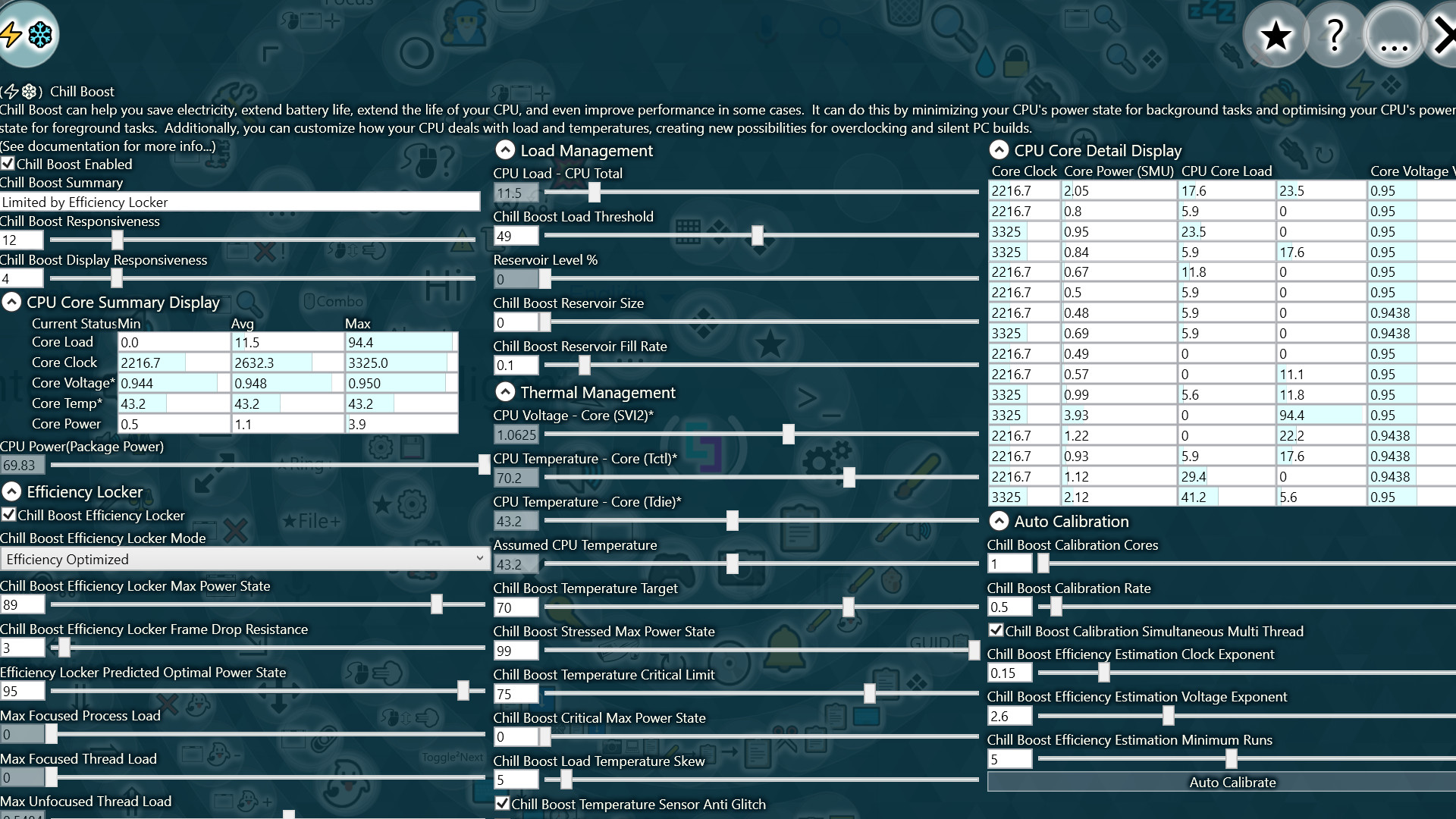
- Stabilize CPU overclocking with configurable dynamic thermal and load based power management.
- Dynamically switch between high performance and high efficiency power settings, with live optimization based on the real-time demands of the application or game you are using.
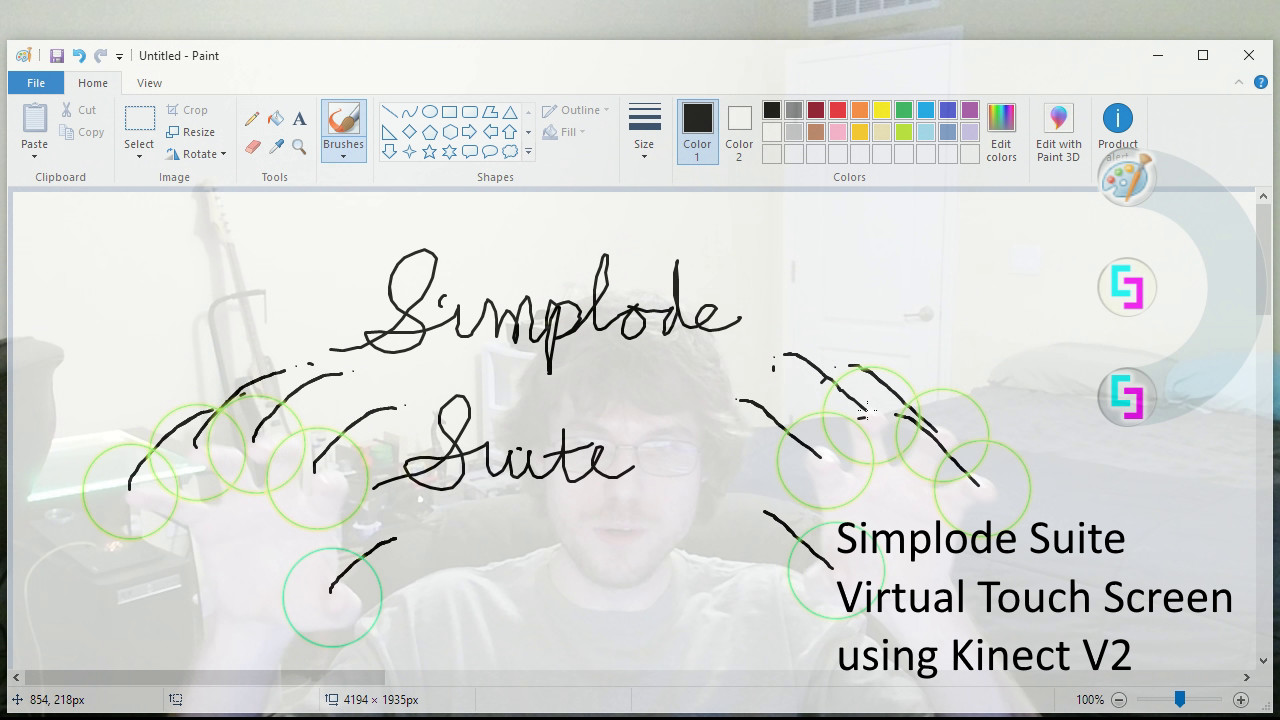
- Use a Kinect V2 to create a virtual touch screen in front of you, which may provide an interesting challenge for some games, or just a way to spice up content creation.
- Dynamically adjust your speaker/headphone volume in real time, to balance loud and soft noises.
- Dynamically adjust your microphone volume in real time, so that your teammates will stop complaining about you being too loud or too quiet.
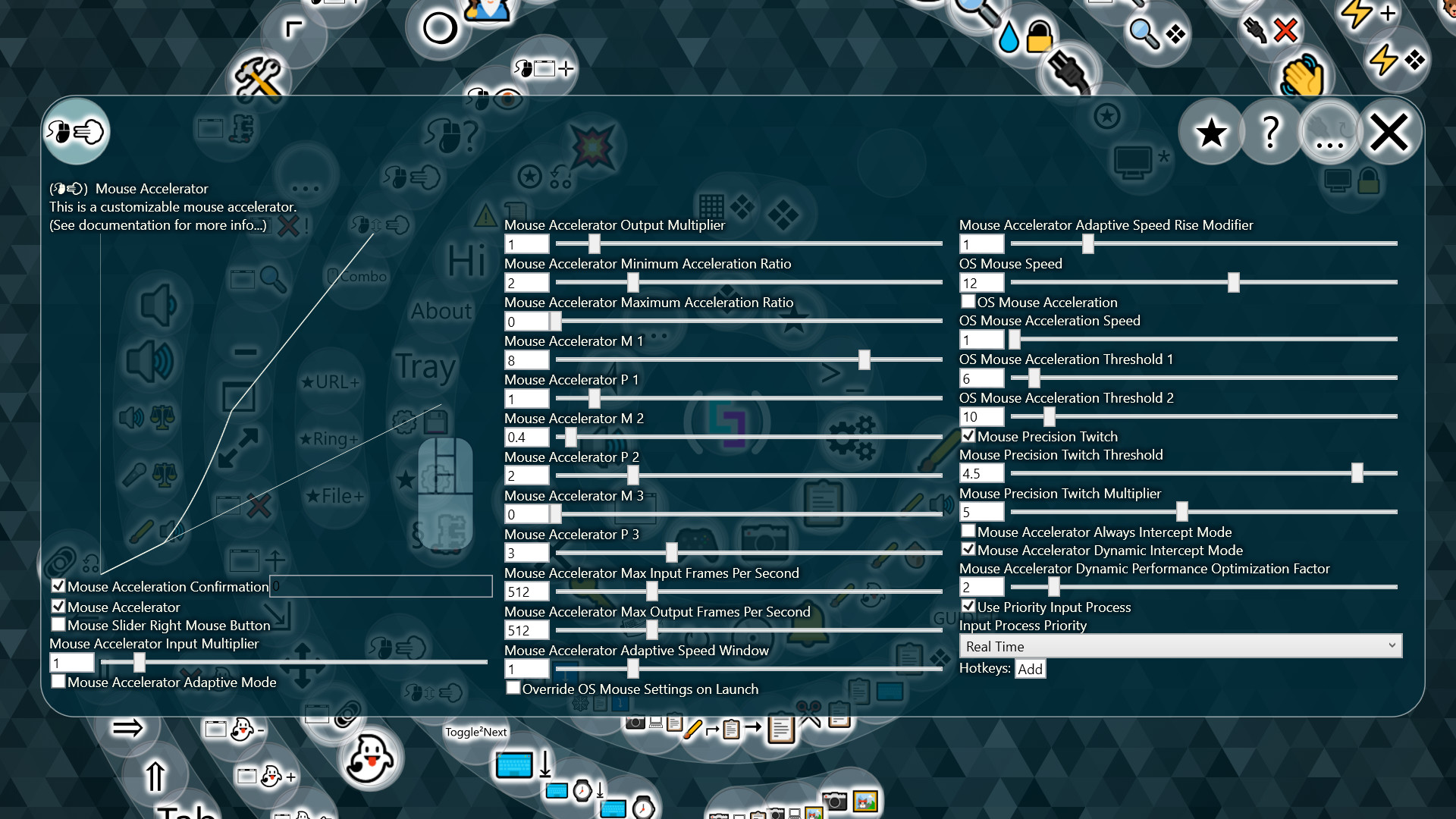
- Use custom mouse acceleration.
- Manage your screen space by tiling with ultimate flexibility.
- Extend battery life / save electricity / reduce heat without sacrificing on-demand performance.
- Use most of your existing apps with a glass-like dynamic styling.
- Fully customize your experience within the app, including easy theme presets.
- Quickly find running programs.
- Quickly take partial screenshots.
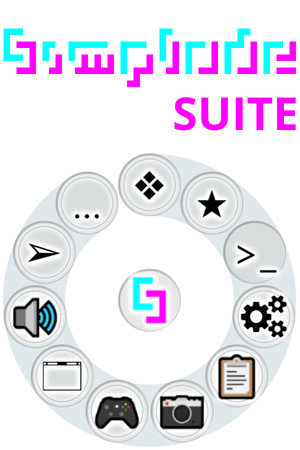
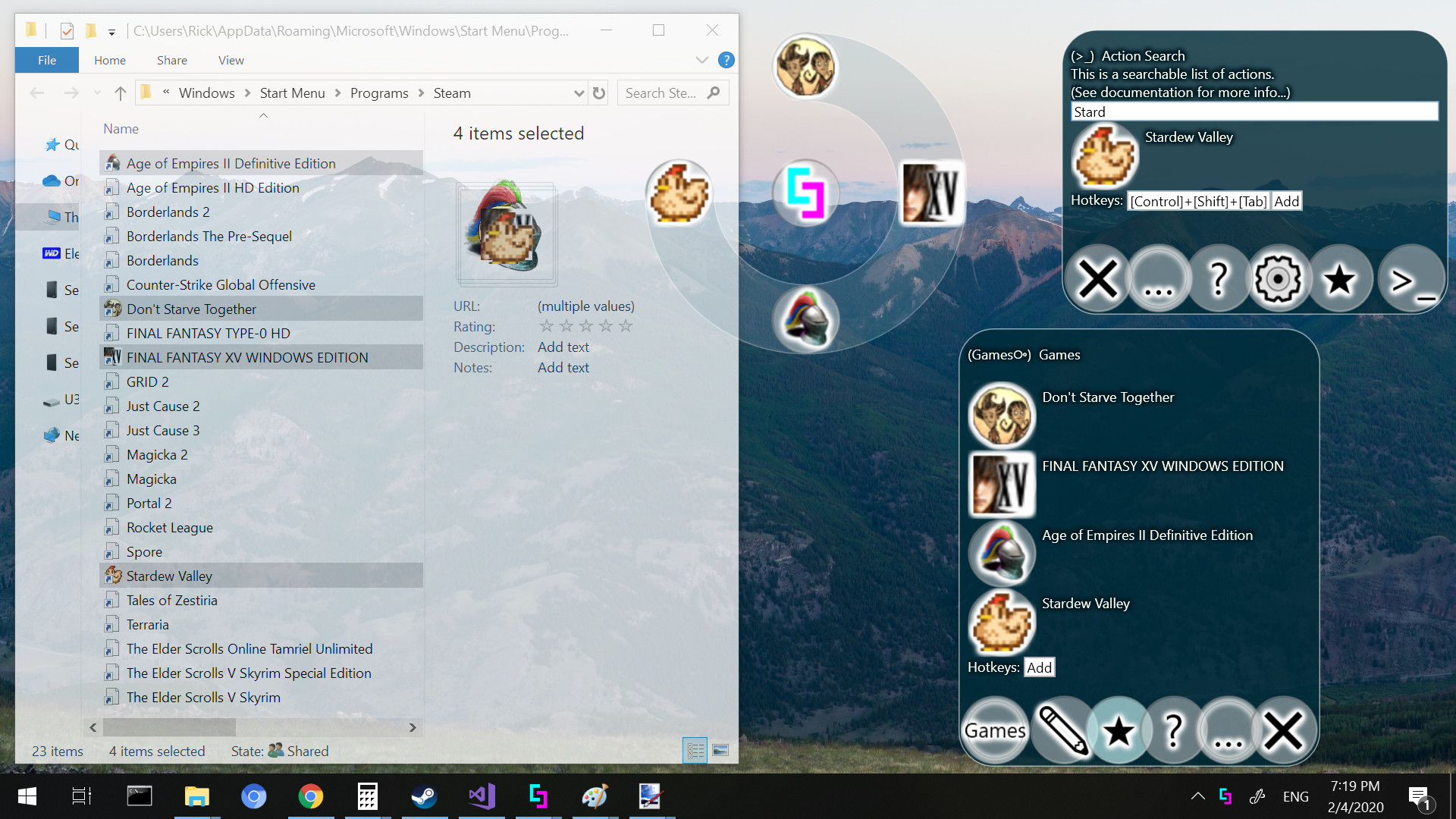
- Use the ring menu as a nifty application launcher.
- Figure out where your cursor is hiding.
- Explore ~100 actions, ~30 menus and ~300 configurable settings, all with online and offline documentation, plus extensive video documentation.
This list is really just the tip of the iceberg. You can see more by checking out the individual DLCs or by visiting the product website.
Media
Trailers and screenshots straight from the store page

Price intelligence
Accepted price history and the lows that matter
No price history recorded yet.
Historical lows
No history yet.
Simplode Suite price history and best deals
Price tracking for Simplode Suite across authorized stores.
Scores
Steam reviews Mixed · 66%
66% positive of 59
Media (5)
Tech
Steam DeckUnsupported
SteamOSNot supported
Requirements
Facts
DeveloperSimplode LLC
PublisherSimplode LLC
GenresCasual · Audio Production · Utilities · Video Production
TagsCasual · Utilities · Audio Production · Video Production · Free to Play · Software
Links