PC Region US

Action · Ali Soltanian Fard Jahromi
Space Survival

Steam Deck Playable Windows Brazil · l
Mixed · 68% of 19
Price verdict · US updated 31 days ago
Why this verdict
Player reviews 68% positive of 19
Quality score 68/100 · small sample
Offers
Official store prices and labeled keyshop comparisons
No offers tracked yet for this product.
Report a problem
About this game
What this game is, in the developer's words
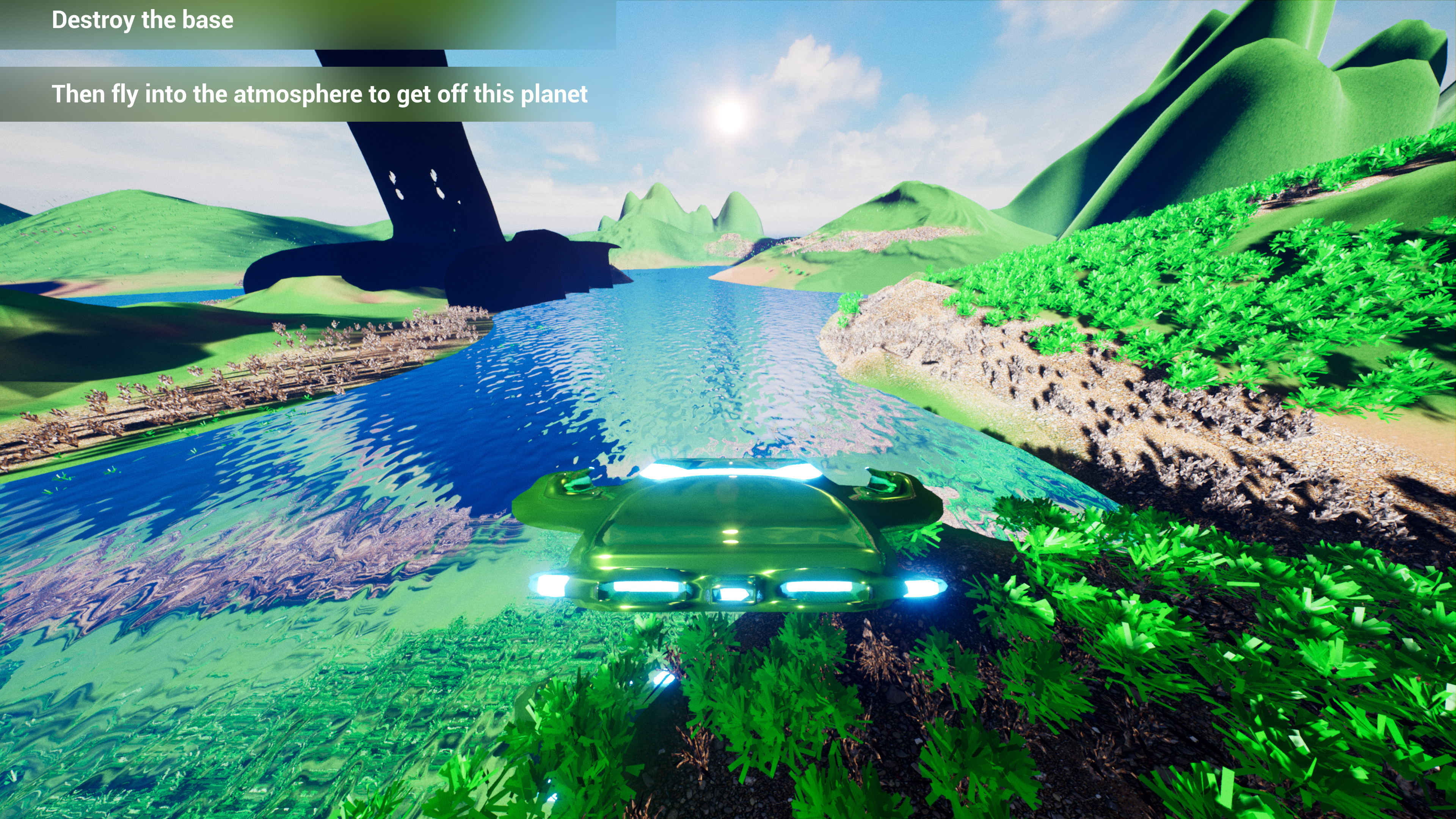
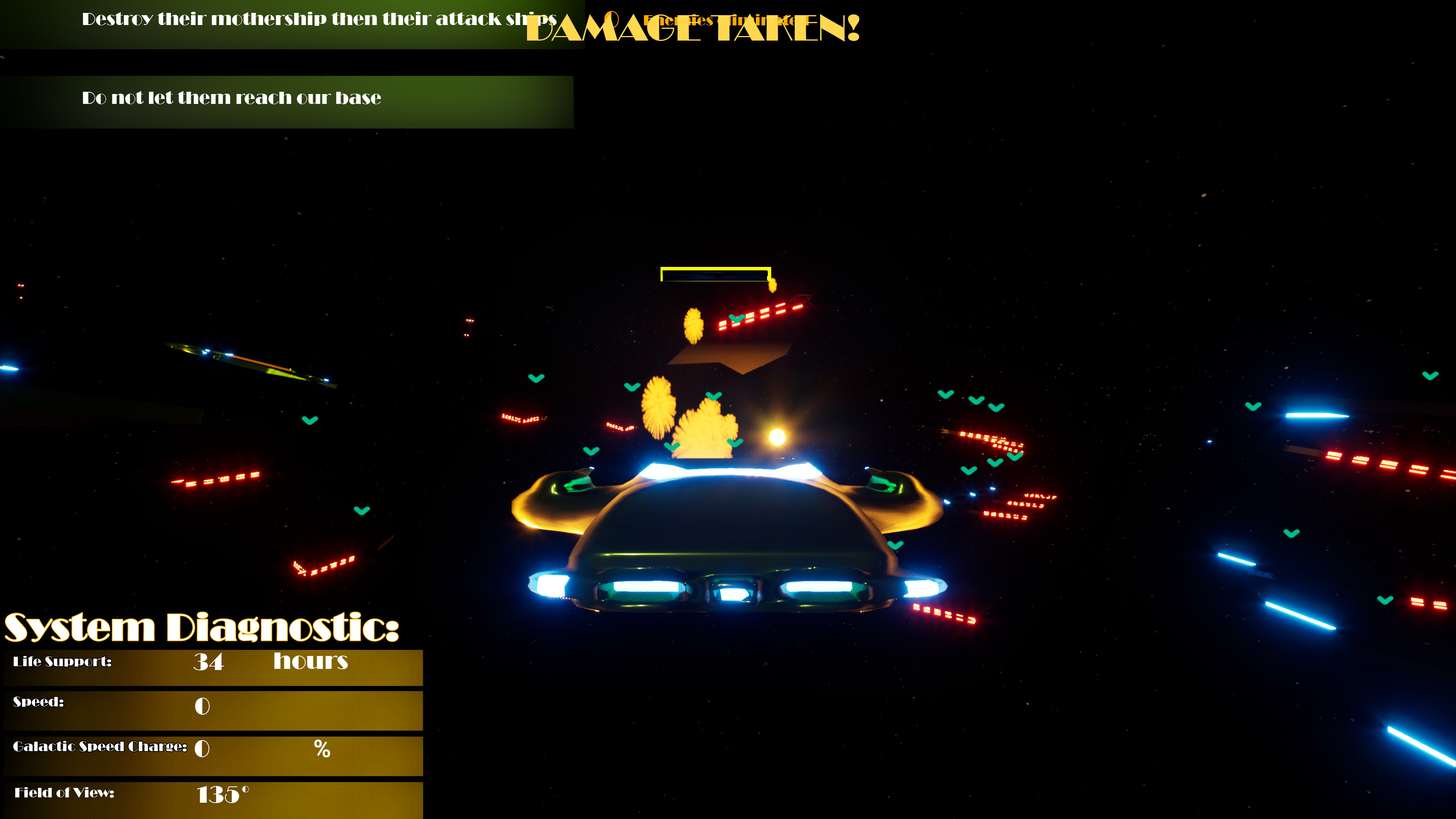
Space Survival is a 3D PC shoote'm up game with large maps and various levels to complete.
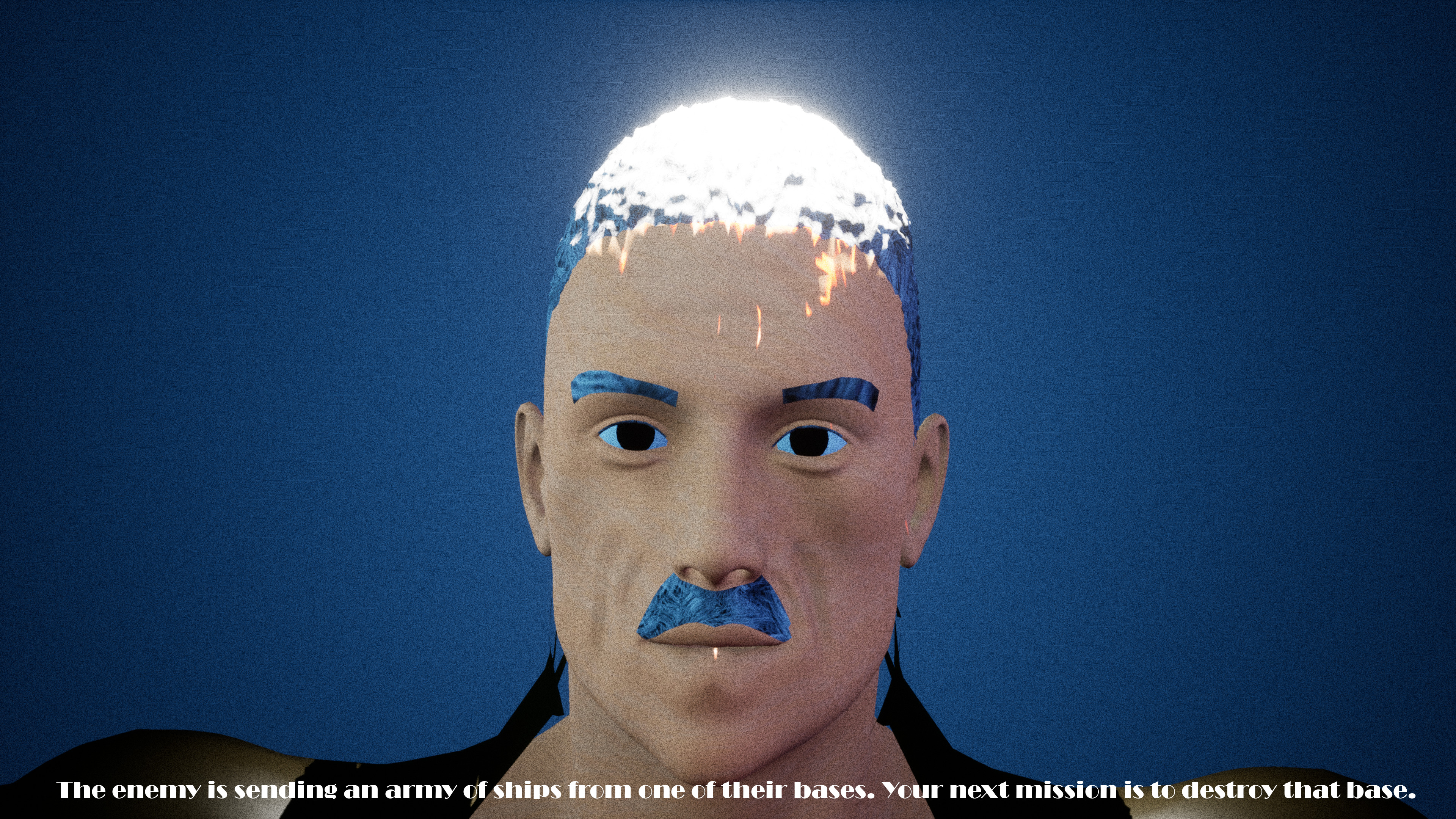
The milky way galaxy has become a warzone. A space empire called "The Sheyertonian Empire" has been stealing resources from The Valeratonac Empire. The Sheyertonians will take as much resources from the Valeratonac at any cost. Even if that cost is the lives of many. You are part of the Valeratonac. Your mission is to find and take down their most powerful ships so their main bases can be taken down.
Space Survival is a 3D PC shoote'm up game with large maps and various levels to complete. The short single-player campaign is continuous with cut-scenes explaining the story as you play. You can save your progress. Your saved games begin at the beginning of each level.
There is a page clearly explaining the controls and there is the option to change game graphics qualities to match your computer's graphical capabilities.
Read the manual included on the Steam game page for game-play instructions.
Game Manual:
1- Follow the instructions in the game to complete the game.
2- Use Up Arrow Key/W to move forward and Down Arrow Key/S to reverse/move back.
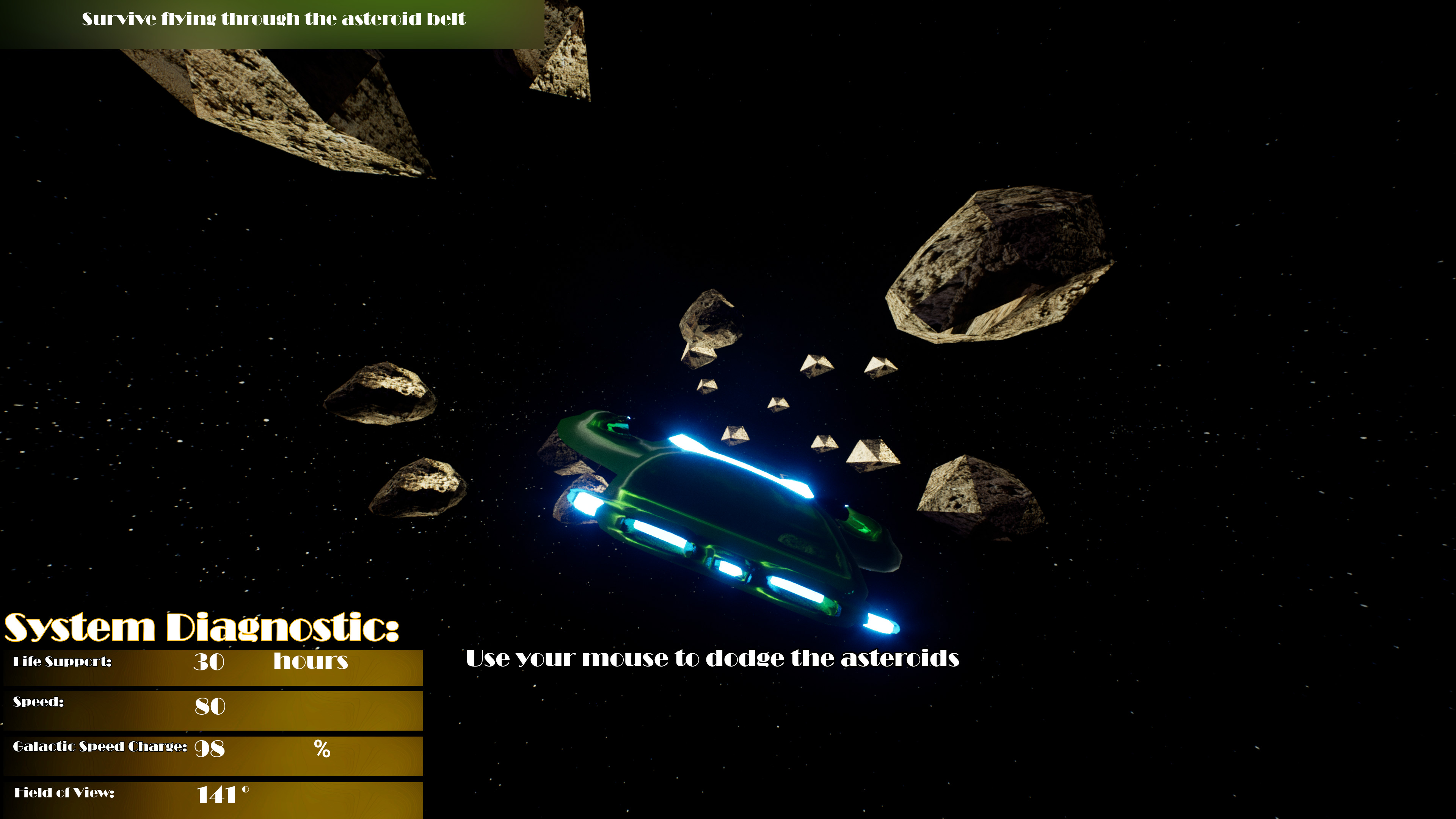
3- Use your mouse to look around.
4- Shoot the enemies with your weapon using Middle Mouse Button to aim and Left Mouse Button to shoot.
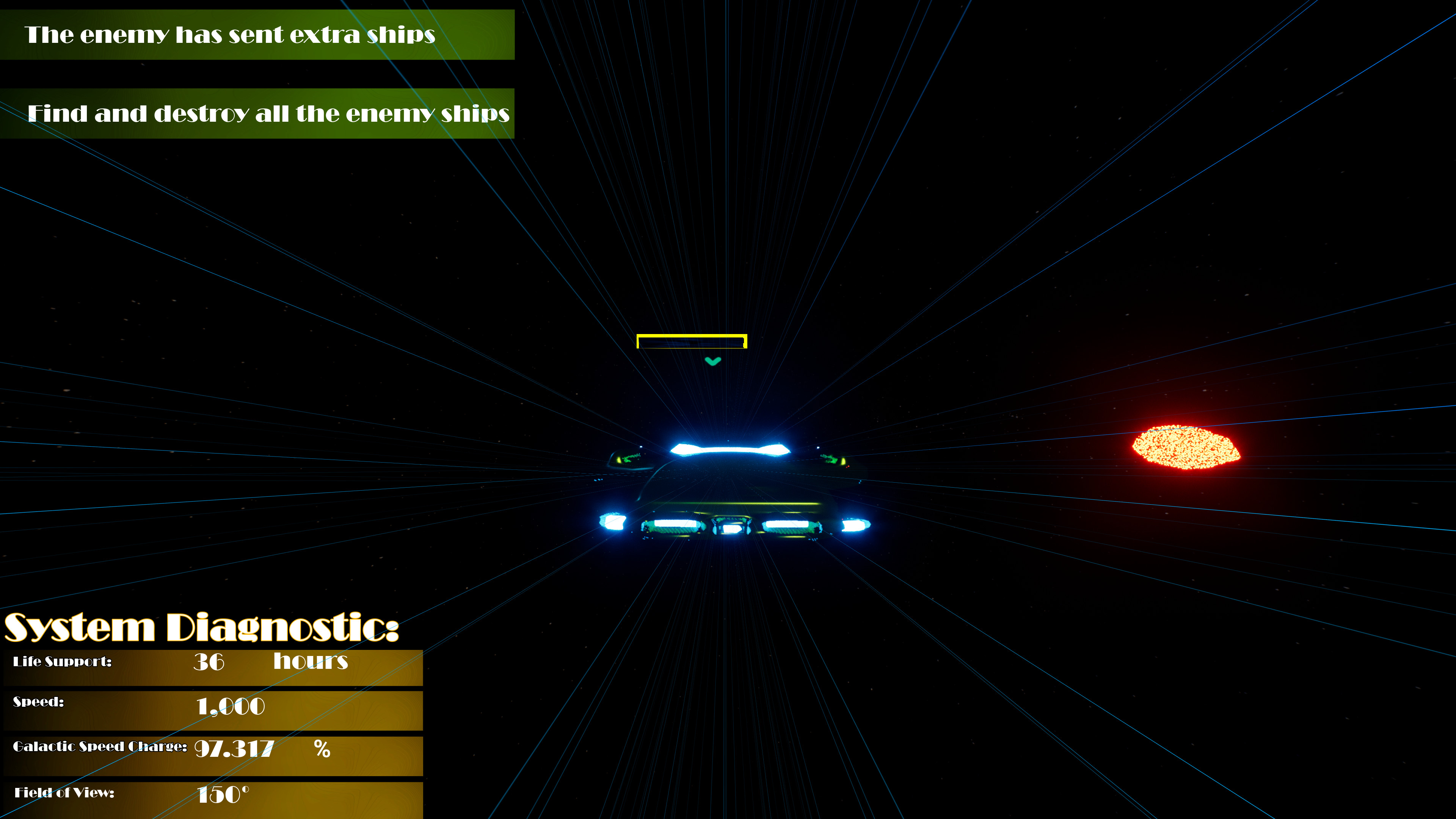
5- Travel at galactic speed using Num 1 (on your numberpad) or Q (on your keyboard) to get to where you want quicker than regular speed .
6- Your ship has a cloak which you can use to sneak past enemies. Activate your cloak using the i key. If you attack an enemy ship while cloaked they will eventually track down where your fire is coming from and they will attack you.
7- Life support is how many hours oxygen will be generated on your ship. If you run out of life support you will die. Galactic speed charge is how charged your galactic drive is to travel at galactic speed.
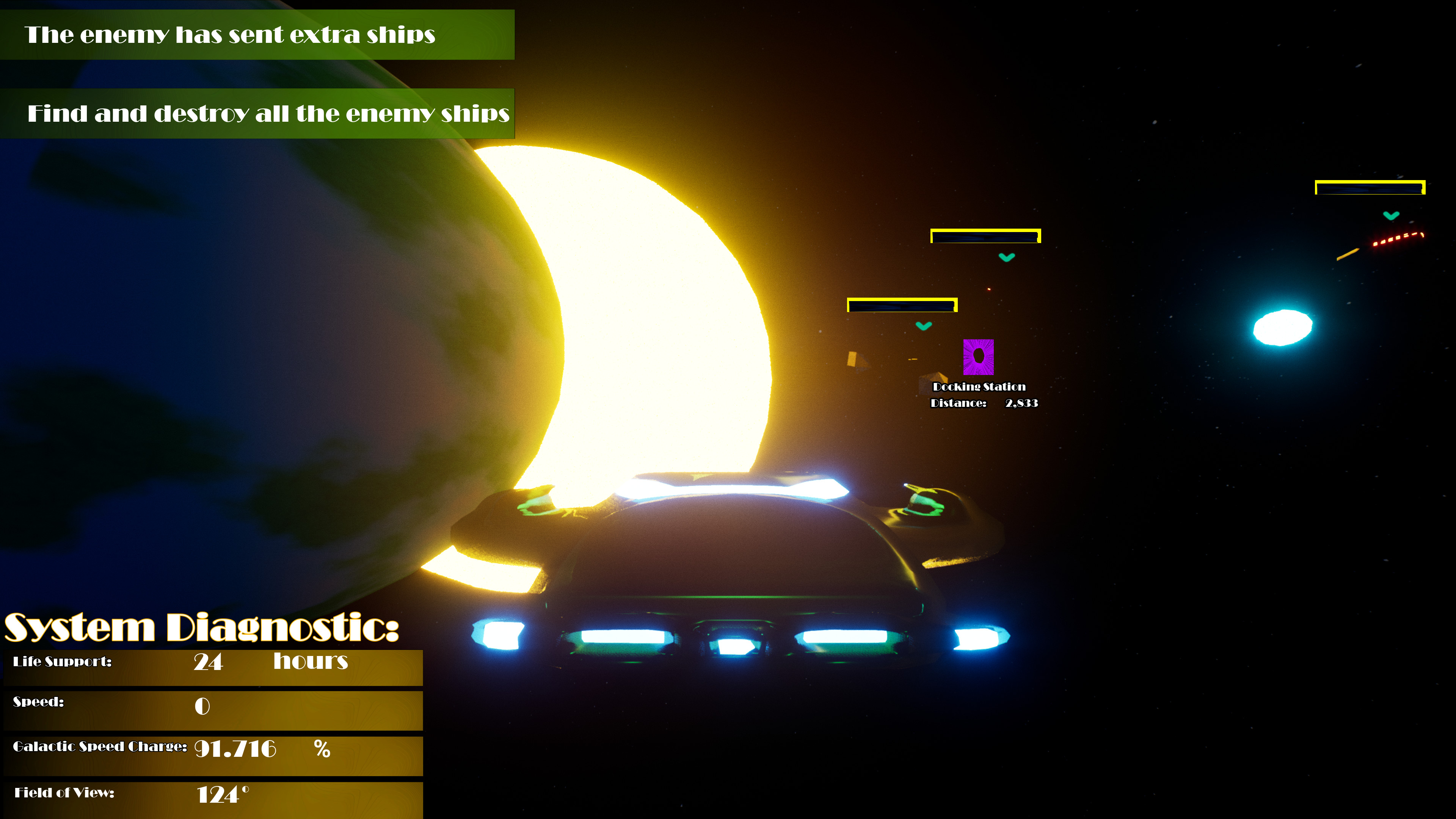
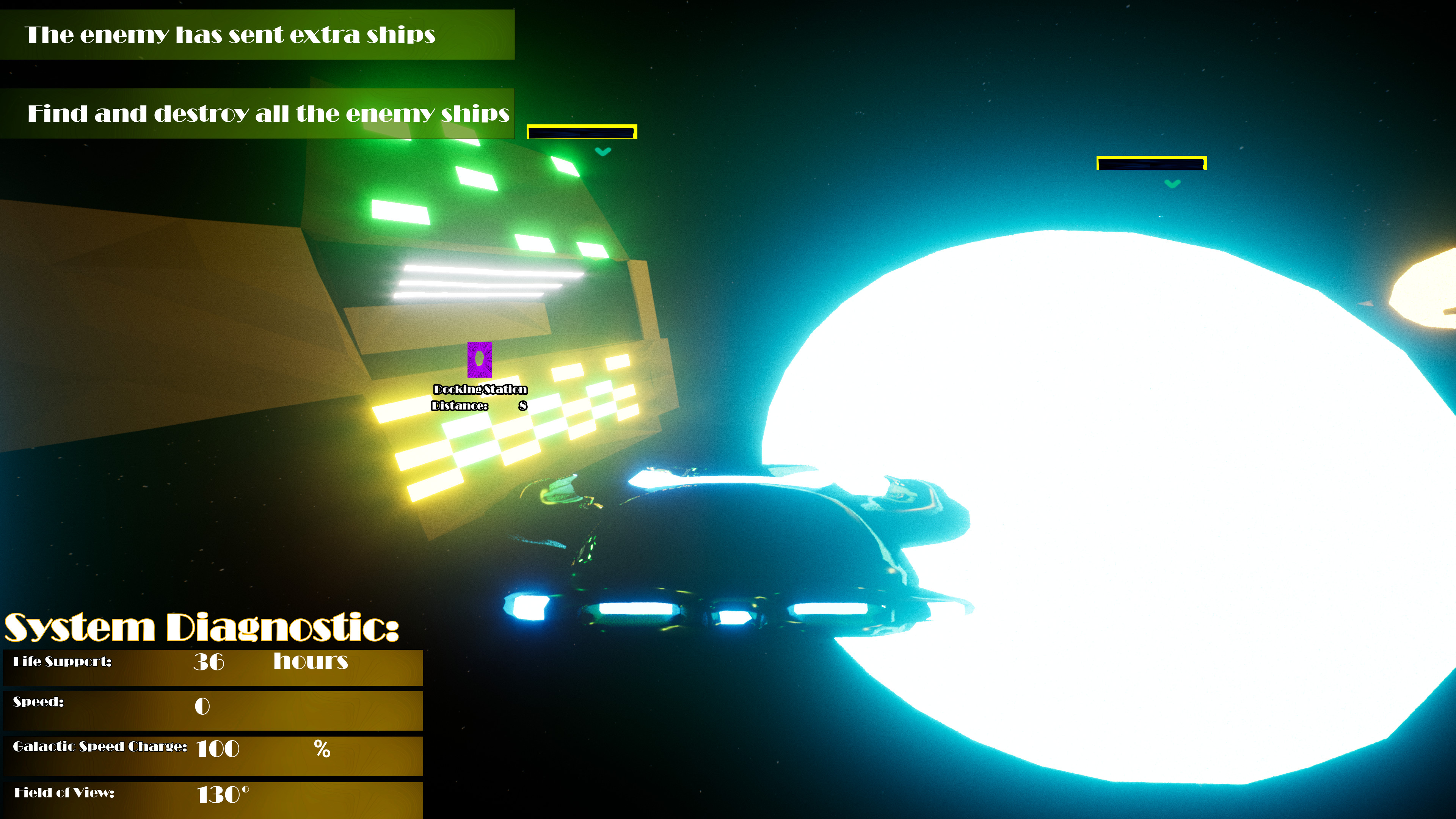
8- Docking stations can be used to resupply on life support or recharge your galactic drive for travelling at galactic speed. Hold the E key or Right Control key and fly to the docking station to enter it.
9- Use the R key to repair your ship if damaged.
10- Use F6 to save your progress and F7 to load your last save. You can also pause and use the menu to save your progress and load your last save.
11- If you start a new game it will override any other saved games.
12- Saved games start at the beginning of the level.
Developer: Ali Soltanian Fard Jahromi
Graphics: Ali Soltanian Fard Jahromi
Cut-scenes: Ali Soltanian Fard Jahromi
Space Survival is a 3D PC shoote'm up game with large maps and various levels to complete. The short single-player campaign is continuous with cut-scenes explaining the story as you play. You can save your progress. Your saved games begin at the beginning of each level.
There is a page clearly explaining the controls and there is the option to change game graphics qualities to match your computer's graphical capabilities.
Read the manual included on the Steam game page for game-play instructions.
Game Manual:
1- Follow the instructions in the game to complete the game.
2- Use Up Arrow Key/W to move forward and Down Arrow Key/S to reverse/move back.
3- Use your mouse to look around.
4- Shoot the enemies with your weapon using Middle Mouse Button to aim and Left Mouse Button to shoot.
5- Travel at galactic speed using Num 1 (on your numberpad) or Q (on your keyboard) to get to where you want quicker than regular speed .
6- Your ship has a cloak which you can use to sneak past enemies. Activate your cloak using the i key. If you attack an enemy ship while cloaked they will eventually track down where your fire is coming from and they will attack you.
7- Life support is how many hours oxygen will be generated on your ship. If you run out of life support you will die. Galactic speed charge is how charged your galactic drive is to travel at galactic speed.
8- Docking stations can be used to resupply on life support or recharge your galactic drive for travelling at galactic speed. Hold the E key or Right Control key and fly to the docking station to enter it.
9- Use the R key to repair your ship if damaged.
10- Use F6 to save your progress and F7 to load your last save. You can also pause and use the menu to save your progress and load your last save.
11- If you start a new game it will override any other saved games.
12- Saved games start at the beginning of the level.
Developer: Ali Soltanian Fard Jahromi
Graphics: Ali Soltanian Fard Jahromi
Cut-scenes: Ali Soltanian Fard Jahromi
Media
Trailers and screenshots straight from the store page
Space Survival price history and current deals
Price tracking for Space Survival across authorized stores.
Scores
Steam reviews Mixed · 68%
68% positive of 19
Media (7)
Tech
Steam DeckPlayable
SteamOSSupported
Requirements
Facts
DeveloperAli Soltanian Fard Jahromi
PublisherSoltanian Games
GenresAction · Adventure · Free To Play
TagsAction · Adventure · Action-Adventure · Shooter · Shoot 'Em Up · 3D · Third Person · Sci-fi · Space · Free to Play · Physics · Tutorial · Singleplayer · Survival
ModesSingle-player
Links
Ratings
Brazill
Indonesia13+
Germany (Steam rating)6+