Spriter Pro

 Wait for a sale Chip's verdict · US updated 2 days ago
 No real discount right now, sitting 100% of the way from its all-time low to full price. One to watch rather than buy today.
Why this verdict
Offers
Accepted regional prices from official stores
Report a wrong price
DLC (12)
Add-on content for this game
- Basic Platformer Game Engine For Construct 2 and 3 From $39.99

- Dream Frontiers Environment Pack From $12.99
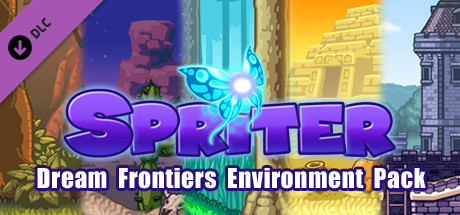
- Radius-Wing SHMUP 3d Models Pack From $24.99
- Spriter: Adventure Platformer Pack From $24.99
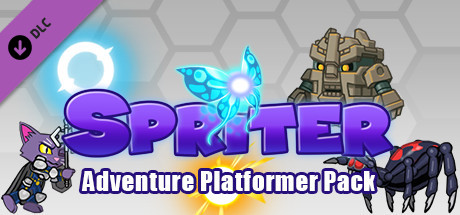
- Spriter: Basic Platformer Pack From $24.99
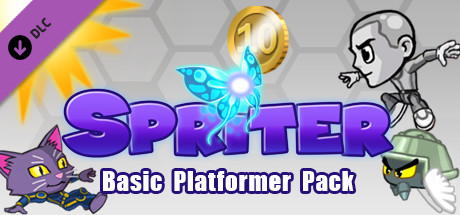
- Spriter: Delta Missions Environment Pack From $12.99
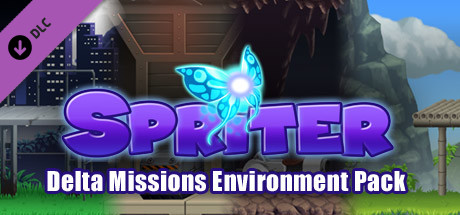
- Spriter: Dreamworld Adventures Environment Art Pack From $12.99
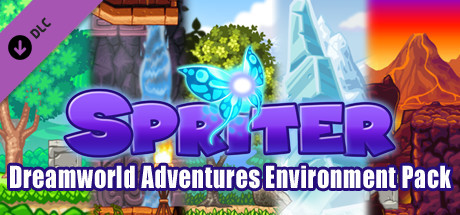
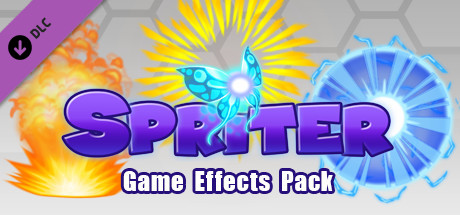
- Spriter: Game Effects Pack From $12.99
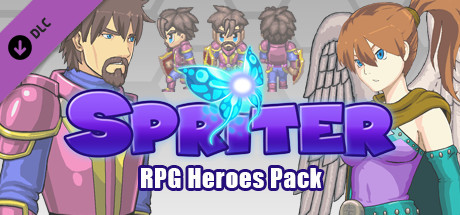
- Spriter: RPG Heroes Pack From $24.99
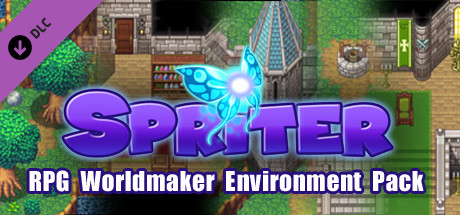
- Spriter: RPG Worldmaker Environment Pack From $15.99
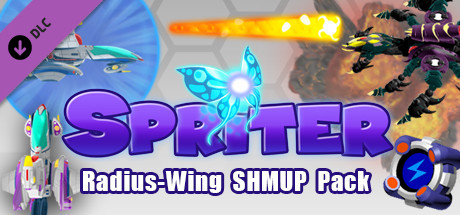
- Spriter: Radius-Wing SHMUP Animated Art Pack From $14.99
- Spriter: Run N' Gun Pack From $24.99
About this game
What this game is, in the developer's words
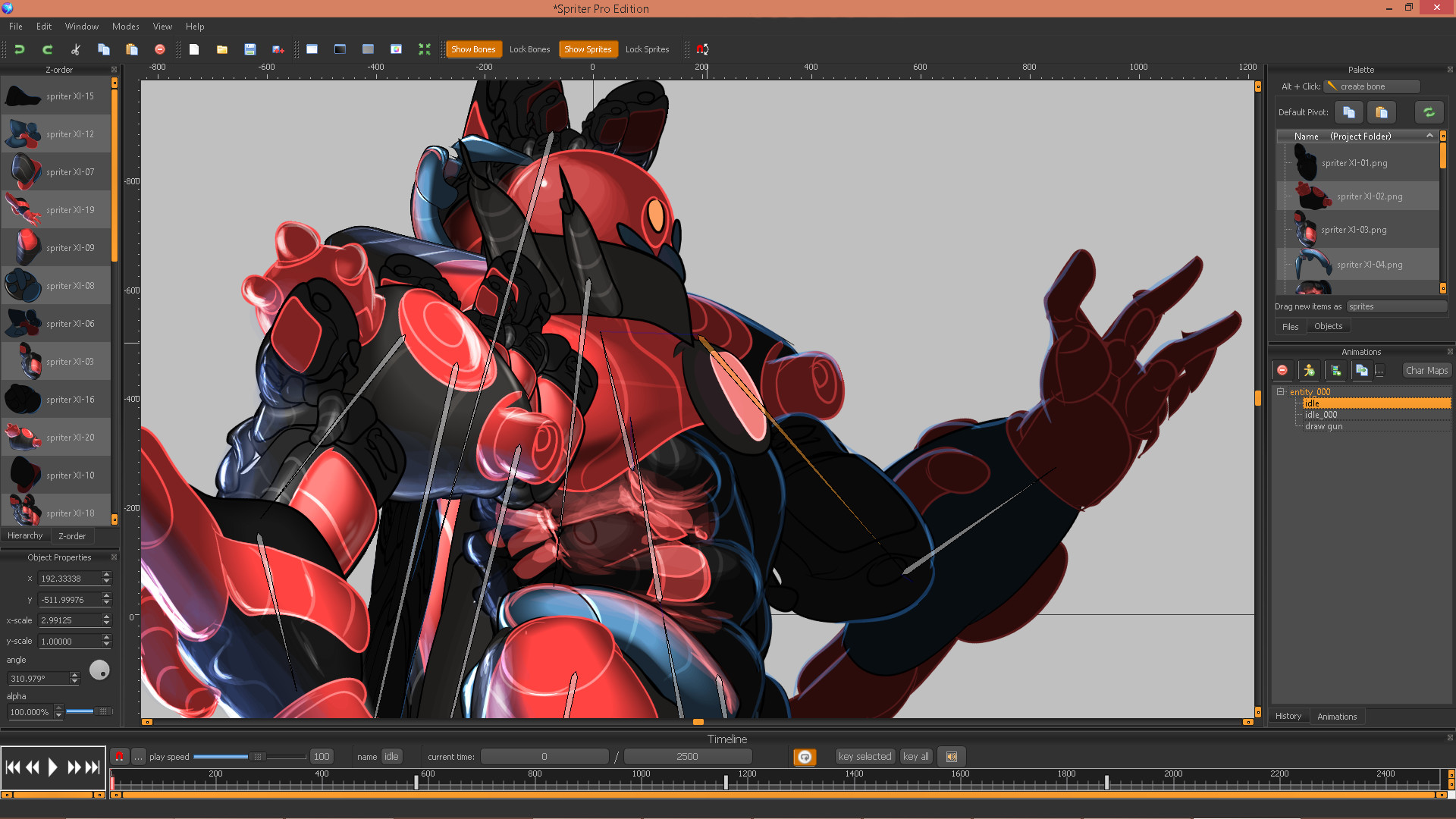
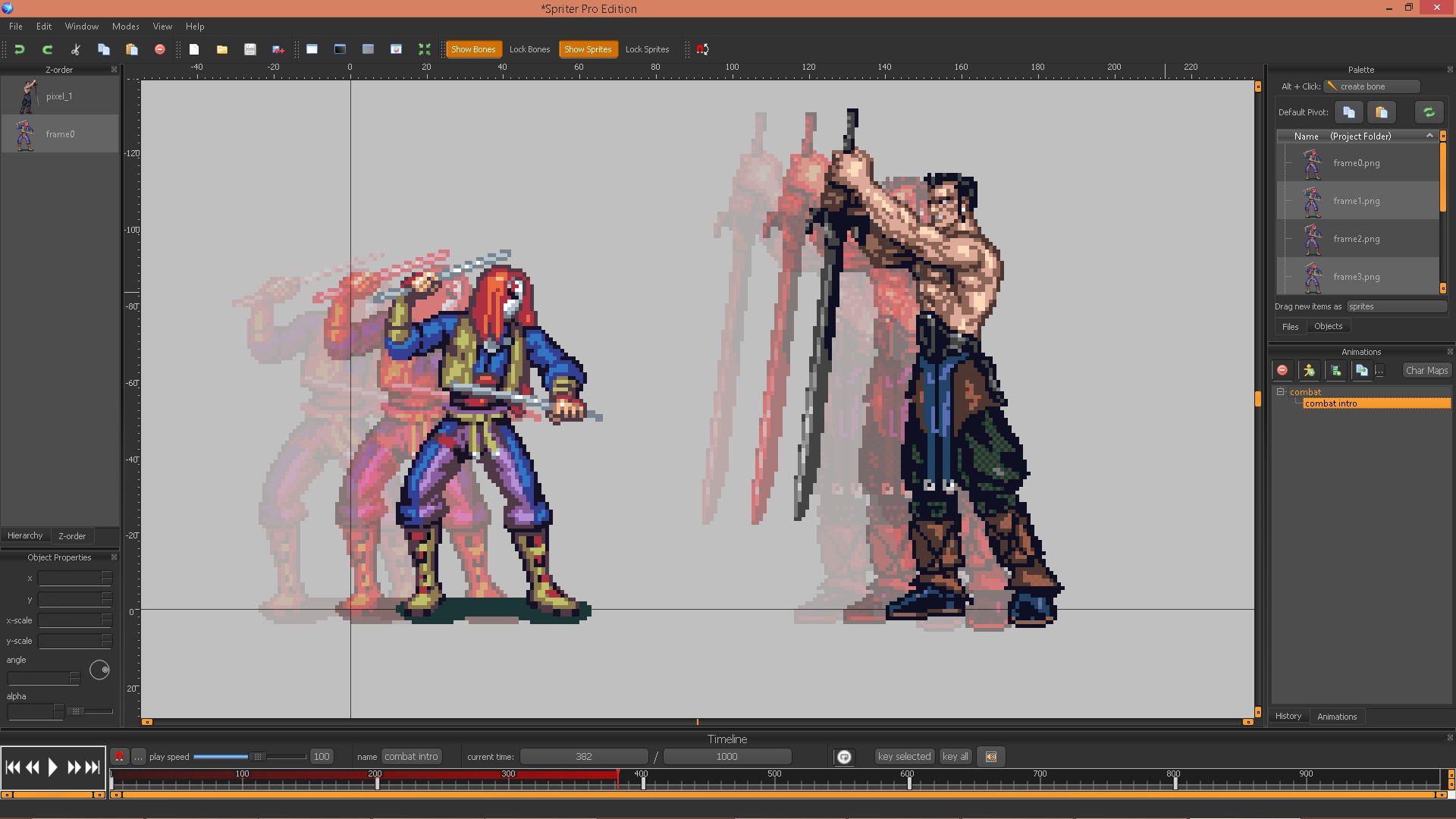
Spriter makes it easy for anyone, regardless of experience, to create 2D game animations using a technique called Modular Animation. Individual sprite pieces can be attached to bones and then easily animated with the powerful, yet easy to use toolset.
Unlike traditional animation which requires each frame to be hand-drawn, Spriter animations are made of individual sprite pieces; these pieces can be rotated, transformed, and tweened along an animation timeline. This allows you to quickly create great looking animations in a fraction of the time while requiring significantly less art.
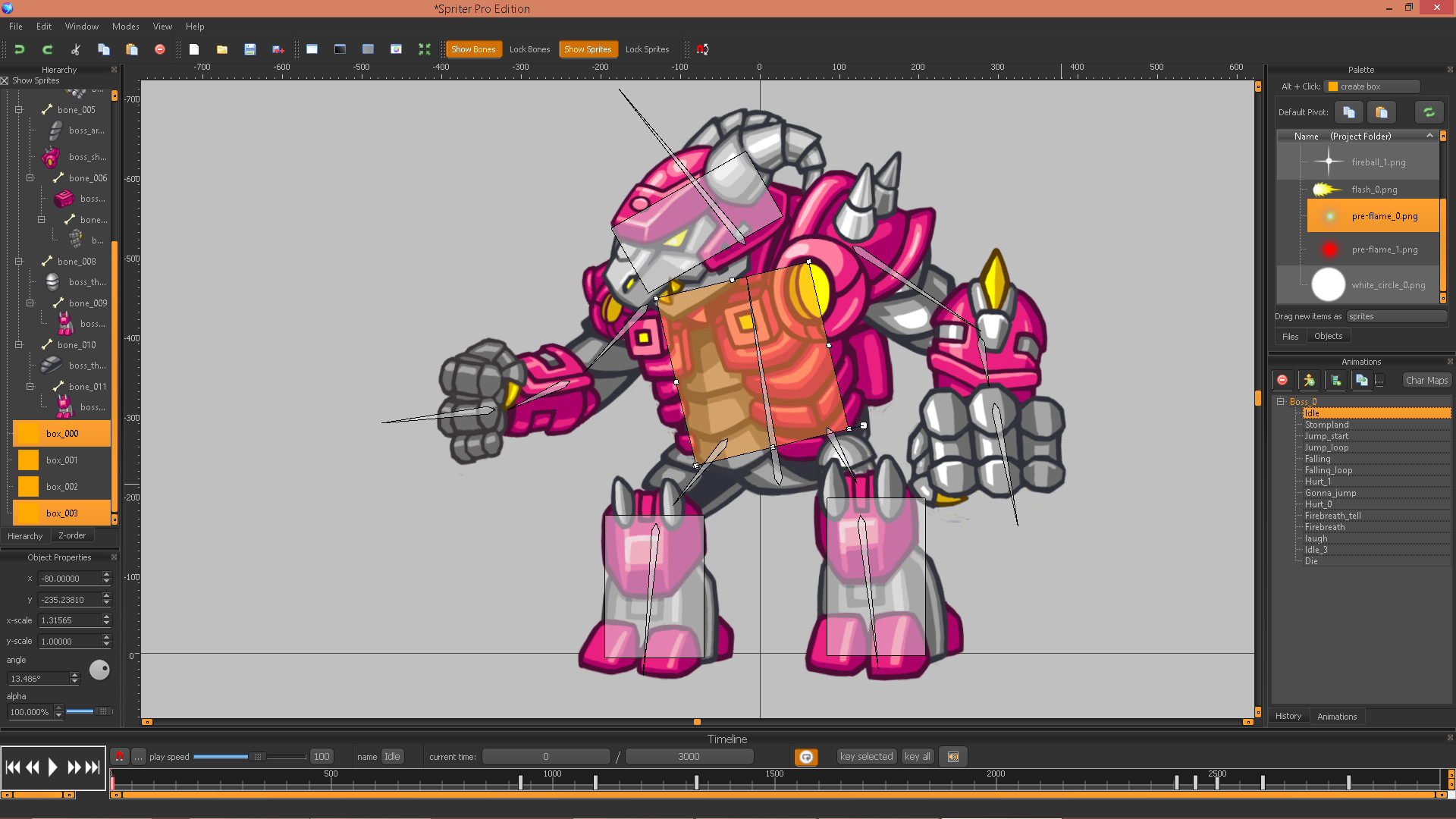
Spriter also takes advantage of skeletal animation. Create a skeleton using the bone tool, attach images to each bone, and finally animate the bones with Spriter's vast array of user-friendly animation tools. The result: a fully animated sprite using your own graphics.
Spriter is great for animating characters, user interfaces, power-ups, combat animations and more! Even if you've never animated before, Spriter provides you with an easy to understand, yet powerful toolset allowing you to jump right in!
Spriter Pro includes the Essentials versions of all of our Animated Art Packs, free to use in any of your game projects. Once you install Spriter Pro It they will be located in the following location:
/SteamApps/common/Spriter/Art Packs/Essentials
Key Features:
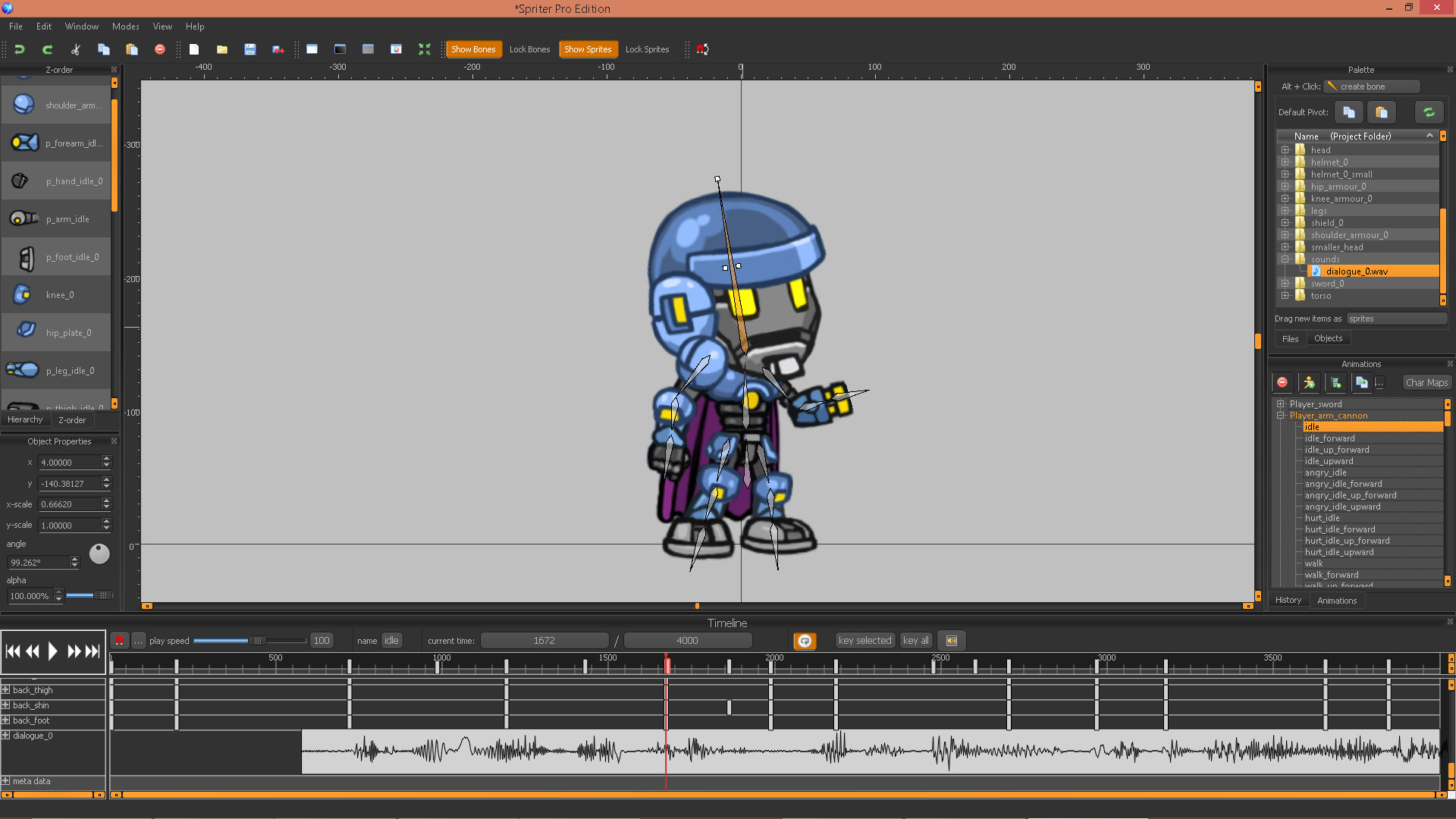
- Using keyframes you can quickly lay out major frame changes. Frames in-between the keyframes are then automatically created. You can then edit individual frames as desired to make your animations really shine.
- Animations can be exported as spritesheets, animated GIF files, sequential images and more.
- Reuse your previous animations by incorporating them in new ones. Create perfect, smooth transitions and varieties that save time by working with animations you've already created.
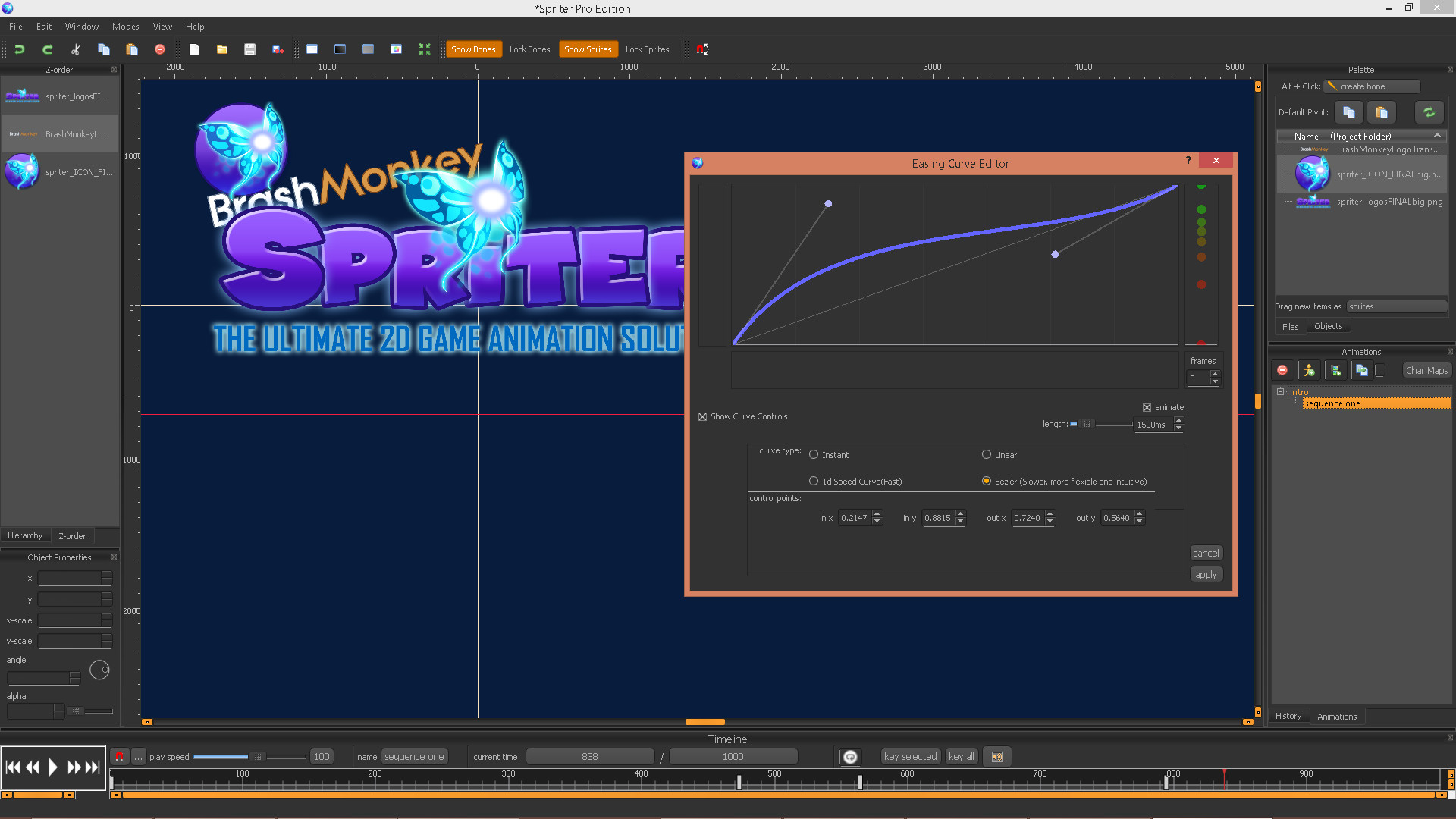
- Adjust animation easing with several curve settings to help make your animations more lifelike.
- Create pixel perfect retro style animations with Pixel Art Mode.
- Spawn bullets, particle effects, or anything that requires precise locations and angles.
- Set up guide lines and load in background images to work on top of.
- Seperate characters into important collision areas.
- Inverse Kinematics.
- Change a bone's parent, add or remove bones, or even change sprite pieces mid-animation.
- Import sound effects and even use lip-syncing with built-in Papagayo support.
Use Animation Data Directly In Your Game:
- Animations are recreated in real-time using the sprite piece images just like in Spriter.
- Animations are much smoother and require drastically less memory as compared to sprite-sheets.
- Manipulate animations via game events.
- Reuse your animation data for completely new characters or character customizations. Perfect for characters who gain new clothing, equipment etc.
Spriter animations can be imported with full feature support in Unity and Construct 2. There are also free, open source, fully featured reference implementations for using Spriter files in C#, C++, JavaScript, and MonoGame. Spriter support on many more programming languages, frameworks, and game authoring tools coming soon!
Media
Trailers and screenshots straight from the store page

Price intelligence
Accepted price history and the lows that matter
Spriter Pro price history and best deals
Spriter Pro for PC currently sells from $59.99 at authorized stores. Its all-time low is $44.99, set on 2026-07-07.
Frequently asked questions
Answered from this game's own price and edition data
Should I buy Spriter Pro now or wait?
Is $59.99 a good price for Spriter Pro?
Where can I buy Spriter Pro?