PC
$34.99 Region US

Animation & Modeling · SapphireSoft
SRPG Studio Magic Effects Collection Vol2

Windows
2 user reviews · 100% of 2
Wait Price verdict · US updated 7 days ago
The current price is 100% of the way from its all-time low to full price. Seasonal sales have priced it lower.
Why this verdict
Price position between all-time low and full price 100%
All-time low $6.99 · 10d ago
Player reviews 100% positive of 2
Quality score 100/100 · small sample
Value score 0/100
Offers
Official store prices and labeled keyshop comparisons
Official stores (1)
Direct store link. Payment stays with the store.
Report a wrong price
Packs and bundles (1)
Multi-item packages that include this game
- SRPG Studio Complete Edition From $118.80SRPG Studio Complete Edition
About this game
What this game is, in the developer's words
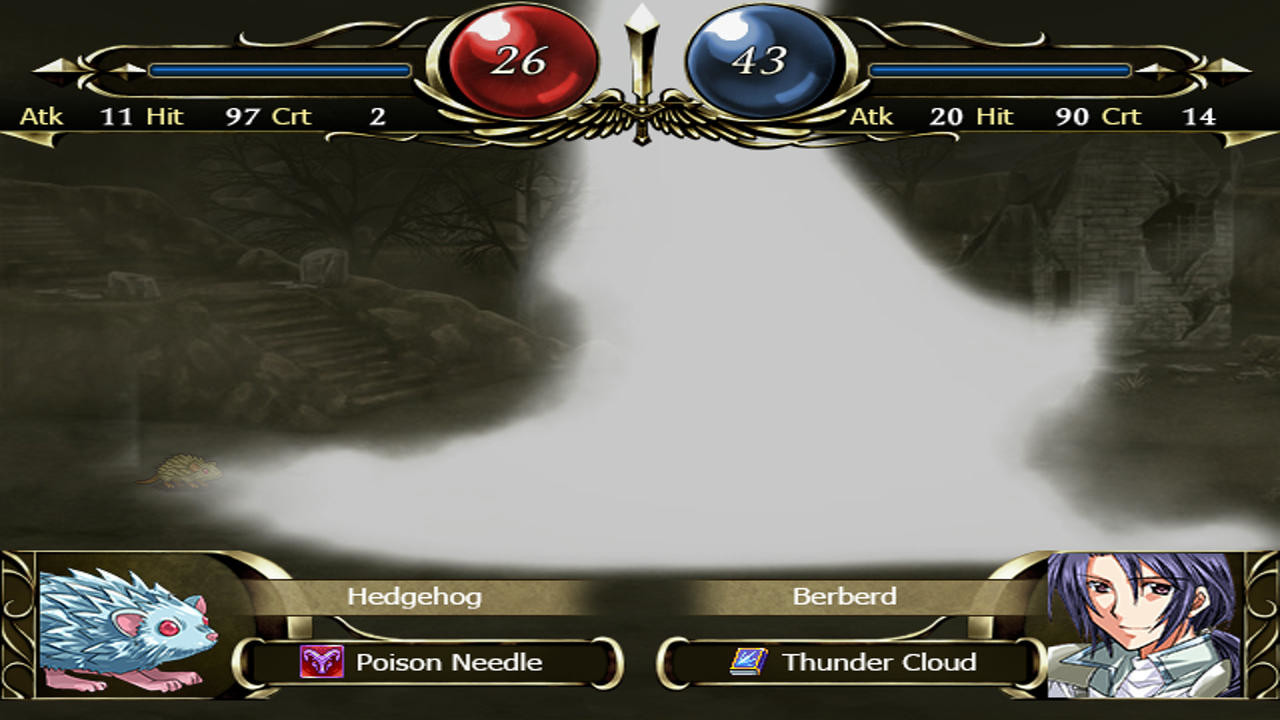
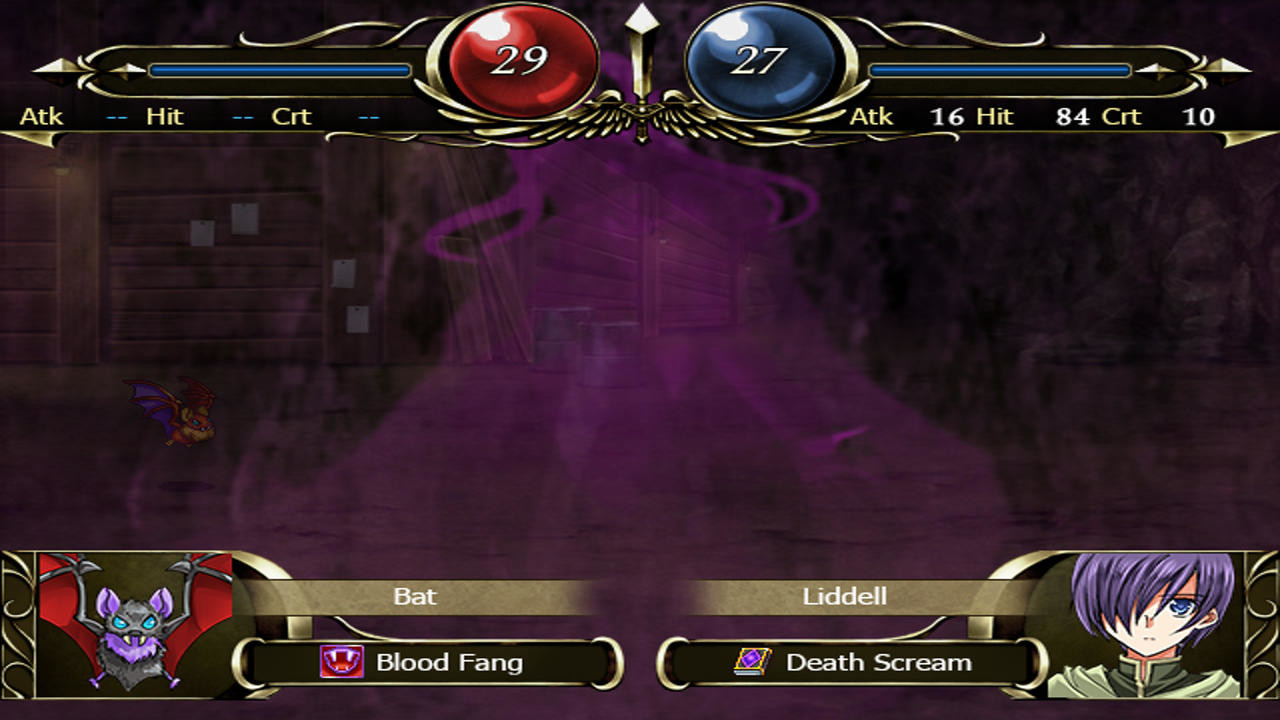
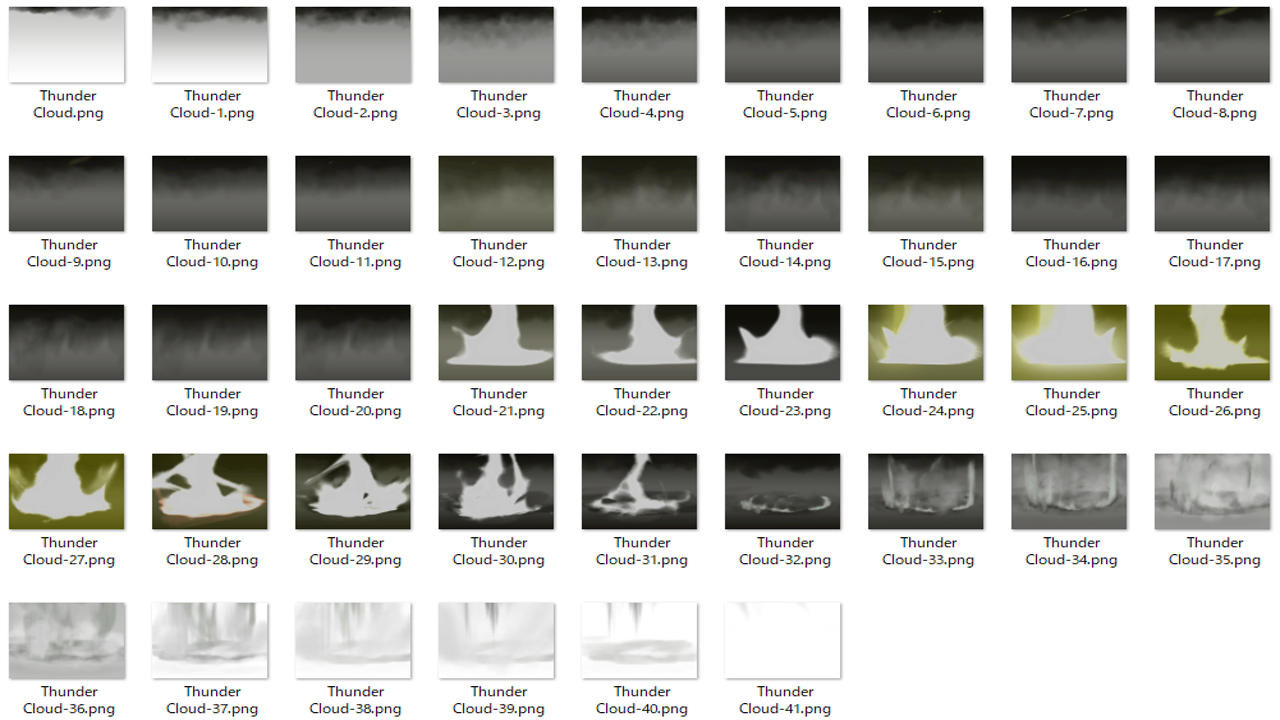
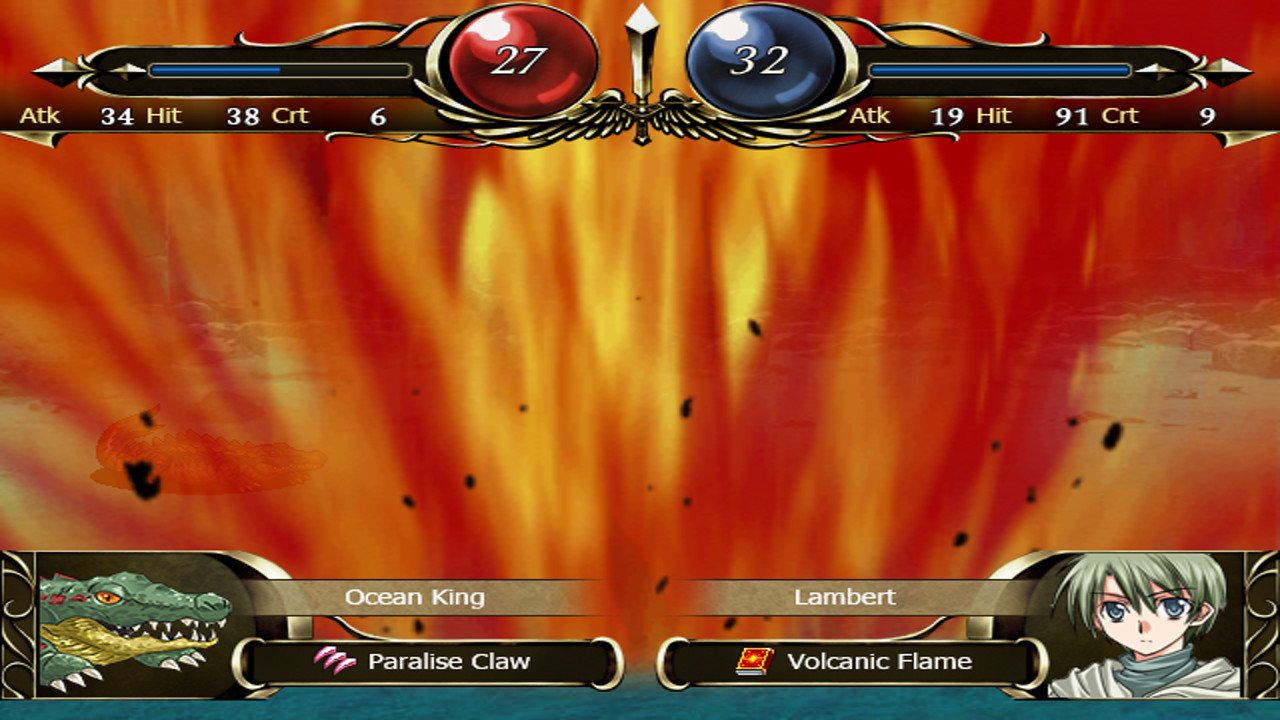
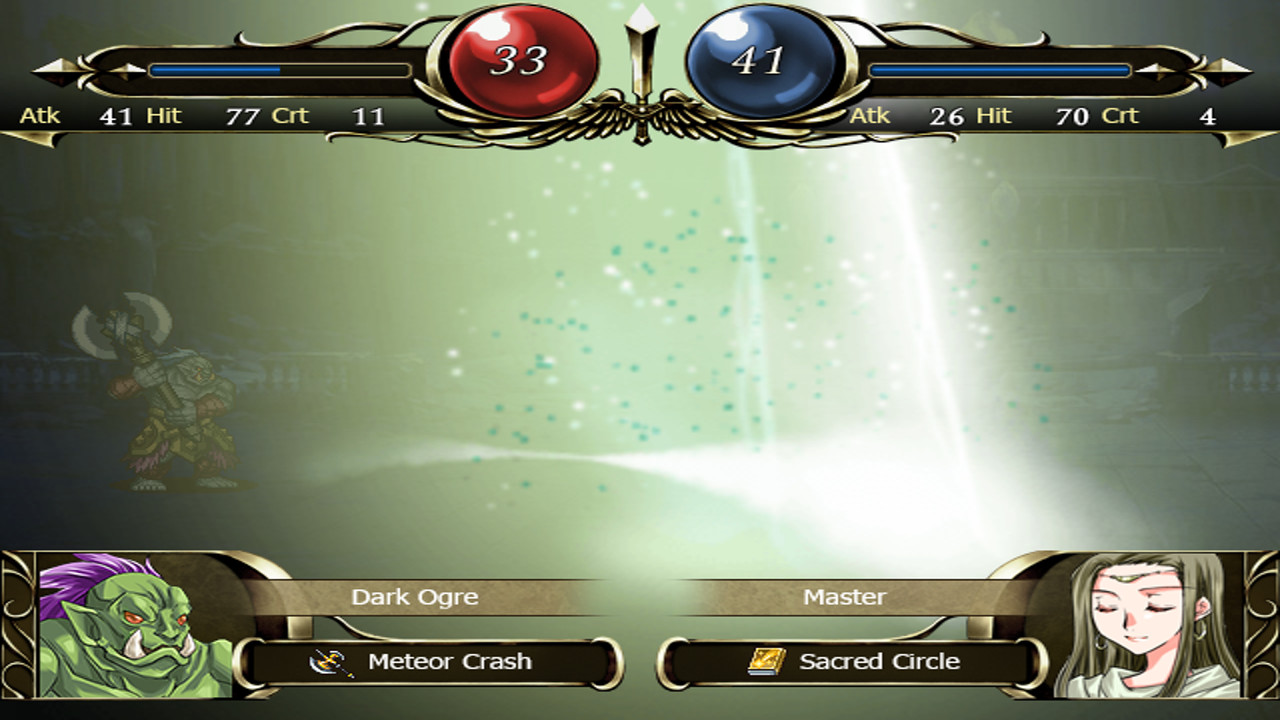
A large magic effect that can be used in real battles.
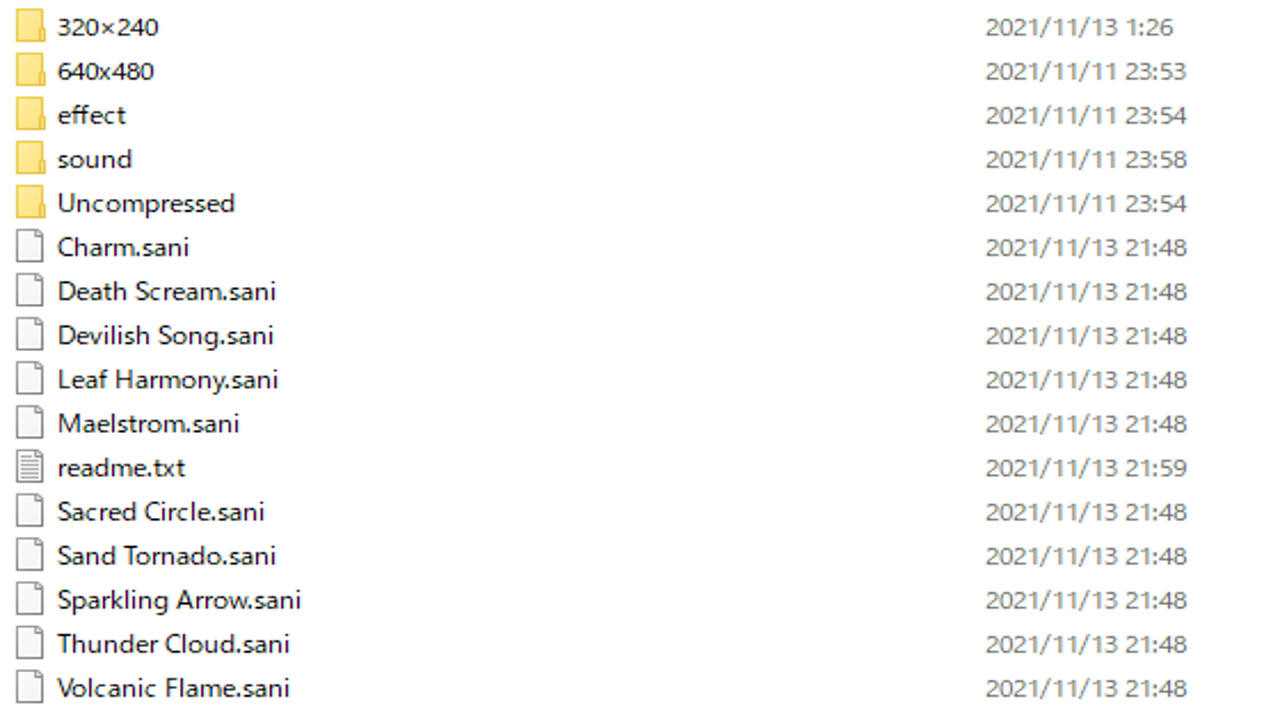
This DLC contains the following files (640x480 and 320x240).
1. Volcanic Flame
2. Sand Tornado
3. Death Scream
4. Devilish Song
5. Maelstrom
6. Sacred Circle
7. Leaf Harmony
8. Charm
9. Thunder Cloud
10. Sparkling Arrow
*How to Use*
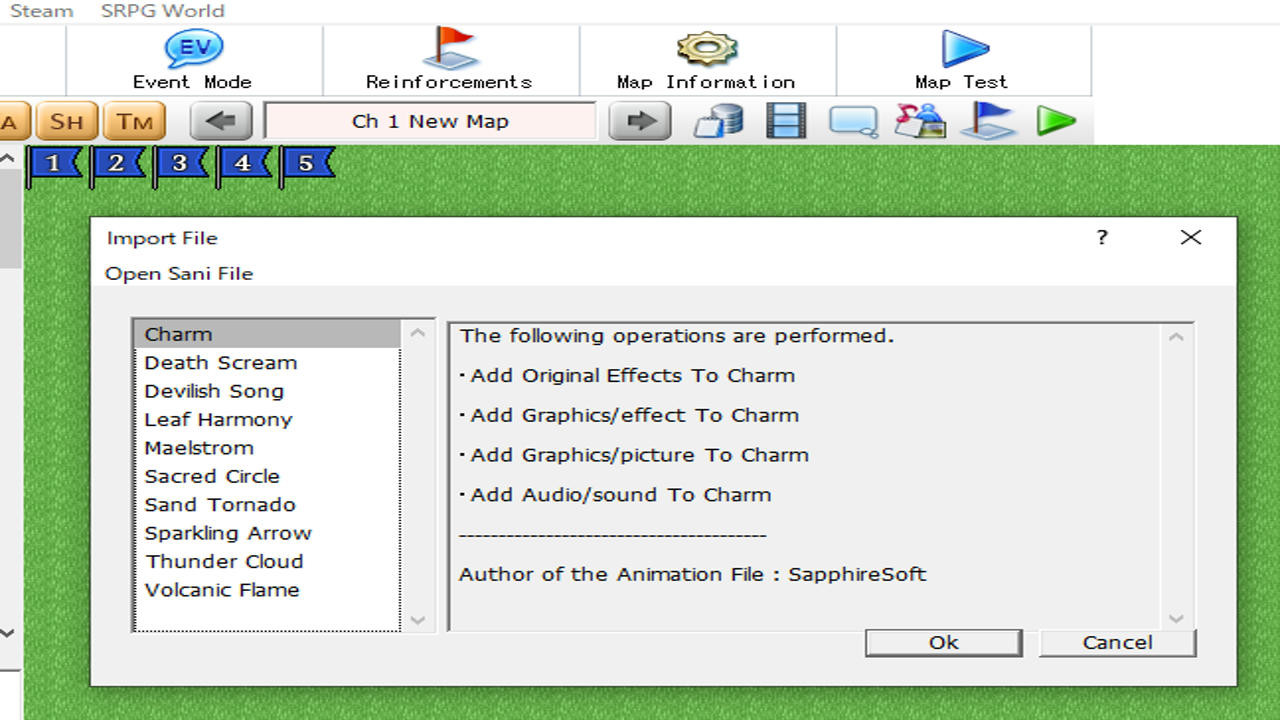
1. Launch SRPG Studio. In the upper left corner of the application, there is a File menu. Open the DLC in the menu, and select "SRPG Studio Magic Effects Collection Vol2".
2. Go to the "SRPG Studio Magic Effects Collection Vol2" folder created on your desktop. Drag "Charm.sani" to "Volcanic Flame.sani" in Windows Explorer and drop them into SRPG Studio.
3. If the drop is successful, a dialog box will appear asking if you want to import the sani file. Select OK here.
After this, go to the "Animations" dialog and open "Original Effects". You will see the imported sani file.
4. Go to "Database" in the root screen and open the "Weapos" tab. Then click on the icon. If you select "Mage" under "Type", "Select Animation" will appear, select "Brave Power" or something similar.
1. Volcanic Flame
2. Sand Tornado
3. Death Scream
4. Devilish Song
5. Maelstrom
6. Sacred Circle
7. Leaf Harmony
8. Charm
9. Thunder Cloud
10. Sparkling Arrow
*How to Use*
1. Launch SRPG Studio. In the upper left corner of the application, there is a File menu. Open the DLC in the menu, and select "SRPG Studio Magic Effects Collection Vol2".
2. Go to the "SRPG Studio Magic Effects Collection Vol2" folder created on your desktop. Drag "Charm.sani" to "Volcanic Flame.sani" in Windows Explorer and drop them into SRPG Studio.
3. If the drop is successful, a dialog box will appear asking if you want to import the sani file. Select OK here.
After this, go to the "Animations" dialog and open "Original Effects". You will see the imported sani file.
4. Go to "Database" in the root screen and open the "Weapos" tab. Then click on the icon. If you select "Mage" under "Type", "Select Animation" will appear, select "Brave Power" or something similar.
Media
Trailers and screenshots straight from the store page
Price history
Accepted price history and recorded lows
Historical lows
All-time low ATL $6.99 2026-07-07
3-month low $6.99
12-month low $6.99
Current $34.99
Price events From the accepted price history
Jul 10, 2026
Sale ended · back to $34.99
Jul 7, 2026
New all-time low $6.99
SRPG Studio Magic Effects Collection Vol2 price history and current deals
SRPG Studio Magic Effects Collection Vol2 for PC currently sells from $34.99 at authorized stores. Its all-time low is $6.99, set on 2026-07-07.
Frequently asked questions
Answered from this game's own price and edition data
How does the current SRPG Studio Magic Effects Collection Vol2 price compare?
The price verdict is wait. The current price is 100% of the way from its all-time low to full price. Seasonal sales have priced it lower.
How does $34.99 compare with the SRPG Studio Magic Effects Collection Vol2 price history?
$34.99 is 100% of the way from the all-time low of $6.99 to the full price. A lower price is recorded in the history.
Which stores list SRPG Studio Magic Effects Collection Vol2?
SRPG Studio Magic Effects Collection Vol2 is tracked at steam. This section lists authorized stores and links to their store pages.
Scores
Steam reviews 2 user reviews · 100%
Media (7)
Tech
Requirements
Facts
DeveloperSapphireSoft
PublisherSapphireSoft
Links
Ratings
dejusl