PC
Region US
Content rating unavailable
Utilities · Stardock
Start11 Multi-Device Upgrade

Content rating unavailable
Windows
7 user reviews · 86% of 7
Chip's verdict · US
Why this verdict
Player reviews 86% positive of 7
Quality score 86/100 · small sample
Offers
Accepted regional prices from official stores
No offers tracked yet for this product.
Report a wrong price
About this game
What this game is, in the developer's words
Start11 Multi-Device Upgrade DLC enables the software run on up to 4 additional devices. After downloading the DLC, Start11 can be installed on up to 5 devices which means you can bring the industry’s best Start menu to all of your Windows PCs.
Start11 Multi-Device Upgrade DLC enables the software run on up to 4 additional devices. After downloading the DLC, Start11 can be installed on up to 5 devices which means you can bring the industry’s best Start menu to all of your Windows PCs.
Customize the Start menu and Taskbar in Windows 10 and 11 with several different designs, robust configuration options, and aesthetic options using Start11. Take full control of your Start menu and taskbar to make Windows more personal and more productive.
Customize the Start menu and Taskbar in Windows 10 and 11 with several different designs, robust configuration options, and aesthetic options using Start11. Take full control of your Start menu and taskbar to make Windows more personal and more productive.
Features:
- Enhance Windows 10 and Windows 11 style menus with new functionality
- Return the Start menu to the appearance of previous versions of Windows
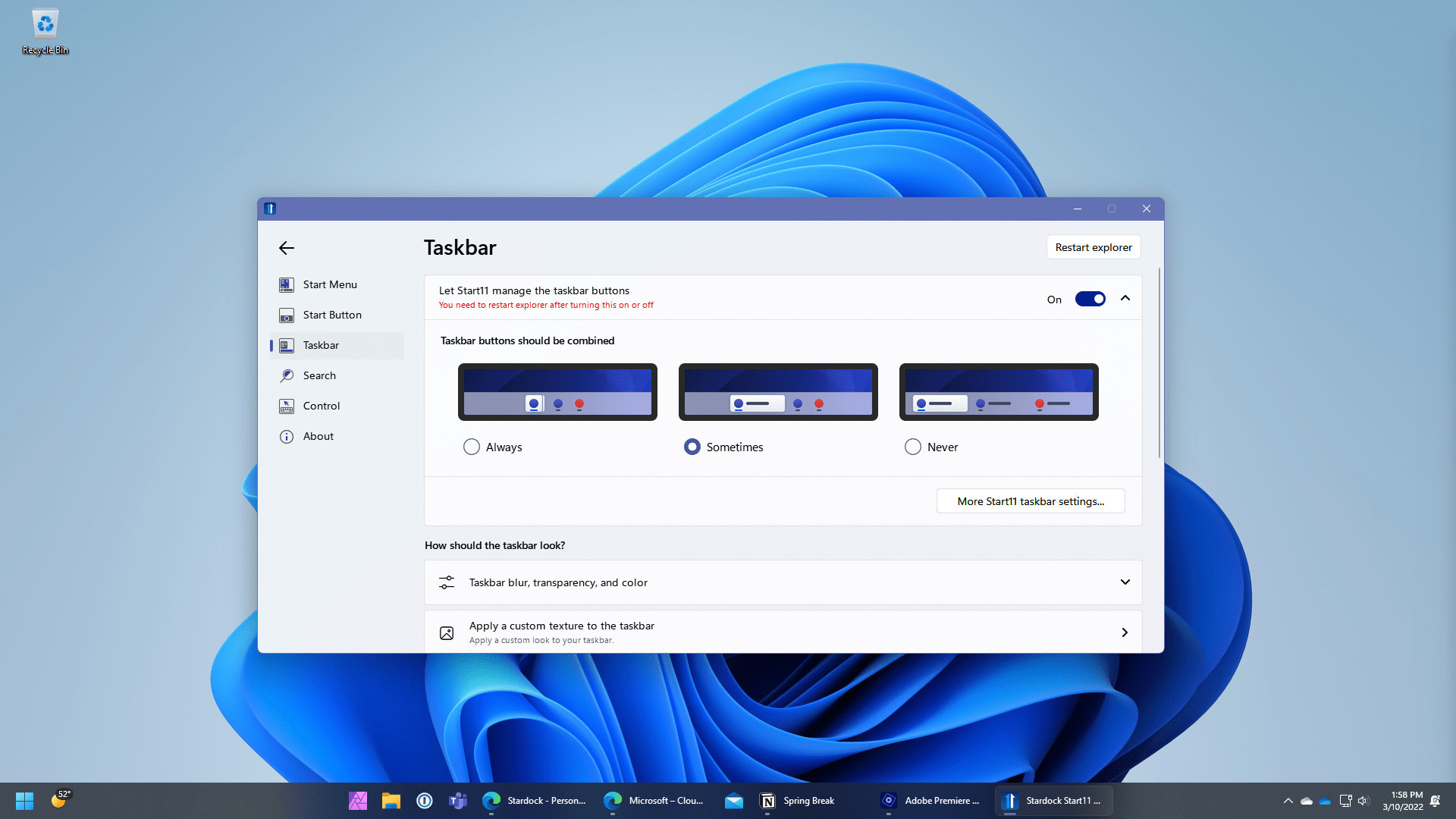
- Ungroup open windows on the Taskbar and customize their appearance
- Reposition the taskbar to the top of the desktop for Windows 11
- Enable Windows 10 style taskbar context menu for Windows 11
- Center Start icon and menu on Windows 10
- Enhanced Search experience with no ads
- Pin drives, folders, and files directly to the Start menu
- And much more
Make your Windows desktop feel familiar
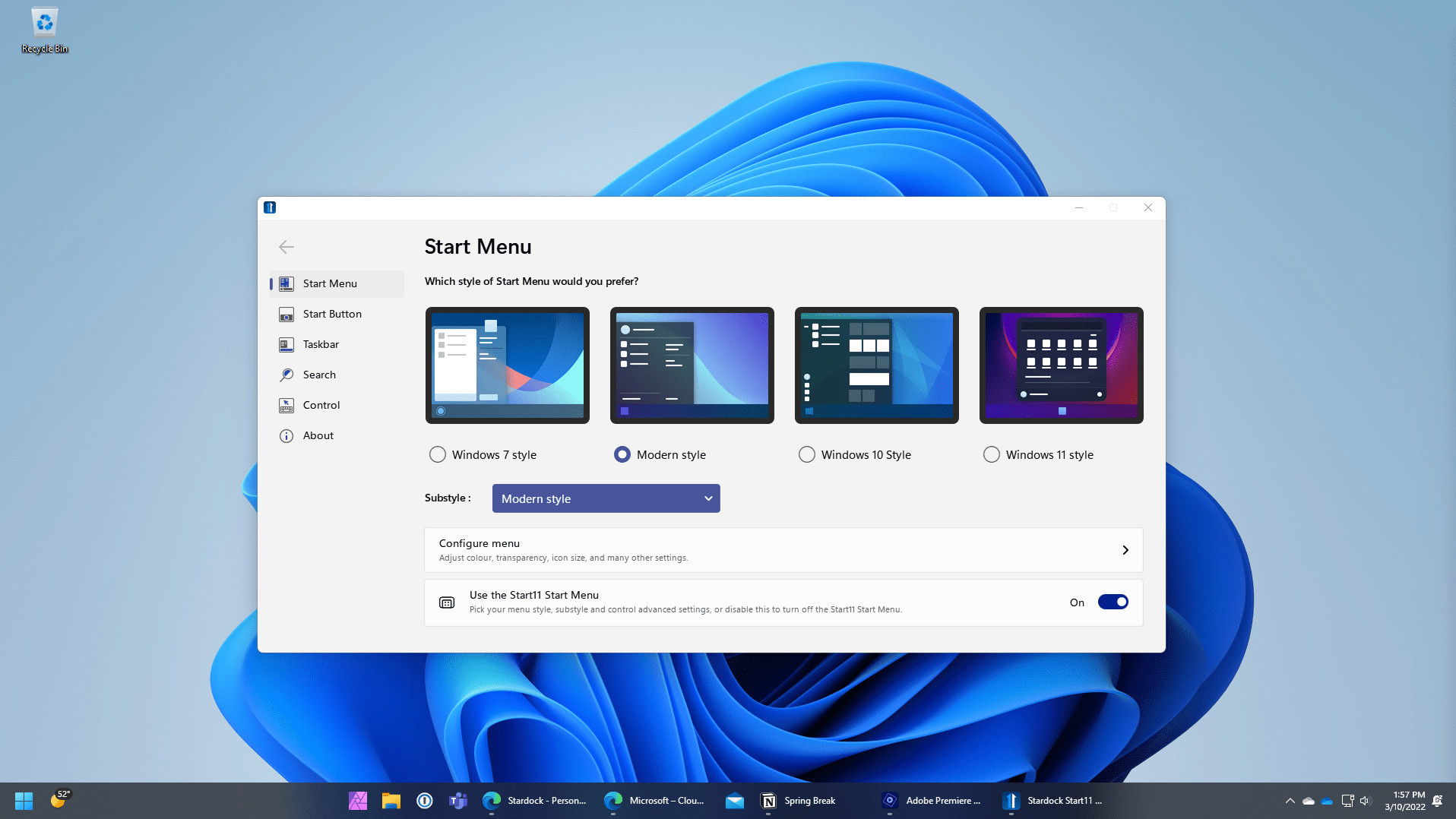
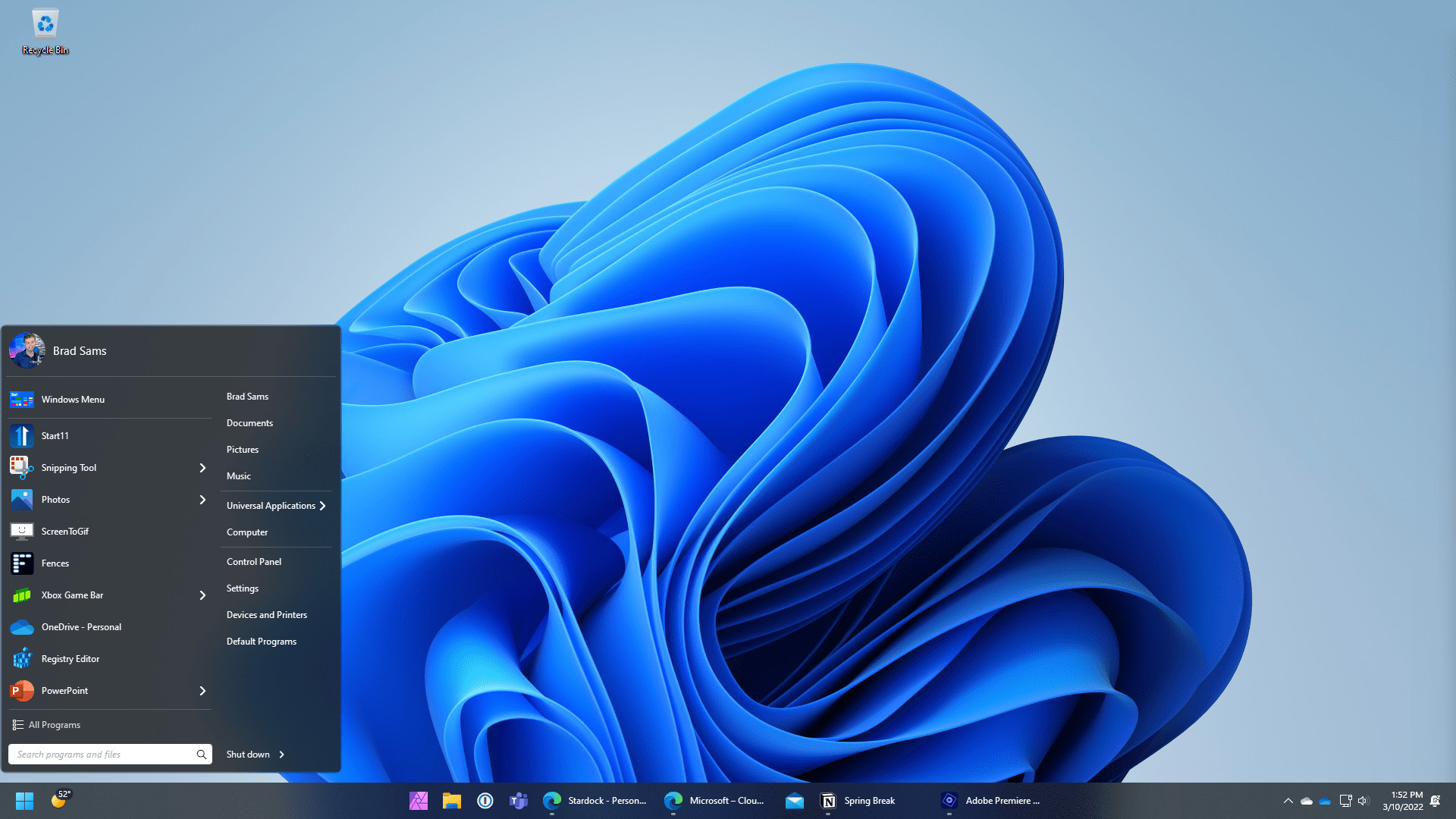
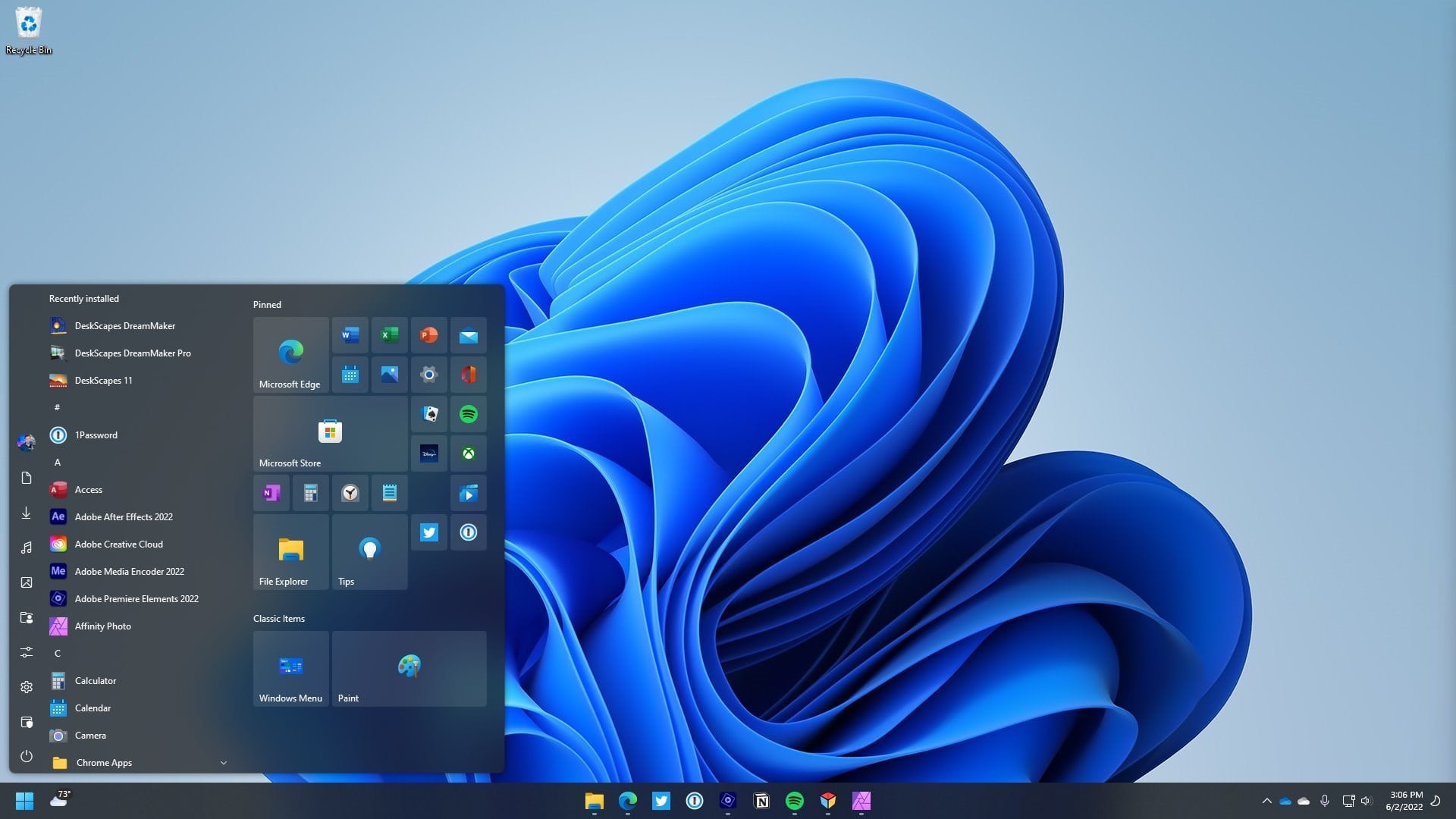
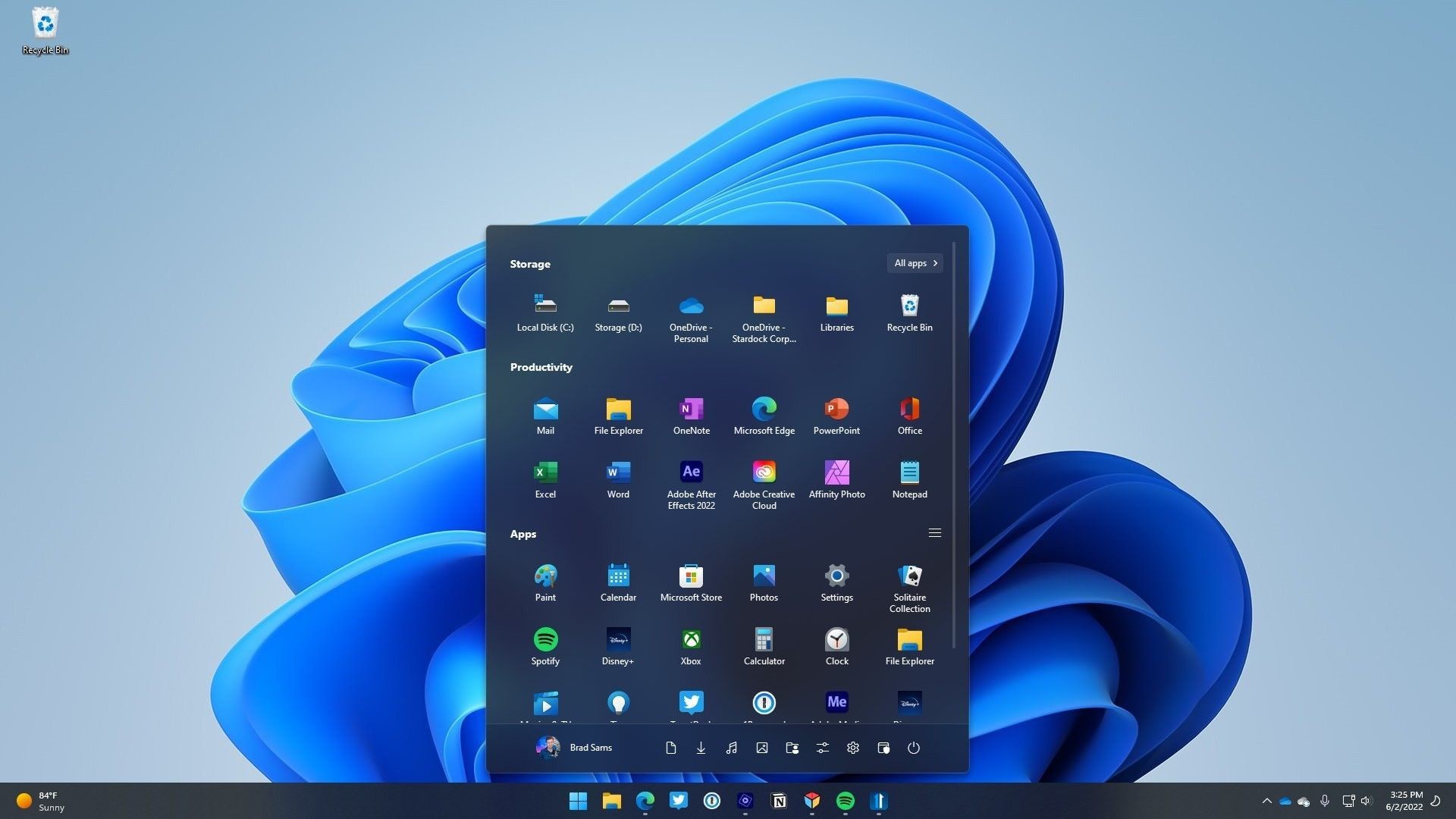
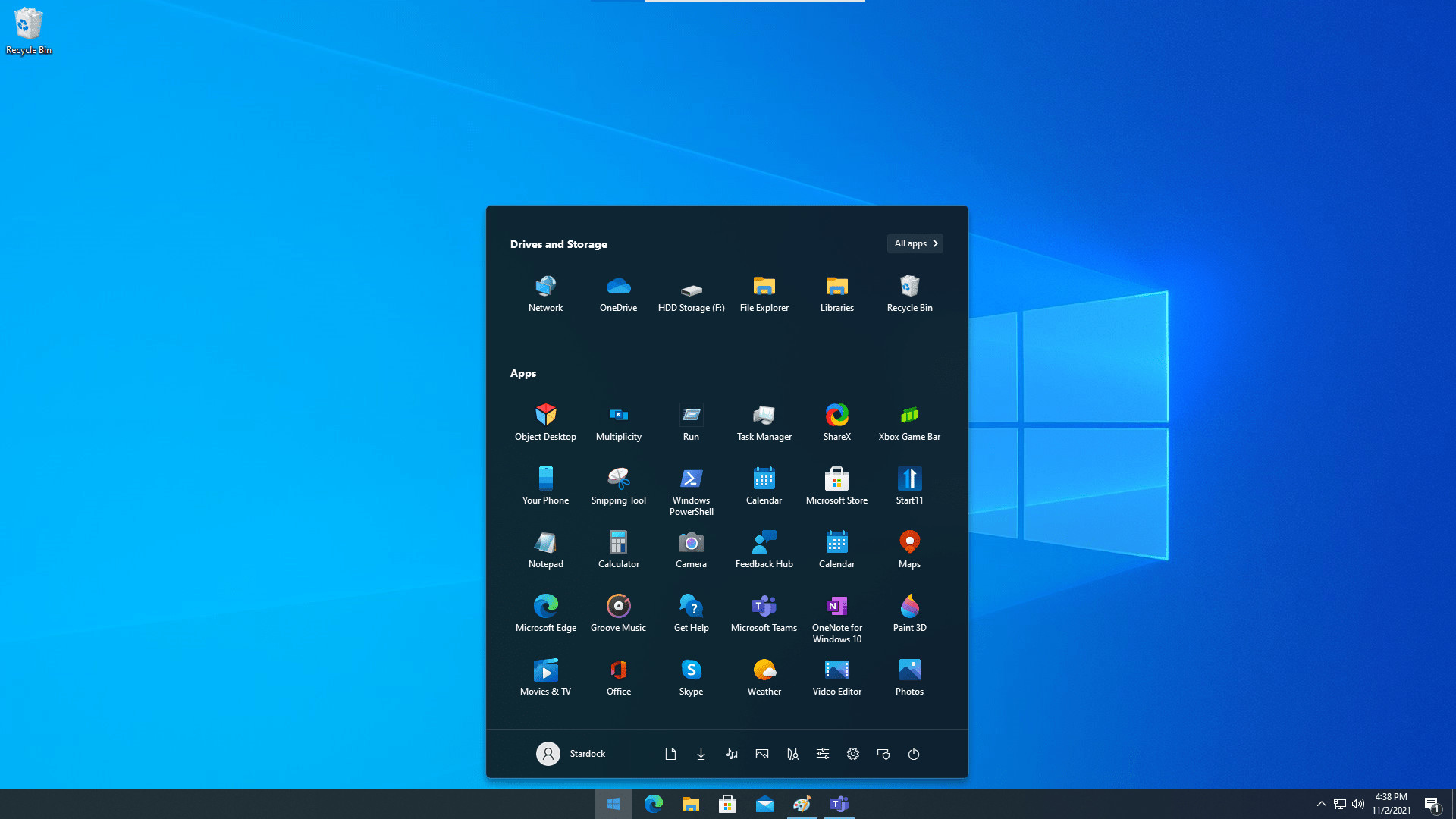
Replace the Start menu with a classic version by choosing from several different styles, including Windows 7 and Windows 10. If you’re looking for something fresh but familiar, try a modern adaptation of the classic menus or keep the Windows 11 style but remove unwanted elements.Enhance your productivity
Move the taskbar to the top of your display, ungroup your windows on the taskbar or utilize the Windows 10-style taskbar context menu. Bringing back missing features from previous versions of the Start menu will let you continue to work seamlessly without having to learn where a bunch of features are hiding.Experience a better search
An integrated search experience will keep you centered on your content. The UI has been designed to be easy to navigate, removes the ads, and is optimized for the content you access most frequently. And if you use Edge as your browser, open tabs will appear in your search results.Personalize your Windows experience
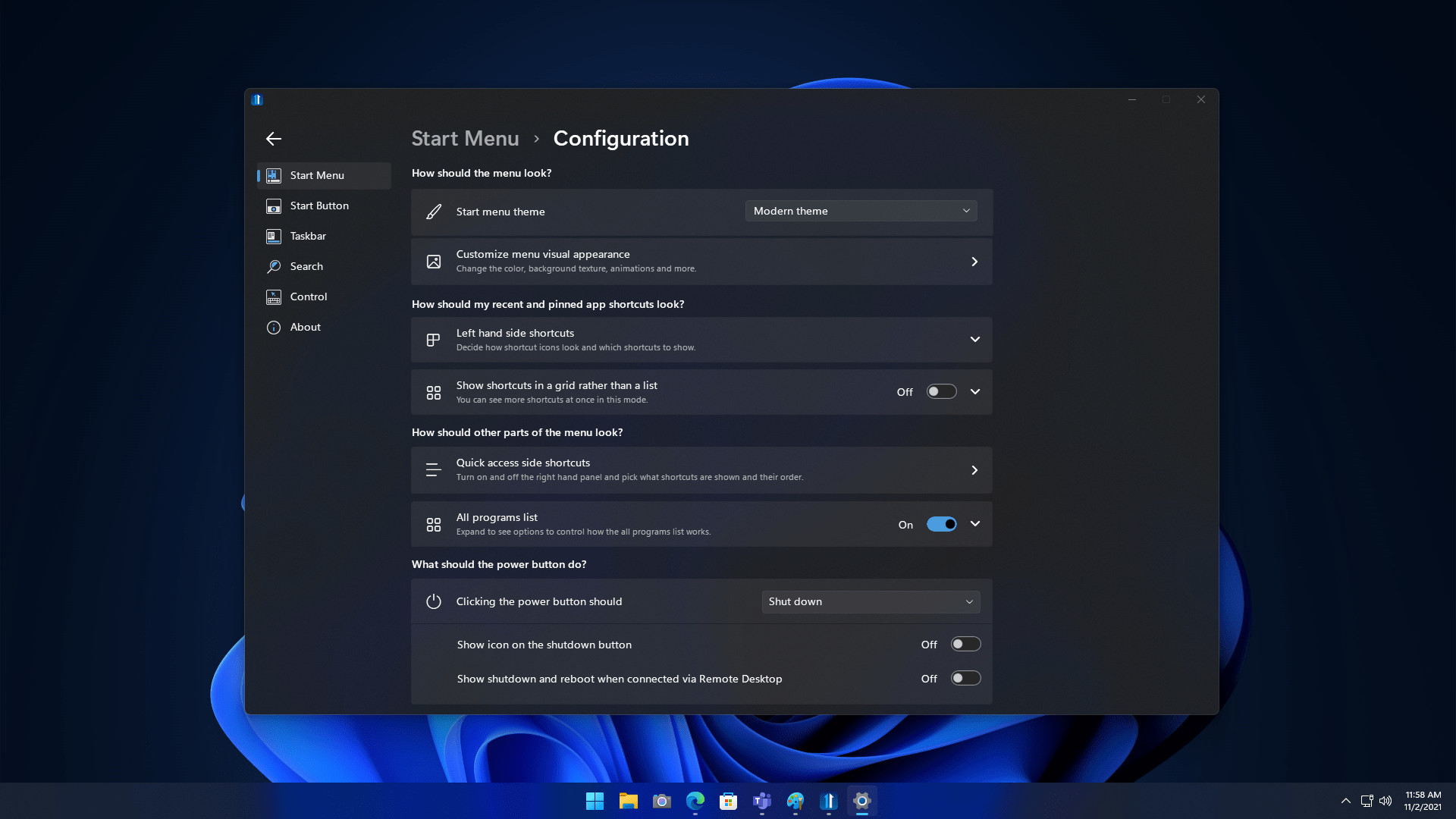
Make your Start menu match your personality with robust customization options that allow you to change styles, colors, transparency, shortcut links, rounded or squared corners, and much more. You can also pin local and network drives, recycle bin, and more to the menu.Take control of your Start button
Move your Start button to the center or the left, to the top of the screen, or change how it responds to clicks, keypresses, and more. Replace the Start button with a different icon or download a new icon from our community to make your desktop truly personalized.Media
Trailers and screenshots straight from the store page

Price intelligence
Accepted price history and the lows that matter
No price history recorded yet.
Historical lows
No history yet.
Start11 Multi-Device Upgrade price history and best deals
Price tracking for Start11 Multi-Device Upgrade across authorized stores.
Scores
Steam reviews 7 user reviews · 86%
Media (8)
Tech
Requirements
Links
Ratings
dejusl
steam_germany0