
SurfaBeam - Projection Mapping

Offers
Accepted regional prices from official stores
No offers tracked yet for this product.
Report a wrong price
DLC (1)
Add-on content for this game
- SurfaBeam - Pro No offer tracked

About this game
What this game is, in the developer's words
Transform any physical space into a dynamic digital canvas. This powerful projection mapping software lets you warp, blend, and anchor visuals to real-world surfaces using advanced node-editing. Features a Dynamic Visual Creator for real-time, audio-reactive light shows and immersive installations.
Welcome to the ultimate tool for live visual rendering and projection mapping. Whether you are an event designer, VJ, or digital artist, this software allows you to warp, map, and project digital art onto complex real-world geometry with precision.
Key Features:
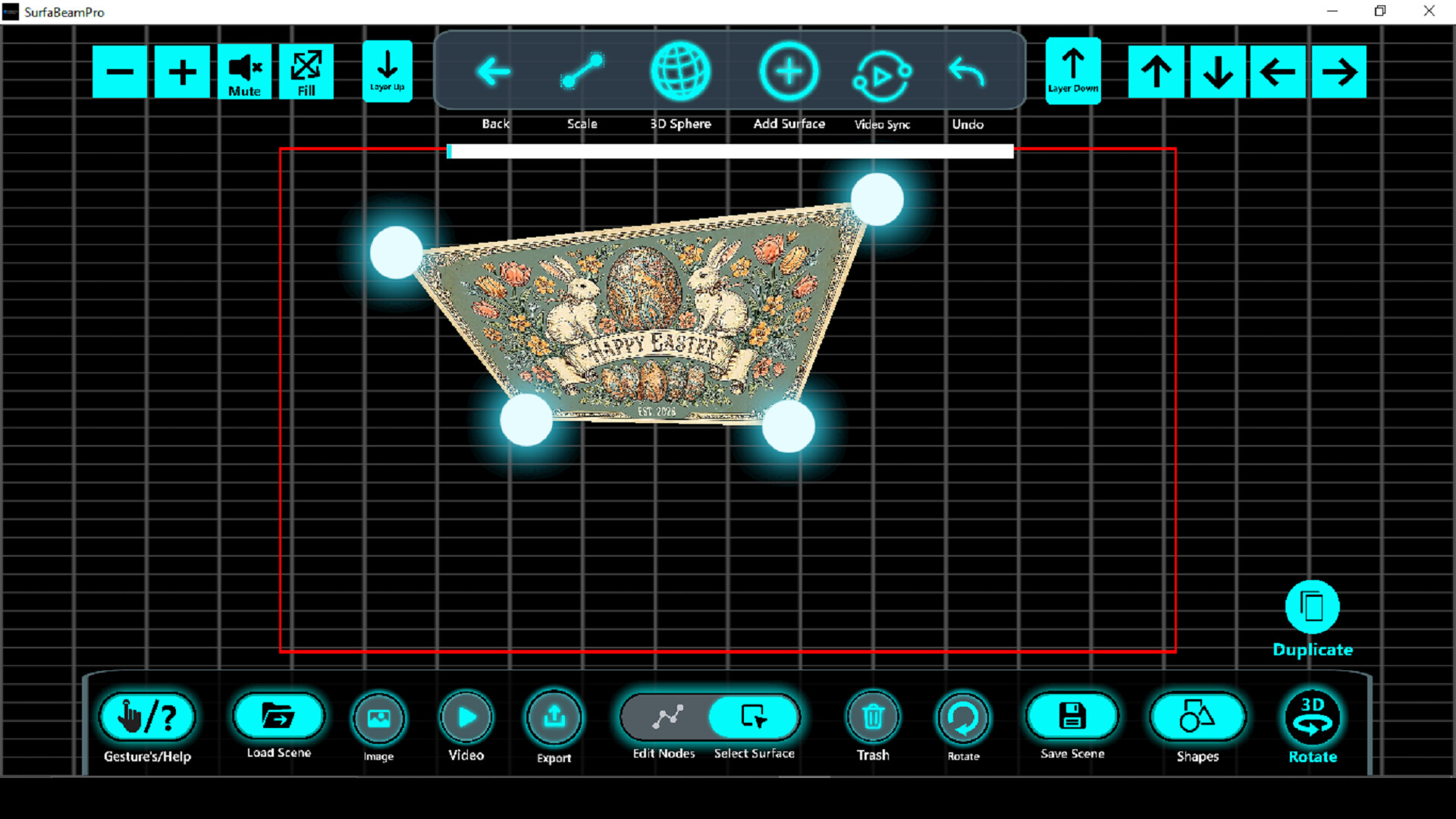
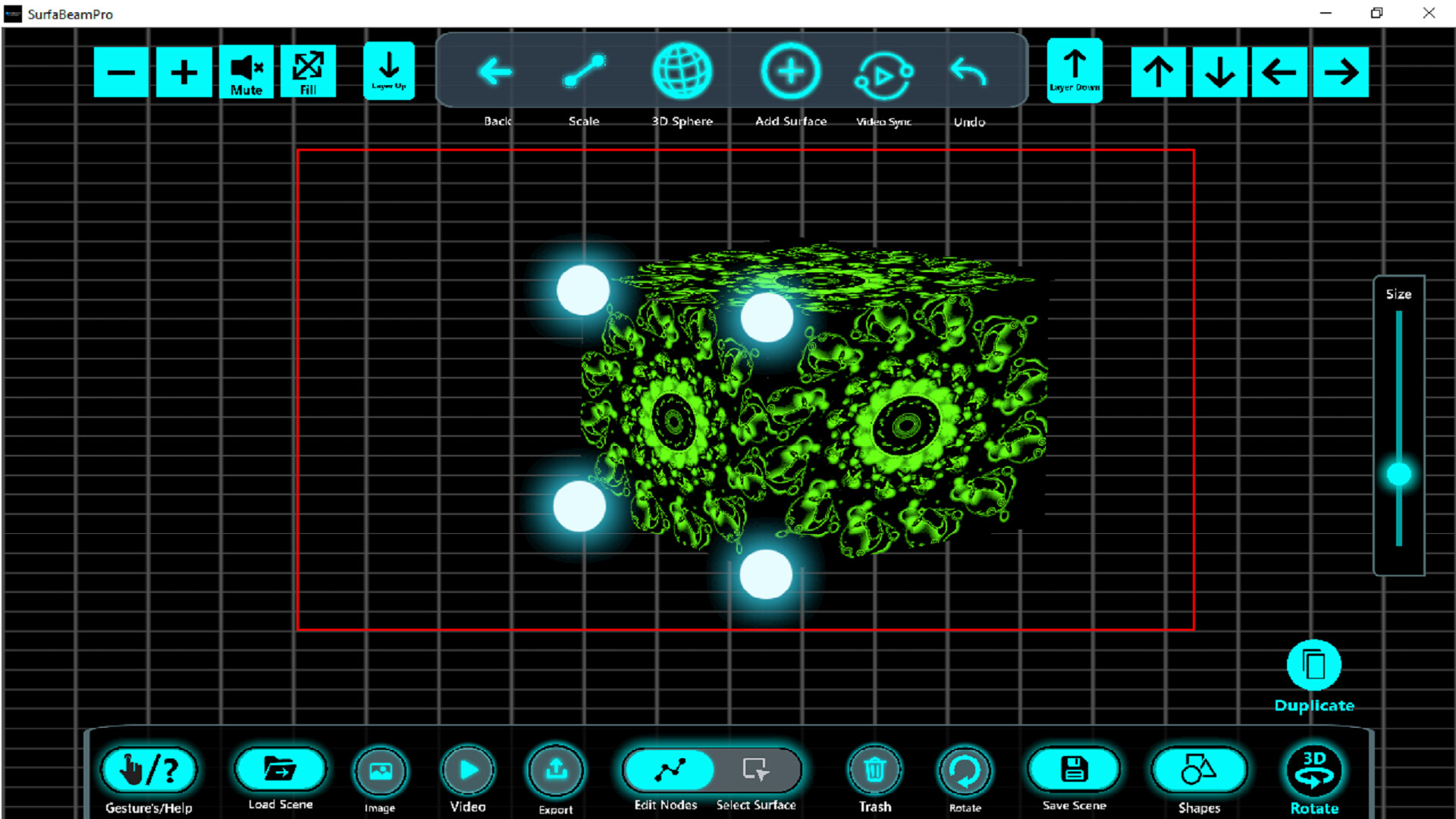
Advanced Mesh Warping & Node Editing: Take complete control over your projection with intuitive node-based mesh warping. Easily manipulate vertices to wrap visuals around complex physical objects seamlessly.
Anchor Cube Calibration: Utilize a highly precise 12-node data mapping system to establish 3D anchors, perfectly aligning your perspective with external projector outputs.
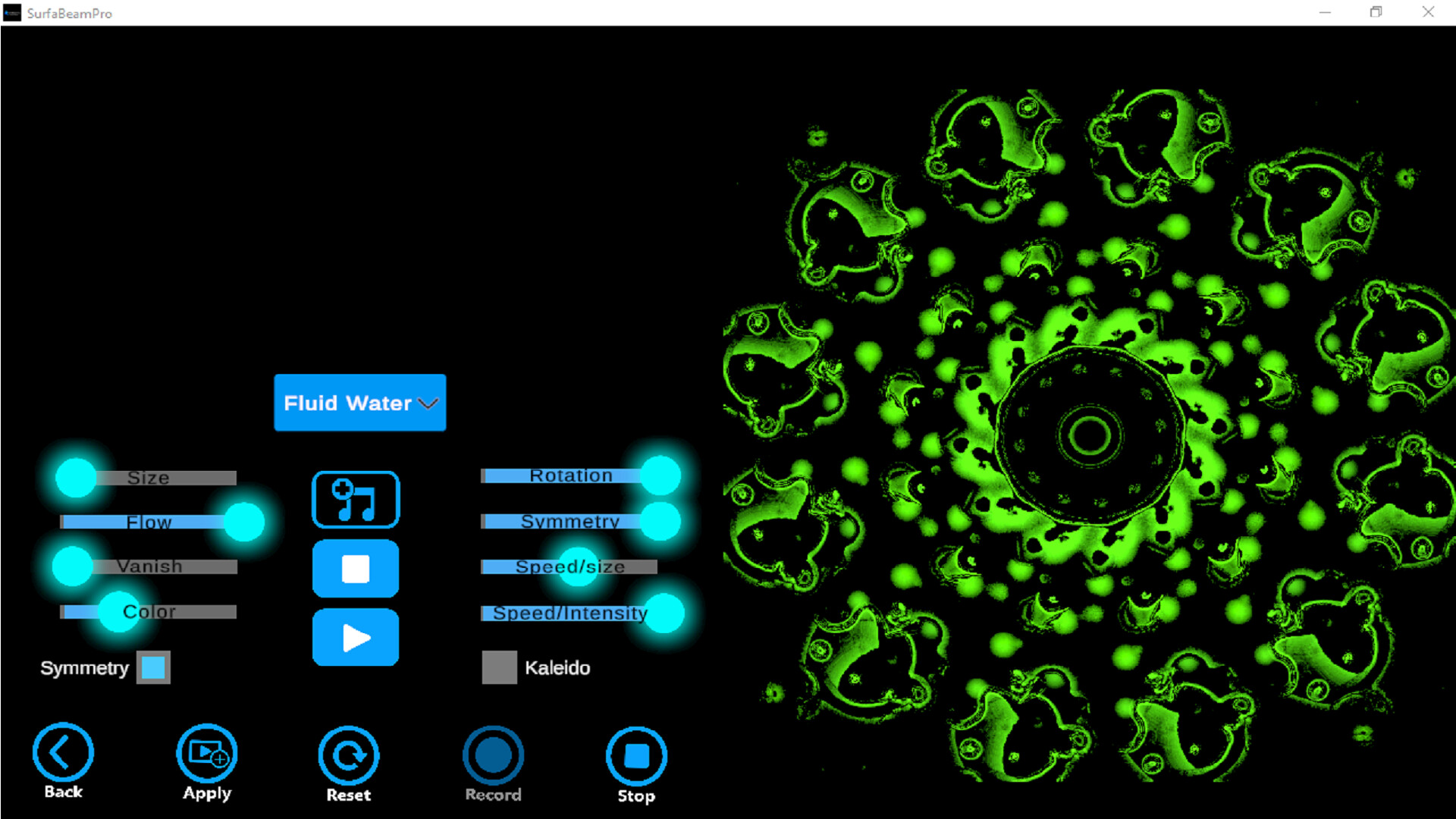
Dynamic Visual Creator: Generate mesmerizing, audio-reactive visuals in real-time. Utilize intuitive creation tools and detailed frequency analysis for perfect audio-visual synchronization.
Sleek, Distraction-Free Workspace: Operate within a cyber-minimalist, tech-noir interface. The high-contrast dark mode with electric cyan highlights reduces eye strain in dark venue environments and keeps the focus entirely on your art.
Responsive Input: Built on modern input systems for smooth, pointer-based control, making setup and calibration faster than ever.
Media
Trailers and screenshots straight from the store page



Price intelligence
Accepted price history and the lows that matter
No price history recorded yet.
No history yet.
SurfaBeam - Projection Mapping price history and best deals
Price tracking for SurfaBeam - Projection Mapping across authorized stores.