PC
$0.00 Region US

Content rating unavailable
Casual · Spatiality LLC
Thingamajig

Content rating unavailable
Steam Deck Unsupported Windows
6 user reviews · 83% of 6

 Chip's verdict · US updated 26 days ago
 Why this verdict
Player reviews 83% positive of 6
Quality score 83/100 · small sample
Offers
Accepted regional prices from official stores
Official stores (1)
Clean outbound link. We never touch your payment.
Report a wrong price
About this game
What this game is, in the developer's words
Create, play and share interactive VR-based experiences.
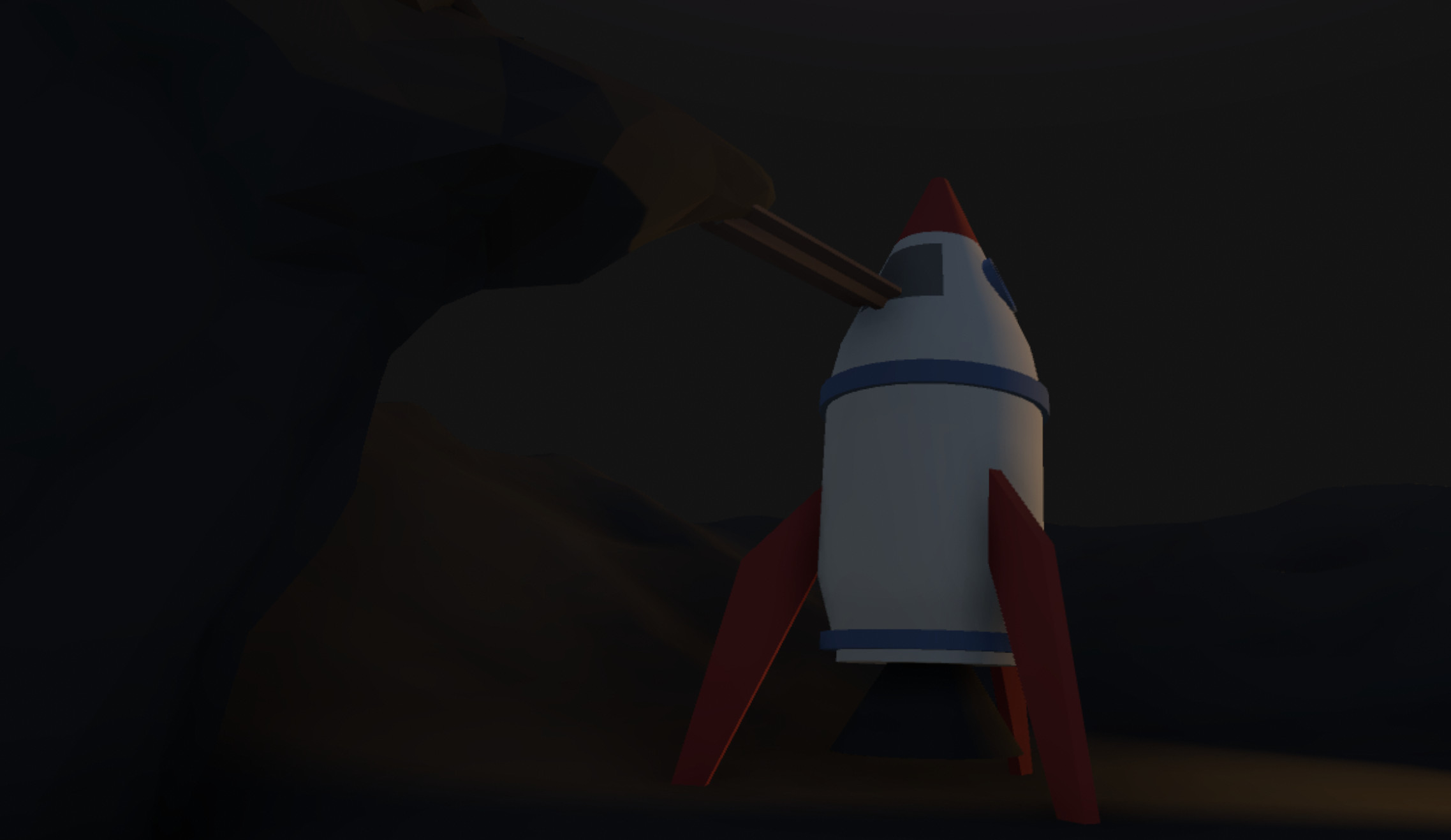
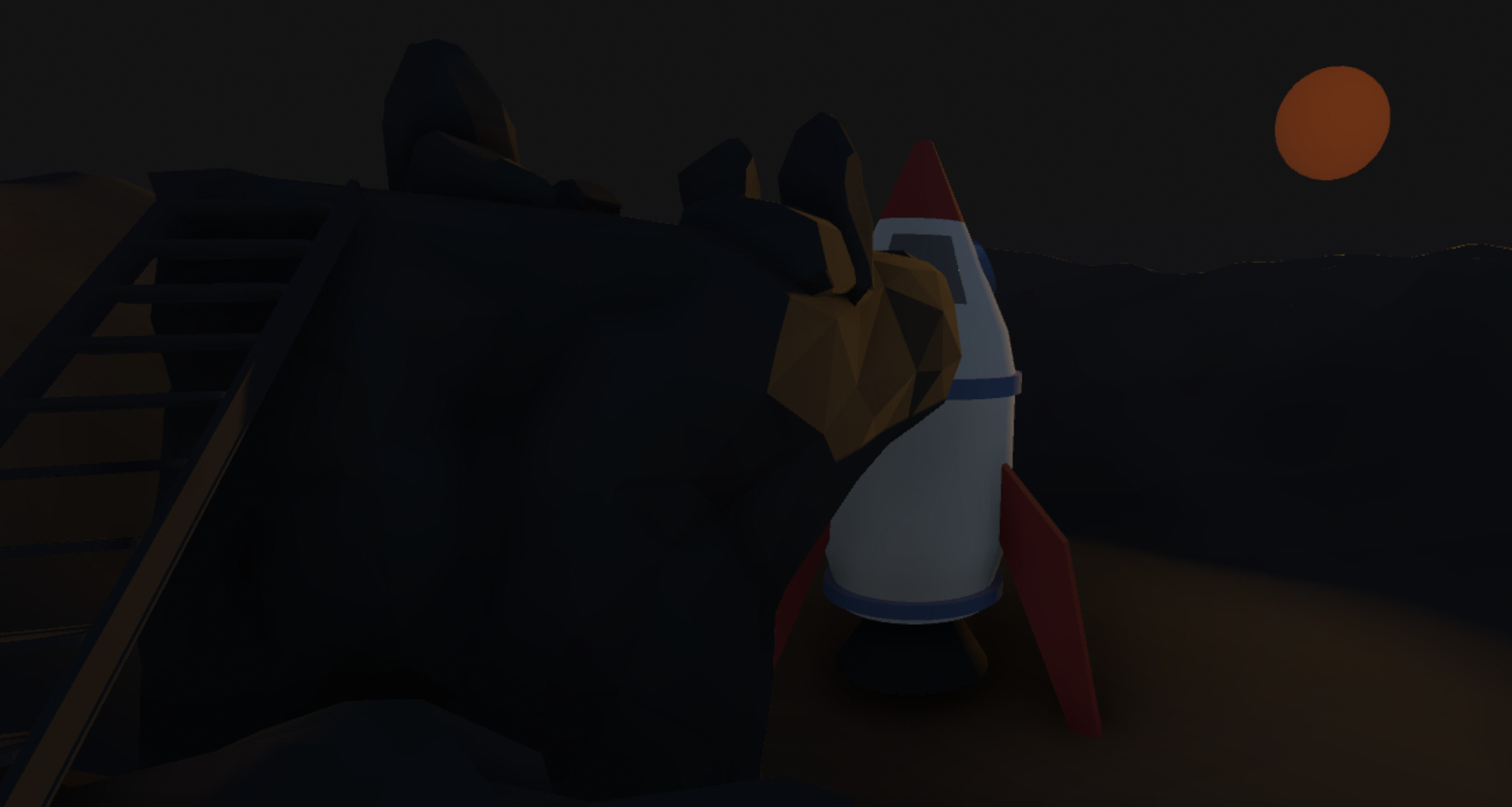
Thingamajig is a VR-based experience creation and world building tool. It provides a creative sandbox to prototype and build interactive VR experiences.
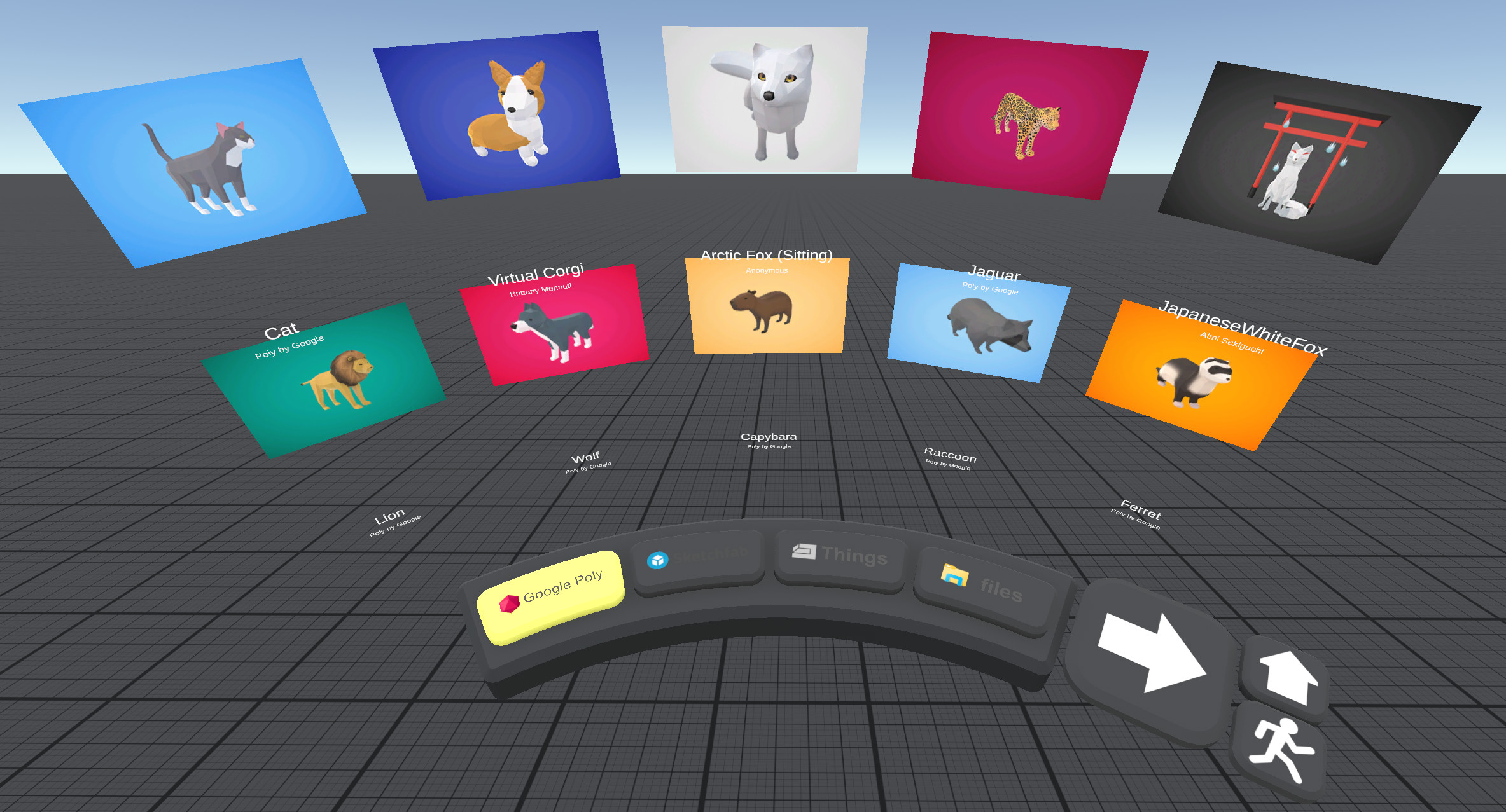
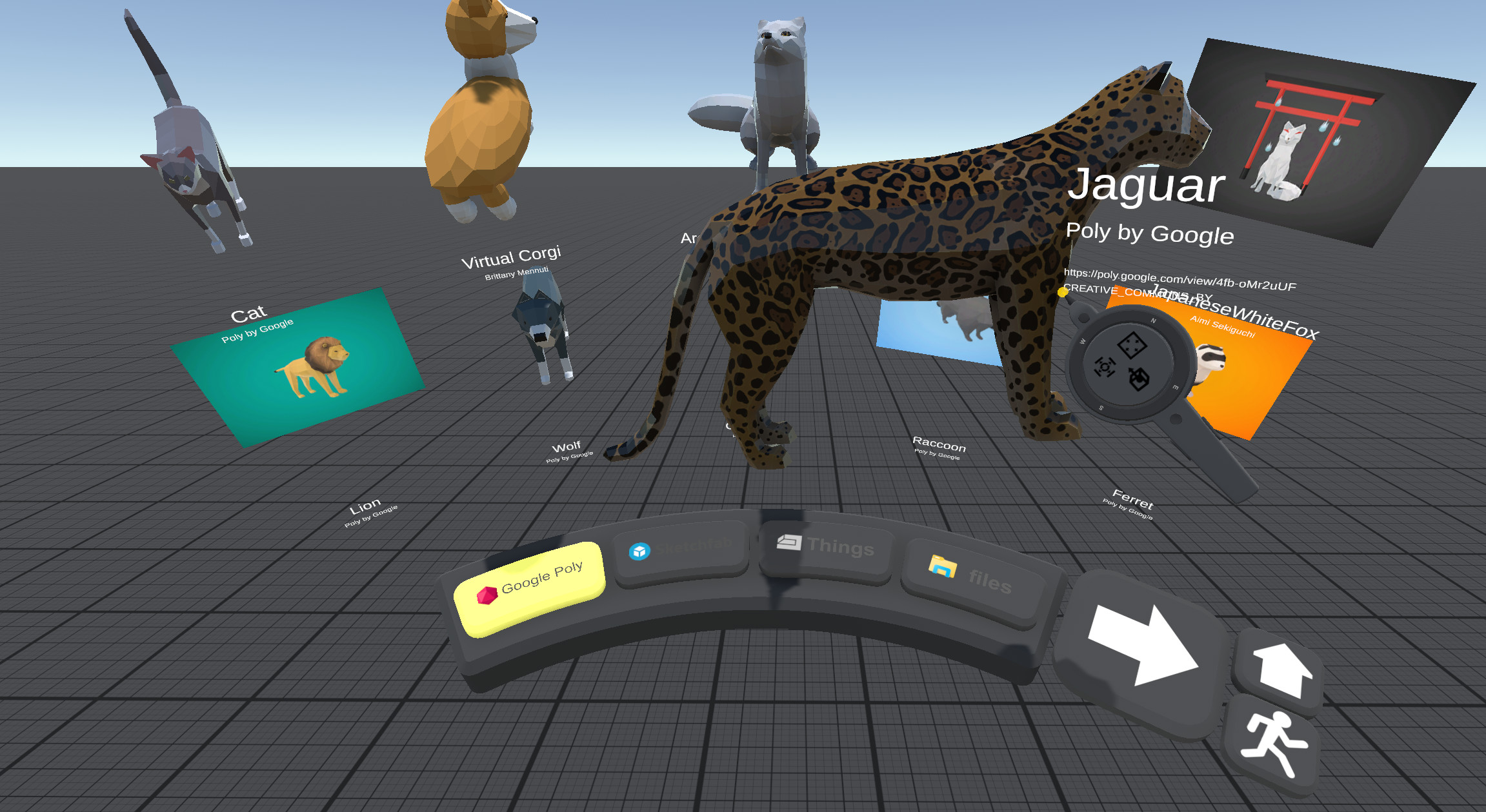
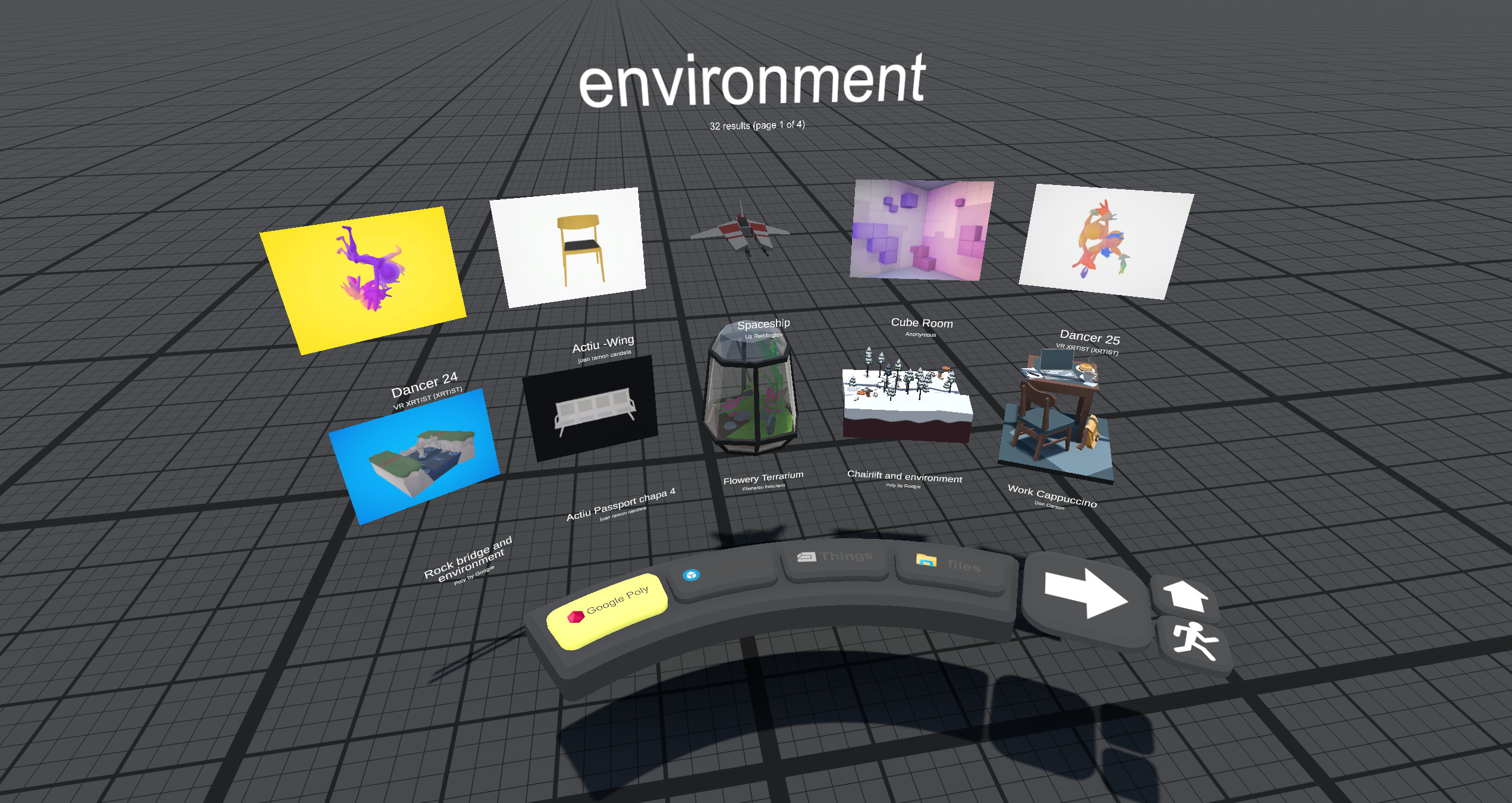
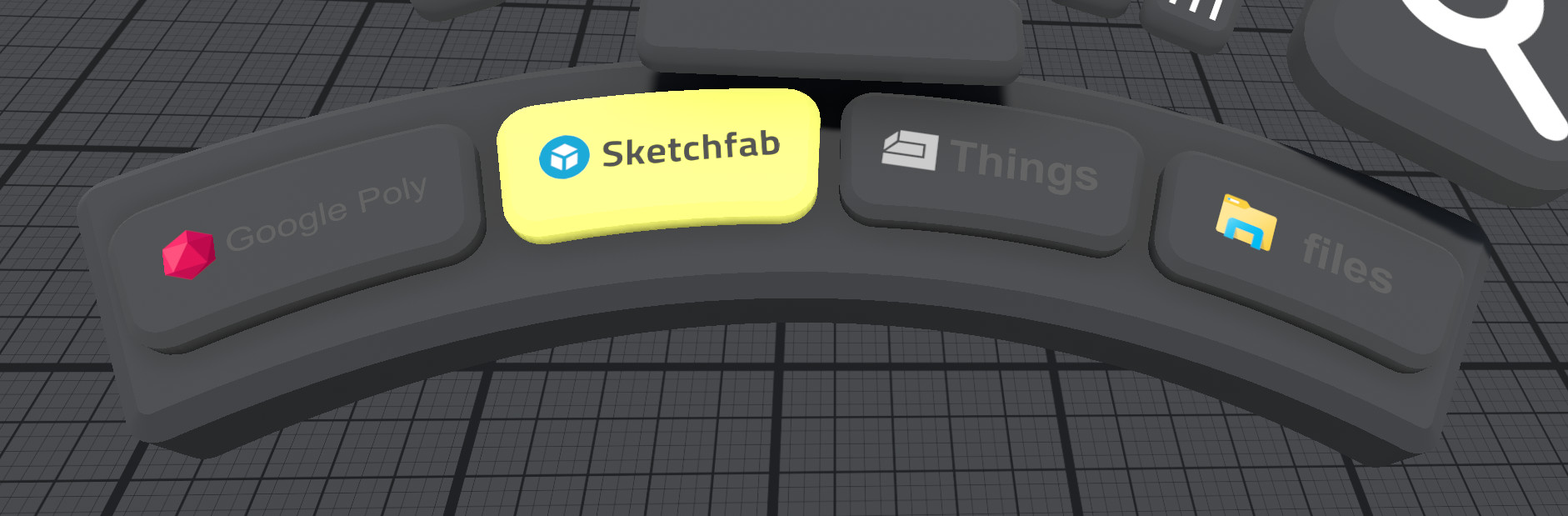
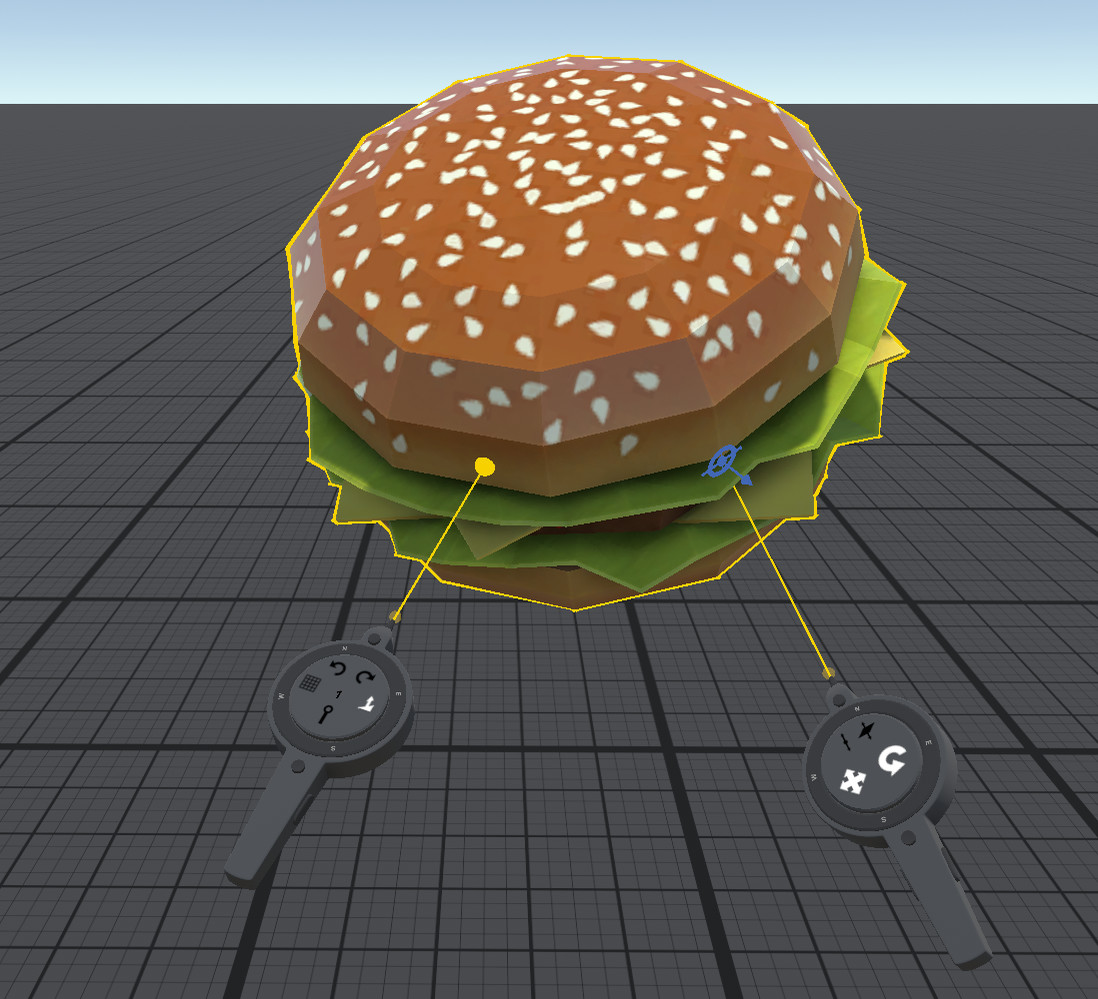
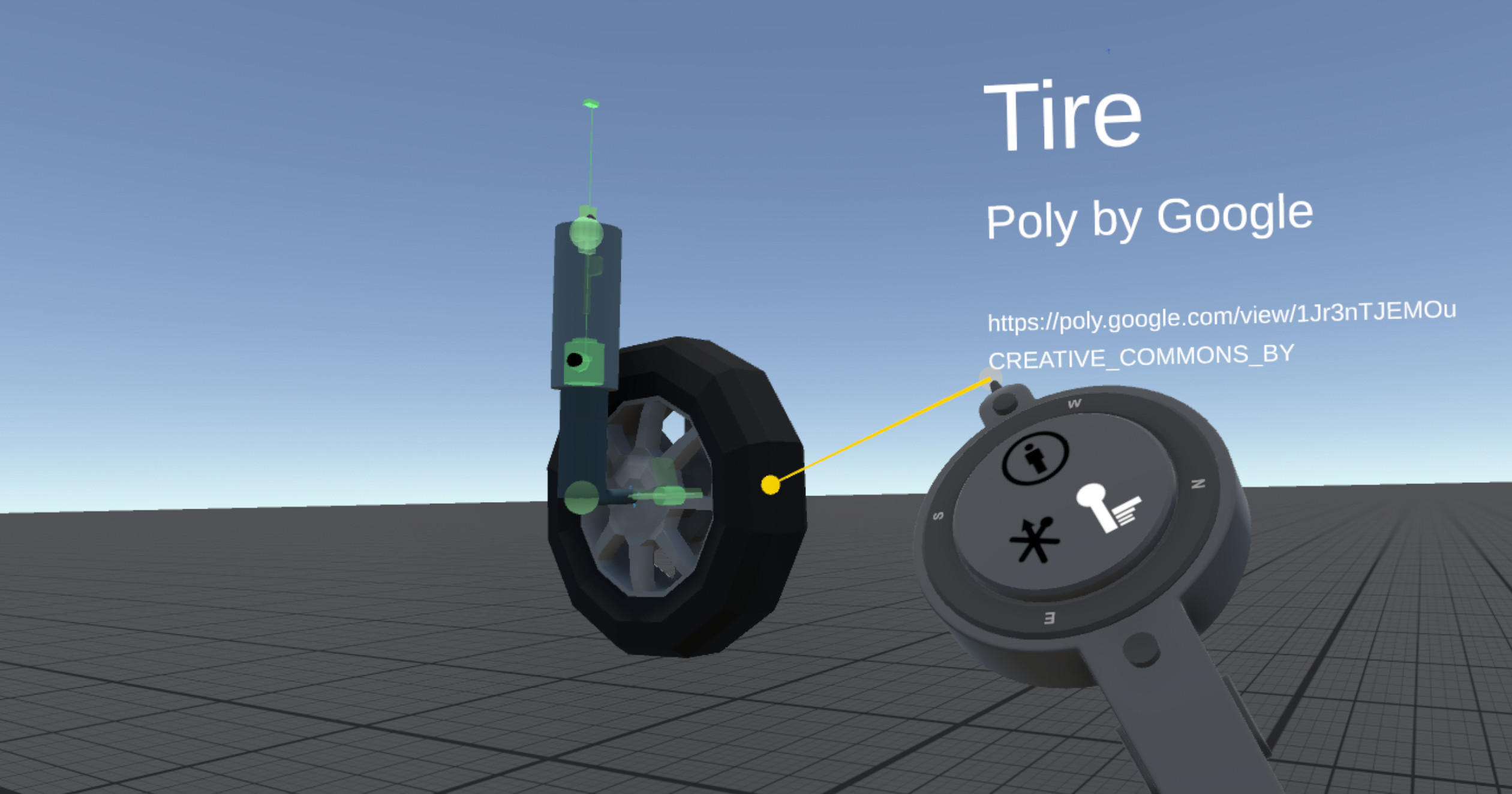
Thingamajig is fun and easy to use even without prior experience with 3D graphics or modeling tools. Google Poly and Sketchfab are integrated directly into the application so you don’t have to leave VR to access thousands of 3D models.
The following is an overview of the many features of Thingamajig:
Examples of gizmo type objects included with Thingamajig:
Thingamajig is fun and easy to use even without prior experience with 3D graphics or modeling tools. Google Poly and Sketchfab are integrated directly into the application so you don’t have to leave VR to access thousands of 3D models.
The following is an overview of the many features of Thingamajig:
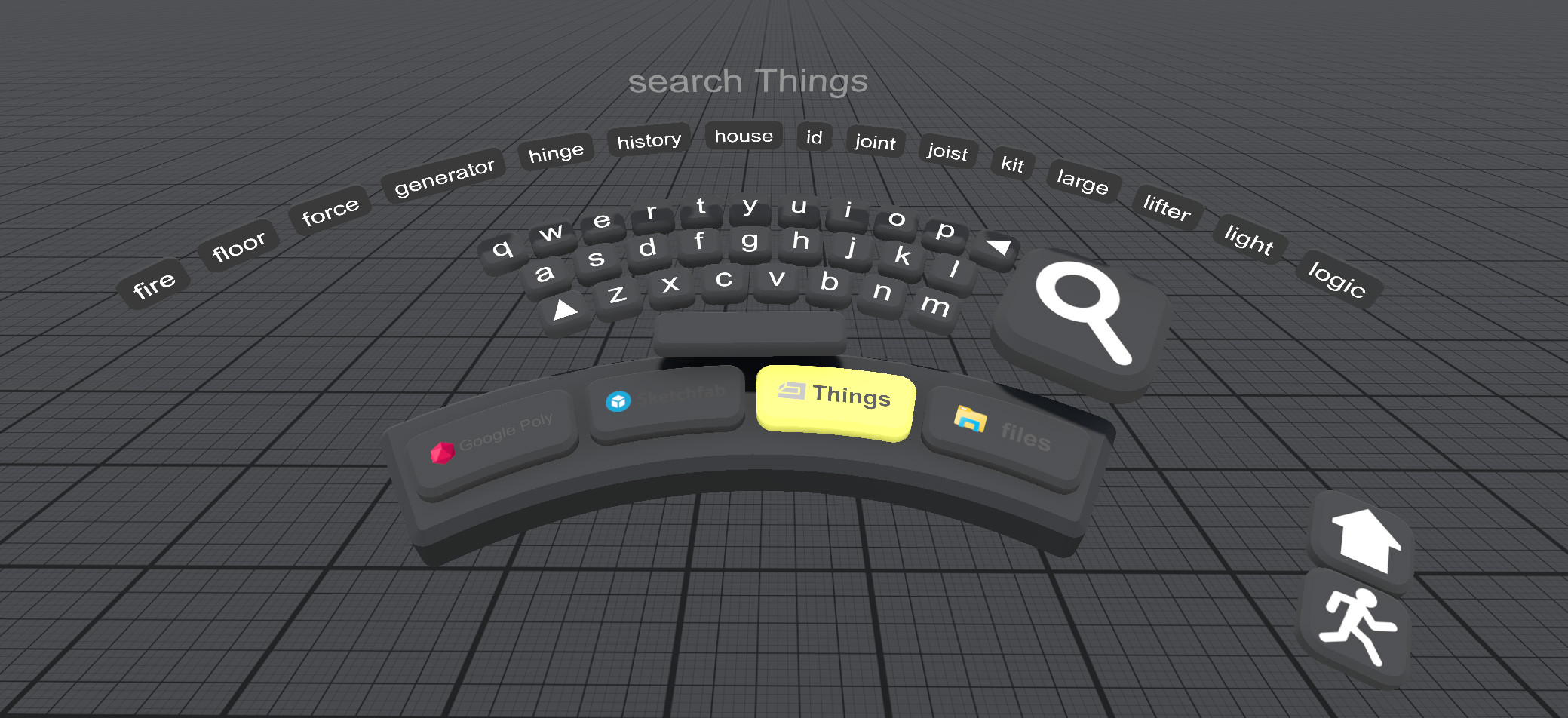
- Interactive browsing and searching of Google Poly and Sketchfab inside VR - simply drag an object from search results into your scene without leaving VR. Google has announced they are ending the Poly service at the end of June, but we have archived a subset of the best of these models, which continue to be accessible through Thingamajig.
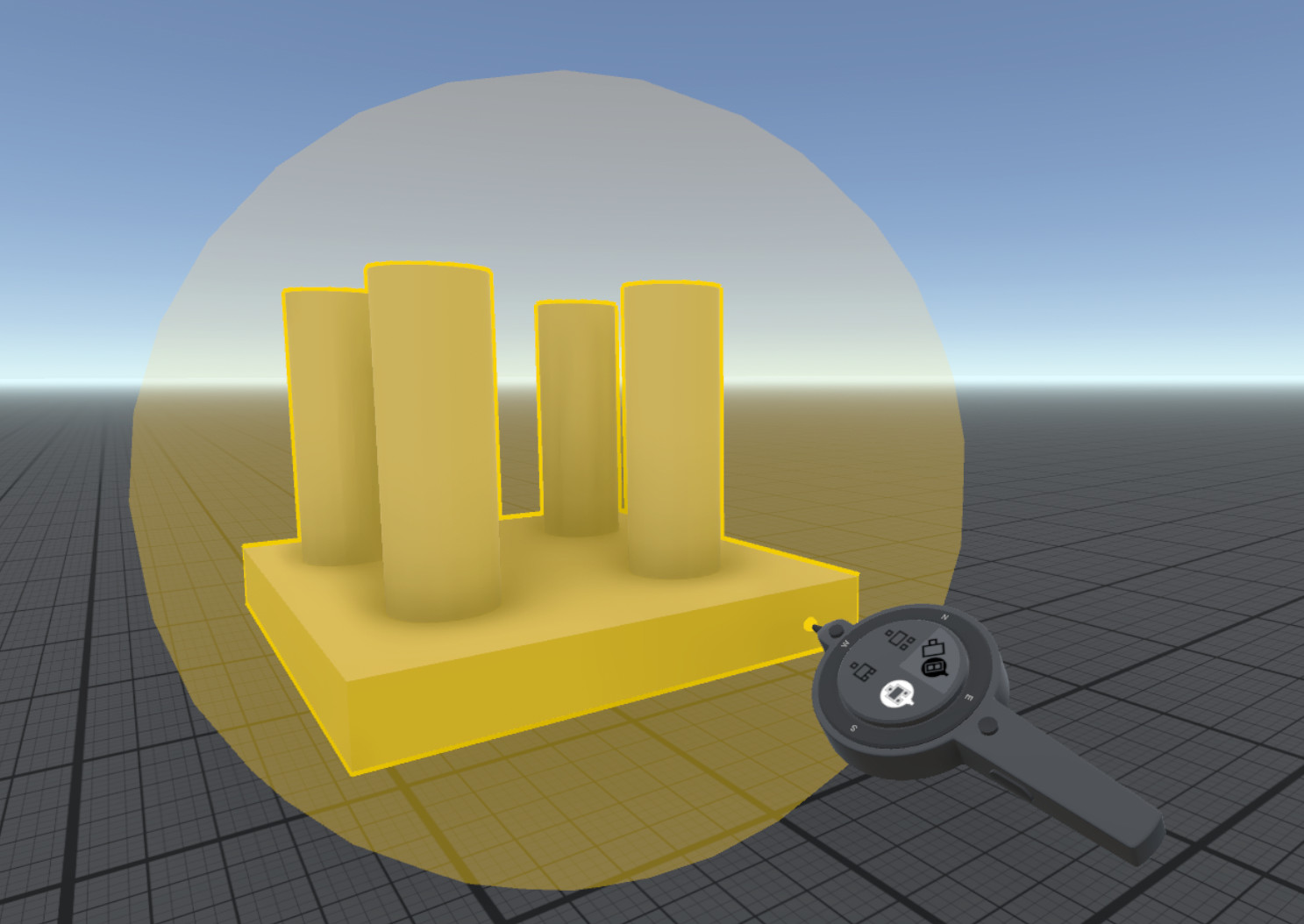
- Create objects from primitive shapes (box, sphere, cylinder, cone, and torus)
- Import objects from modeling applications like Google Blocks or Blender (using the popular glTF format)
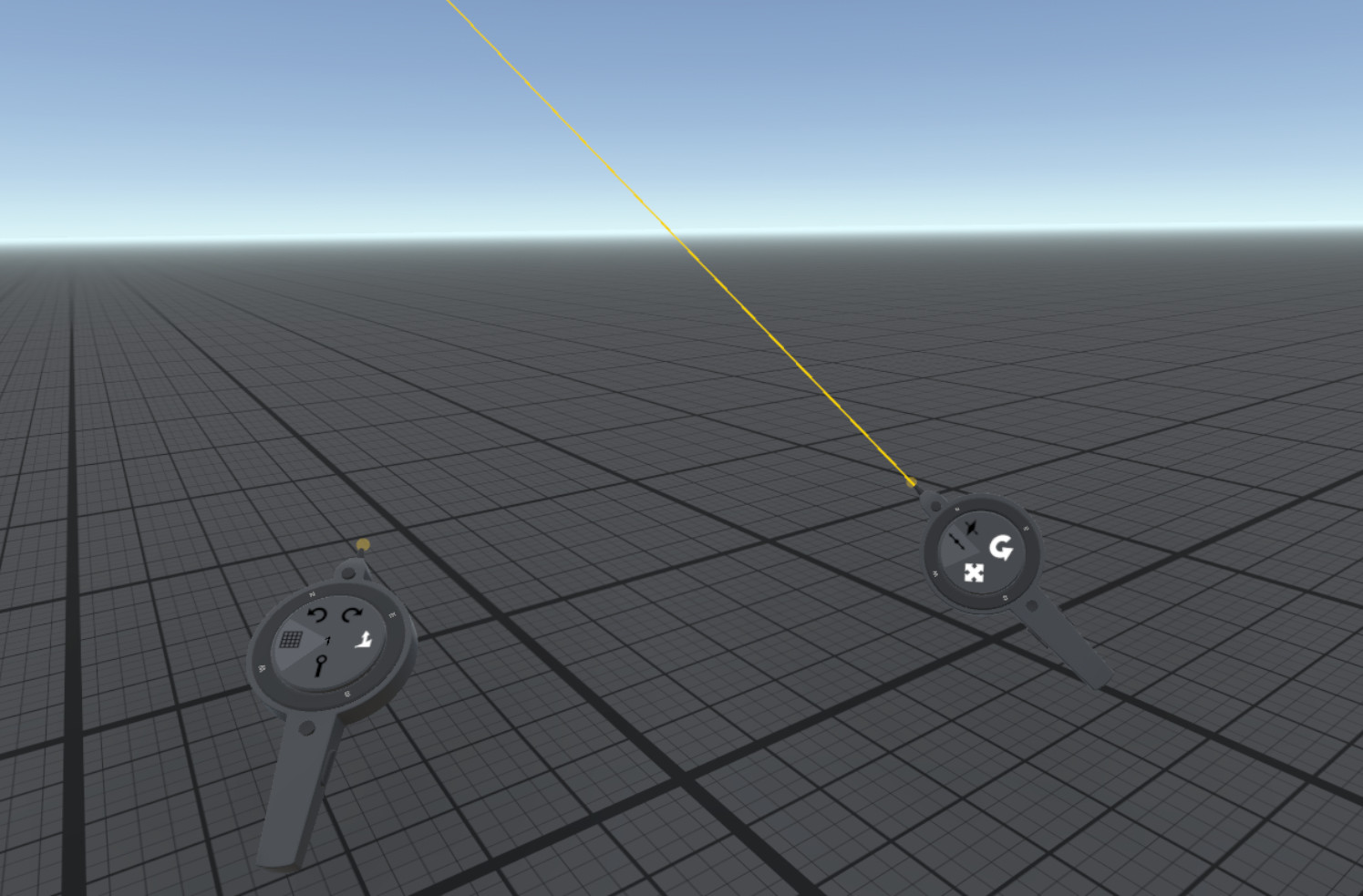
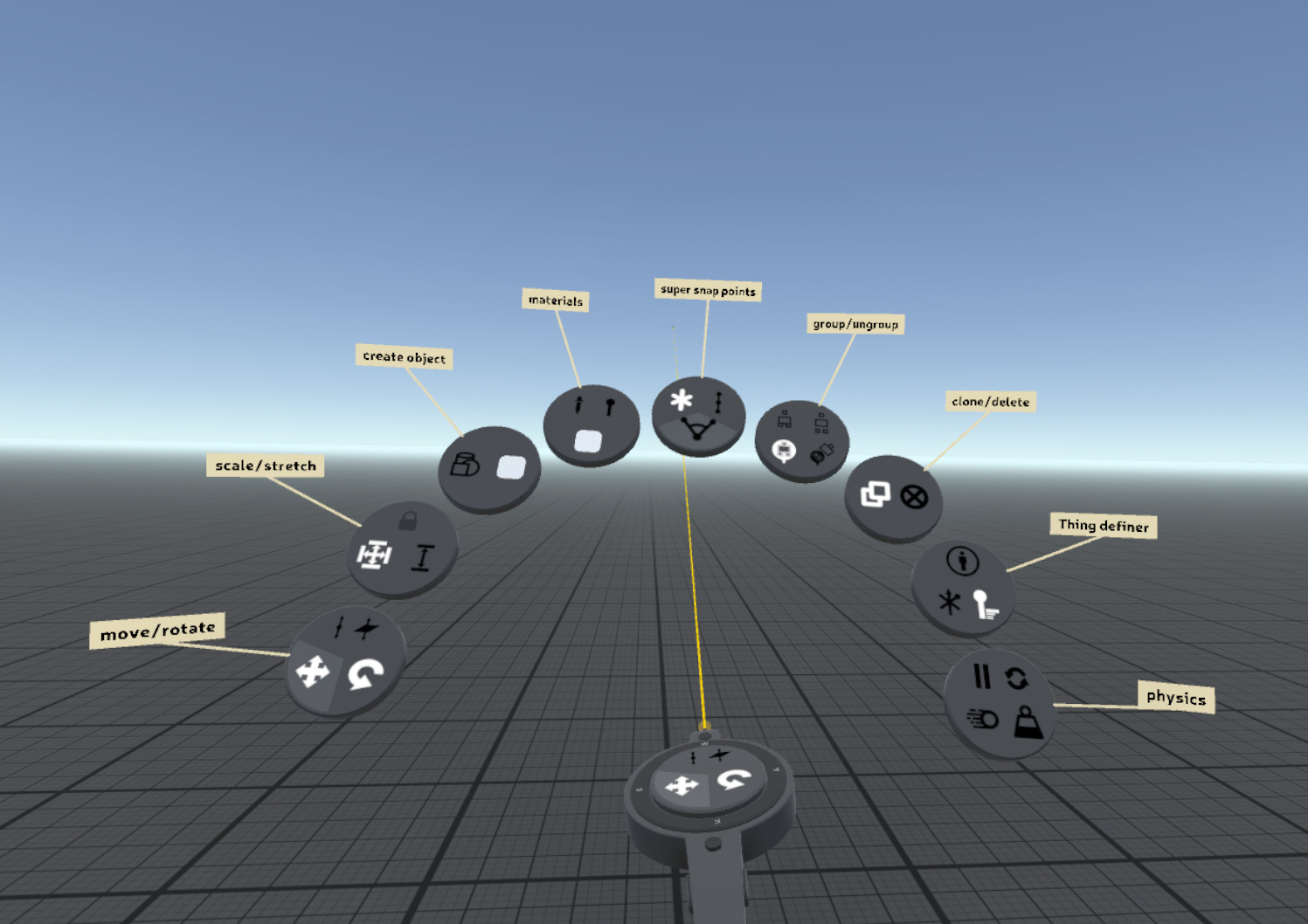
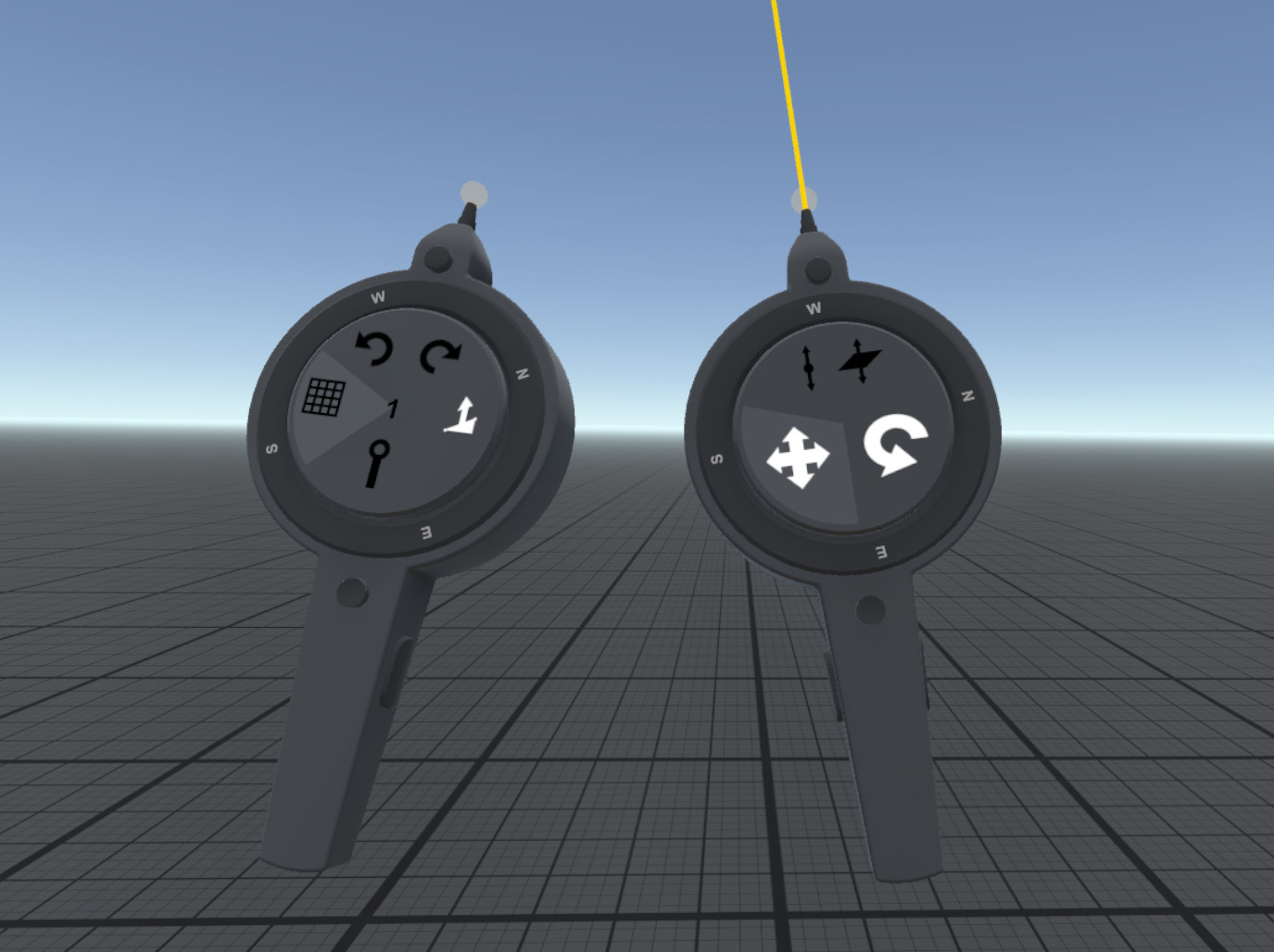
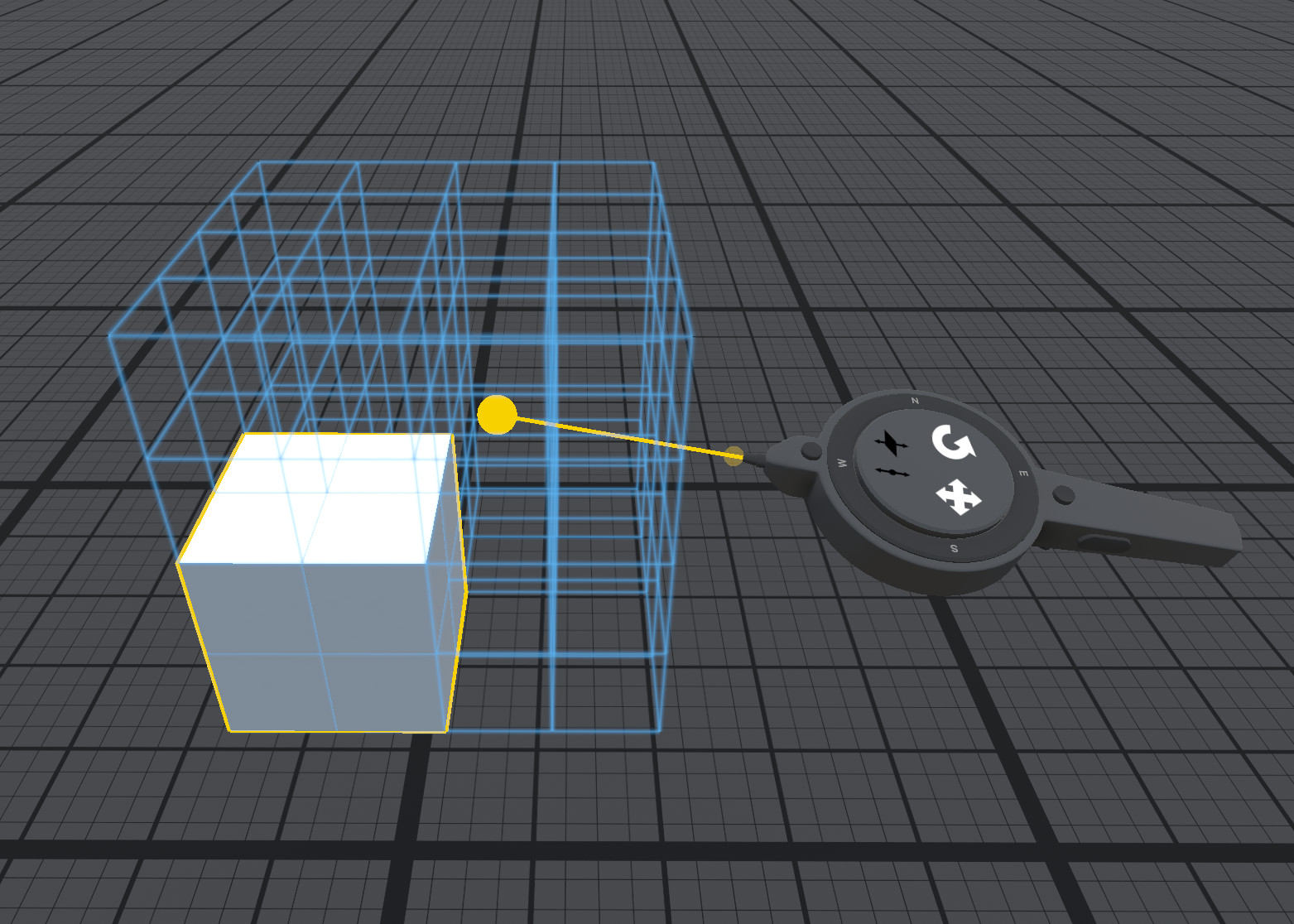
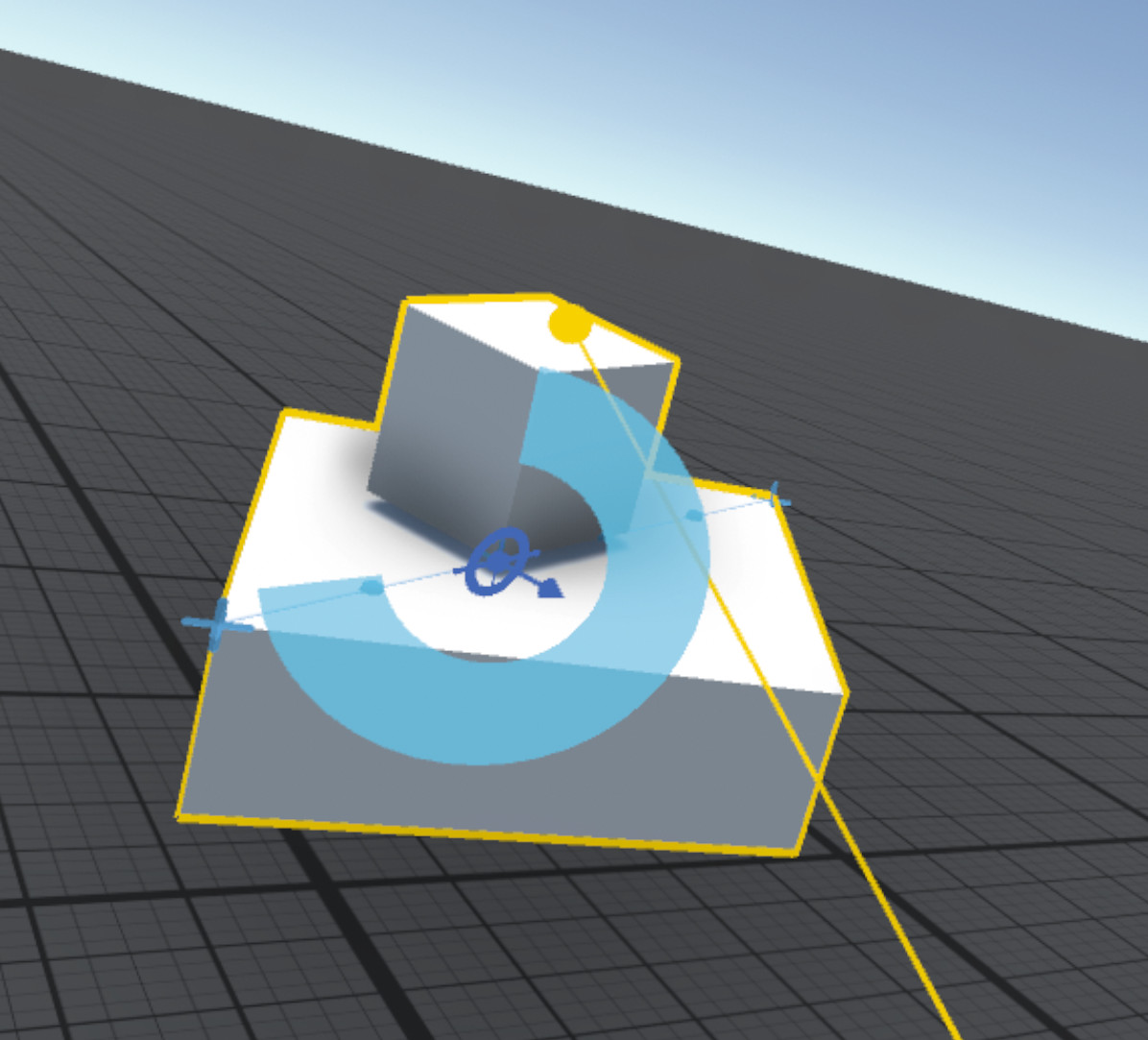
- Position, rotate and scale objects with optional constraints to move along a line or in a plane
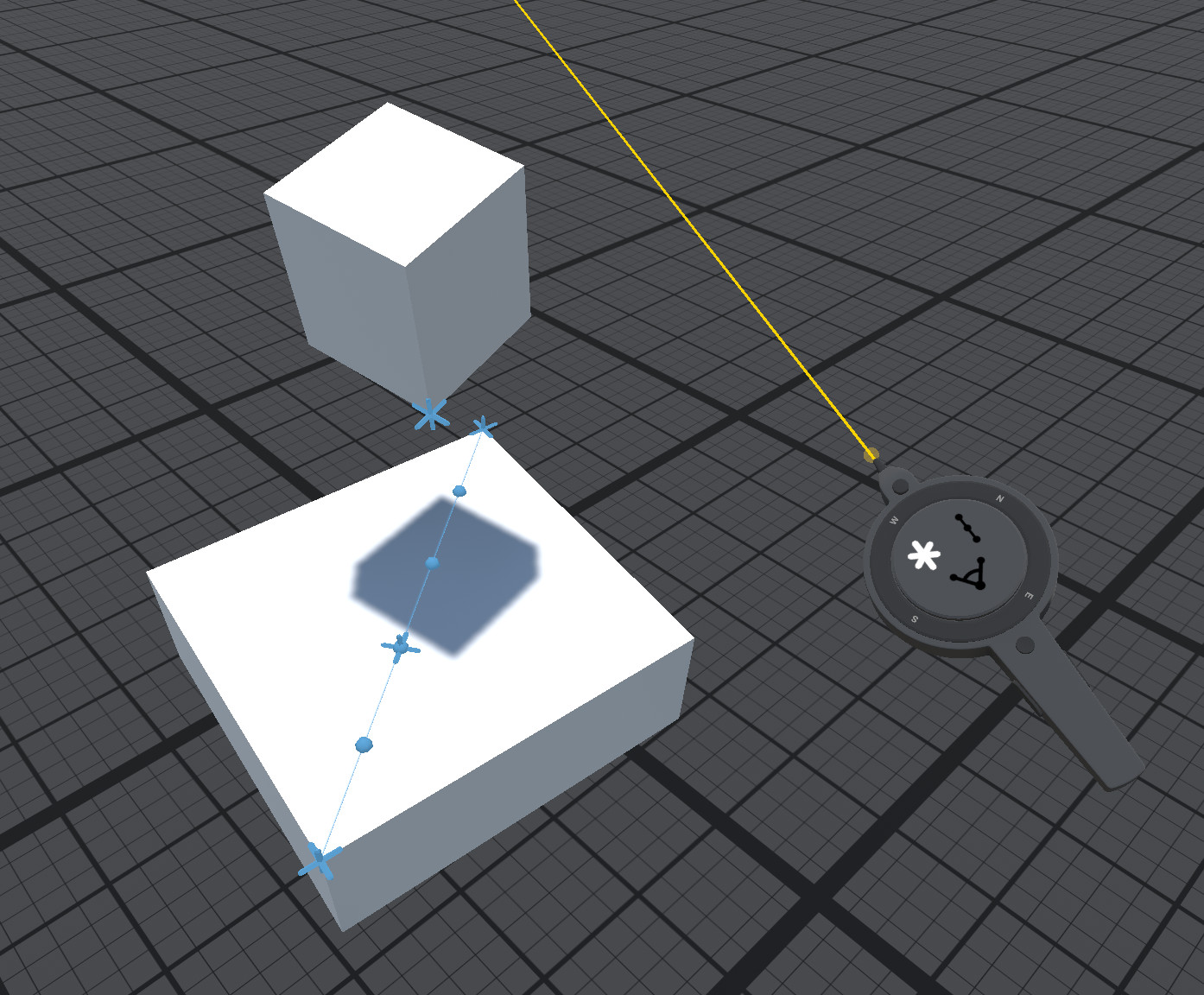
- Extensive snapping and alignment tools - snap to points, edges and faces as well as a uniform snap grid.
- Place custom snap points to build libraries of reusable components that easily snap together in predefined ways.
- Jig object for precise alignment and angles
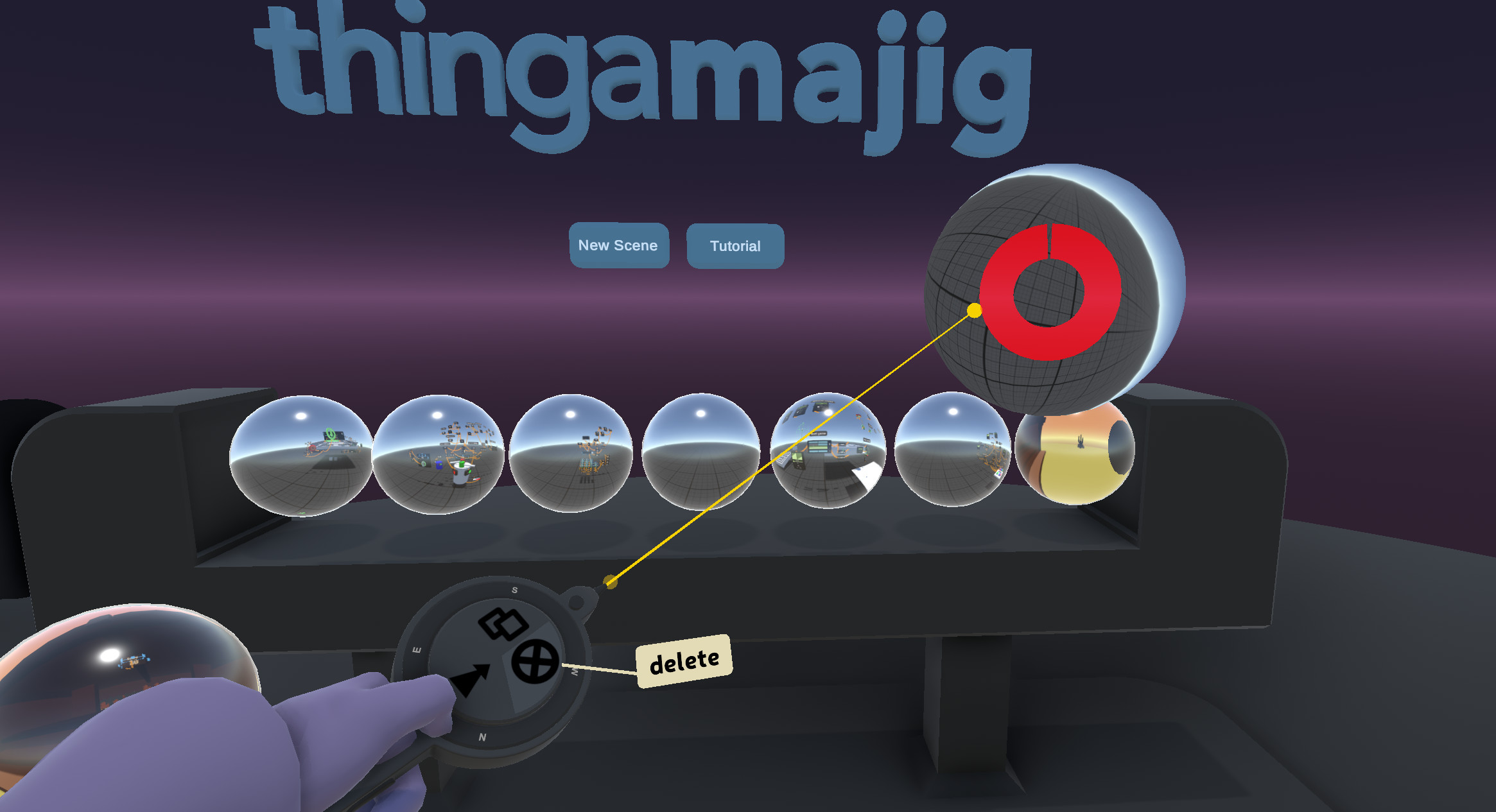
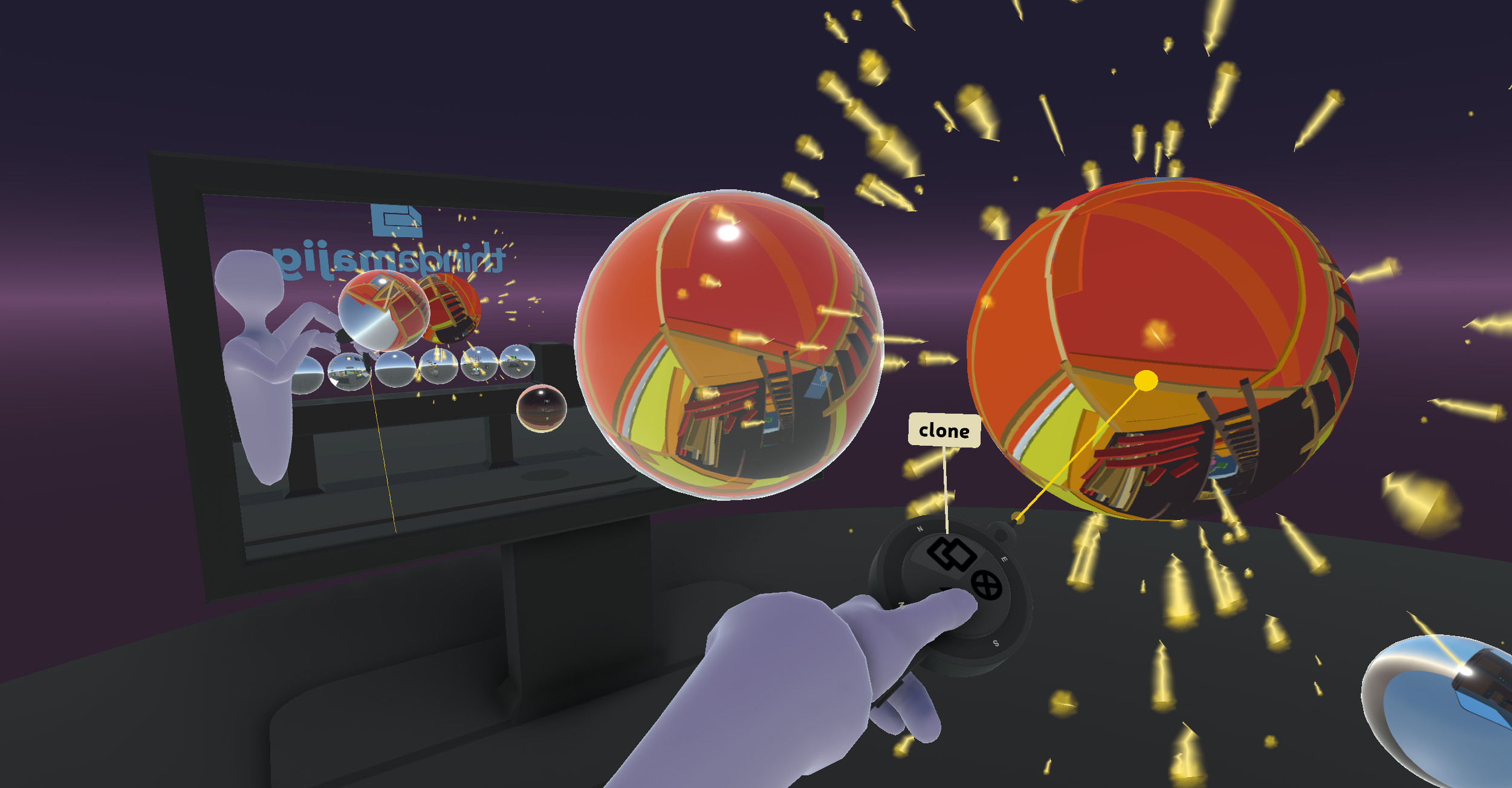
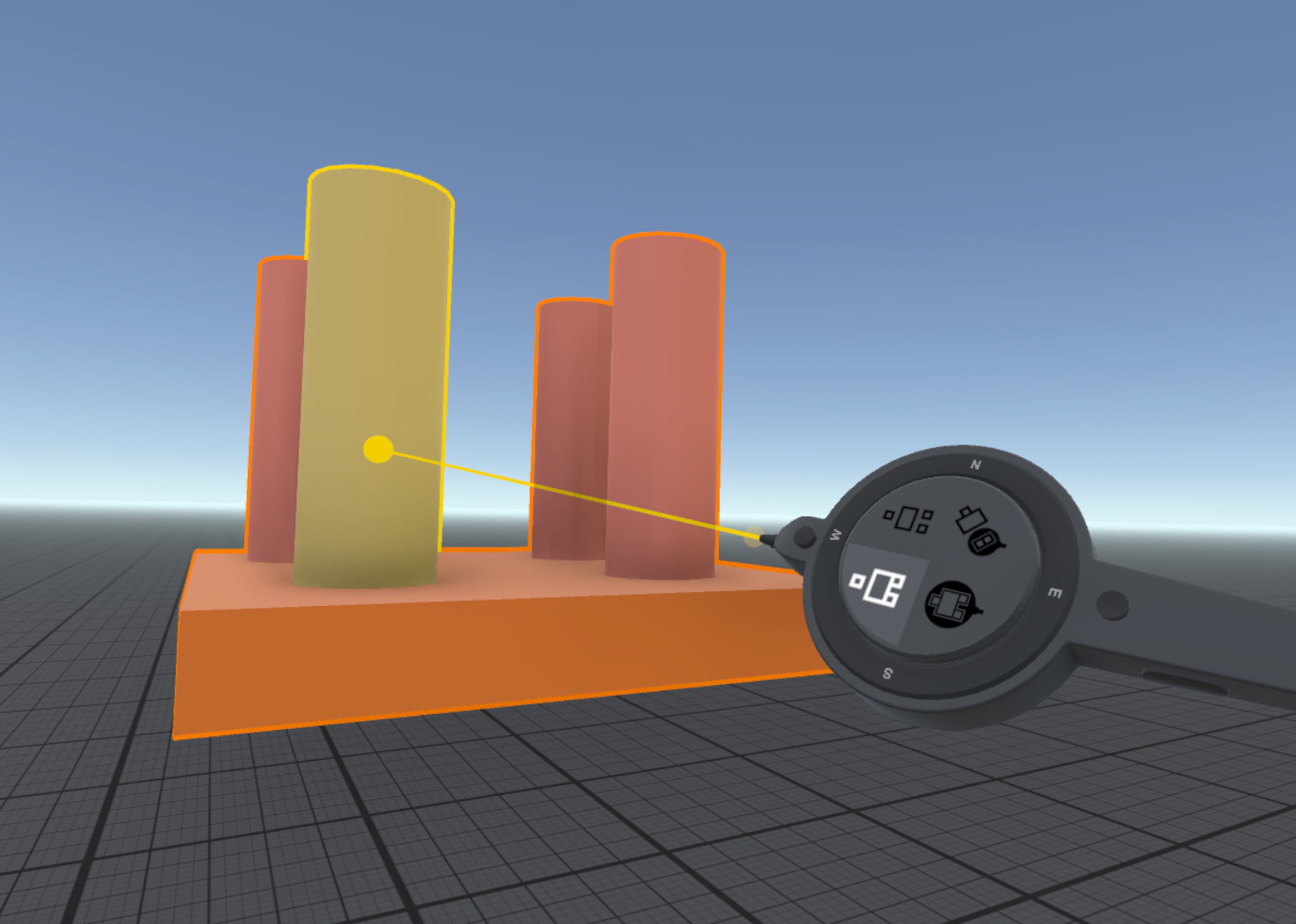
- Object management features such as group, ungroup, clone and delete
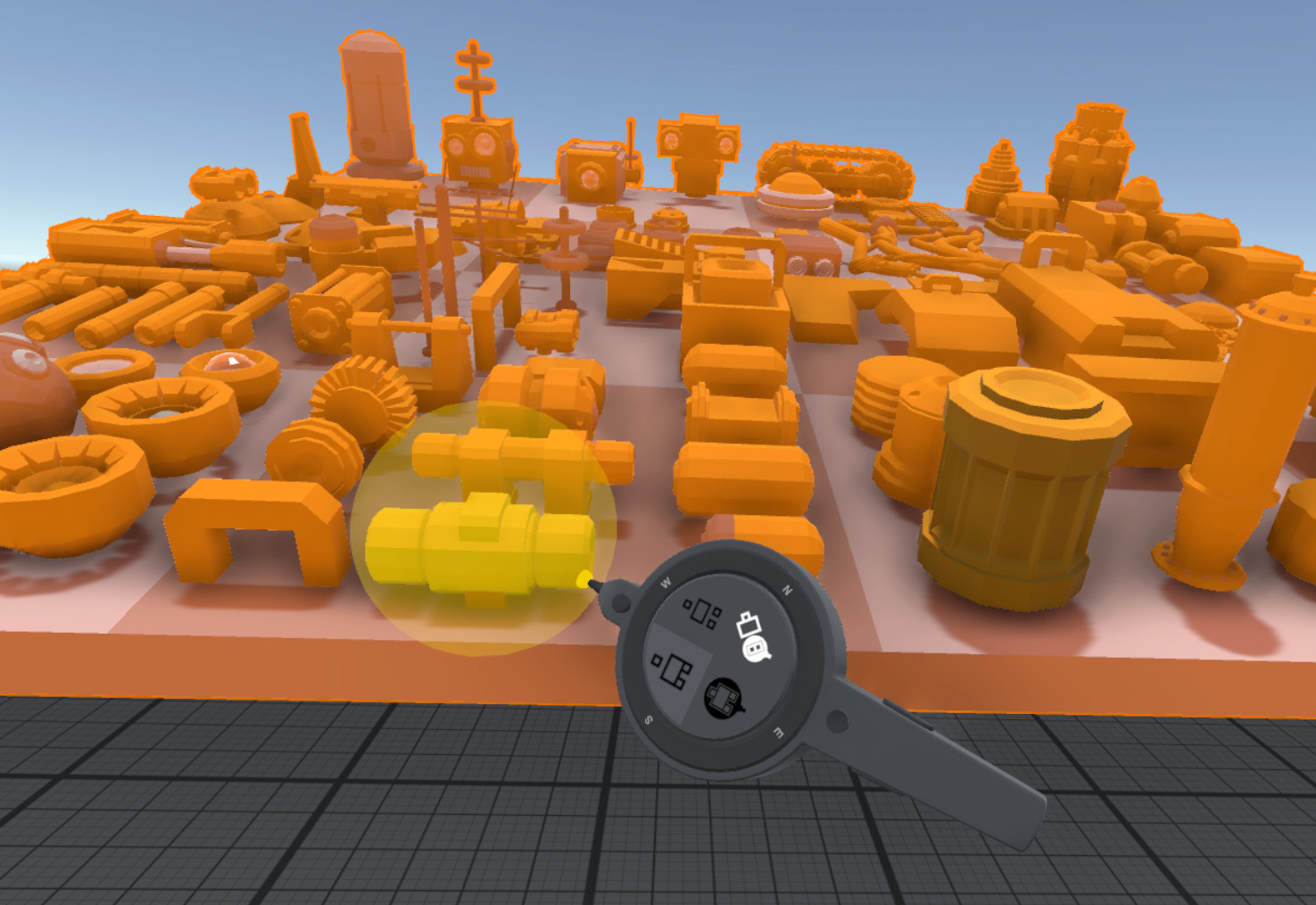
- Split apart imported geometry and regroup into reusable pieces. For example, import a kit of spaceship parts from Google Poly and regroup them into parts that can be used in future creations.
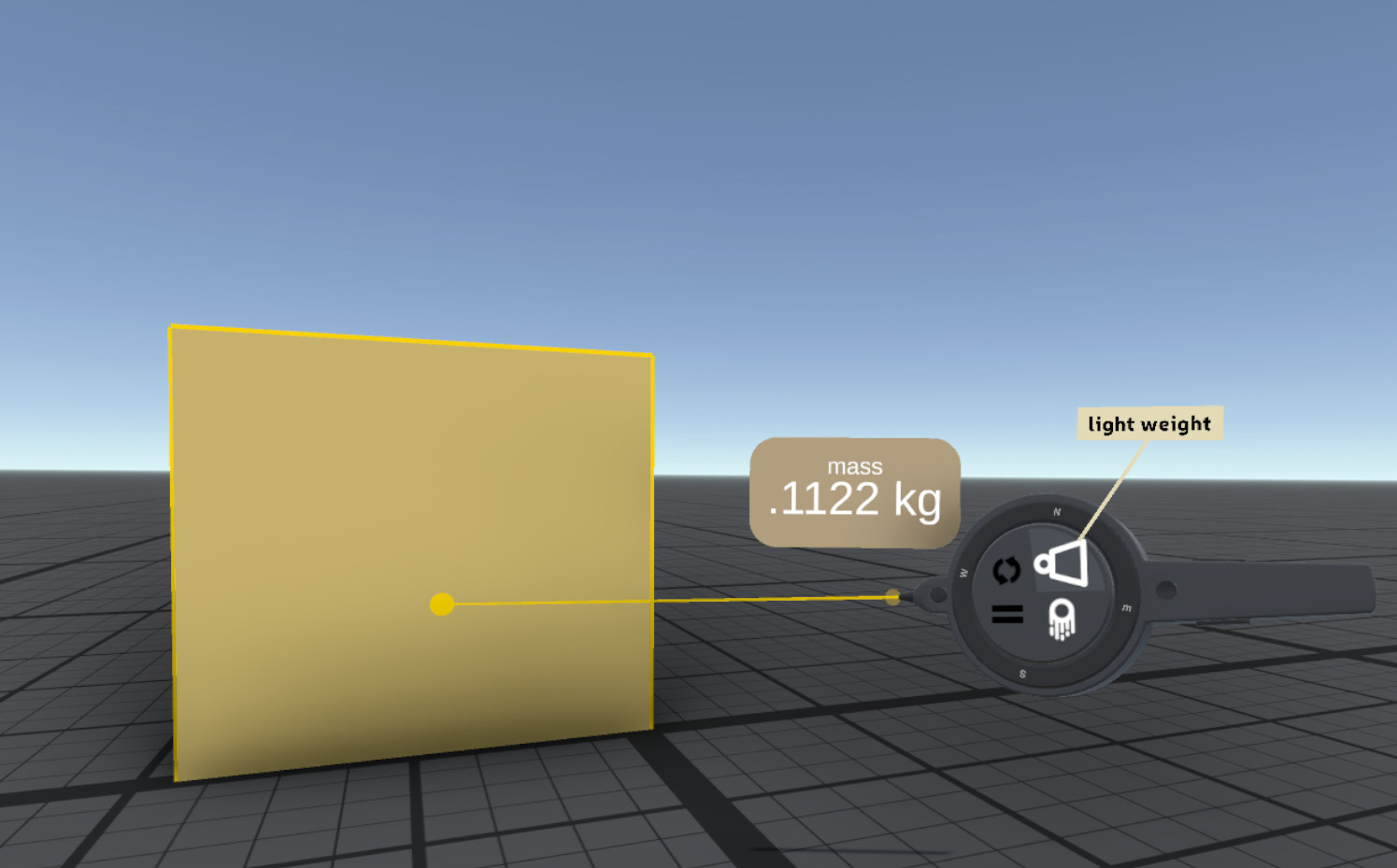
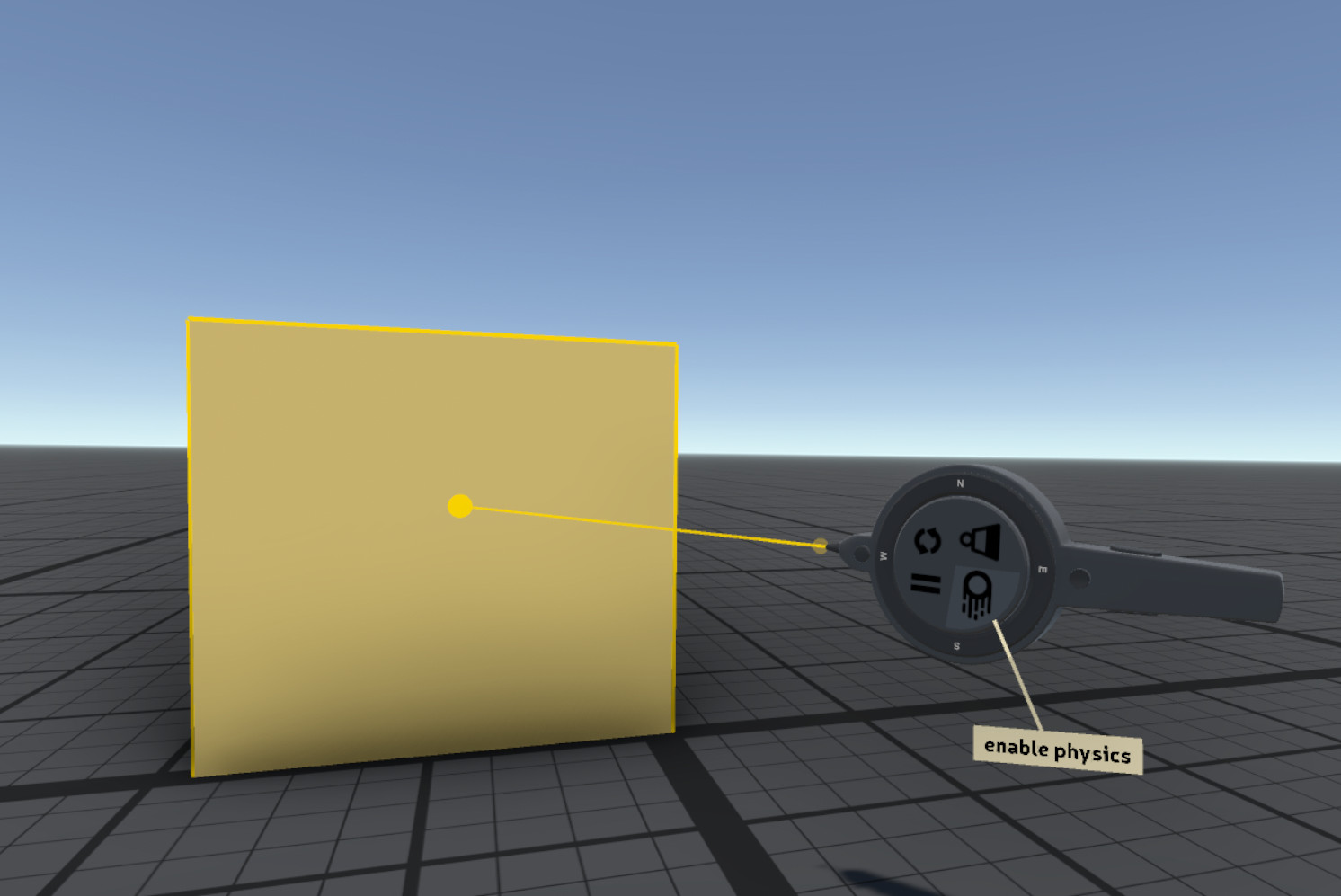
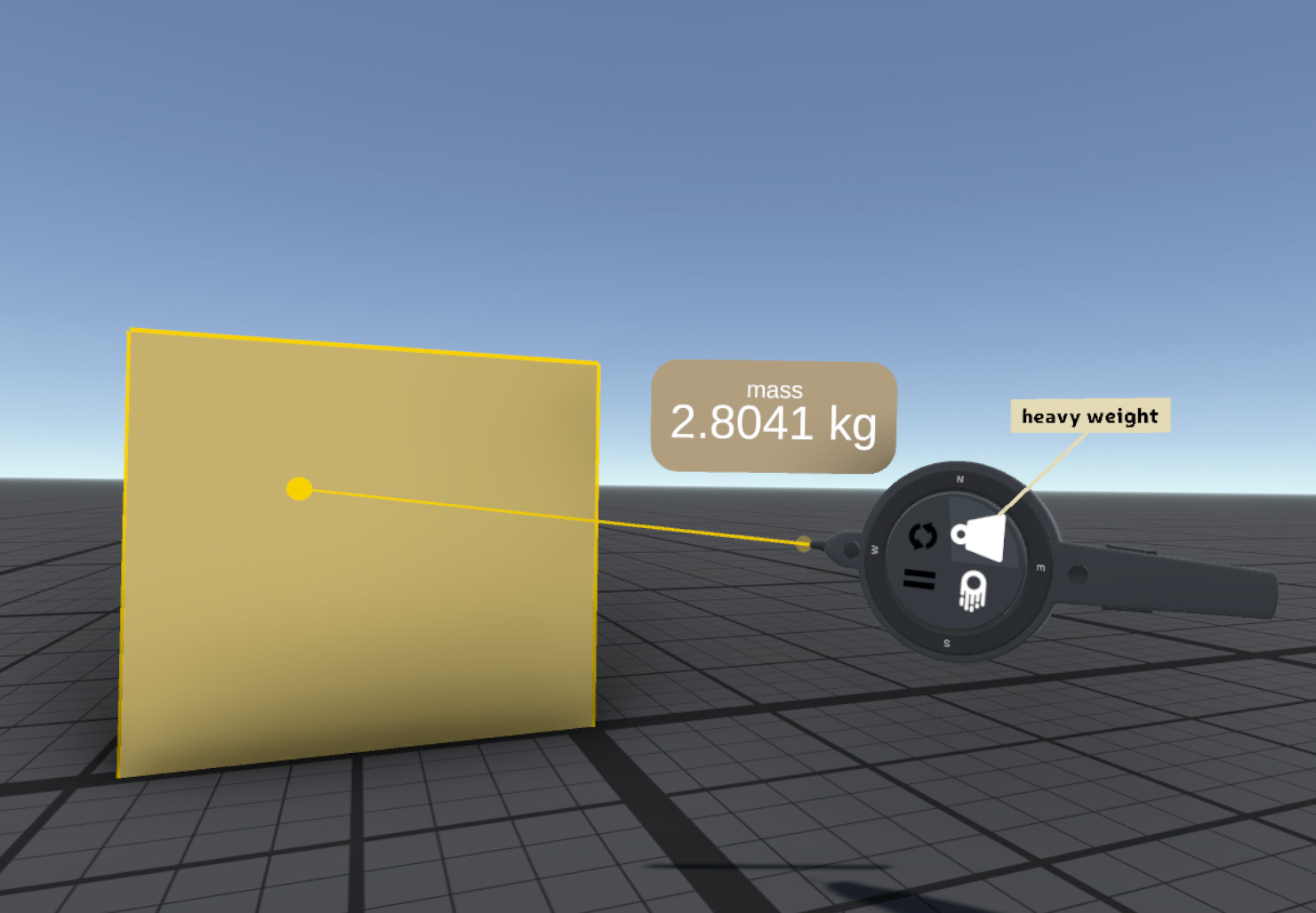
- Physics simulation with joints, springs, forces, control over gravity, mass and drag. Make any object dynamic with automatic generation of optimized collision geometry.
- Animation system with keyframe animation components as well as procedurally generated and interactive-based animations
- Full undo/redo support and auto-saving of scenes
- Work at a wide range of scales to for example, construct a city skyscraper and a detailed door handle in the same scene.
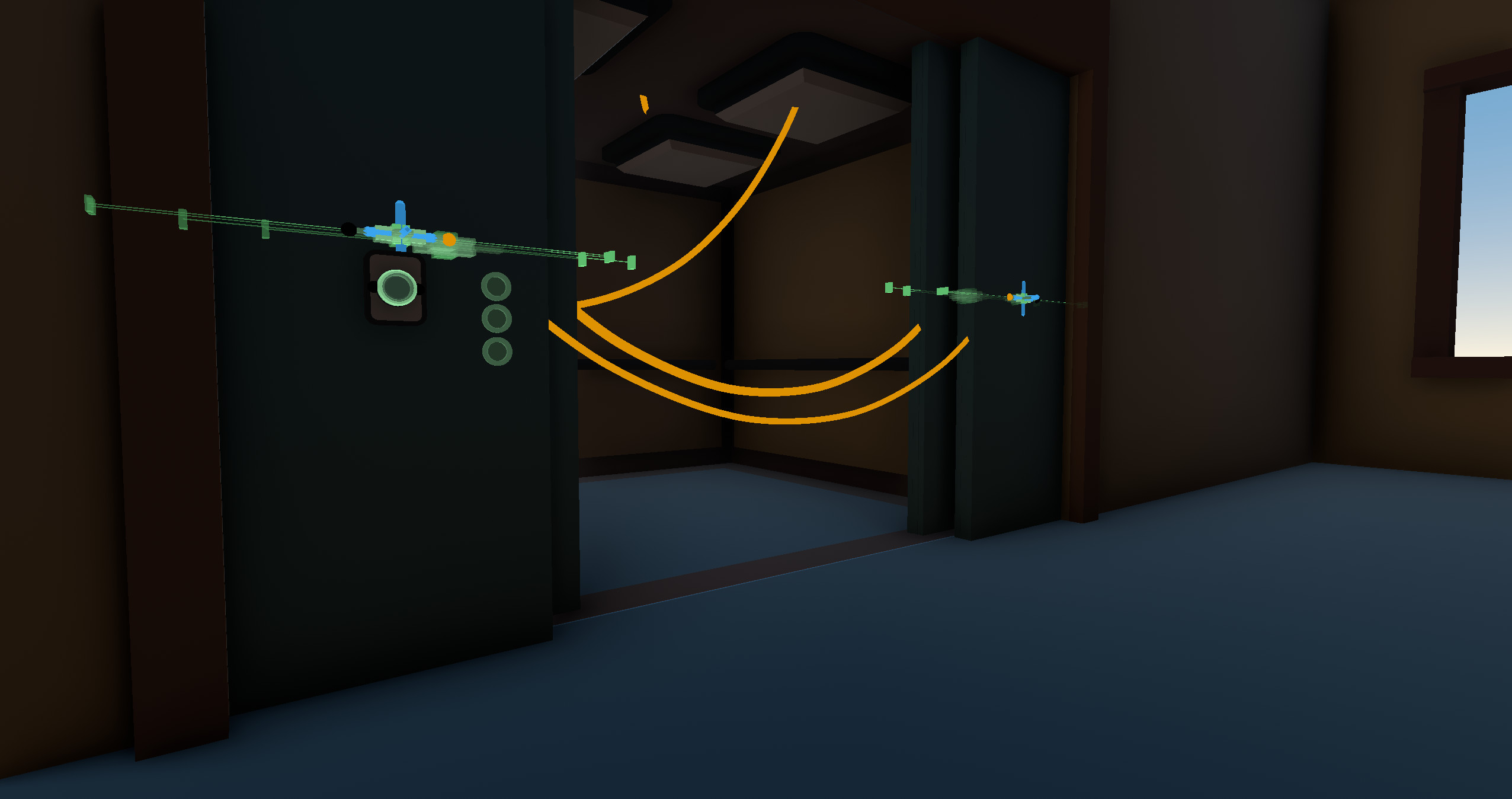
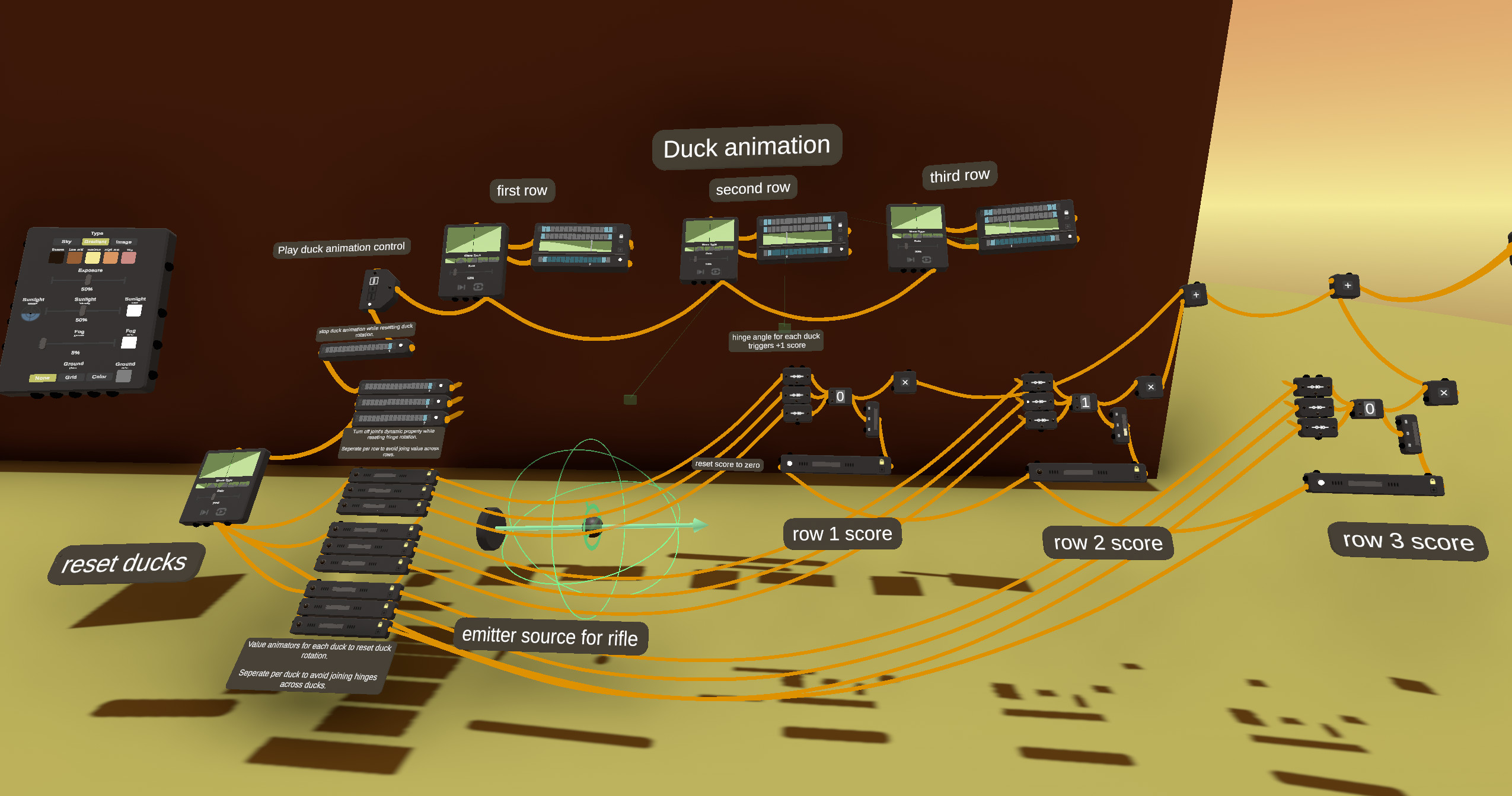
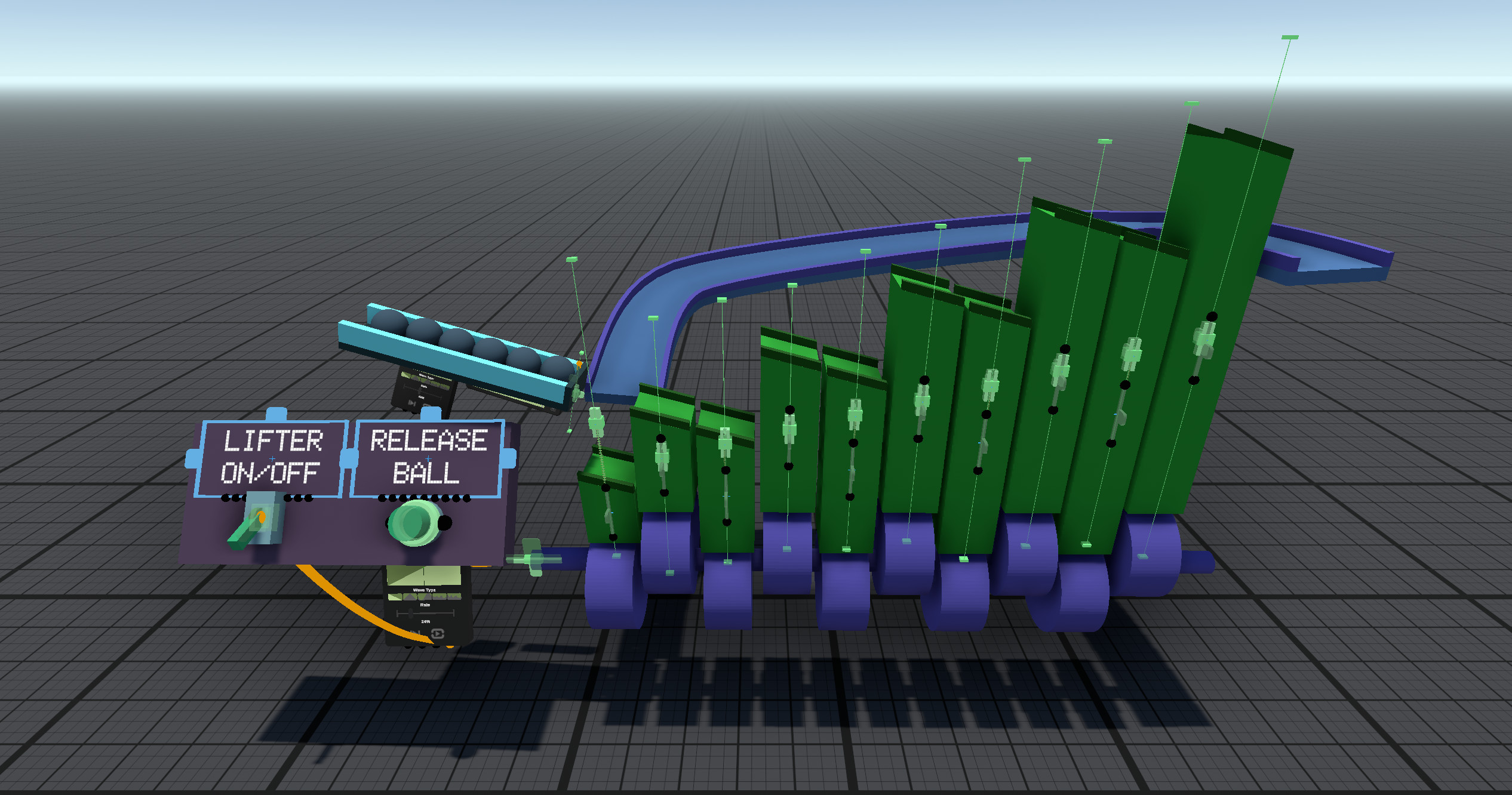
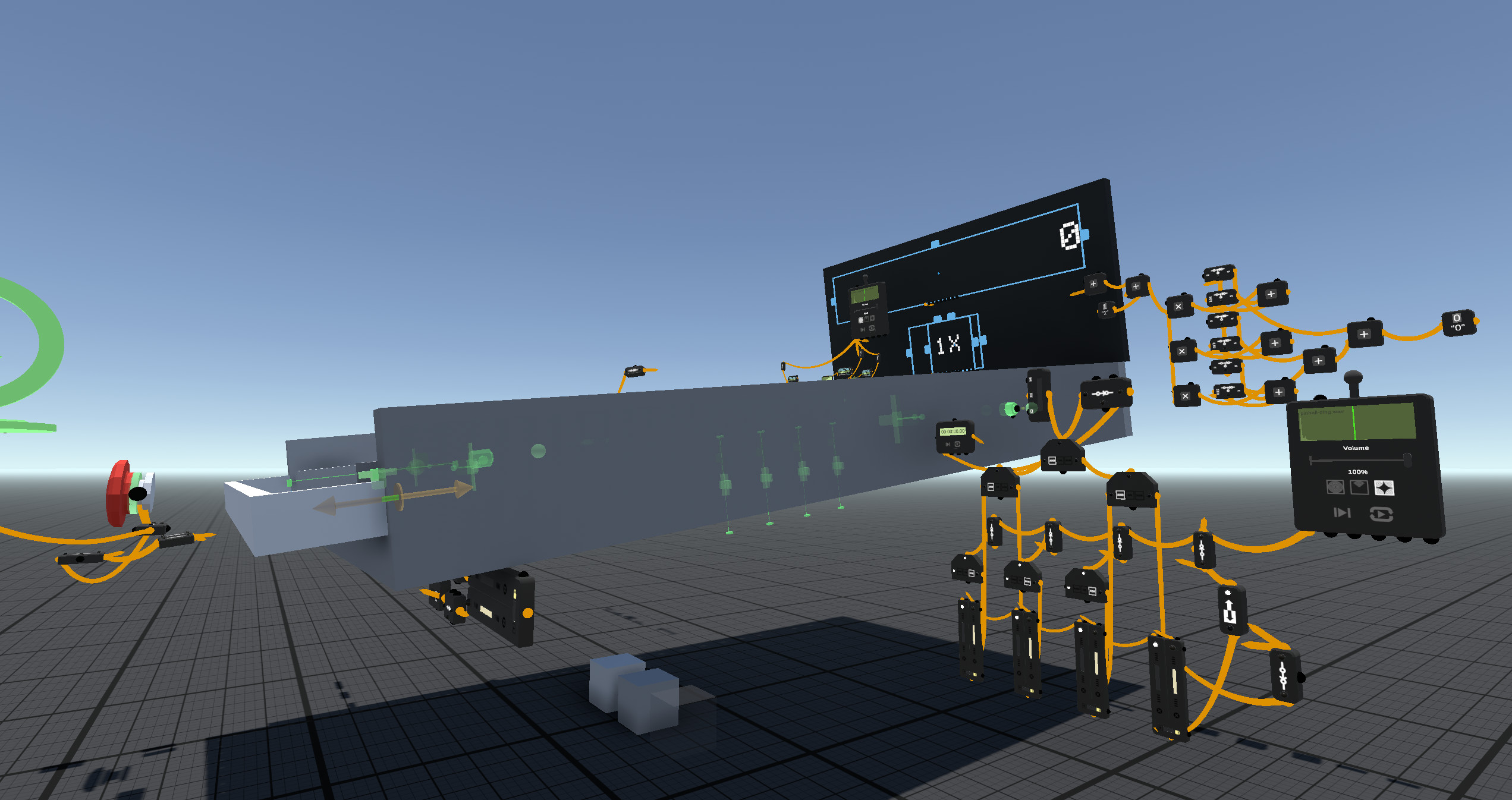
- A simple wiring system allows connecting objects to define behaviors and animation
- Drag-and-drop import of both stereoscopic and mono 360° video (with audio)
- Drag-and-drop import of audio with support for 3D spatialized audio
- Switch seamlessly between edit and play modes to easily test your experiences as they are created. Many play-mode features are active and dynamic in edit mode making it easy and fun to experiment while world building.
- Play mode allows the user to move around the world and interact with dynamic objects, as well as climb, jump or ride on moving objects. In play mode, gizmos and wires disappear.
- Kiosk mode allows operating the application in dedicated play-mode. Create an experience and deploy it to one or more PC-based VR “kiosks” to share your experience with other people and/or to develop solutions for training and education. We plan to support deployment to mobile VR in the future.
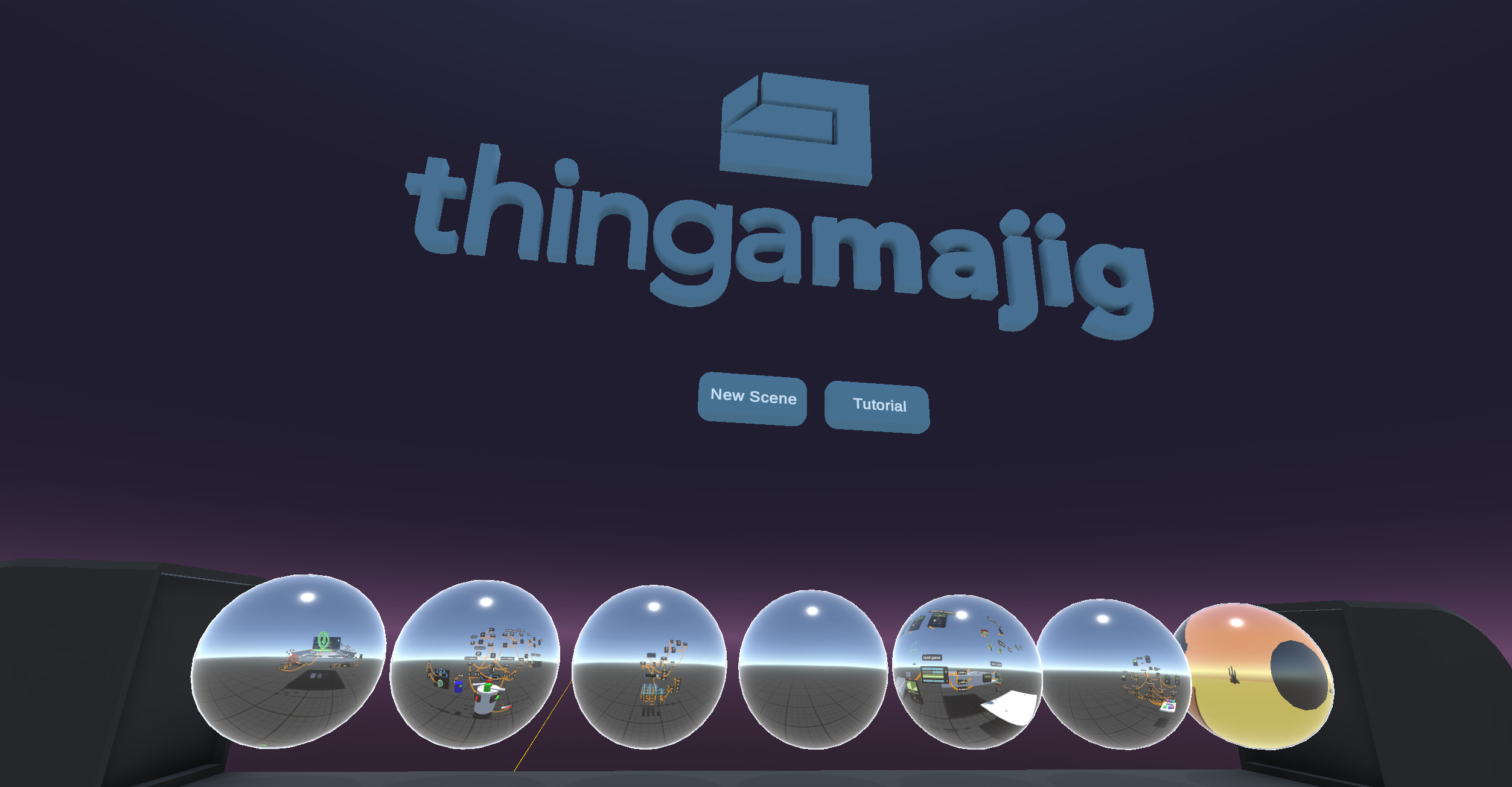
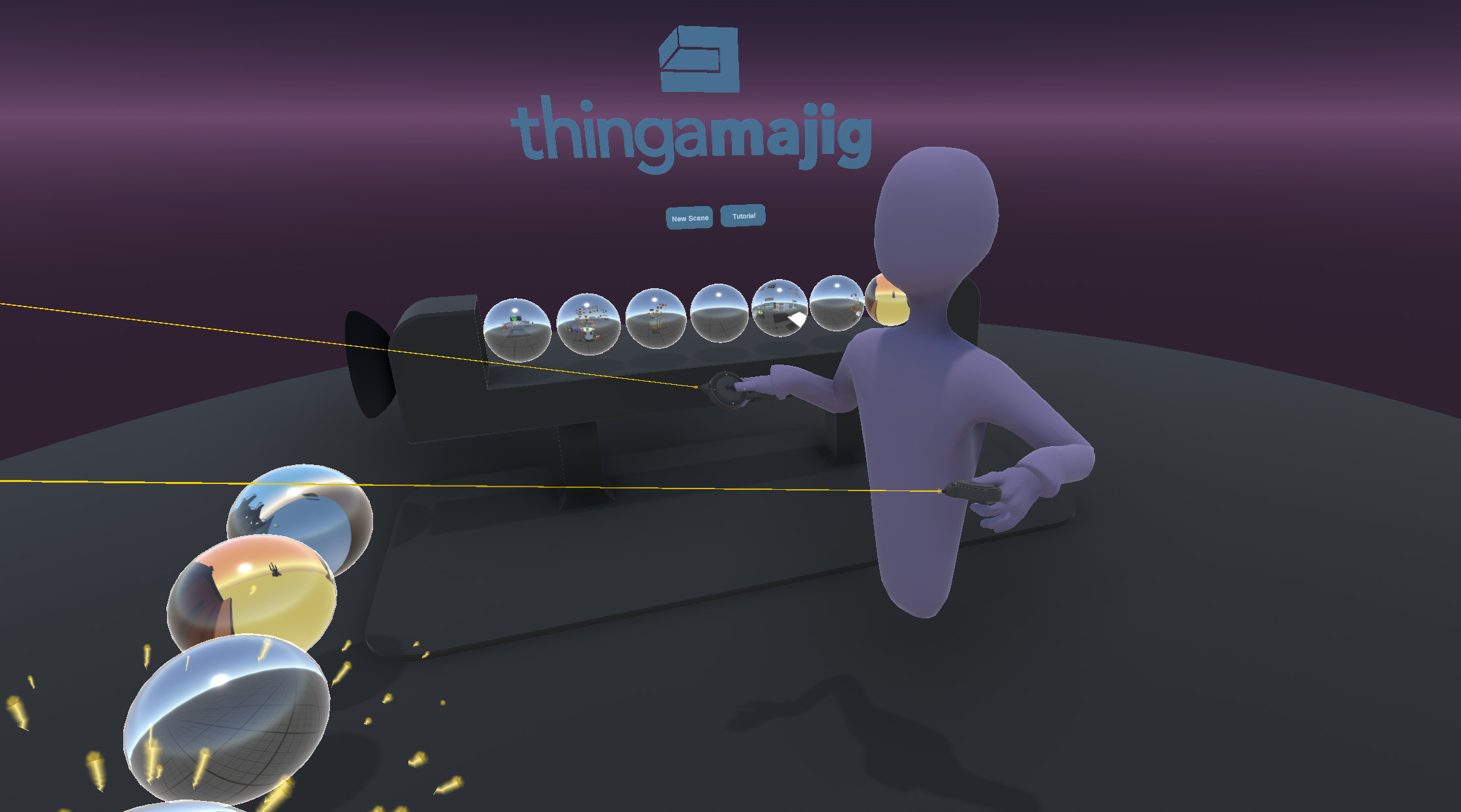
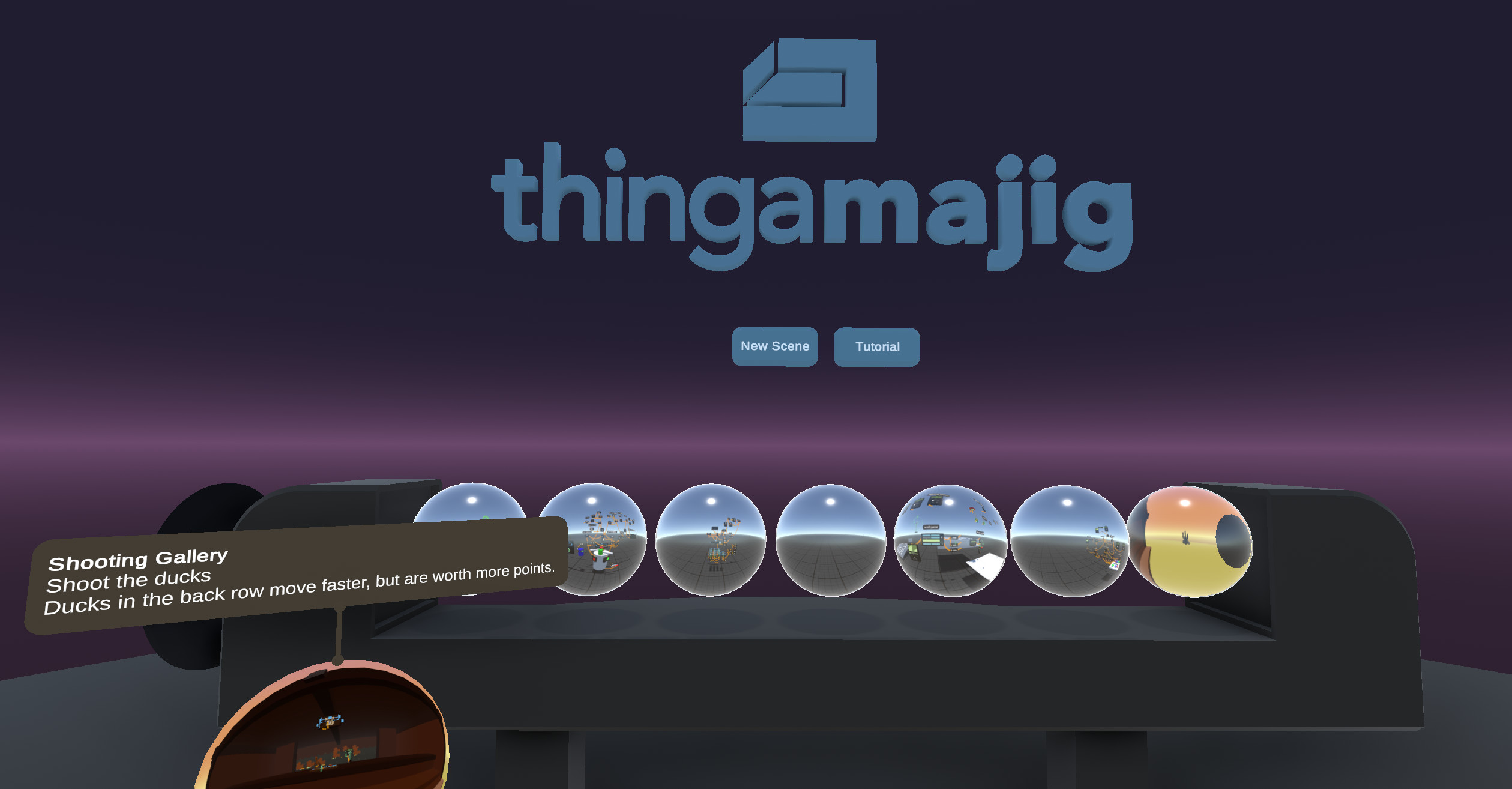
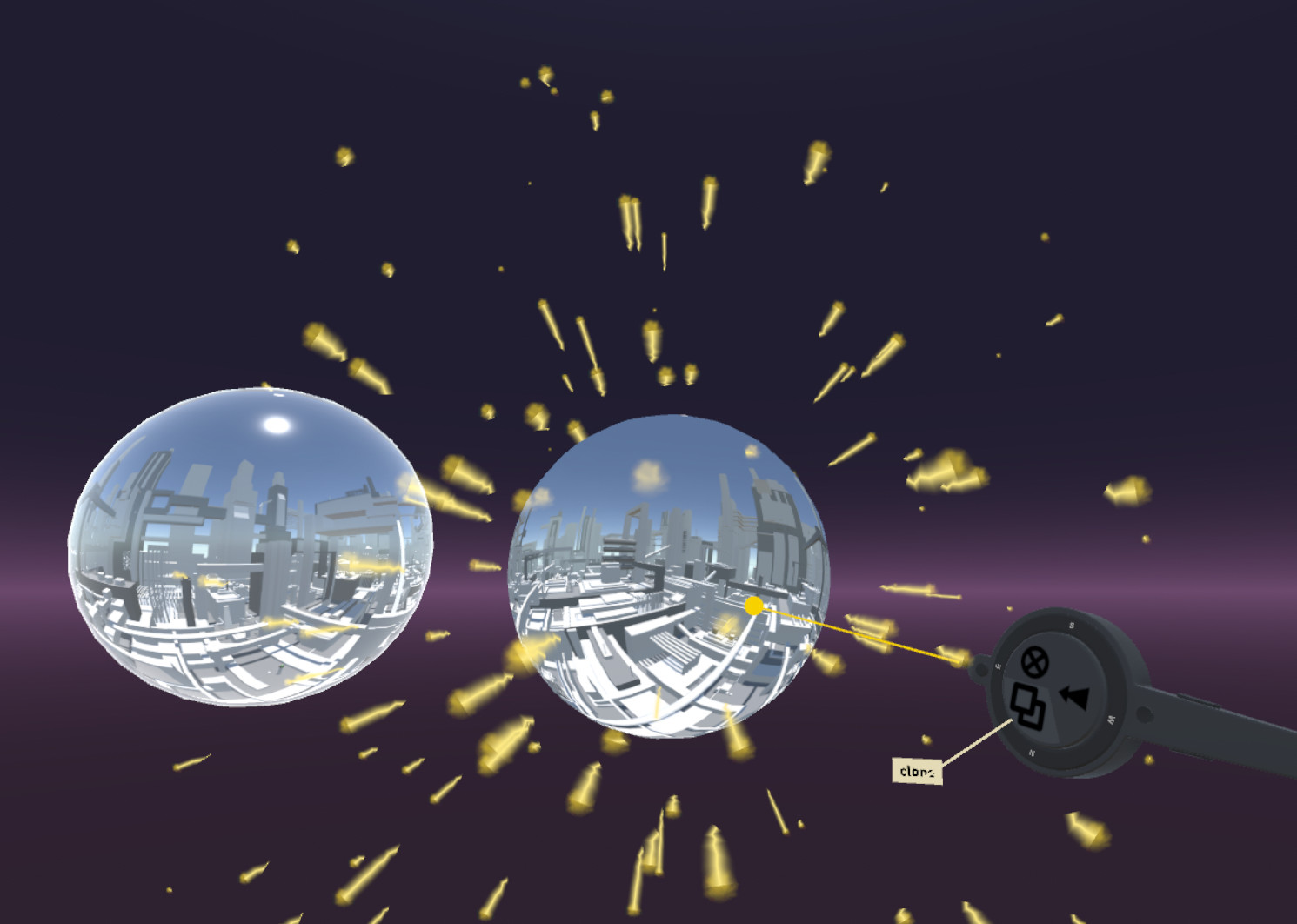
- Scene lobby - access Thingamajig scenes in a centralized location in VR where they are represented as “bubbles”. Each scene bubble shows a 360° view from the last location visited in the scene.
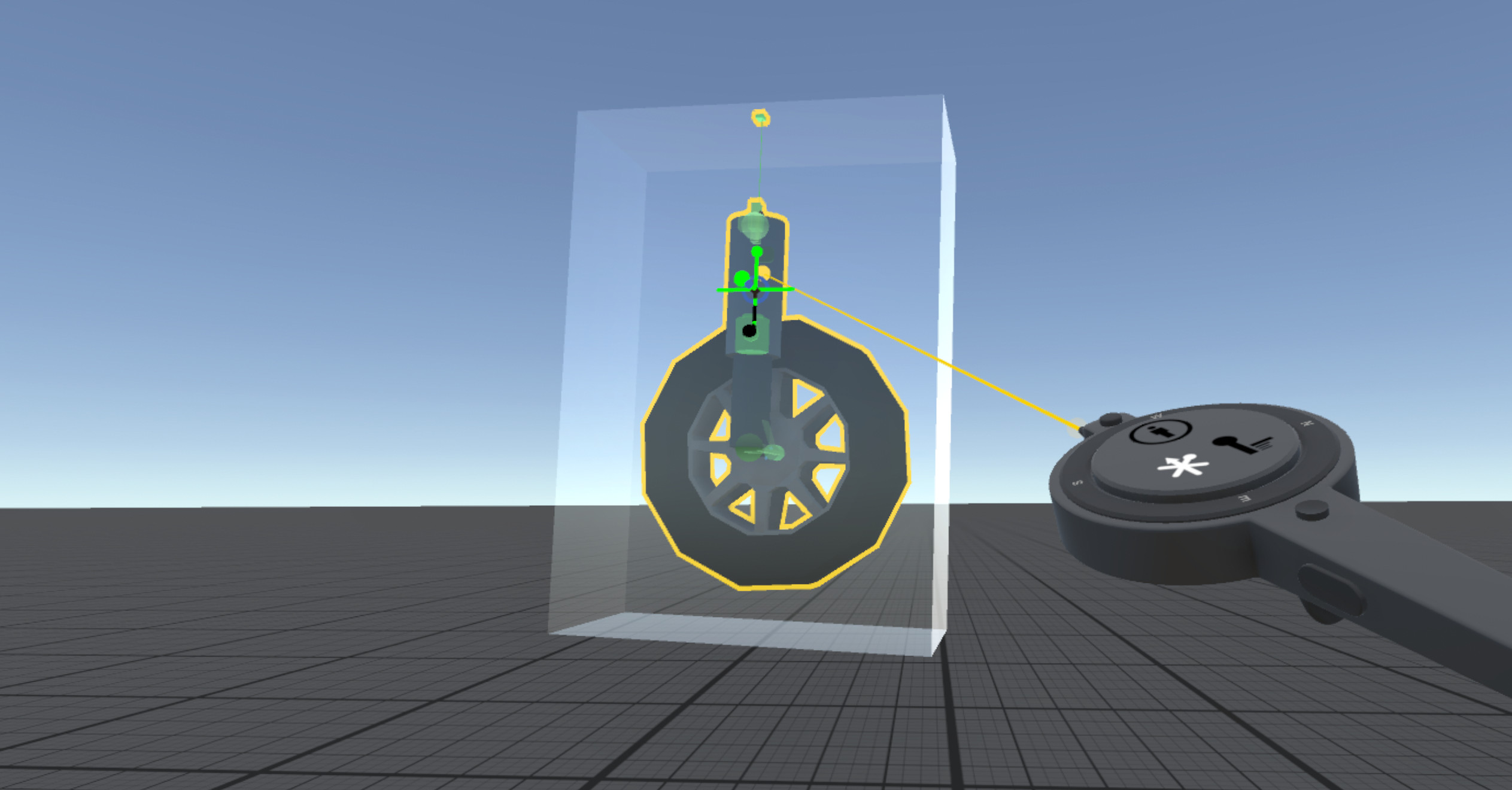
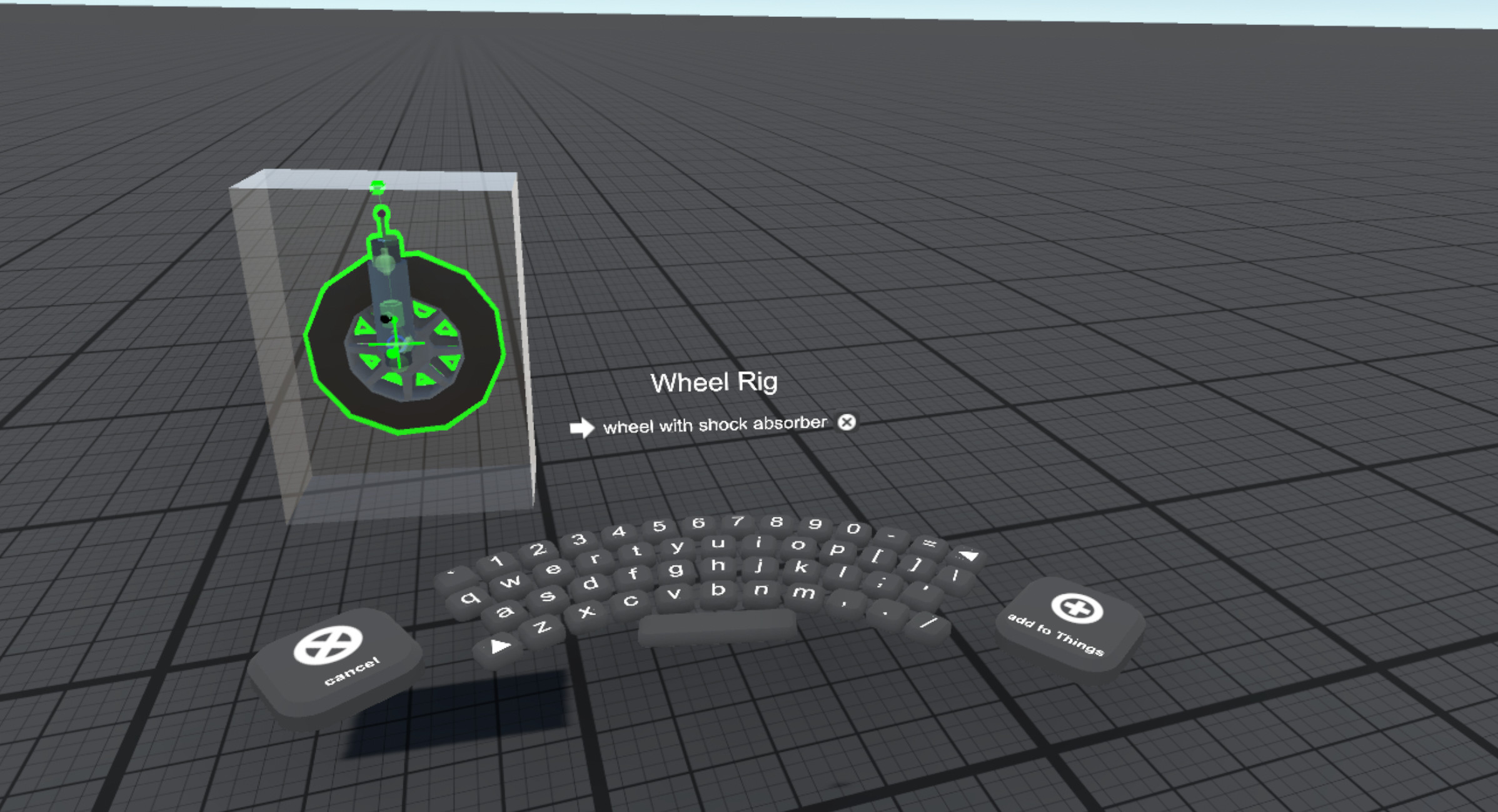
- Thing manager - build reusable components called “Things”, which can be used and reused to construct different VR experiences. Things can be browsed and searched allowing the construction of comprehensive libraries of pre-rigged objects to suit various needs.
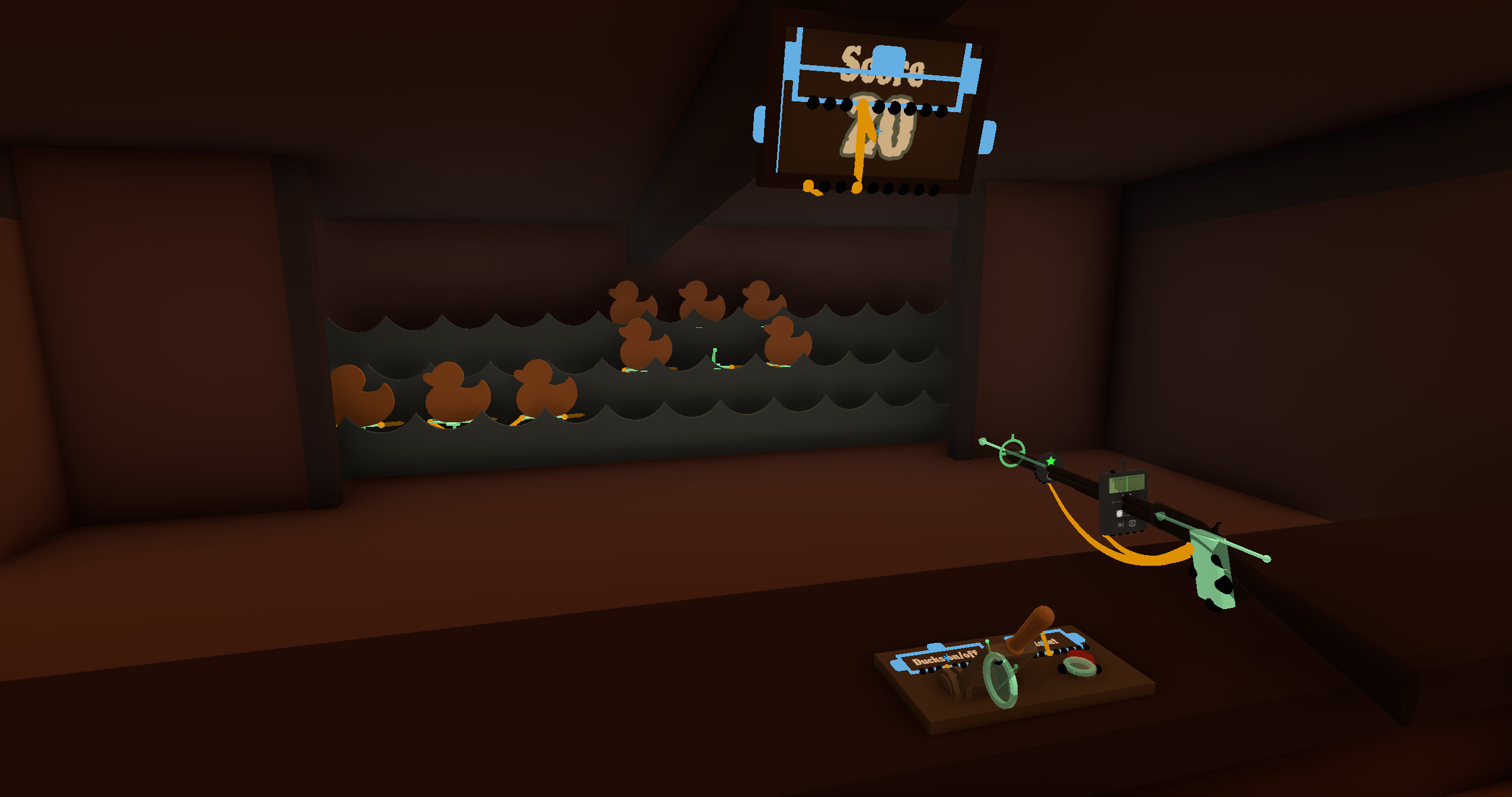
- Many features are implemented by “gizmo” type objects, which typically have sockets where wires can be attached to control parameters.
Examples of gizmo type objects included with Thingamajig:
- Spot and omni lights
- Camera and monitor objects
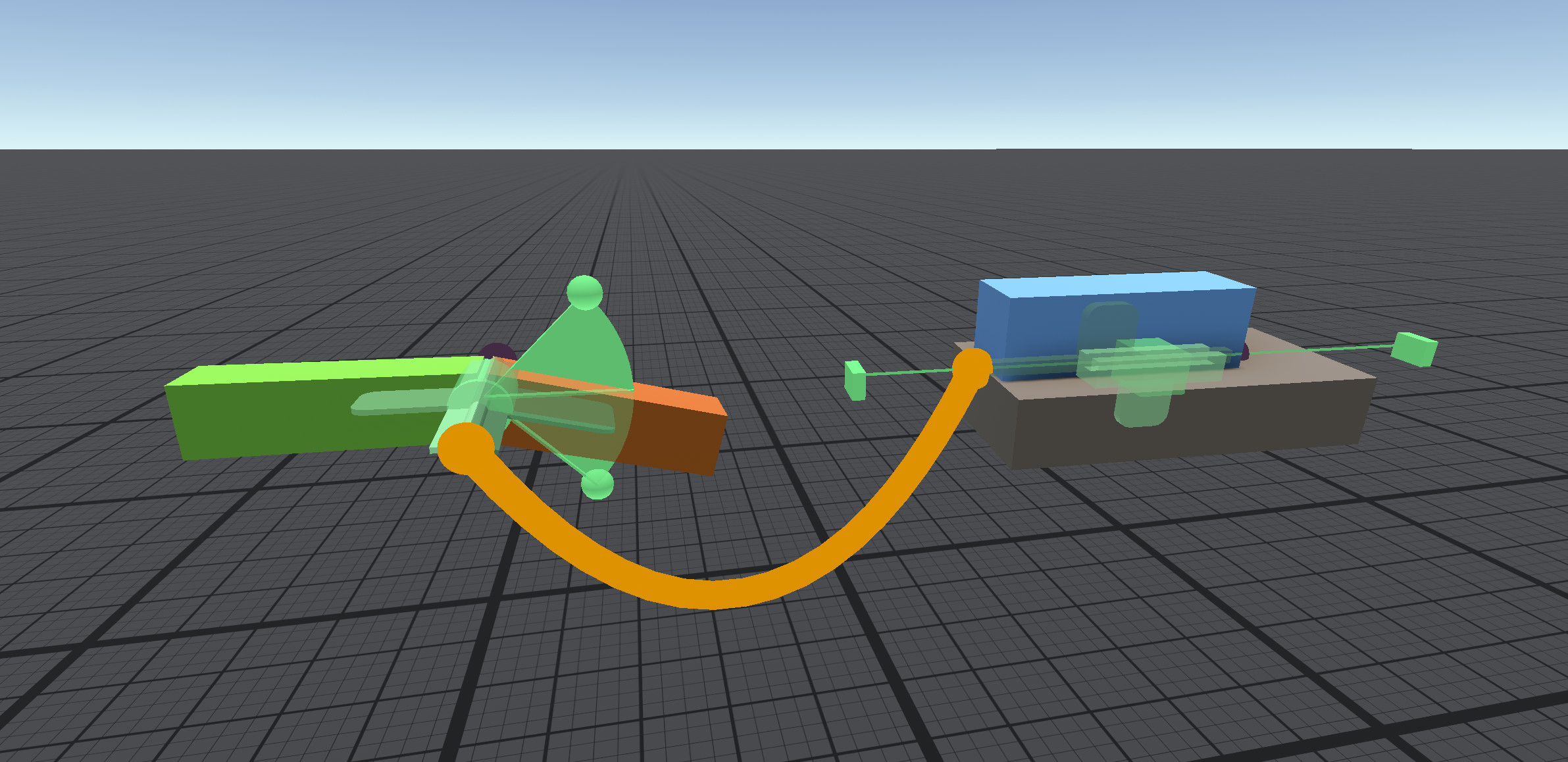
- Hinge, sliding and ball joints
- Springs and force-generating objects
- Path and look-at joints
- Keyframe animators to animate values, rotations and colors
- Transporter - teleport player to specified locations
- Proximity sensor - detect player and objects
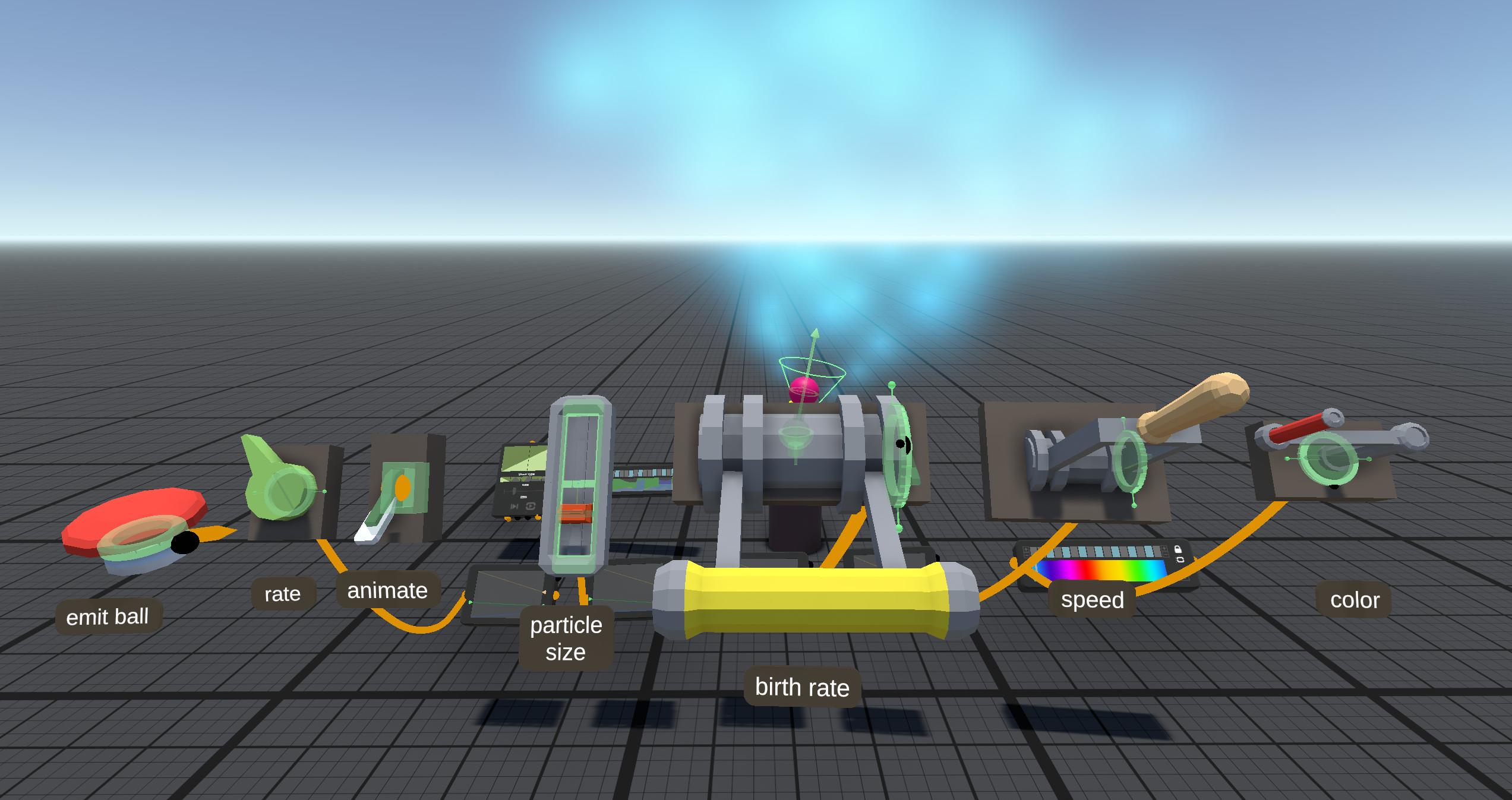
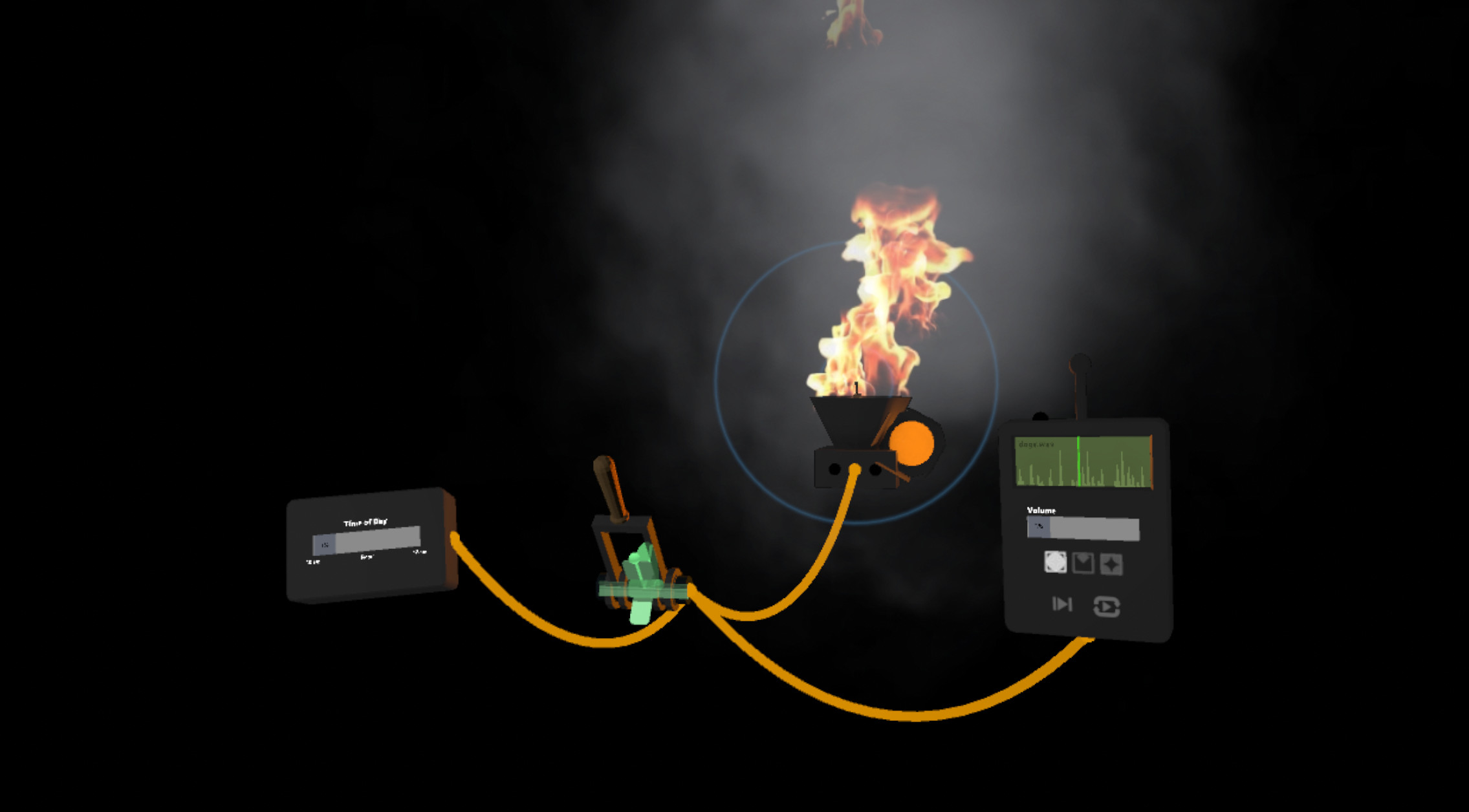
- Particle-based effects like fire and smoke and others
- Environment object - sun/sky with time of day or custom gradient and fog
- Collision detector - fire a trigger on collision
- Birth detector - fire a trigger when an object is spawned
- Timer object - to delay or repeat events
- Wave and noise generators for procedural animations
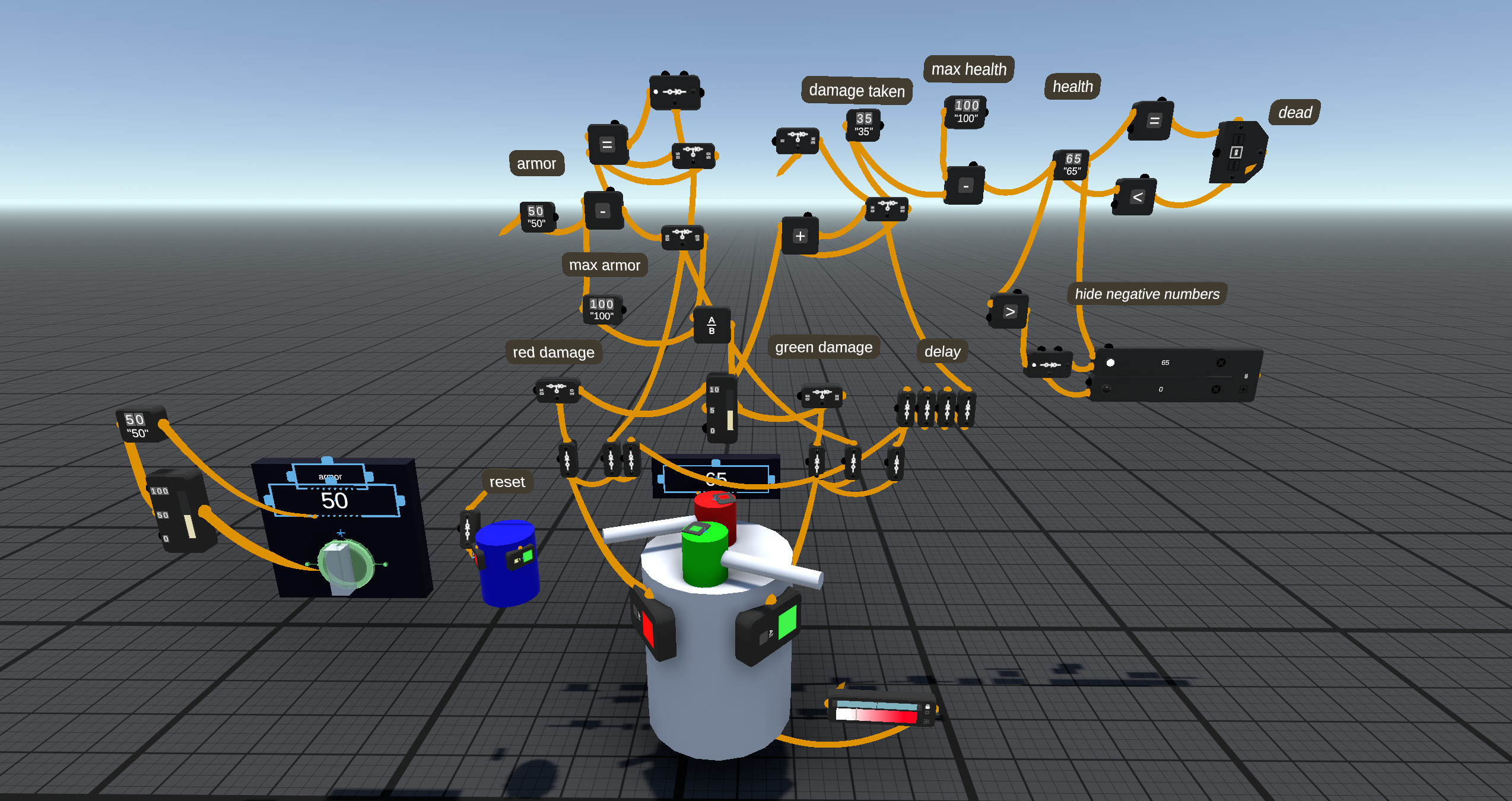
- Trigger, accumulator and logic operators
- Thing emitter and source - spawn objects at specific locations
- Anti-gravity gizmo - make floating objects with variable drag
- Destroy gizmo - trigger the deletion of an object in play mode
- Hand grip and mount gizmos - make objects that stick to the player’s hand or allow the player to “ride” dynamic objects.
- Snap socket - define dynamic connection points that can be used as triggers
- Vive tracker - control objects in VR with Vive tracker device
- Portal camera - create a portal effect by tracking a user’s head in real life (using Vive tracker or controller) and a monitor or projector that becomes a window into the Thingamajig scene.
Media
Trailers and screenshots straight from the store page








Price intelligence
Accepted price history and the lows that matter
No price history recorded yet.
Historical lows
No history yet.
Thingamajig price history and best deals
Thingamajig for PC currently sells from free at authorized stores.
Frequently asked questions
Answered from this game's own price and edition data
Where can I buy Thingamajig?
Thingamajig is tracked at steam. We only list authorized stores here and always link out with a clean outbound link.
Scores
Steam reviews 6 user reviews · 83%
83% positive of 6
Media (49)
Tech
Steam DeckUnsupported
ControllerPartial
Requirements
Facts
DeveloperSpatiality LLC
PublisherSpatiality LLC
GenresCasual · Free To Play · Indie · Simulation · Early Access
TagsCasual · Free to Play · Indie · Simulation · Early Access · VR
ModesMulti-player · Single-player · Co-op
Links
Ratings
dejusl