

PC
Region US
Content rating unavailable
Animation & Modeling · UltimateDesktop
Ultimate Neural Network
Content rating unavailable
Windows
No user reviews · 0% of 0
Offers
Accepted regional prices from official stores
No offers tracked yet for this product.
Report a wrong price
About this game
What this game is, in the developer's words
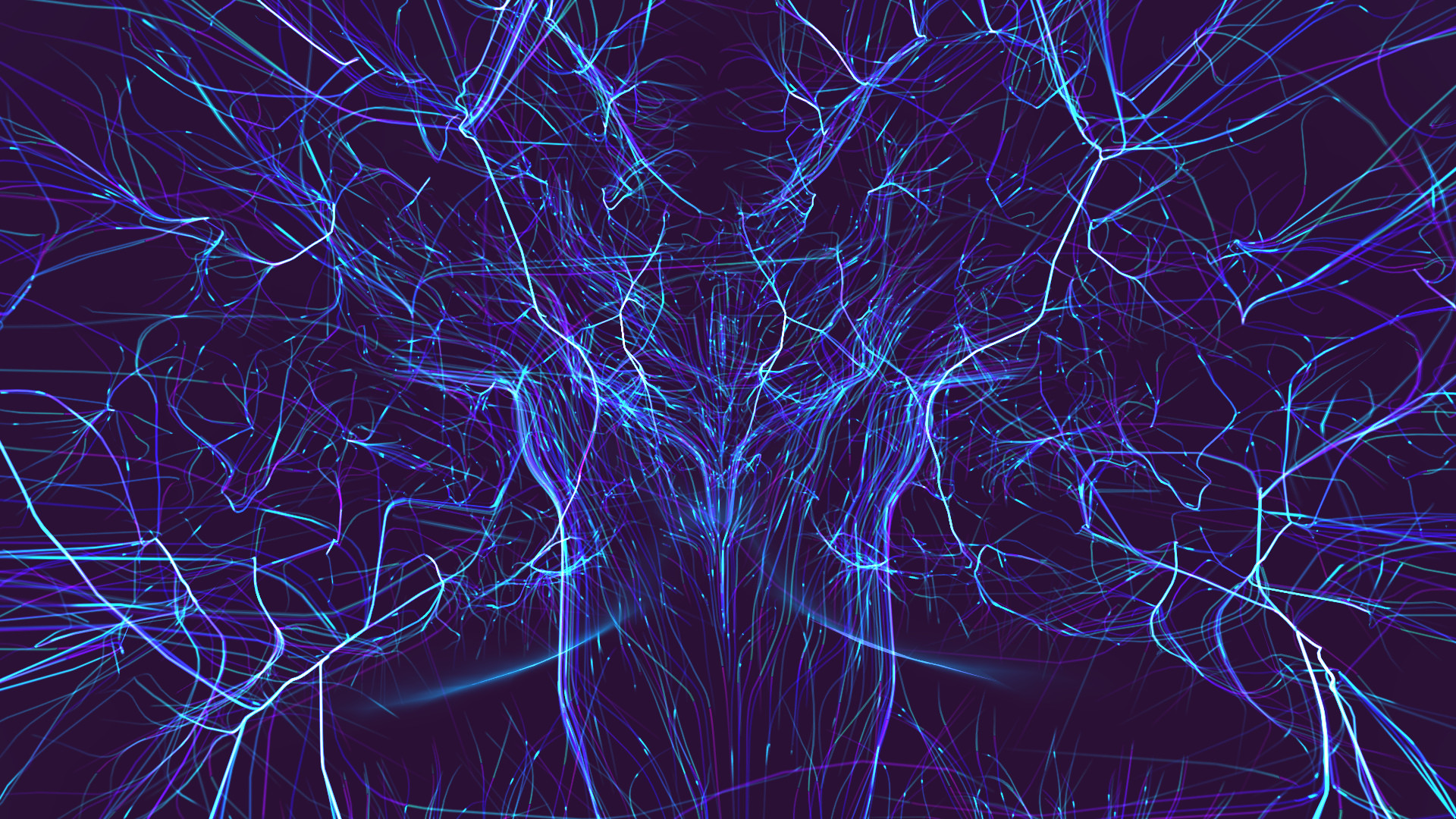
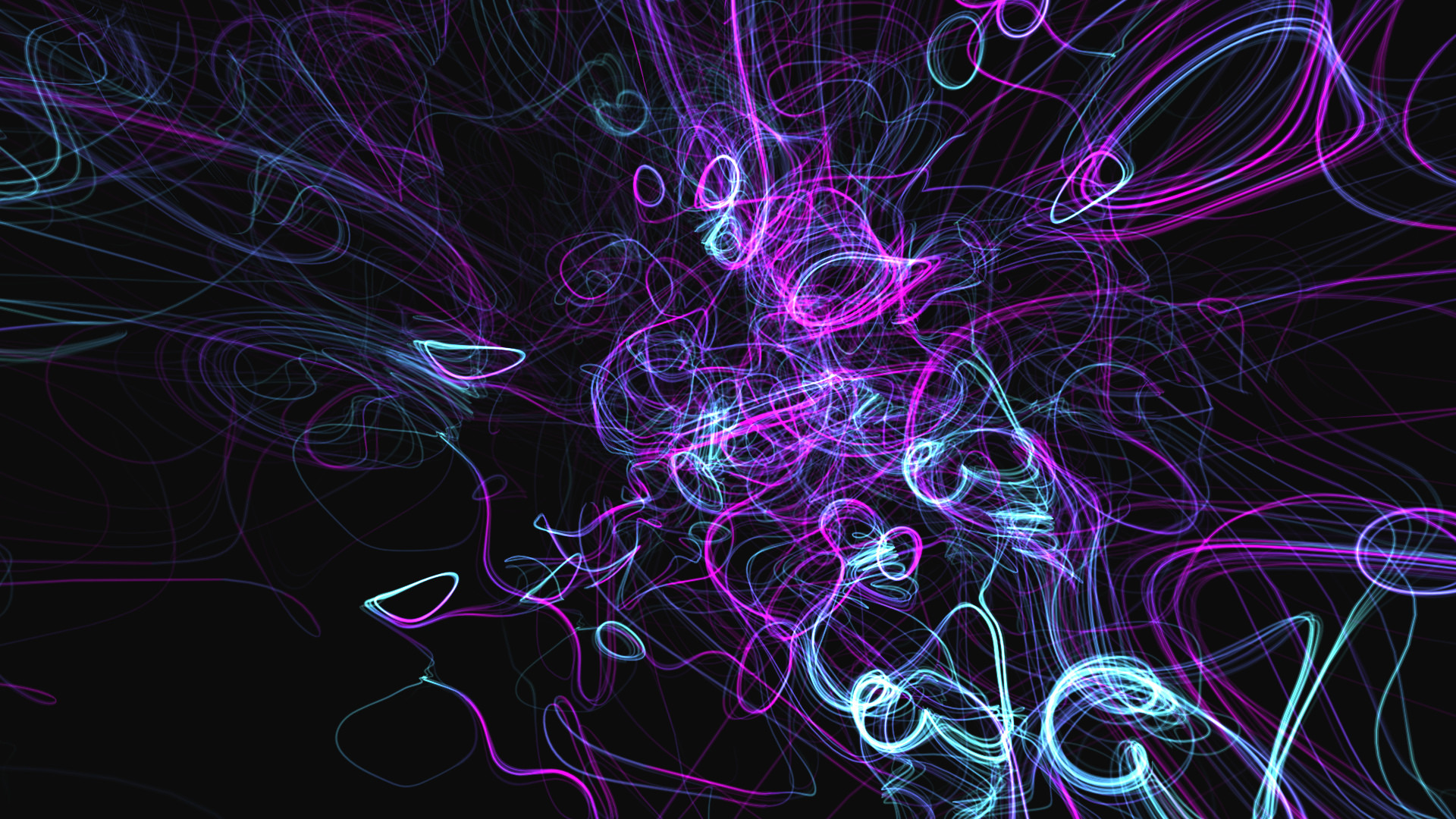
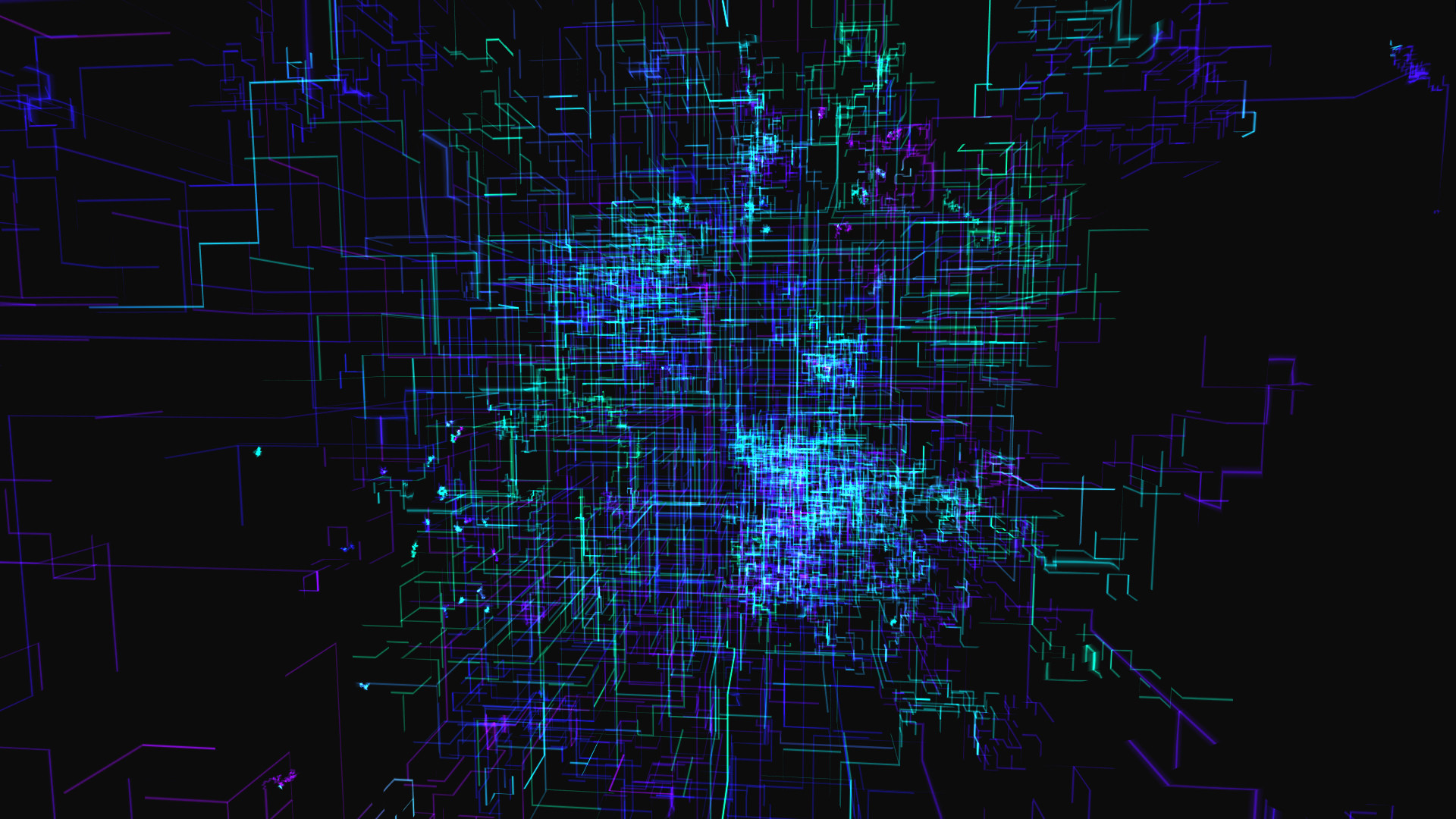
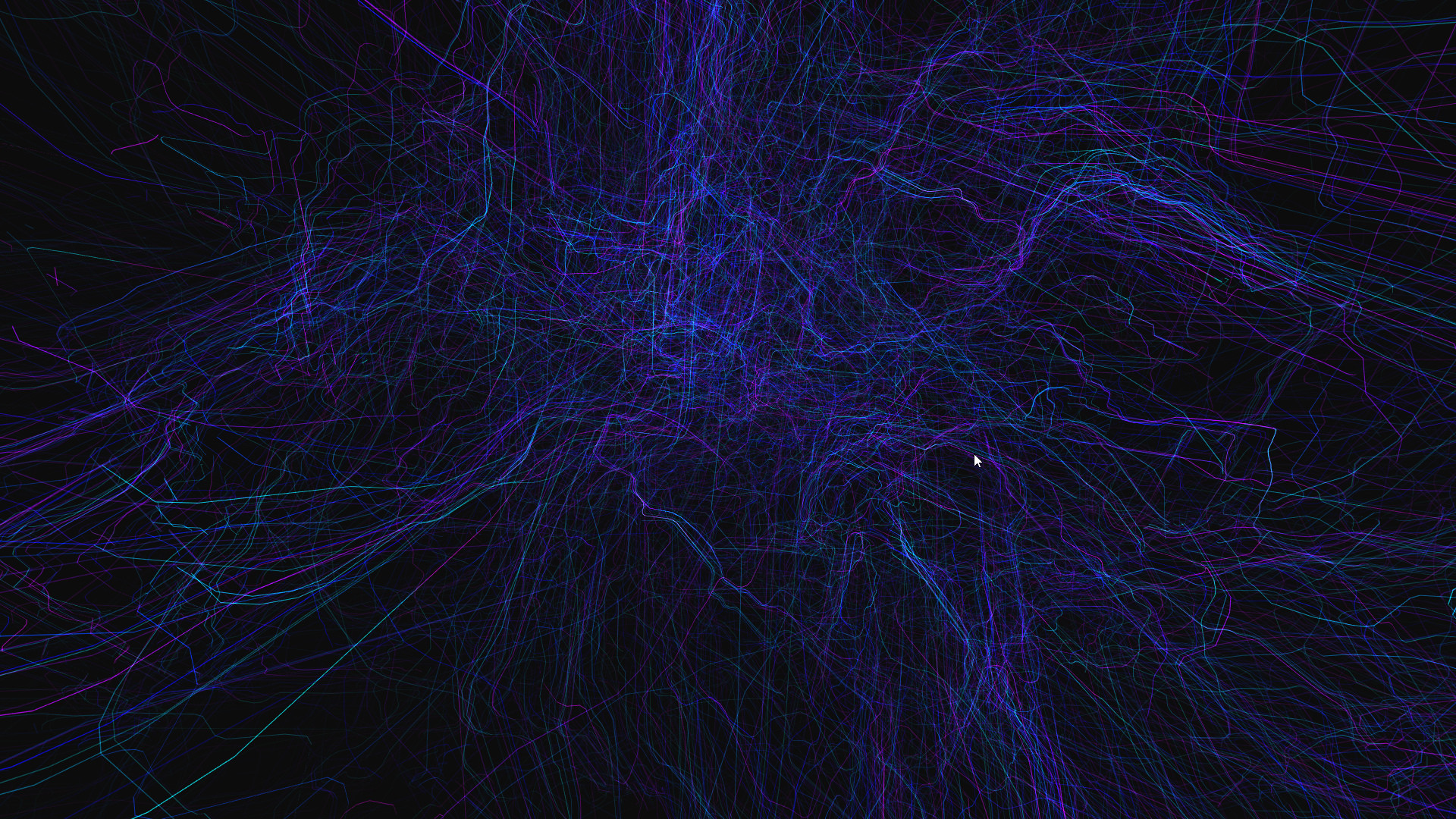
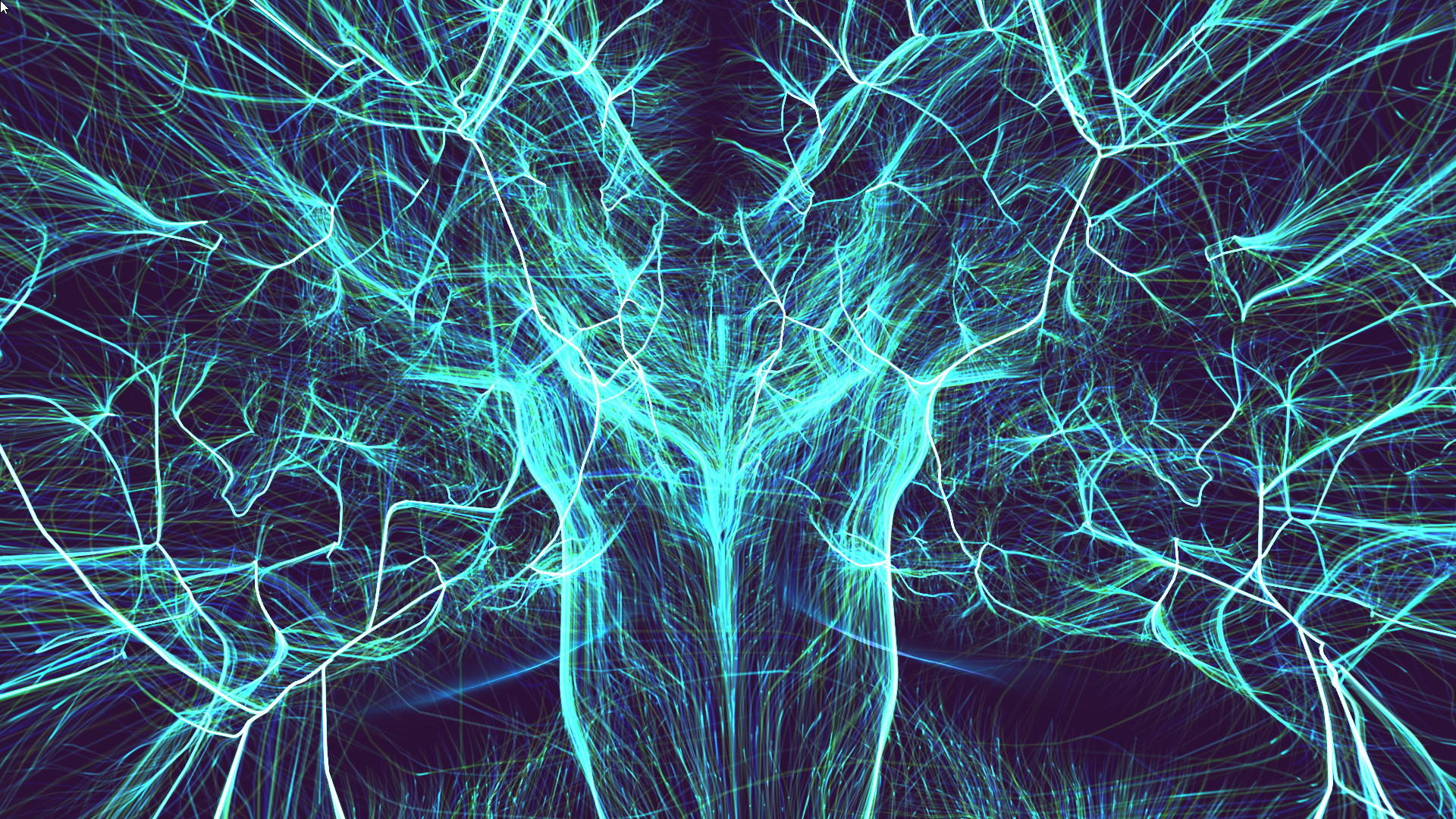
Ultimate Neural Network is an interactive 3D live wallpaper. You can control and interact with Neural Networks with your mouse.
Ultimate Neural Network is an interactive 3D live wallpaper. You can control and interact with Neural Networks with your mouse.
A: 1. Make sure your Windows had enabled Aero
2. Adjust Windows System "System Properties>>Performance Options>>Visual Effects" to "Adjust for best appearance"
3. Please add UltimateNeuralNetwork.exe and CoreHost.exe in App folder Path to your AntiVirus Software's Trust-White-List and Restart computer
Q: How to remove Steam Hook?
A: Right click the UltimateNeuralNetwork tray icon and select the menu item "Preferences..." ,Uncheck the "Enable Steam Support", Restart UltimateNeuralNetwork.
Q: Can I use UltimateNeuralNetwork with WallpaperEngine at the same time?
A: NO. Live wallpaper software is exclusive. So if they are used at the same time, they will cover each other.
Q: How to Exit/Shutdown UltimateNeuralNetwork?
A:1. You can exit UltimateNeuralNetwork from tray icon menu "Exit" (Screen Bottom-Right corner,near by your WIFI icon).
2. if can not found the tray icon, please open the system TaskMgr to kill the processes "UltimateNeuralNetwork.exe"
Features
- Support Workshop,One-Click download online themes
- Support Custom Theme, many editing options.
- Support interact with mouse.
- Support Pause Mode - You can pause wallpaper when you need 100% power for your games.
- Optimization - reduced equipment requirements. Low CPU usage.
- Multi, wide, 4K screens support - You can choose one of the screens or extend the wallpaper to all screens. Works smooth at 4K.
- Support Taskbar Aero Blur or fully transparent (for Win10) .
- Support Windows 7/8/8.1/10
FAQ
Q: Why can't I see the desktop icon?A: 1. Make sure your Windows had enabled Aero
2. Adjust Windows System "System Properties>>Performance Options>>Visual Effects" to "Adjust for best appearance"
3. Please add UltimateNeuralNetwork.exe and CoreHost.exe in App folder Path to your AntiVirus Software's Trust-White-List and Restart computer
Q: How to remove Steam Hook?
A: Right click the UltimateNeuralNetwork tray icon and select the menu item "Preferences..." ,Uncheck the "Enable Steam Support", Restart UltimateNeuralNetwork.
Q: Can I use UltimateNeuralNetwork with WallpaperEngine at the same time?
A: NO. Live wallpaper software is exclusive. So if they are used at the same time, they will cover each other.
Q: How to Exit/Shutdown UltimateNeuralNetwork?
A:1. You can exit UltimateNeuralNetwork from tray icon menu "Exit" (Screen Bottom-Right corner,near by your WIFI icon).
2. if can not found the tray icon, please open the system TaskMgr to kill the processes "UltimateNeuralNetwork.exe"
Media
Trailers and screenshots straight from the store page
Price intelligence
Accepted price history and the lows that matter
No price history recorded yet.
Historical lows
No history yet.
Ultimate Neural Network price history and best deals
Price tracking for Ultimate Neural Network across authorized stores.
Scores
Steam reviews No user reviews · 0%
Media (5)
Tech
Requirements
Facts
DeveloperUltimateDesktop
PublisherUltimateDesktop
Links