PC
$10.99 Region US

Content rating unavailable
Utilities · Alexandr Irza
Volume² - advanced Windows volume control

Content rating unavailable
Windows
Positive · 91% of 33
Chip's verdict · US updated 27 days ago
Why this verdict
All-time low $10.99 · 28d ago
Player reviews 91% positive of 33
Quality score 91/100 · small sample
Offers
Accepted regional prices from official stores
Official stores (1)
Clean outbound link. We never touch your payment.
Report a wrong price
About this game
What this game is, in the developer's words
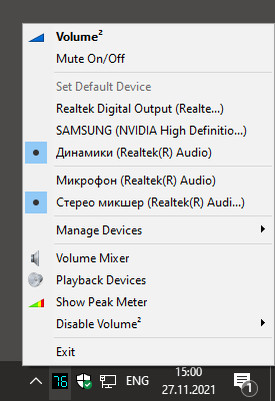
Volume² is a program designed to replace your standard Windows Volume Control.
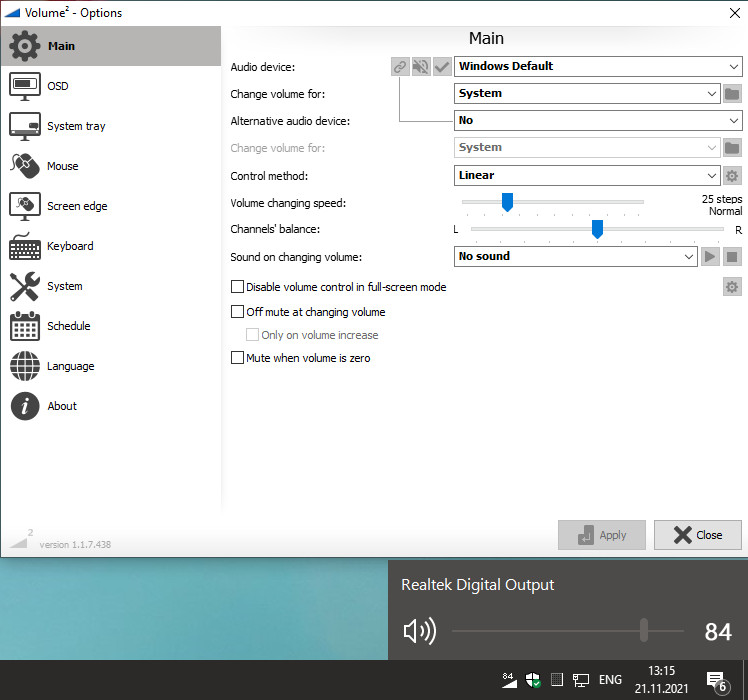
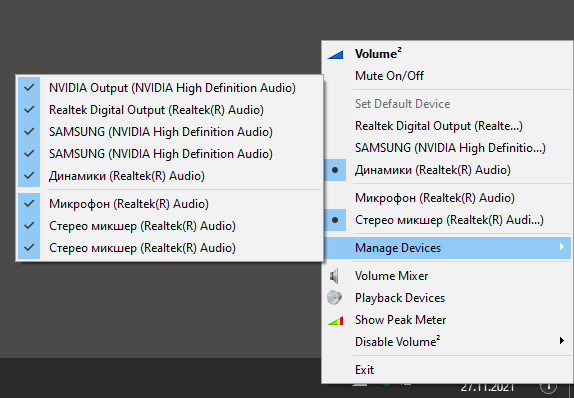
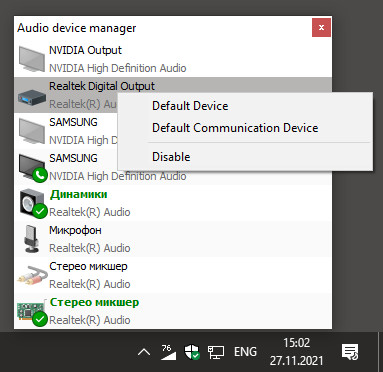
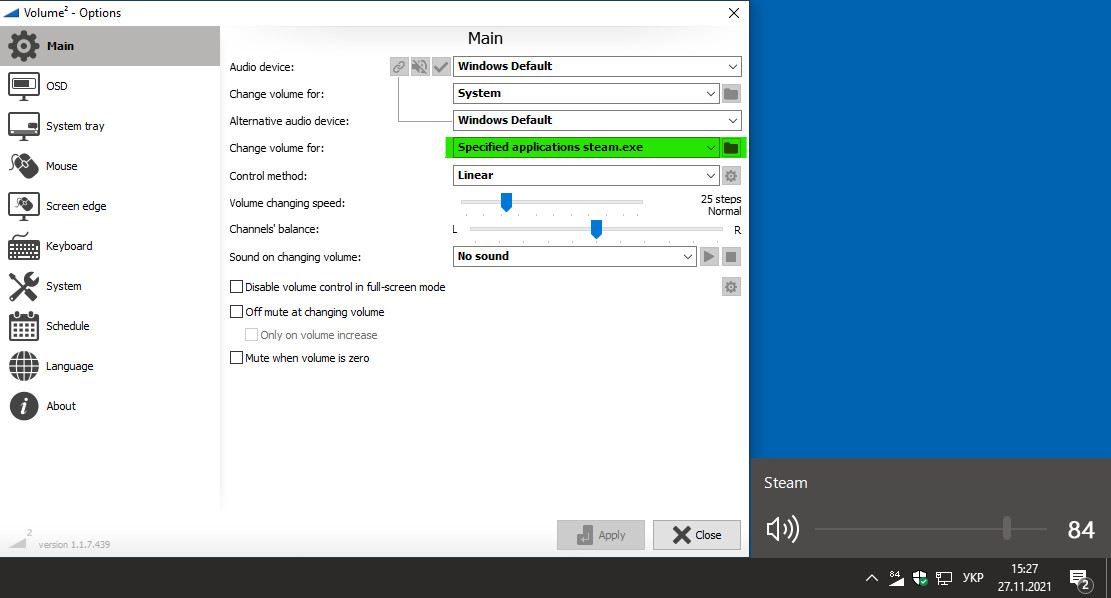
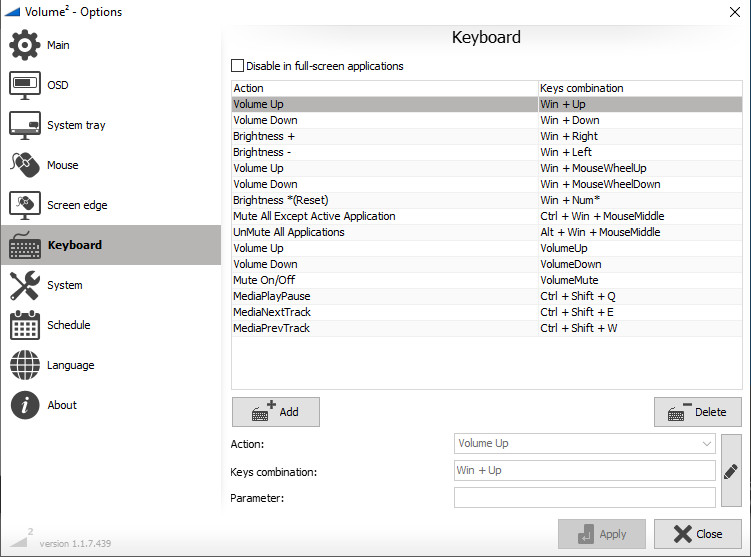
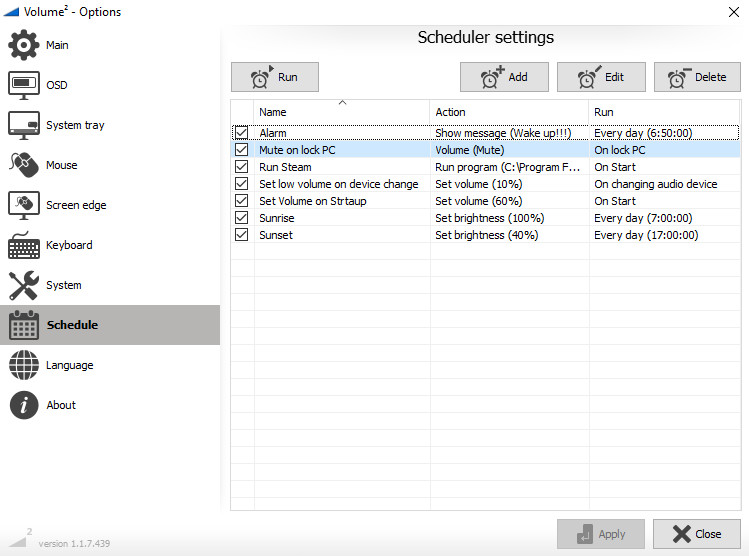
Volume² is an advanced Windows volume control, which can be used as a complete replacement for the standard Windows volume control. Volume² provides easy to configure options to assign keyboard hotkeys and mouse for toggling system volume and allows scheduling the execution of applications or changes in sound configurations. Volume² comes with a multi-lingual interface and supports English, Russian, Greek, Chinese, Armenian, and other. What makes Volume² better than the default Windows mixer is it’s ability to provide mouse wheel, hotkey and scheduling support for changing volume options.
Features:
Features:
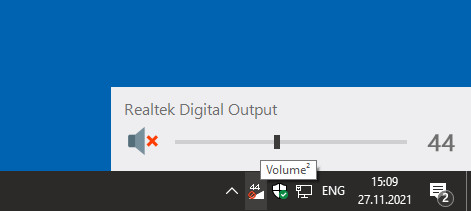
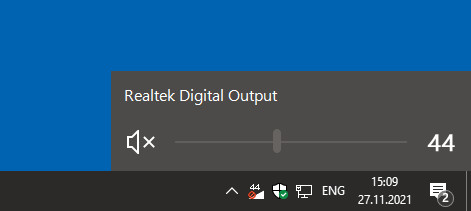
- Volume Notification, Mute Notification, Control from Hotkeys.
- Brightness Control using Hotkeys.
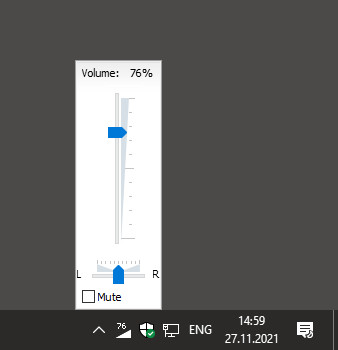
- Balance channel Control using Hotkeys.
- Screen edges, can be used, such that sliding your mouse up and down the side of the screen will toggle volume up/down
- Support events to set Volume value
- Support command line
- Plays sound on every Notification.
- CD/DVD Drive Ejection using Hotkeys.
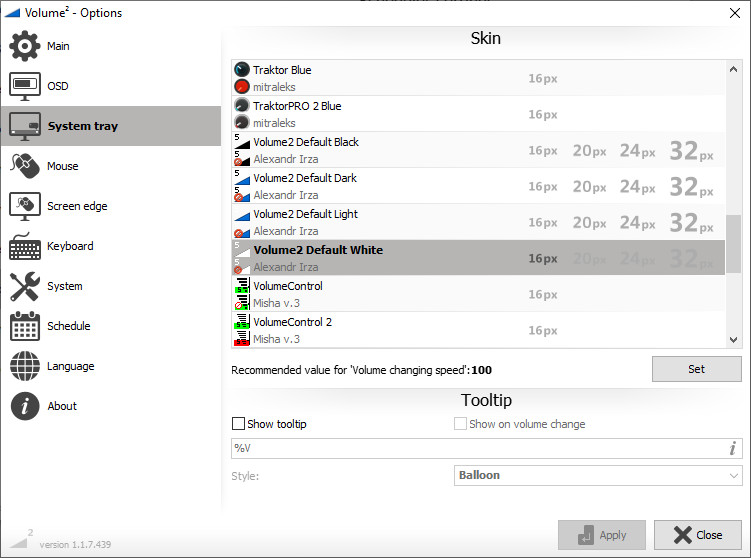
- System tray Volume Status/Mute Icon showing current Volume.
- Safely remove USB drive
- Control volume by channels with mouse wheel (for 5.1 or 7.1 audio system)
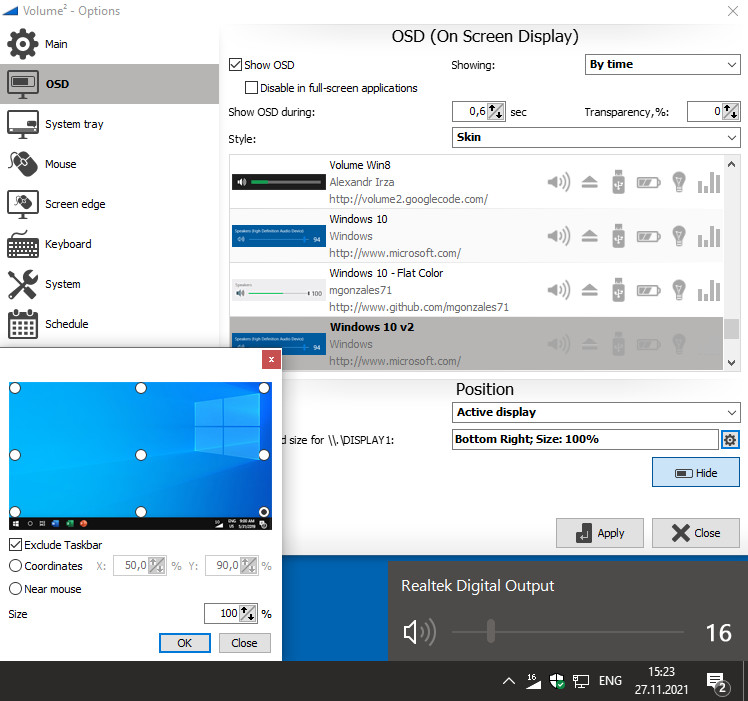
- Show OSD on monitor where is active application
Media
Trailers and screenshots straight from the store page





Latest news
Recent updates from the game's own feeds
Price intelligence
Accepted price history and the lows that matter
Historical lows
All-time low ATL $10.99 2026-06-18
3-month low $10.99
12-month low $10.99
Current $10.99
Price events From the accepted price history · updates automatically
Jun 18, 2026
New all-time low $10.99
Volume² - advanced Windows volume control price history and best deals
Volume² - advanced Windows volume control for PC currently sells from $10.99 at authorized stores. Its all-time low is $10.99, set on 2026-06-18.
Frequently asked questions
Answered from this game's own price and edition data
Where can I buy Volume² - advanced Windows volume control?
Volume² - advanced Windows volume control is tracked at steam. We only list authorized stores here and always link out with a clean outbound link.
Scores
Steam reviews Positive · 91%
91% positive of 33
Media (17)
Tech
Requirements
Links