PC
$0.00 Region US

Content rating unavailable
Sports · Michael Gschwandtner
VRWorkout

Content rating unavailable
Steam Deck Unsupported Windows
Positive · 80% of 25

 Chip's verdict · US updated 25 days ago
 Why this verdict
Player reviews 80% positive of 25
Quality score 80/100 · small sample
Offers
Accepted regional prices from official stores
Official stores (1)
Clean outbound link. We never touch your payment.
Report a wrong price
About this game
What this game is, in the developer's words
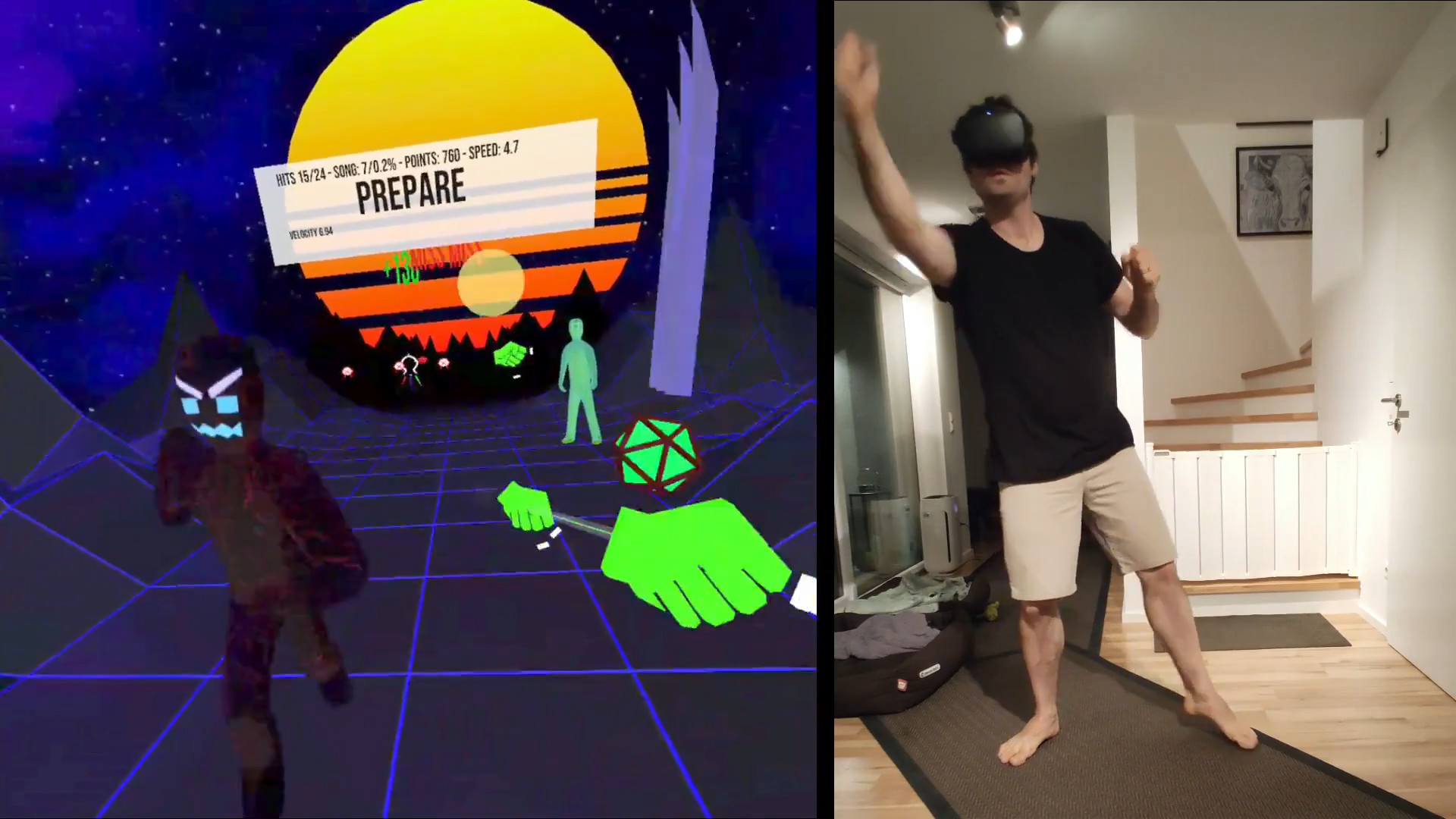
Fitness rhythm game with full body engagement. Transform your living room into a personal gym on 4 square meters.
Transform your living room into a personal gym
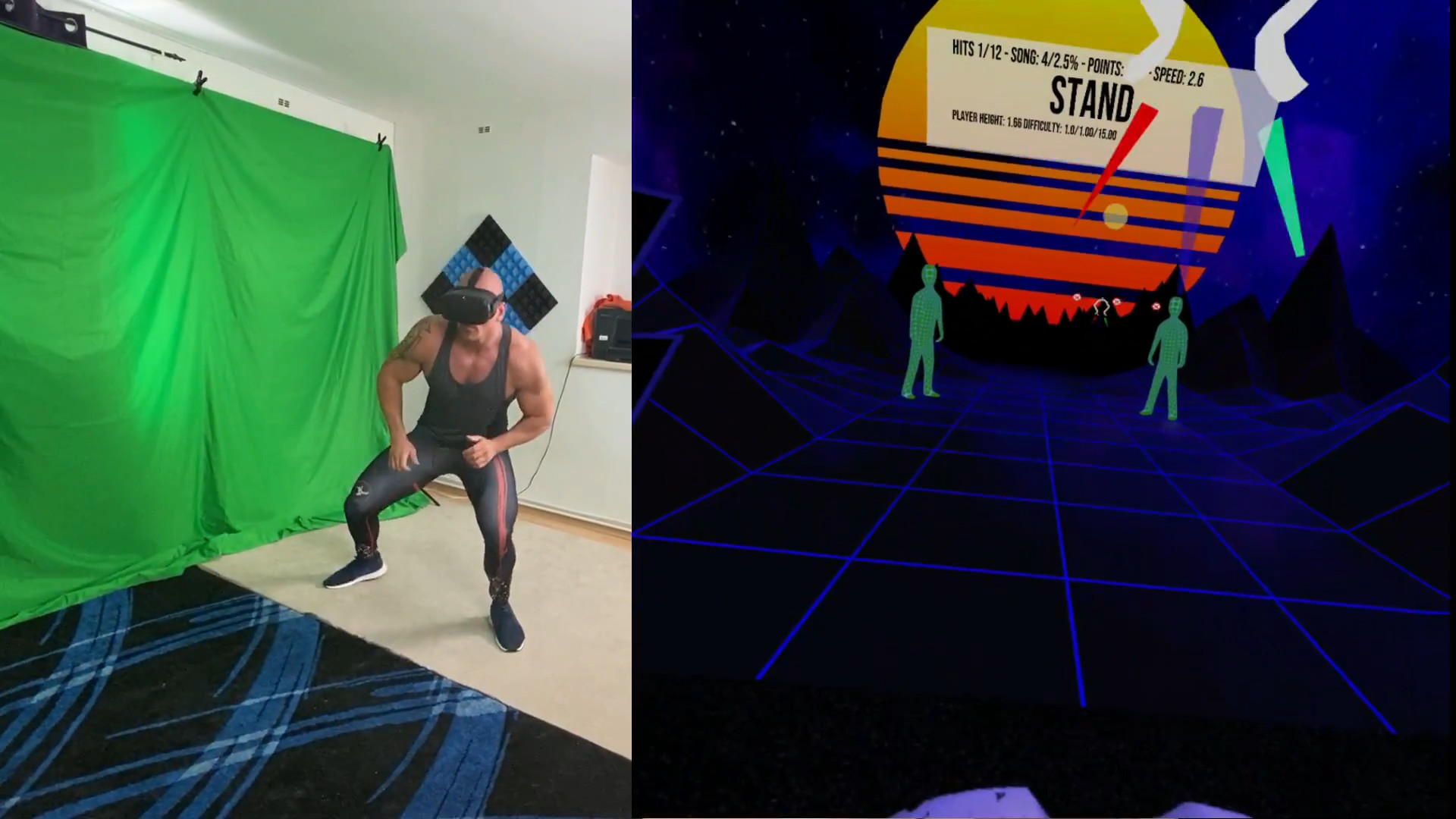
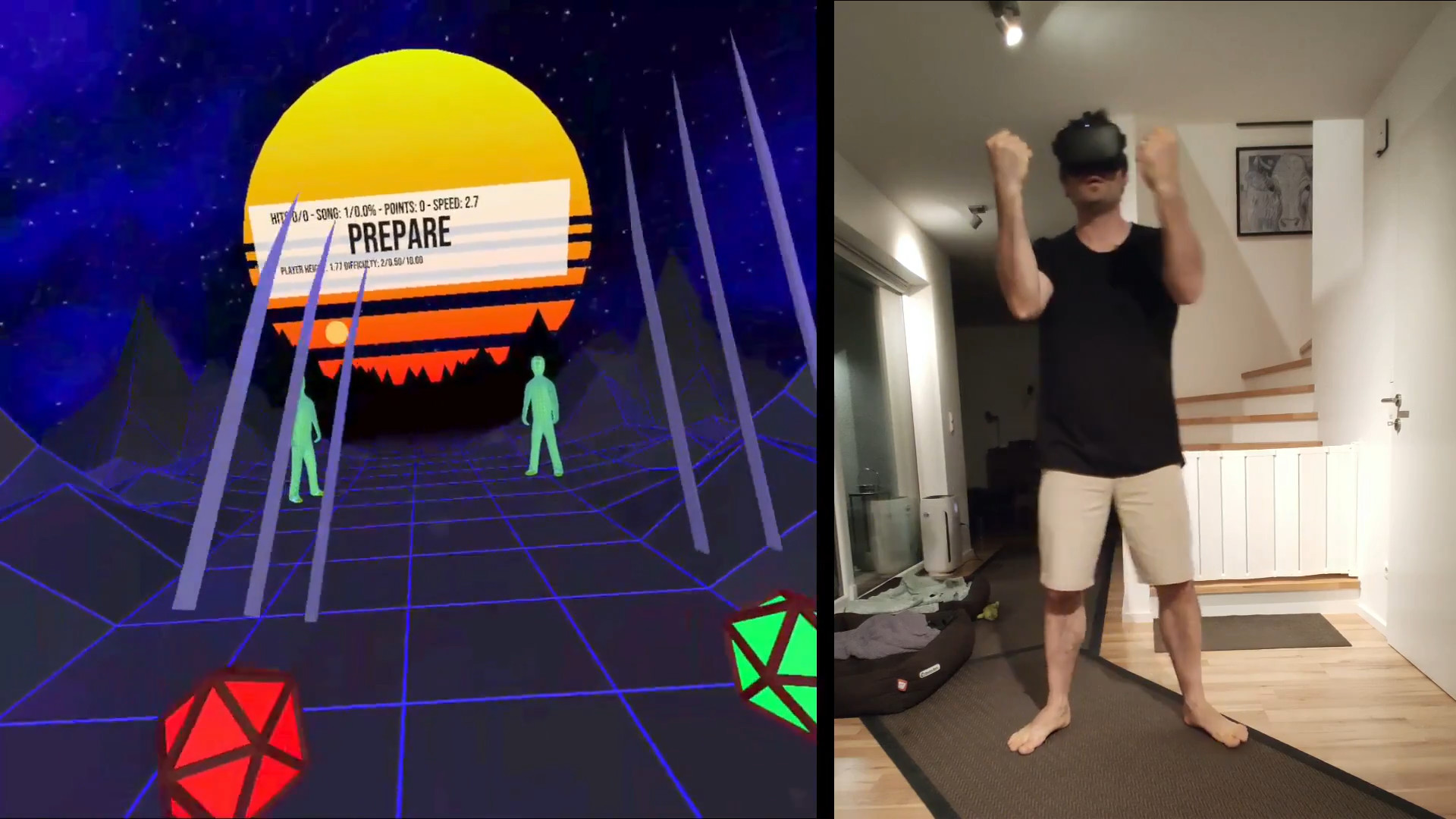
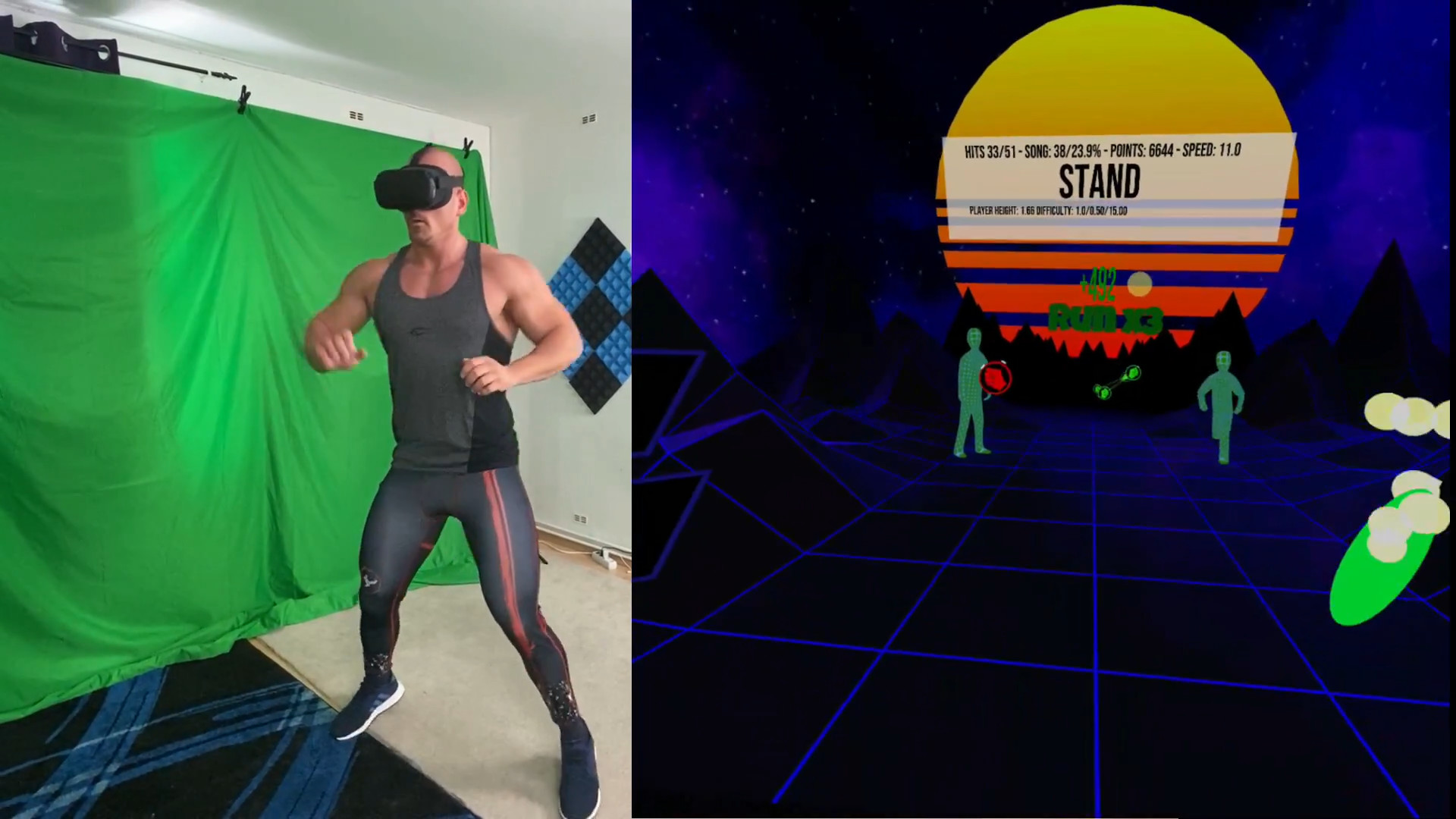
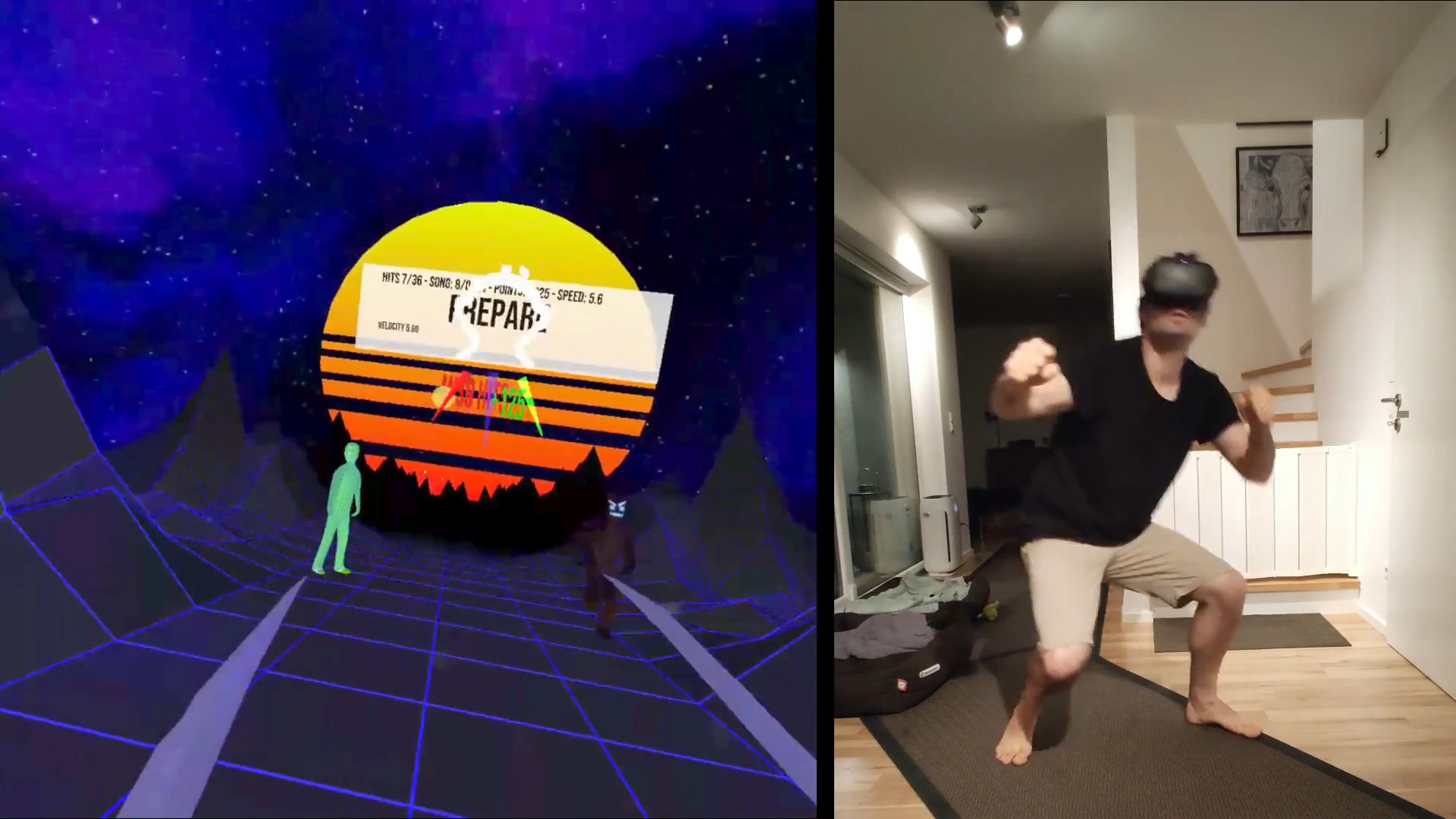
VRWorkout is a fitness rhythm game with full-body engagement.
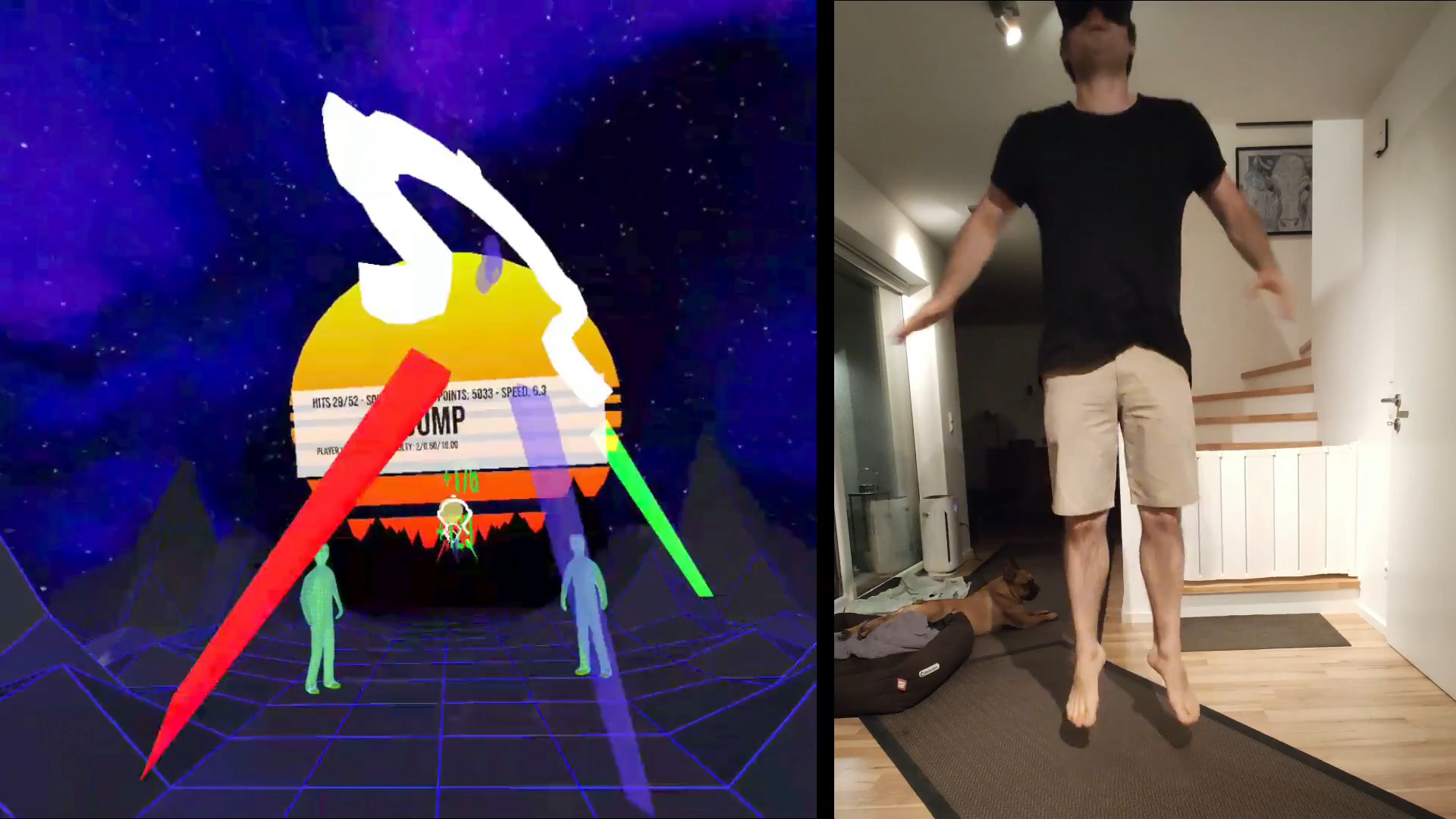
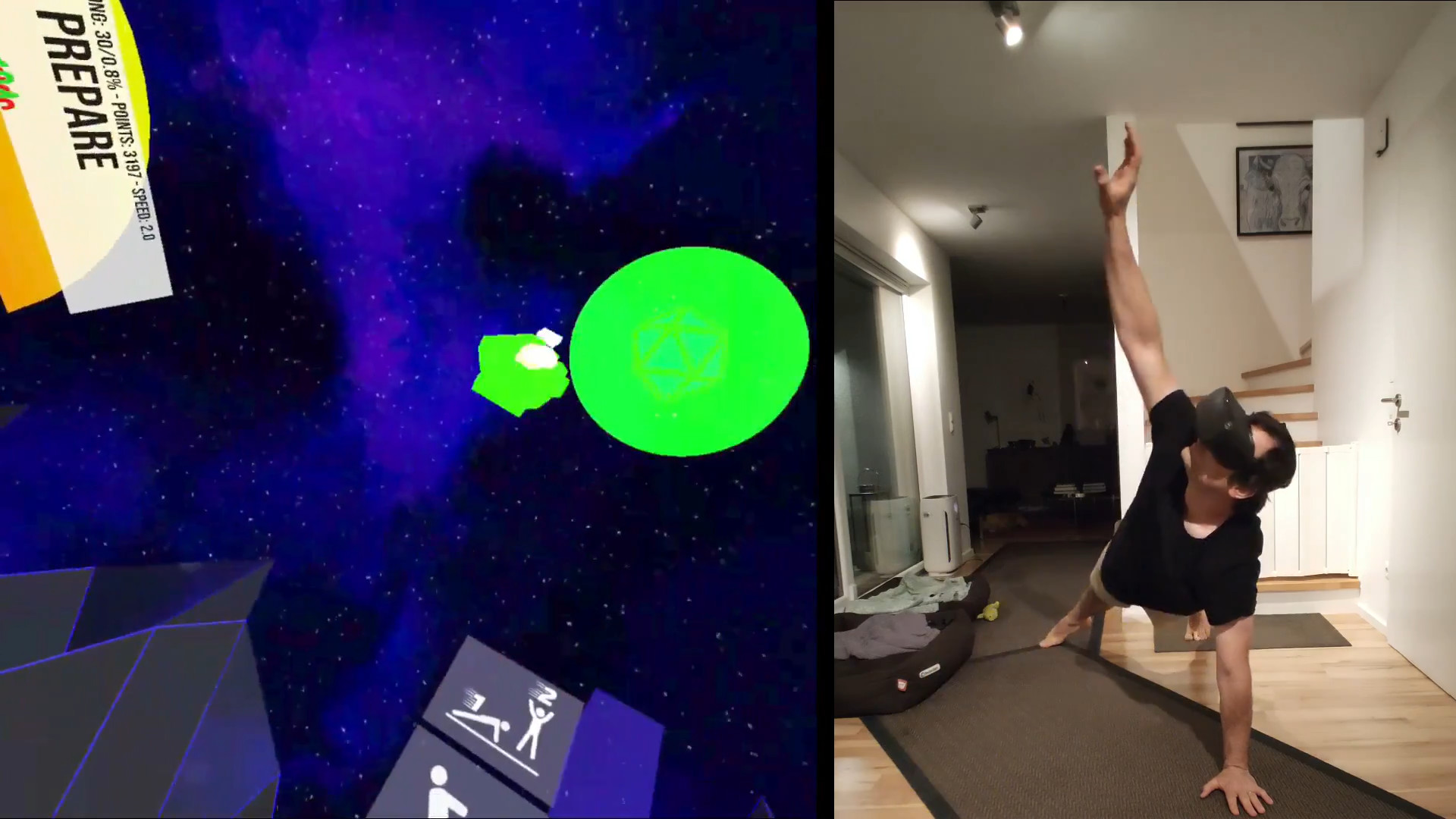
Jumping // Squatting // Pushups // Side Planks // Crunches // Running // Burpees and Sprinting
DISCLAIMER: Use at your own risk! This game does not check if you bump into your surroundings. There is a lot of movement involved since this is a physical workout game, which bears the risk of injury. Always use common sense when performing the movements inside the game. If you feel that some exercises are too dangerous DO NOT PERFORM them. You acknowledge that this software is free and you are using it at your own risk
If your system does not have hand tracking support you can strap the controllers to your wrists, for example with knuckle straps:
Here are other options to use controllers:
If you are just trying it out for the first time you can hold the controllers in your hands, just don't expect to be able to hit the hand cues during the pushups and probably avoid the burpees.
Once you are comfortable and want to move forward with a more serious workout either use VIVE Trackers with wrist straps or strap the controllers to your wrists in a safe manner.
VIVE wands are a bit trickier. One method that works quite well is to use a forearm guard usually used in archery and fixing the controller with Velcro to it. Those forearm guards are usually rather cheap (~$20) and are quite a good option to fix a VR controller to the forearm.
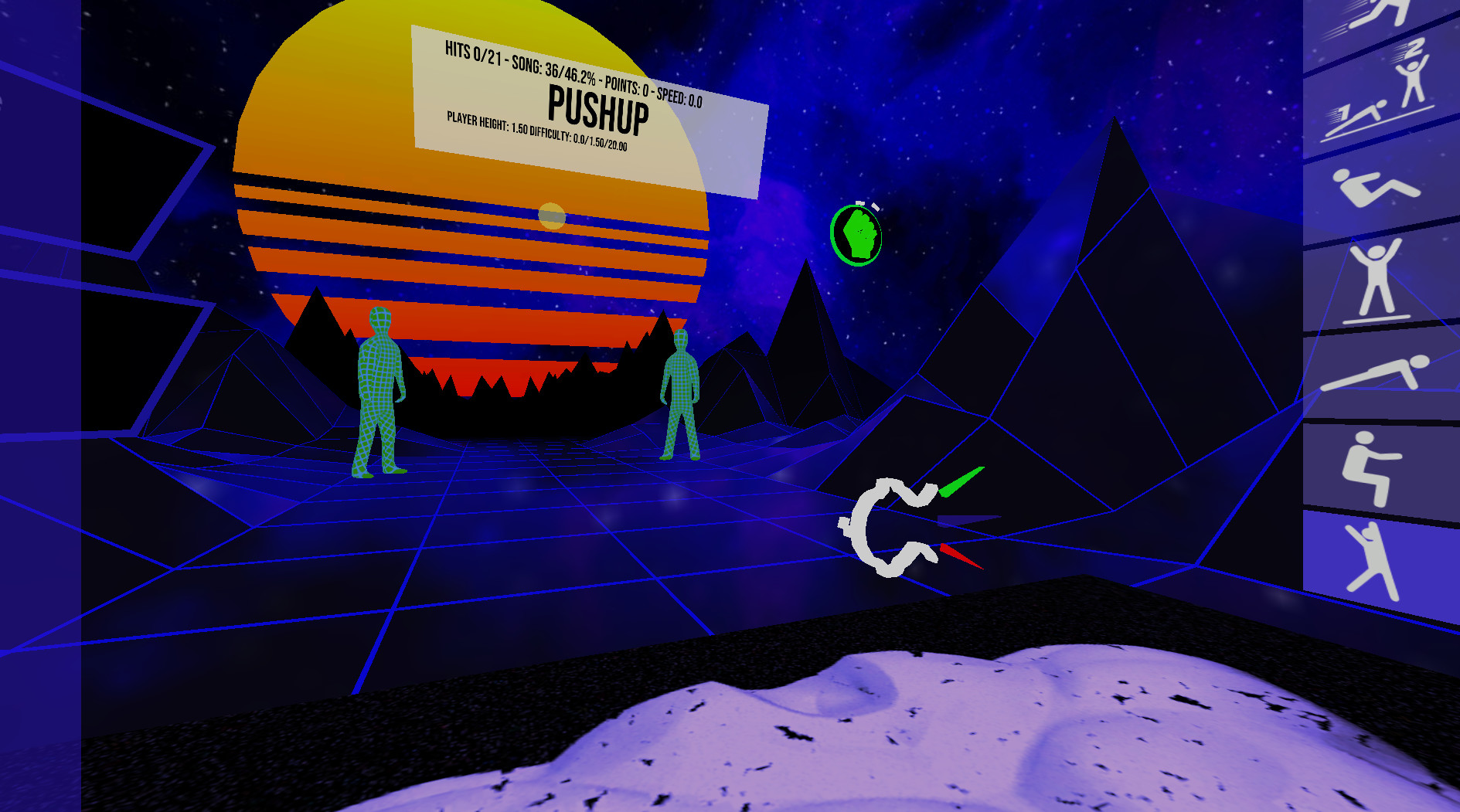
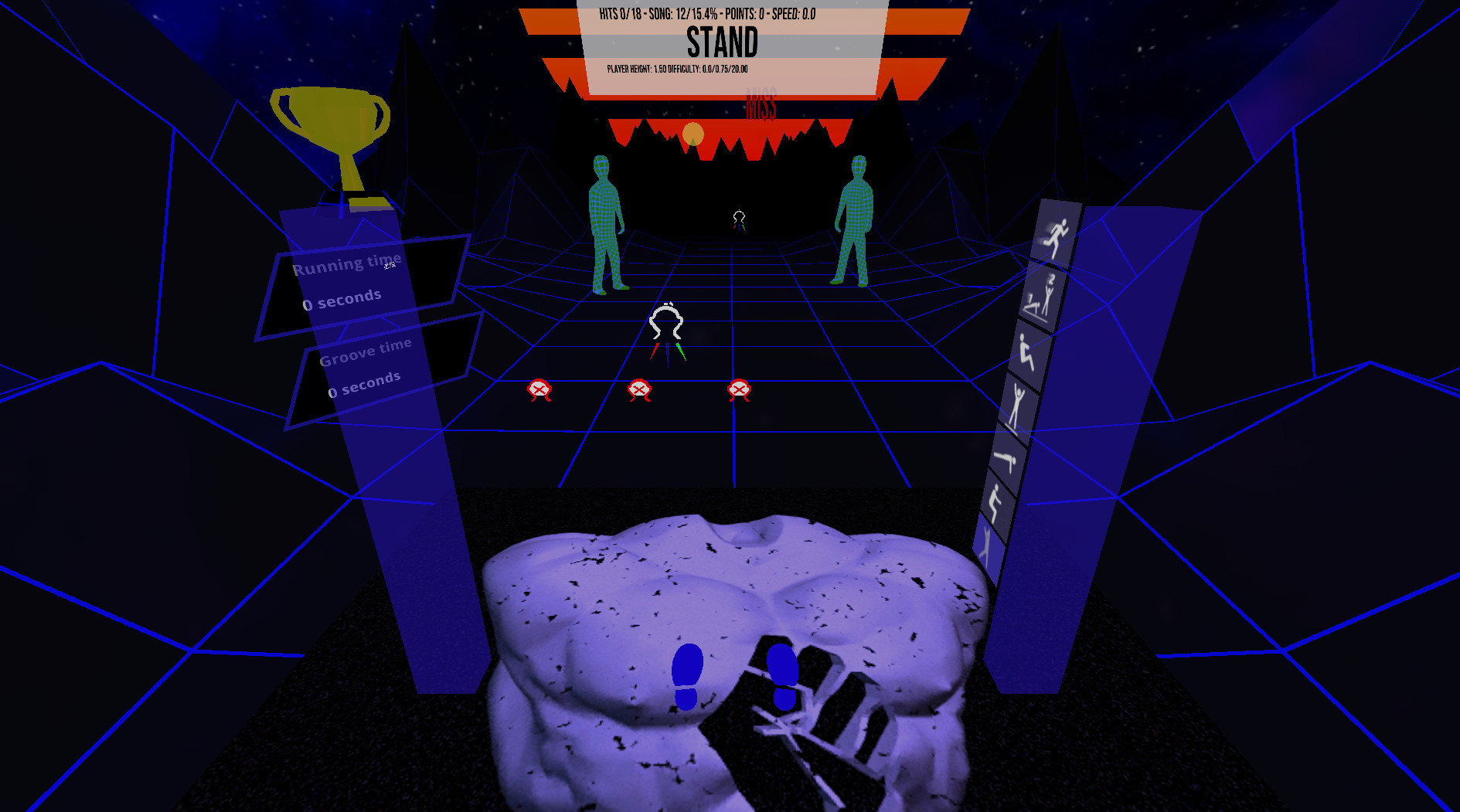
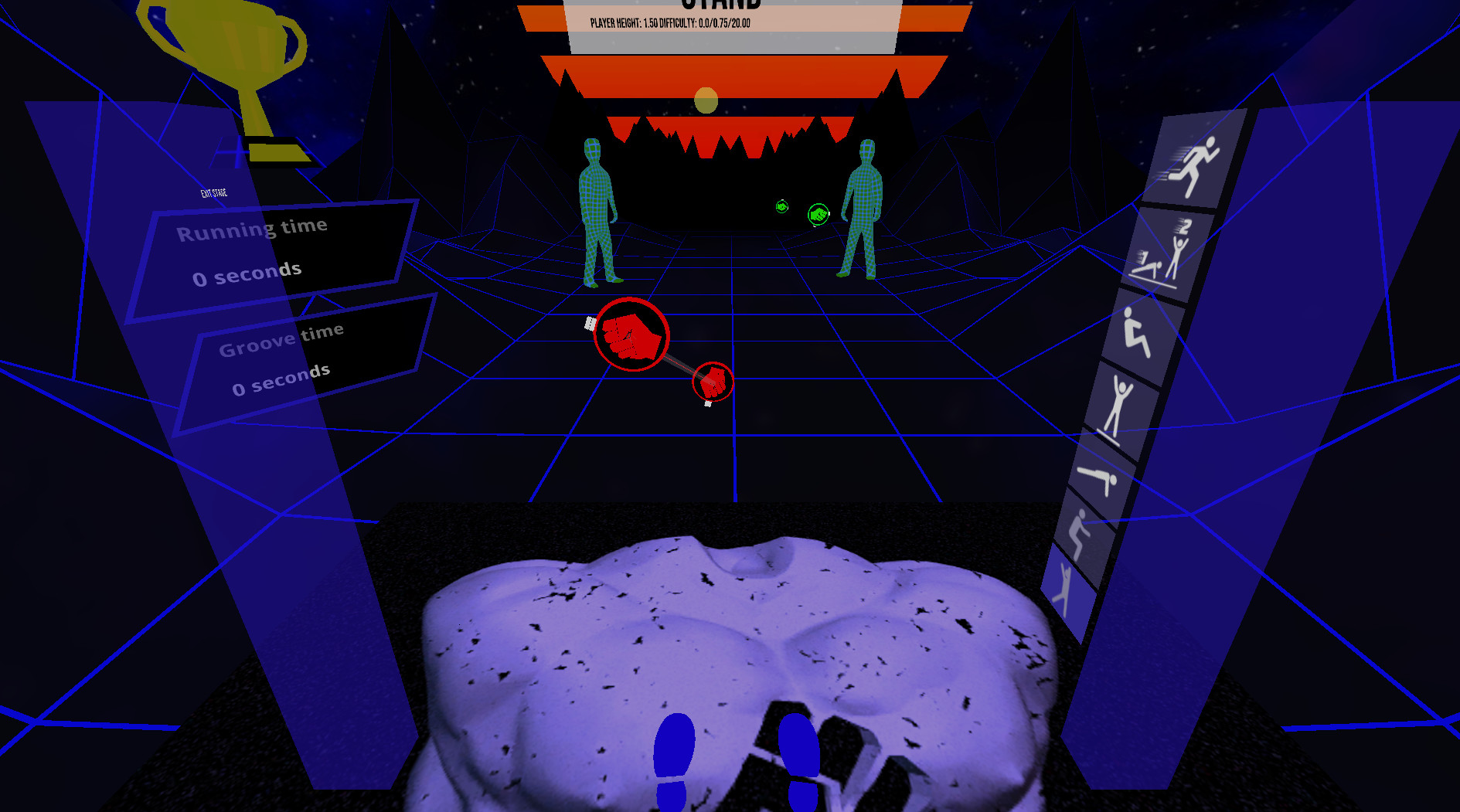
Upon starting you will see several different blocks. Touch one of them at the desired difficulty spot to select a level and difficulty. To disable exercises switch them on/off with the switches to your left.
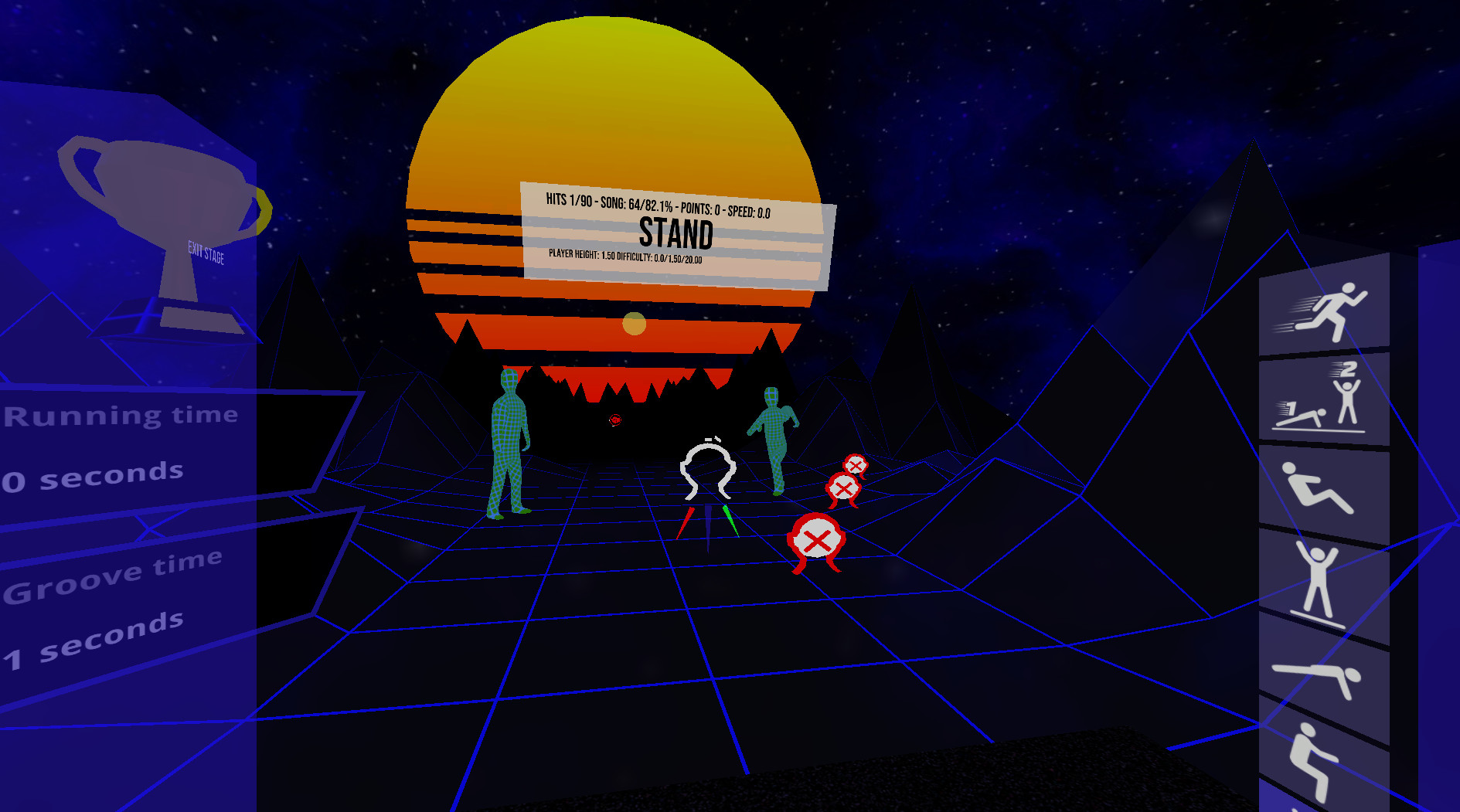
Exiting a stage during play: On the top of the left blue pole is a sign to exit a stage.
Play with your own music in Freeplay mode* Put on some music in the background and hit the blue drum in the main menu to the beat of the music. Once the beat is set, select one of the freeplay modes to your right. They will send the cues according to the BPM you set but without playing any music.
This folder is not automatically created so if you use customs songs create the folder VRWorkout in C:\ first
Attention: Requires SteamVR
VRWorkout is a fitness rhythm game with full-body engagement.
Jumping // Squatting // Pushups // Side Planks // Crunches // Running // Burpees and Sprinting
DISCLAIMER: Use at your own risk! This game does not check if you bump into your surroundings. There is a lot of movement involved since this is a physical workout game, which bears the risk of injury. Always use common sense when performing the movements inside the game. If you feel that some exercises are too dangerous DO NOT PERFORM them. You acknowledge that this software is free and you are using it at your own risk
How to play
If your system does not have hand tracking support you can strap the controllers to your wrists, for example with knuckle straps:
Here are other options to use controllers:
If you are just trying it out for the first time you can hold the controllers in your hands, just don't expect to be able to hit the hand cues during the pushups and probably avoid the burpees.
Once you are comfortable and want to move forward with a more serious workout either use VIVE Trackers with wrist straps or strap the controllers to your wrists in a safe manner.
VIVE wands are a bit trickier. One method that works quite well is to use a forearm guard usually used in archery and fixing the controller with Velcro to it. Those forearm guards are usually rather cheap (~$20) and are quite a good option to fix a VR controller to the forearm.
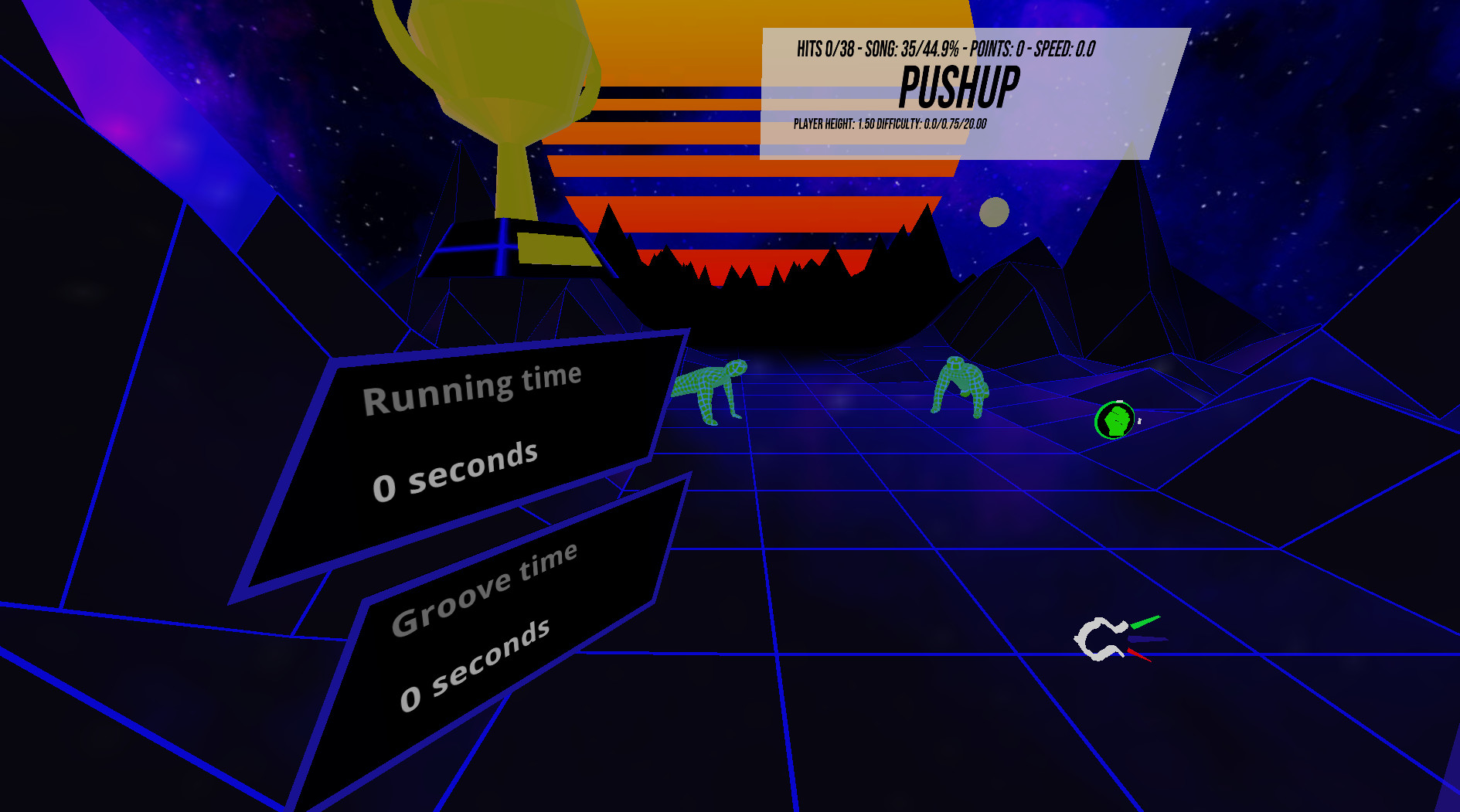
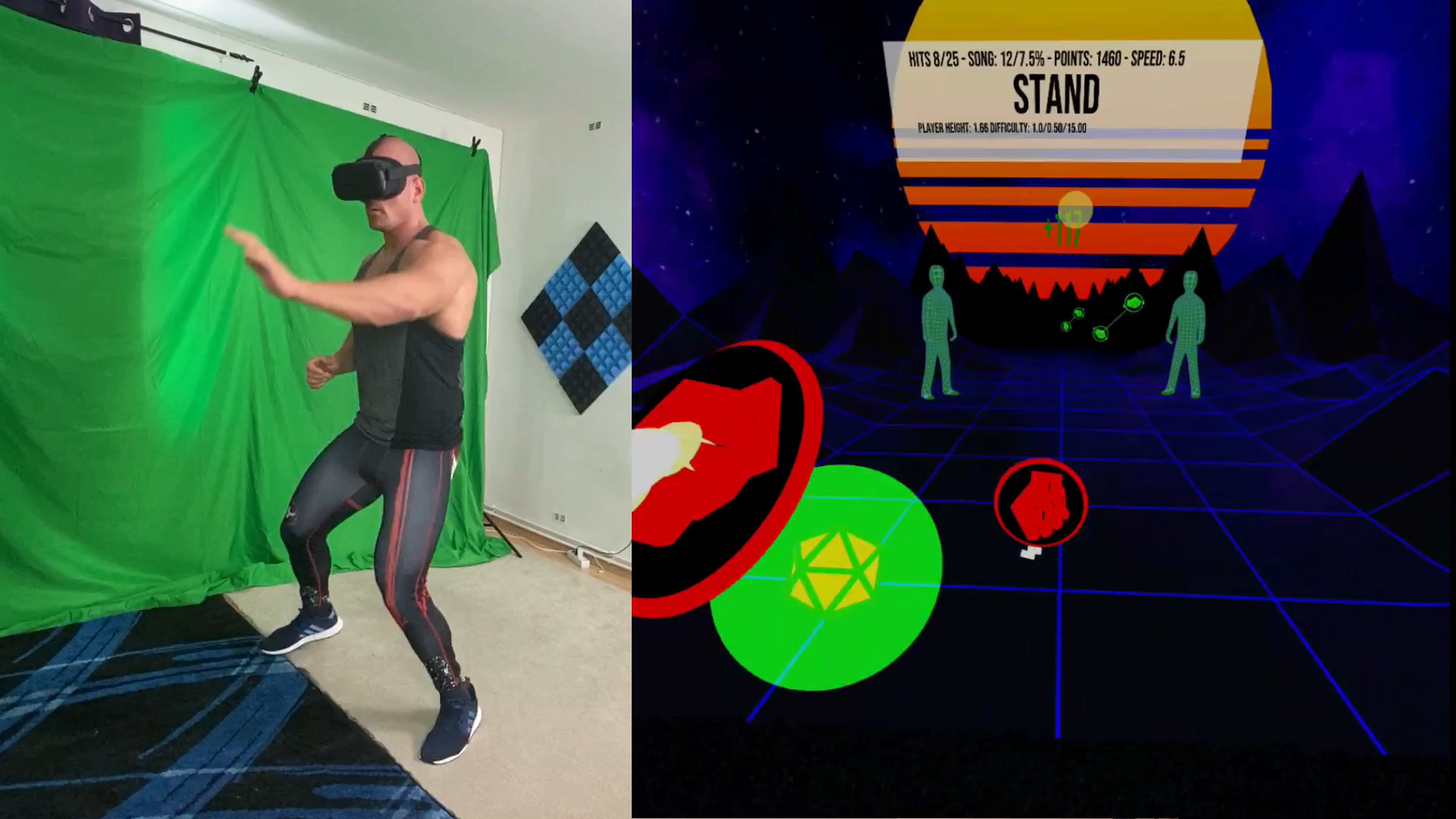
- Try to hit the hand cues to the beat of the music.
- The head cue has to be touched with your head. Just touch it, you don't need for headbutting
- Run in place to receive point multipliers!
- If you want to switch out an exercise during play double-tap the new exercise twice in the exercise selector to your right.
Upon starting you will see several different blocks. Touch one of them at the desired difficulty spot to select a level and difficulty. To disable exercises switch them on/off with the switches to your left.
Exiting a stage during play: On the top of the left blue pole is a sign to exit a stage.
Play with your own music in Freeplay mode* Put on some music in the background and hit the blue drum in the main menu to the beat of the music. Once the beat is set, select one of the freeplay modes to your right. They will send the cues according to the BPM you set but without playing any music.
Current features
- 3 difficulty levels
- Automatic player height detection
- Audio instructions that tell the player when to switch positions
- Increase points by running in place or by moving more
- Freeplay mode without music, so you can play to your own background music
- Experimental heart rate integration (auto difficulty)
- In-game recentering
- 34 songs included
- Custom song support
- Online portal access (patrons and beta testers only)
- Heart rate integration
- SideQuest profile linking
Custom songs
Place your MP3 or OGG files (only stereo is supported) in the Folder C:\VRWorkoutThis folder is not automatically created so if you use customs songs create the folder VRWorkout in C:\ first
Attention: Requires SteamVR
Media
Trailers and screenshots straight from the store page

Price intelligence
Accepted price history and the lows that matter
No price history recorded yet.
Historical lows
No history yet.
VRWorkout price history and best deals
VRWorkout for PC currently sells from free at authorized stores.
Frequently asked questions
Answered from this game's own price and edition data
Where can I buy VRWorkout?
VRWorkout is tracked at steam. We only list authorized stores here and always link out with a clean outbound link.
Scores
Steam reviews Positive · 80%
80% positive of 25
Media (14)
Tech
Steam DeckUnsupported
Requirements
Facts
DeveloperMichael Gschwandtner
PublisherMichael Gschwandtner
GenresSports · Early Access
ModesSingle-player
Links
Ratings
dejus14
igrs13
steam_germany12