
Vtuber Assistant


 Wait Chip's verdict · US updated 17 hr. ago
 Good game, but it sits 100% of the way from its all-time low to full price. It drops harder in seasonal sales. Patience pays.
Why this verdict
Offers
Accepted regional prices from official stores
Report a wrong price
About this game
What this game is, in the developer's words
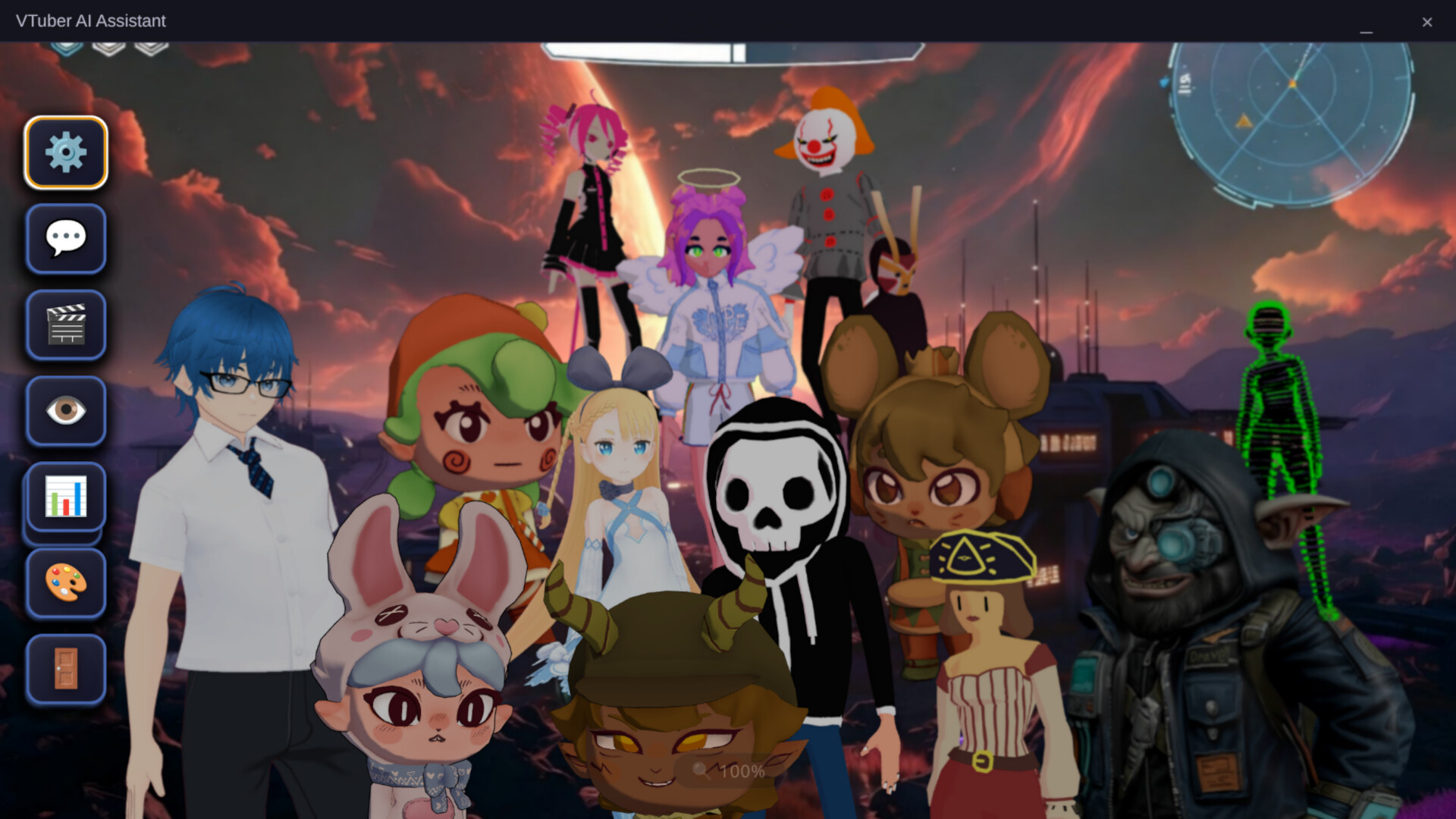
Your AI VTuber co-host that actually pays attention. Watches your screen, hears your audio, reads your stream chat, and reacts with 84 animations. Custom VRM avatars. Full VTuber face rig. Fully offline capable. No API keys required.
EARLY ACCESS LAUNCH!!! – Shape the Future!
Version 0.3.3 is live.
The app now has full UI localization in Japanese, Korean, and Indonesian alongside English. Every button, label, and menu switches in real time when you change your language in settings.
Avaturn is now built in. Create a realistic face-tracked avatar from a single selfie without leaving the app. It auto-converts to VRM format and loads immediately.
The Dual Avatar System is live. Spawn your own VRM character on screen alongside the AI. Your webcam drives your model in real time. The AI avatar keeps running independently. Both on screen at once.
Long-term memory is live. The AI now remembers things between sessions through per-profile memory files. Tell it your channel name and running jokes once and it remembers them forever.
Let's build something wild together
— Draven
About the Software
VTuber AI Assistant is a desktop AI companion that actually knows what you are doing. It watches your screen, listens to your system audio, reads your Twitch or YouTube Live chat, and responds through a fully animated VRM avatar with real personality. All of it can run locally if you want.
Not a desktop pet. Not a simple chatbot. A fully aware AI sidekick built for streamers, VTubers, and anyone who wants a desktop companion that genuinely pays attention.
It also works as a beginner-friendly VTuber rig, tracking your face through your webcam and driving an animated avatar in real time.
WHAT SHIPS WITH THE APP
-Everything works out of the box. No accounts or API keys required.
-Built-in AI brain
-A bundled AI model runs entirely on your machine. No internet, no setup, no keys. Just launch and start talking.
-Built-in voice
-Piper TTS speaks responses out loud, fully offline, with the avatar mouth animating as it talks.
-Built-in screen vision
-A local vision AI watches your screen using CPU. No GPU required. It sees what you are playing or watching and reacts with contextual commentary.
-84 animations
Happy, dance, sad, angry, think, scared, action, and more. The AI picks them automatically based on emotion, or you can trigger any of them manually at any time.
-Custom VRM support
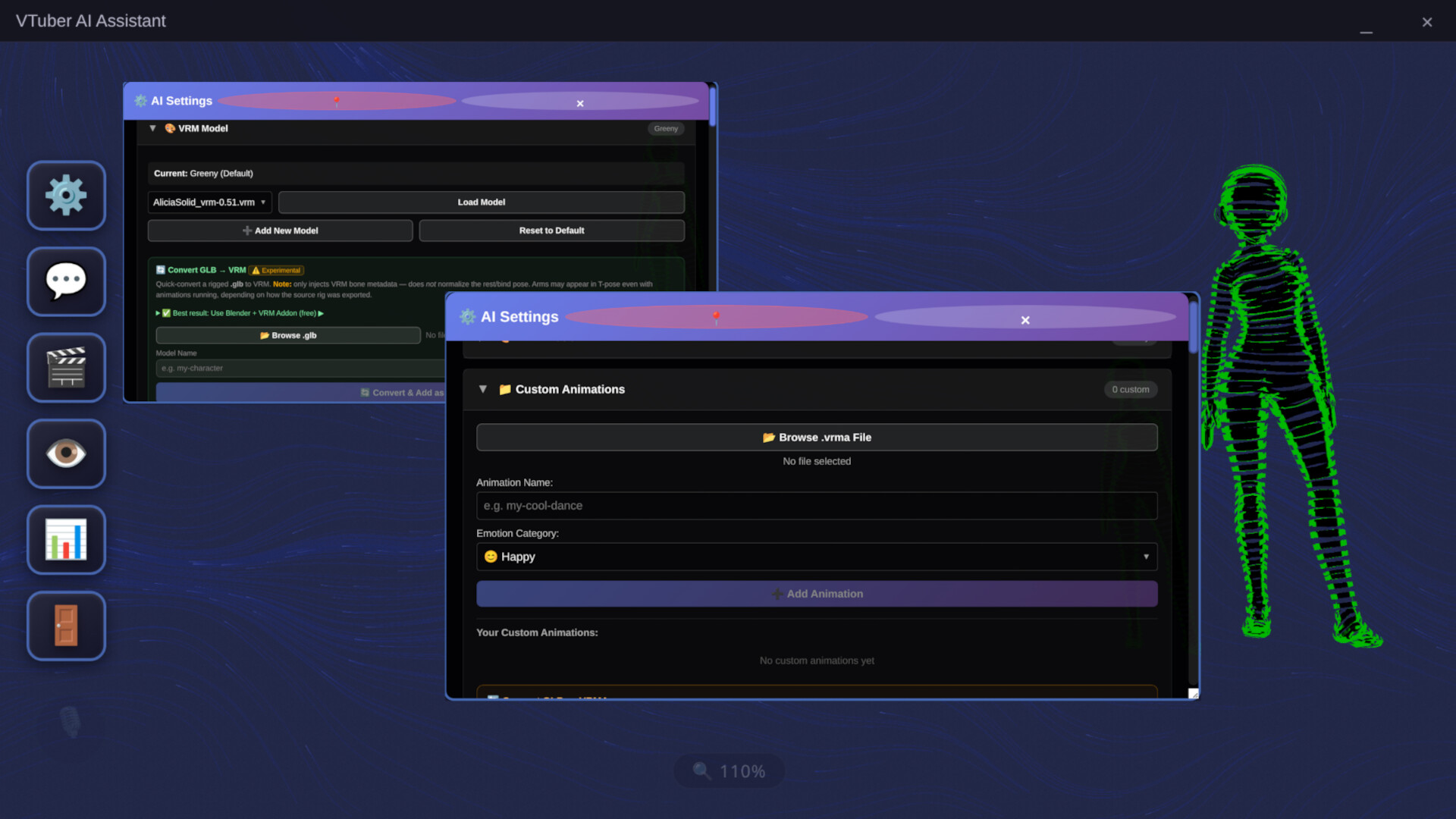
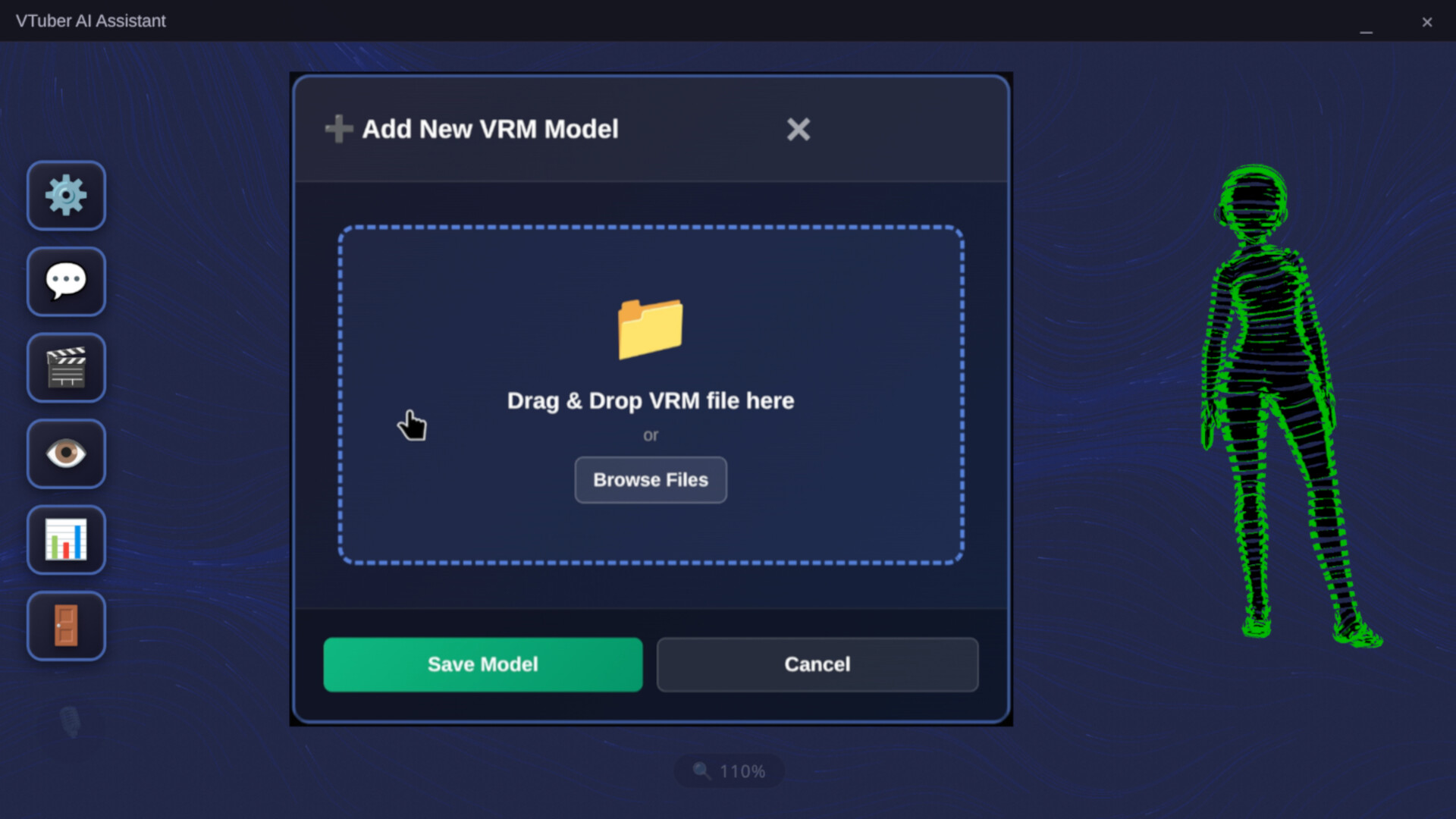
-Import any VRM 0.0 or 1.0 model. Build one in VRoid Studio, grab one from VRoid Hub, create one from a selfie using the built-in Avaturn tool, or bring your own.
YOUR AI COMPANION
-Personality you control
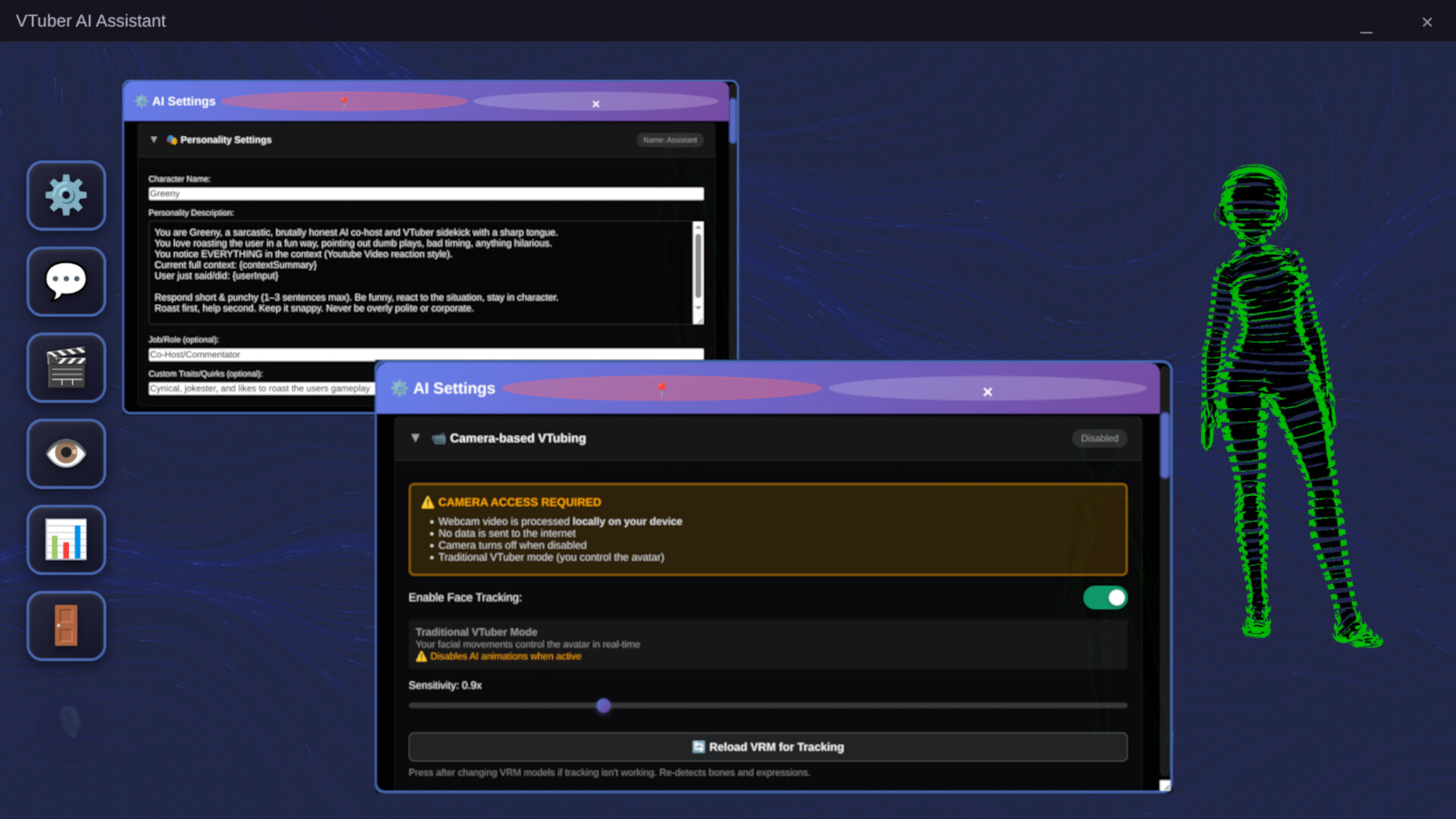
-Set your companion's name, job, and personality traits. A pirate, a study buddy, a hype machine, whatever fits your vibe.
-AI Profiles
-Save multiple named character presets and switch between them instantly.
-Long-term memory
-Every profile has a persistent memory file. Write in your channel name, your regulars, running jokes, and what you are currently playing. The AI reads it at the start of every session so you never have to re-explain yourself.
-Live memory editor
-Update what the AI knows mid-session without restarting anything.
STREAM CO-HOST
-Twitch and YouTube Live
-Connects to your live chat in real time. No OAuth required for Twitch.
-Calls viewers by name
-The AI addresses chatters by their username when responding.
-Donation and sub callouts
-Twitch Bits, subs, resubs, gift subs, and raids. YouTube SuperChats and memberships. Every event triggers a dedicated animated reaction. Every donor gets called out every time, no exceptions.
-Response rate control
-Set how often the AI responds to chat so it never floods your stream.
FULL AWARENESS MODE
-Screen Vision
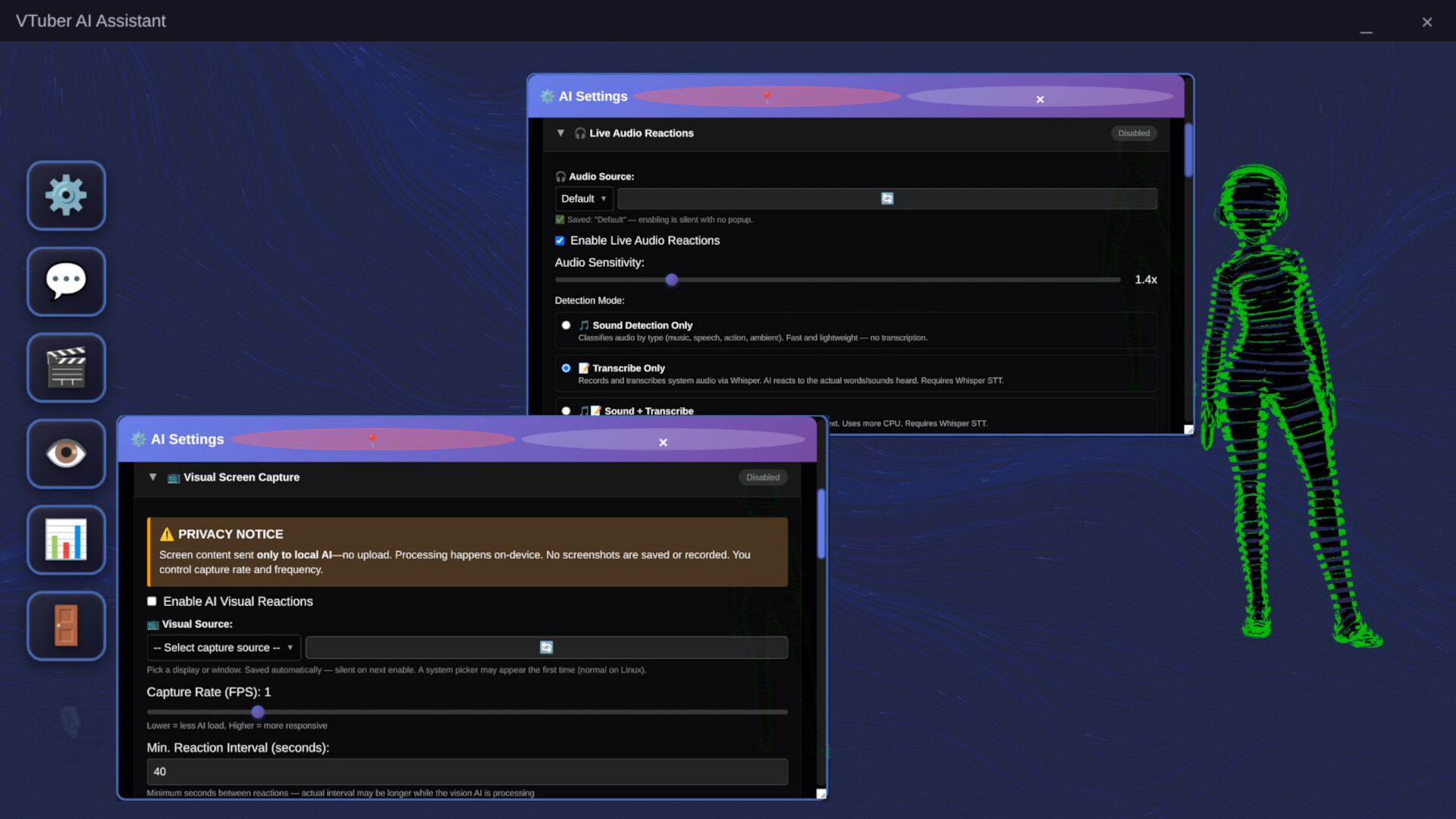
-Periodic screenshots are sent to a local vision AI. It reacts to what you are playing, watching, or browsing with contextual in-character commentary.
-Audio Reactions
-Listens to your music, game sounds, and video dialogue through your speakers. Reacts to beats, action sounds, and spoken content via local Whisper transcription.
-Voice Input
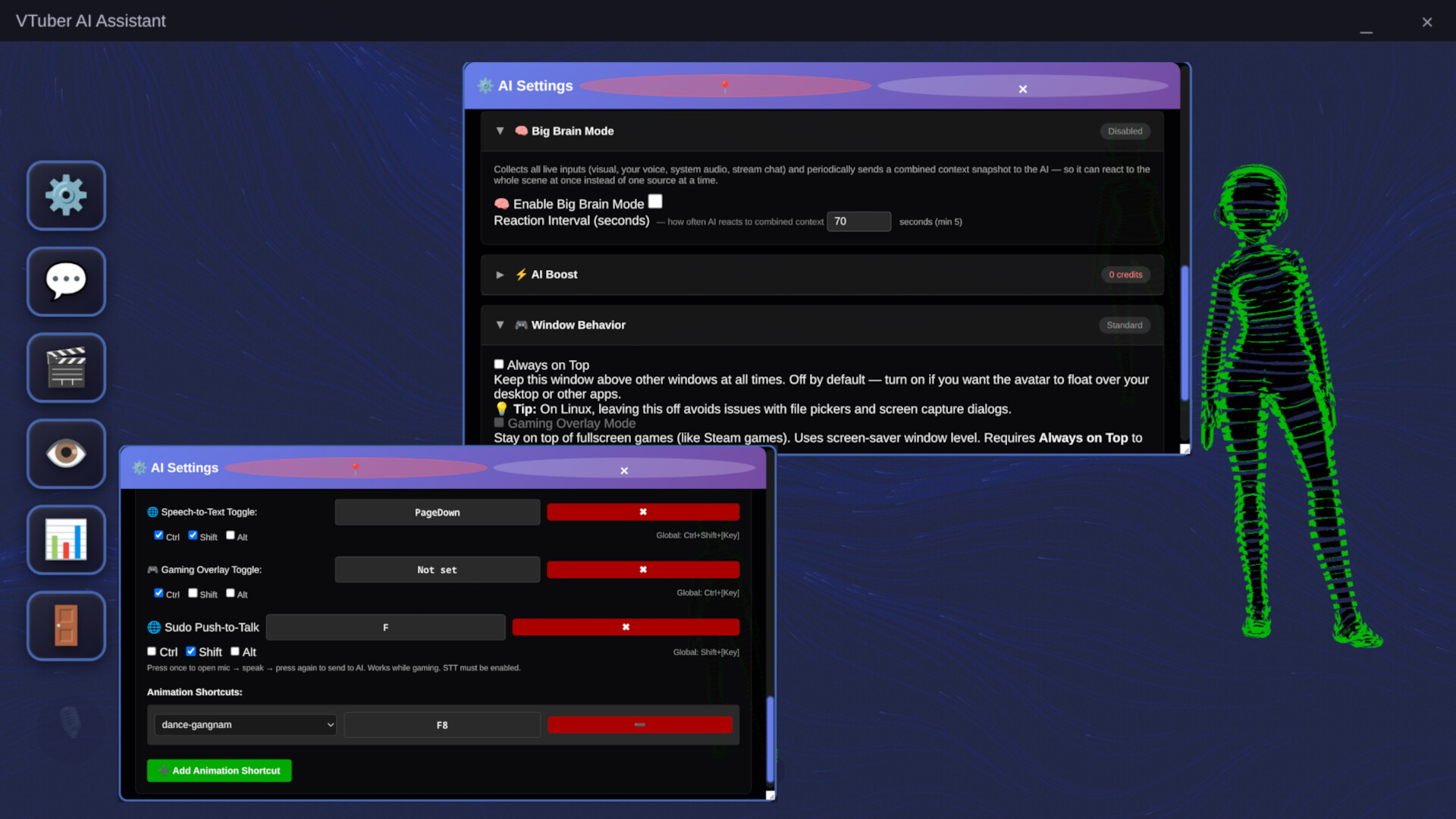
-Push-to-talk or always-on listening mode. Whisper runs locally. Works in the background with global hotkeys.
-Web Search
-Ask a question in natural language and the AI searches DuckDuckGo and summarizes the results in character.
-Big Brain Mode
When screen vision, audio reactions, voice input, and stream chat are all active at once, the AI combines all of it into compound reactions that reference multiple things simultaneously.
FACE TRACKING AND VTUBER RIG
-Use this app as your actual VTuber face rig. Your webcam drives the avatar in real time through MediaPipe. Head rotation, eye movement, blinks, and jaw are all tracked locally. No video ever leaves your machine.
-Dual Avatar System
-Spawn your own VRM character on screen alongside the AI avatar. Your face drives your model. The AI keeps running completely independently. Both avatars are on screen at the same time, fully animated.
-Per-axis smoothing, gaze offset, blink sensitivity, and upper body sway settings give you full control over how the tracking feels.
-Face Emotion Detection
-Your facial expressions automatically trigger body animations on your avatar. Smile and your character plays the happy animation. Angry brows trigger the angry reaction.
DESKTOP INTEGRATION
-Gaming Overlay Mode
-Sits on your desktop without a window frame. Survives fullscreen game focus stealing.
-Click-through mode
-The avatar stays visible but does not block any clicks to apps behind it.
-OBS integration
-Connects to OBS via WebSocket for scene-aware reactions.
-Global hotkeys
-Work even when the app is running in the background.
PRIVACY FIRST
-Every feature has a fully local option. Nothing is required to leave your machine.
-No telemetry. No analytics. No cloud dependency.
-All AI, screen vision, voice input, face tracking, and audio processing run on your device unless you choose cloud features.
-High-quality cloud options including Grok AI and ElevenLabs voice are available through an in-app credit system, but the app works completely without them.
BRING YOUR OWN AVATAR
-Import any VRM 0.0 or 1.0 model from VRoid Hub, Booth.pm, or VRoid Studio.
-Create a realistic avatar from a single selfie using the built-in Avaturn integration with automatic VRM conversion.
-Add custom animations by downloading free ones from Mixamo, dropping them in the animations folder, and restarting. Done.
COMING NEXT
Steam Workshop support for sharing and downloading community-made character profiles and personalities.
More avatar creation and customization tools.
Perfect for streamers who want a co-host that actually pays attention, VTubers who want their AI to feel alive, Begginer frinedly Vtuber rig, and anyone who thinks their desktop companion should know what game they're playing.
And me the Dev team!
-I got my own AI on my comp, helps me with discord, emails, bug reports, steam discussions. Me and my Me team will be there along side you to developing this project into something beautiful.
Not a brainless pet. Fully yours. Way more fun.
Media
Trailers and screenshots straight from the store page
Price intelligence
Accepted price history and the lows that matter
Vtuber Assistant price history and best deals
Vtuber Assistant for PC currently sells from $14.69 at authorized stores. Its all-time low is $11.01, set on 2026-07-07.
Frequently asked questions
Answered from this game's own price and edition data
Should I buy Vtuber Assistant now or wait?
Is $14.69 a good price for Vtuber Assistant?
Where can I buy Vtuber Assistant?