PC
Region US
Content rating unavailable
Animation & Modeling · 西安曼云网络科技有限公司
VUP

Content rating unavailable
Windows
Very Positive · 86% of 922

 Chip's verdict · US
 Why this verdict
Player reviews 86% positive of 922
Quality score 86/100
Offers
Accepted regional prices from official stores
No offers tracked yet for this product.
Report a wrong price
About this game
What this game is, in the developer's words
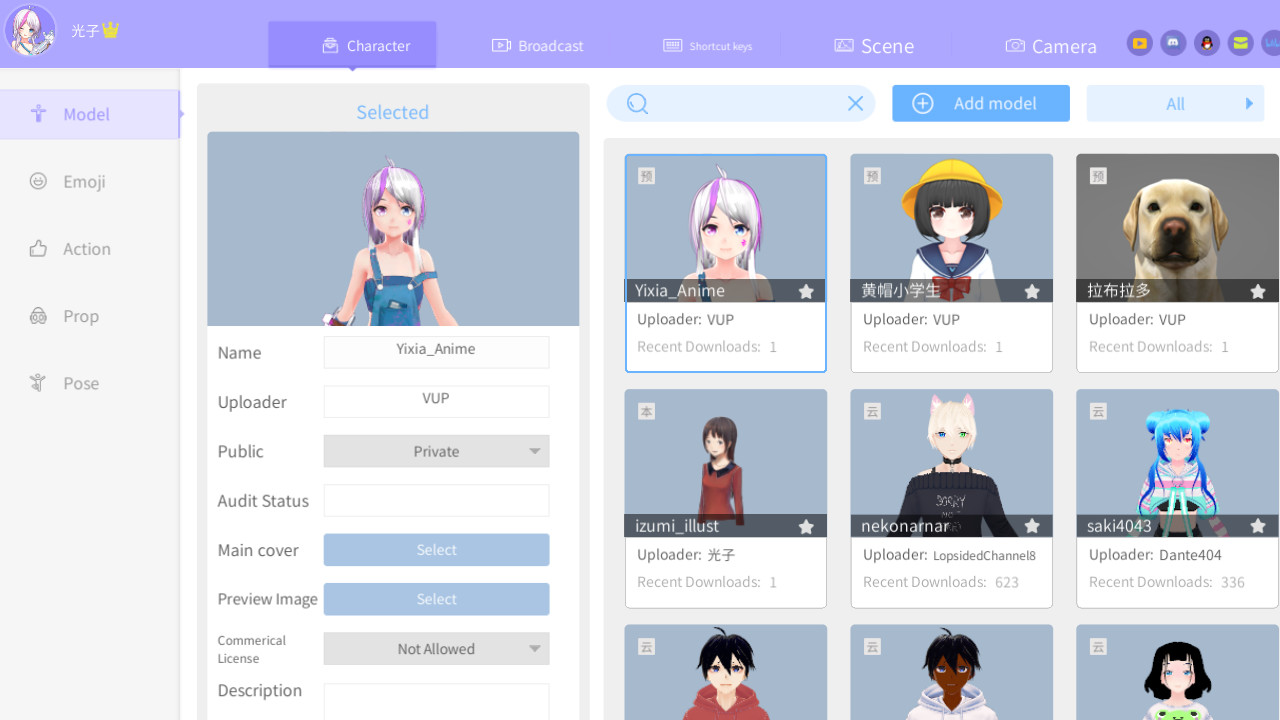
VUP is a VTuber tool, based on real-time capture technology, low-cost, zero-based to realize animation video production and multi-person cross-platform virtual livestream, opening a new era in which everyone is a VTuber.
VUP is a VTuber tool, based on real-time capture technology, low-cost, zero-based to realize animation video production and multi-person cross-platform virtual livestream, opening a new era in which everyone is a VTuber.
Welcome to join VUP Discord server
Lower CPU usage, the new VUP-Live2D version is coming~
VUP not only supports 3D models, but also Live2D modelsWhat can VUP do?
- Facial Capture
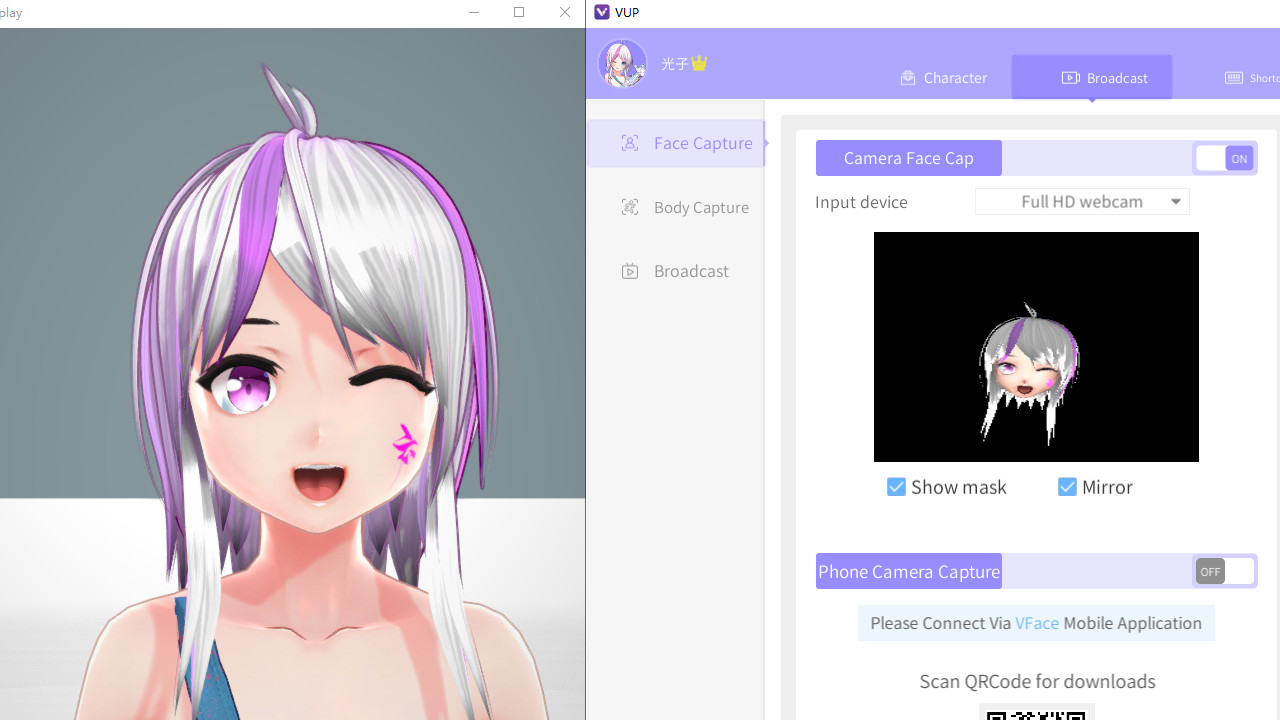
Only an ordinary camera is needed, and the avatar will synchronize your eyes, eyebrows, mouth expressions in real time
You can make the avatar doing these expressions, such as wink, blink your eyes at the same time, move eyeballs, open mouth, raise eyebrows, bulging face, etc. - Motion Capture
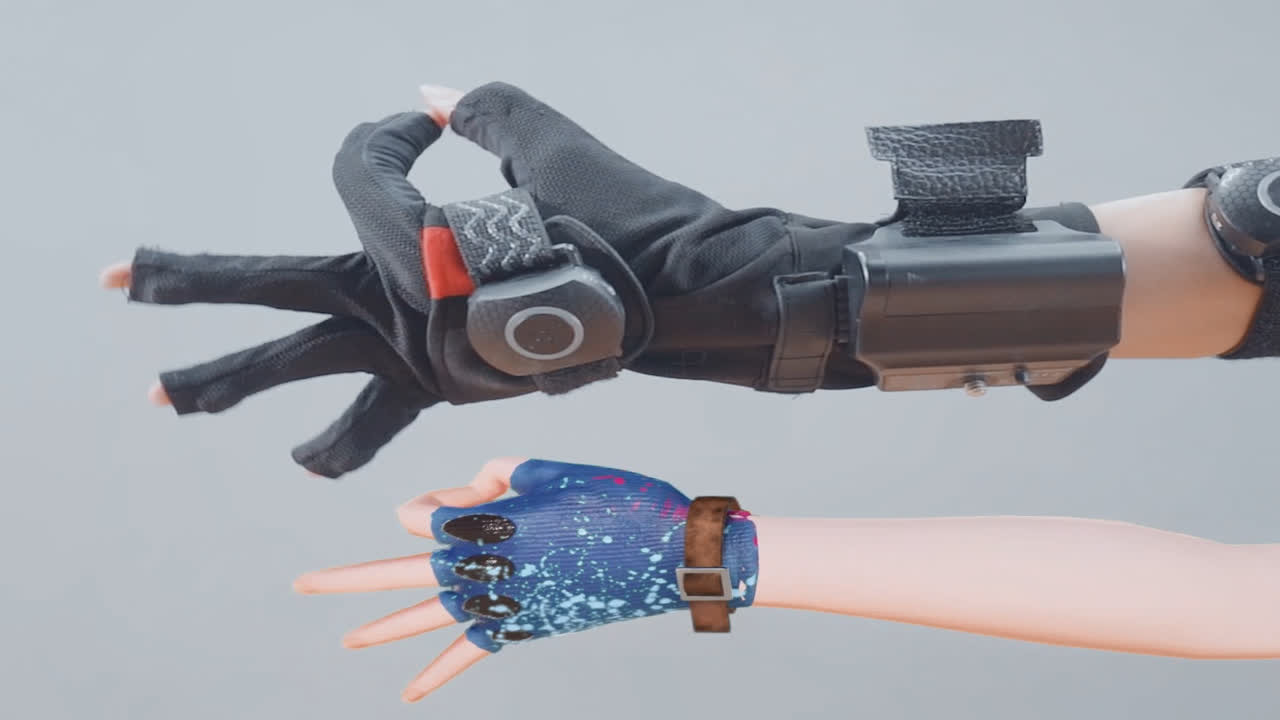
VUP provides a variety of motion capture data ports, connect the motion capture device to your computer, then enable VUP motion capture, the avatar will synchronize your limbs and fingers movement in real time.
Supported motion capture such as: Leap Motion (Third Generation), Kinect v2, Noitom PN, Xsens, Intel Realsense (some models), ChingMu optical motion tracking, etc. - Voice Capture
Speaking to the microphone, and the avatar will make the corresponding mouth shape in real time. - Customize models, emojis, animations, props, and scenes
You can customize models(vrm, model3.json, pmx, fbx), emojis, actions (fbx, vmd, bvh), props (fbx, pmx), and scenes (Unity3D scene, png, mp4)
Note: pmx and fbx formats need to be converted to vup format by Unity 2018.4.x before they can be imported into VUP. - Shortcut Key
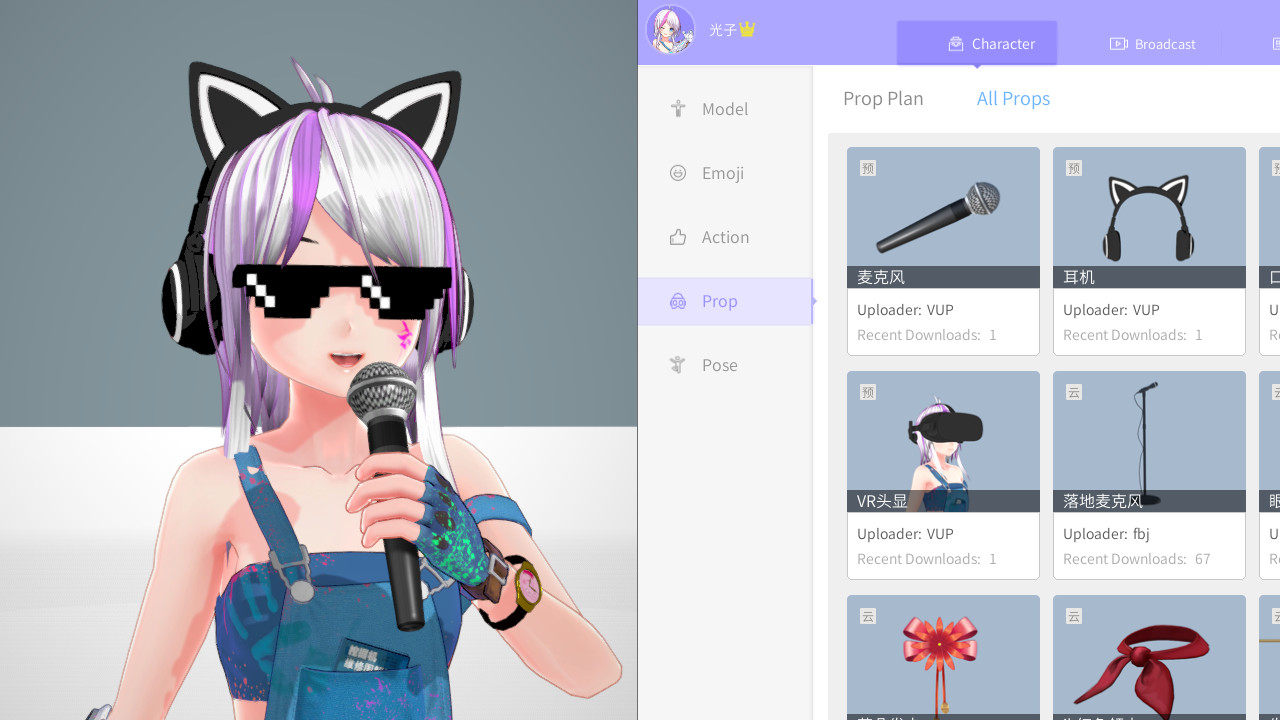
You can customize and trigger shortcut keys of expressions, actions, cameras, Pose, etc. - Prop
You can customize the props and the prop plans for your avatar. - Virtual Camera
VUP has a built-in virtual camera, you can project your avatar to Zoom, Discord, Skype, Google Meet, Microsoft Teams, etc. - Animation
VUP has a large number of built-in animations, which can be used to record short movies
And you can also import your animation. - Transparent Streaming
No need to filter the background color by the "chroma key",You can also get an avatar with transparent background
Transparent Streaming is only applicable to OBS, Streamlabs and other live streaming tools that can set "Allow Transparency". - Pose
You can choose a frame of the action in the action library as a pose, or you can customize a new pose. - Camera
You can customize the fixed shots, tracking shots , Pan shots, orbiting shots , linear motion shots , and transition effect of camera. - Auto wink & Auto looking camera
- Screenshot
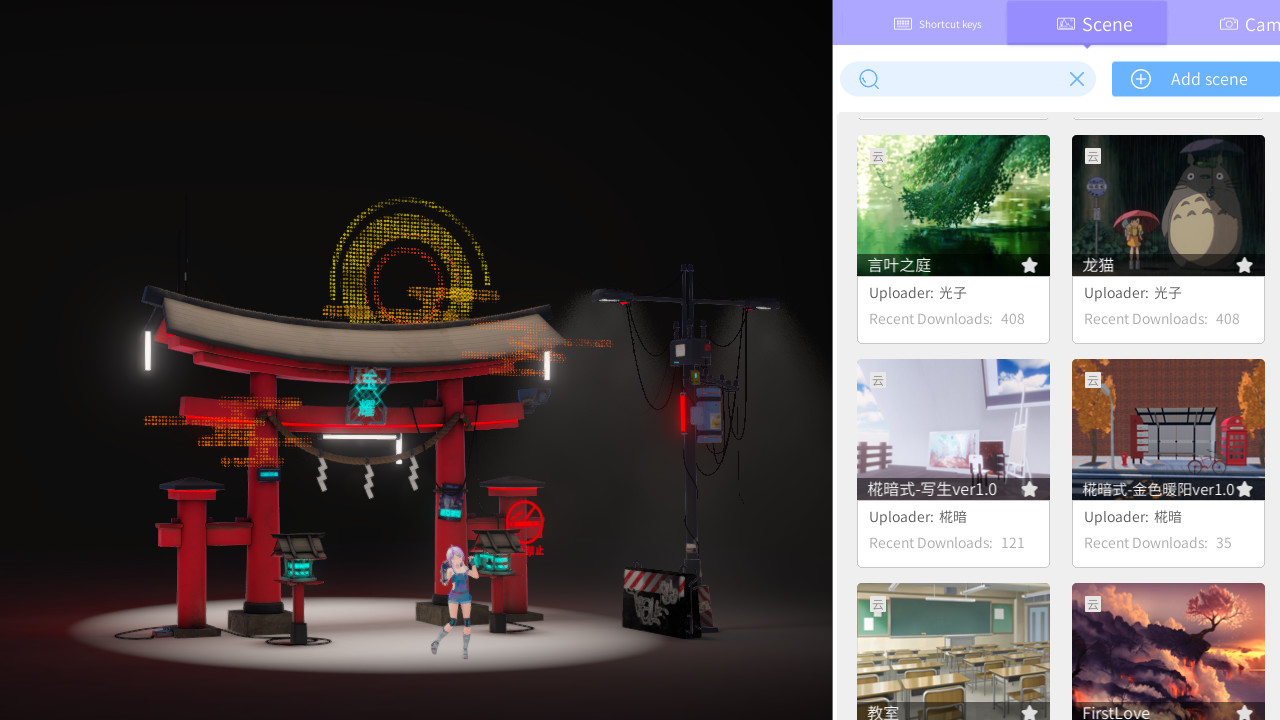
You can customize the size of the screenshot, the location where the screenshot is stored, and get a screenshot with a transparent background. - Scene parameters can be set
Such as lighting, filters, depth of field, ambient light, sound, etc.
More features, looking forward to your discovery ^_^
Contact us
If you have any problems and suggestions, you can find us in the following ways.VUP Official Email: [email protected]
VUP Discord server:
Twitter:
YouTube:
Media
Trailers and screenshots straight from the store page
Price intelligence
Accepted price history and the lows that matter
No price history recorded yet.
Historical lows
No history yet.
VUP price history and best deals
Price tracking for VUP across authorized stores.
Scores
Steam reviews Very Positive · 86%
86% positive of 922
Media (5)
Tech
Requirements
Facts
Developer西安曼云网络科技有限公司
Publisher西安曼云网络科技有限公司
GenresAnimation & Modeling · Video Production
TagsVideo Production · Animation & Modeling · Anime · Software
Links