El texto del producto se muestra en inglés porque no hay texto fuente disponible en este idioma.

niceHW Monitoring

Memoria de precios
Datos de tiendas oficiales para esta región · ES
No hay suficientes datos registrados para comparar los precios.
- Precio oficial actual No registrado
- Precio habitual No registrado
- Mínimo registrado No registrado
- Comparación con las ofertas habituales No registrado
- Intervalos de oferta observados No hay suficientes inicios de oferta registrados para establecer un intervalo.
- Muestra de intervalos 0
- Periodo observado No registrado
- Confianza insuficiente
Ofertas
Precios de tiendas oficiales y comparaciones de keyshops identificadas
Todavía no se registran ofertas para este producto.
Informar de un problema
Historial de precios
Historial de precios aceptados y mínimos registrados
Todavía no hay historial de precios registrado.
Todavía no hay historial.
Todavía no se ha registrado el inicio de ninguna oferta.
Acerca de este juego
El juego, contado por quienes lo desarrollaron
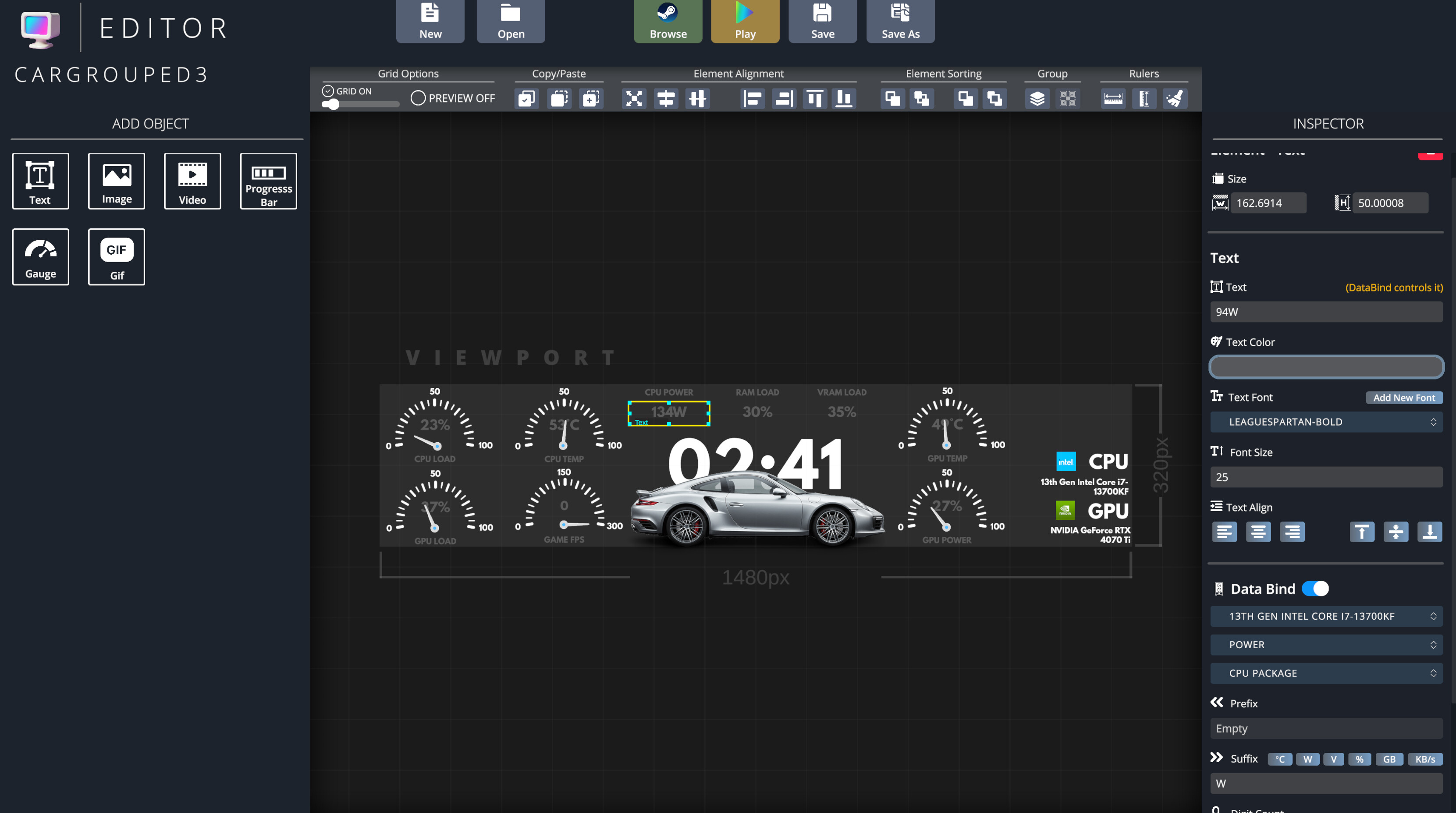
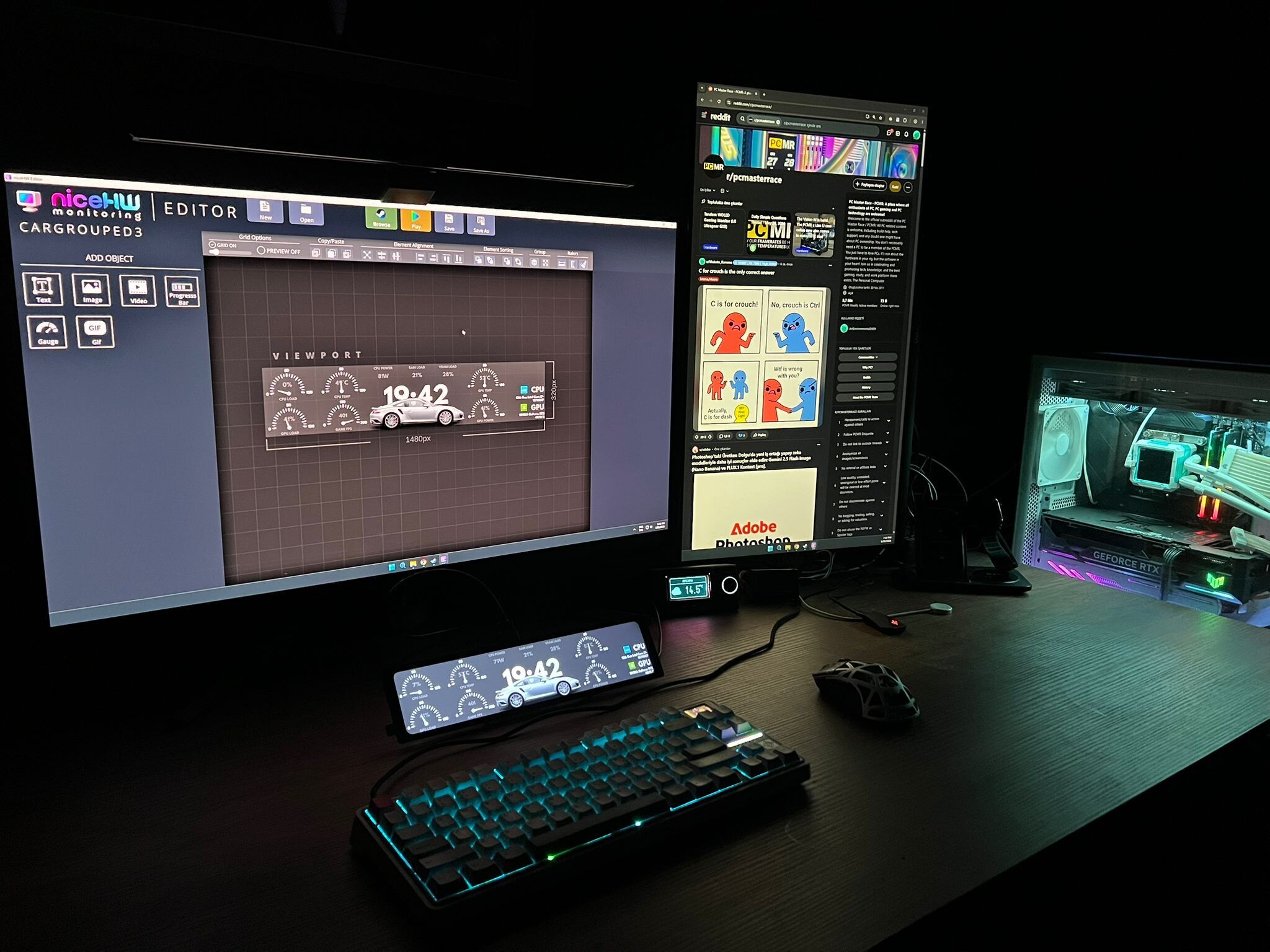
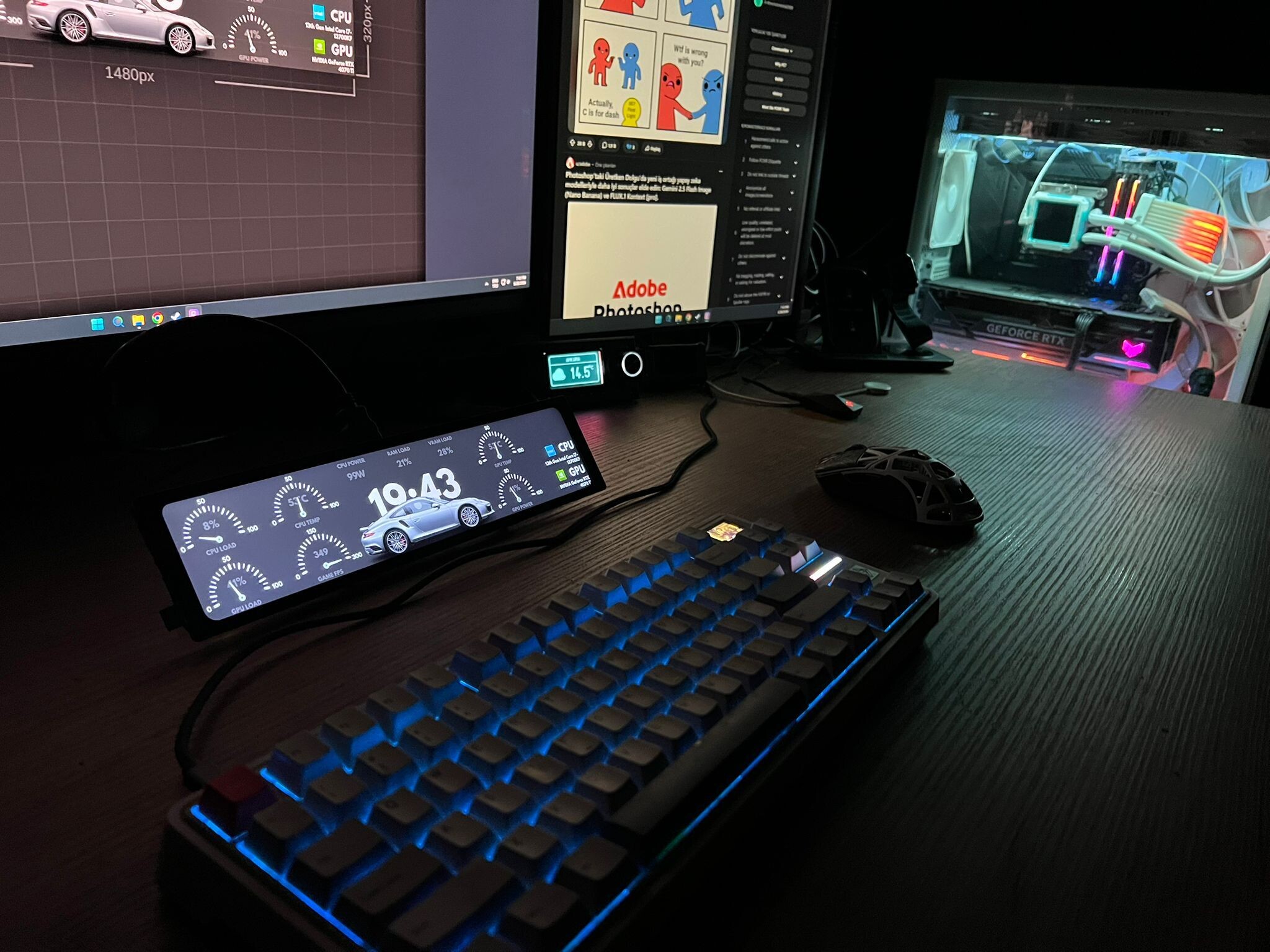
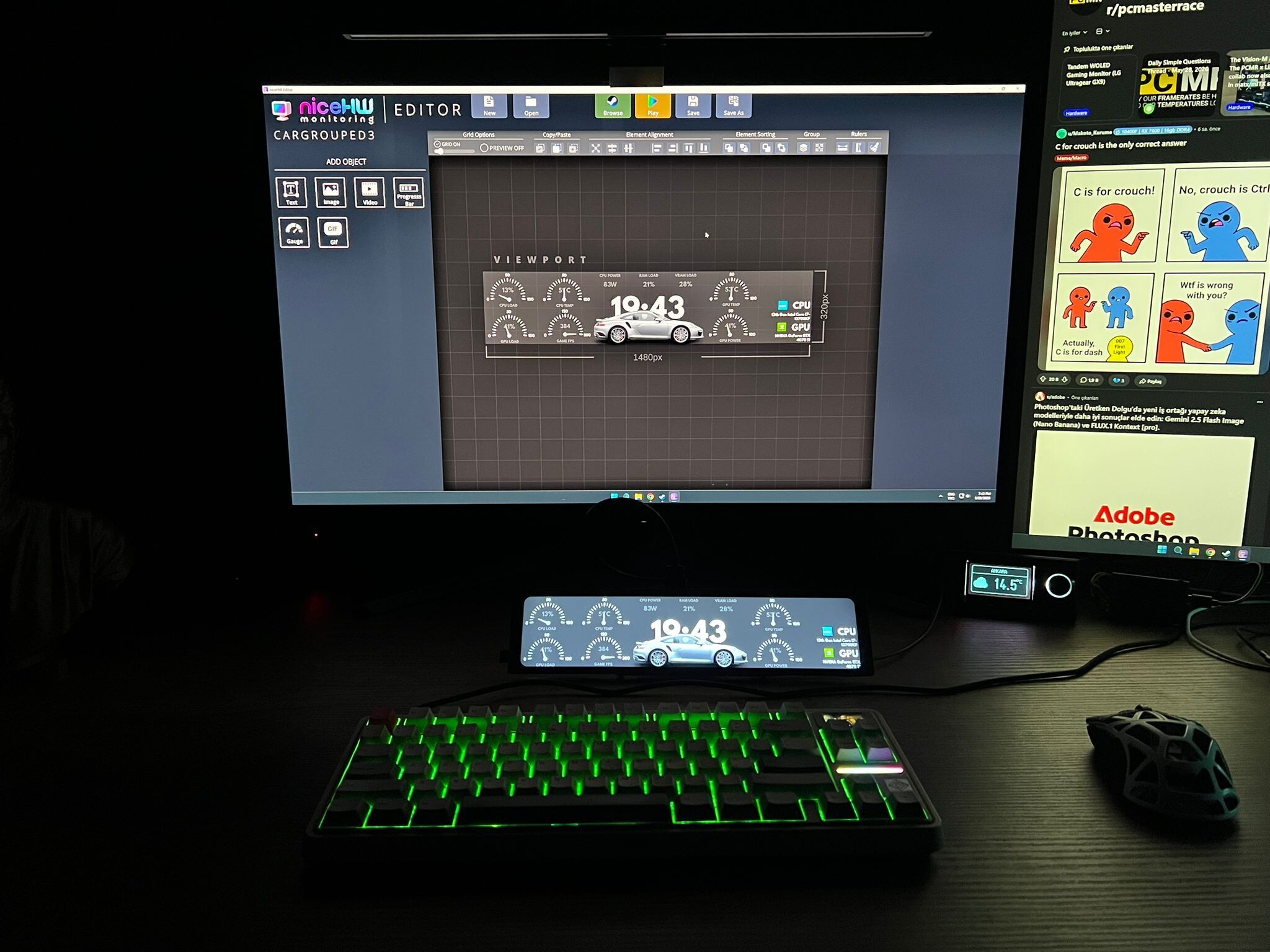
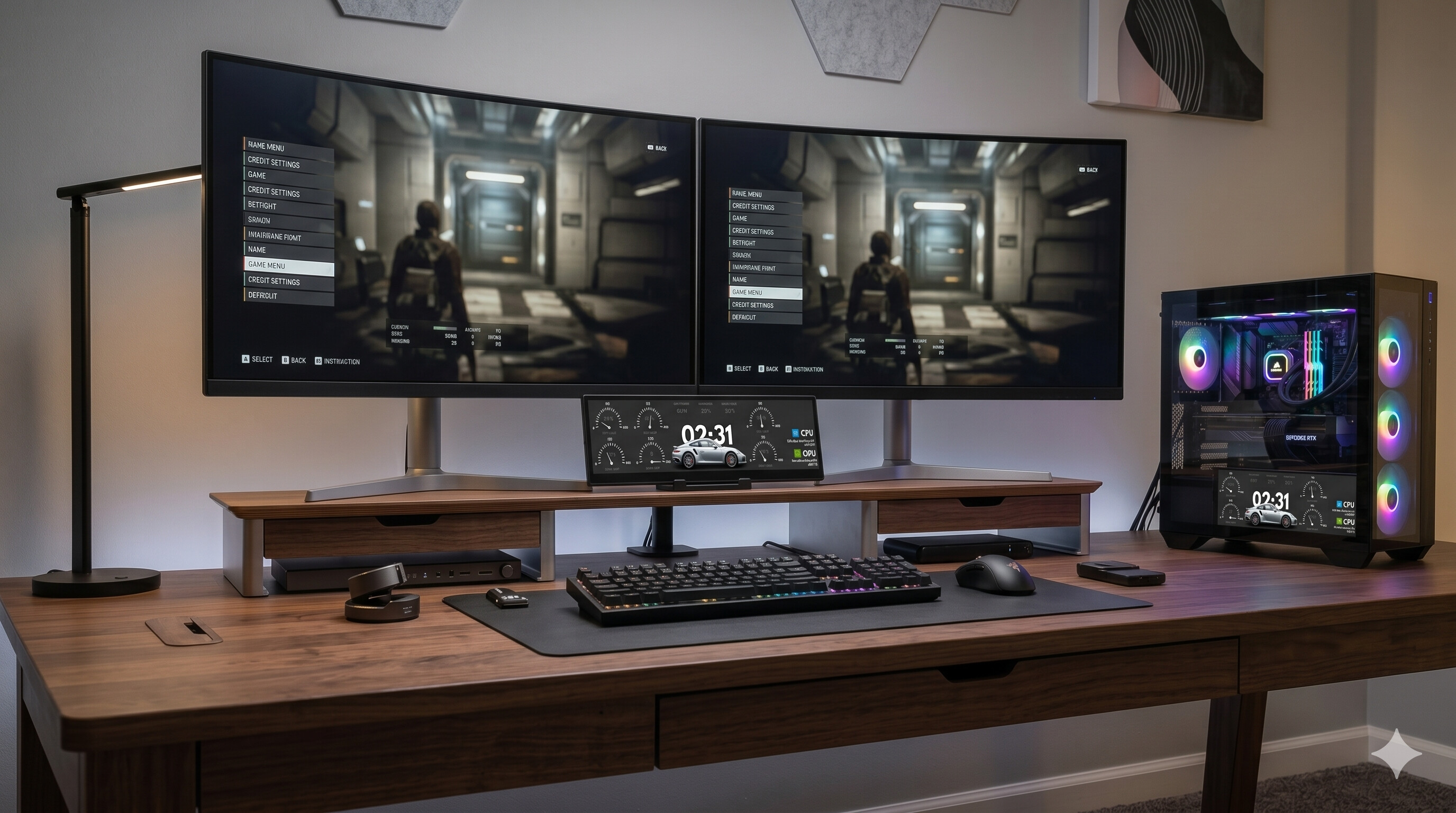
niceHW Monitoring lets you display your PC hardware stats on any screen – from an internal case display to an external secondary monitor – with beautiful, customizable themes. Create your own designs, browse the Steam Workshop for community-made themes, and monitor your system in real time.
Keep track of your PC’s performance in a stylish and customizable way!
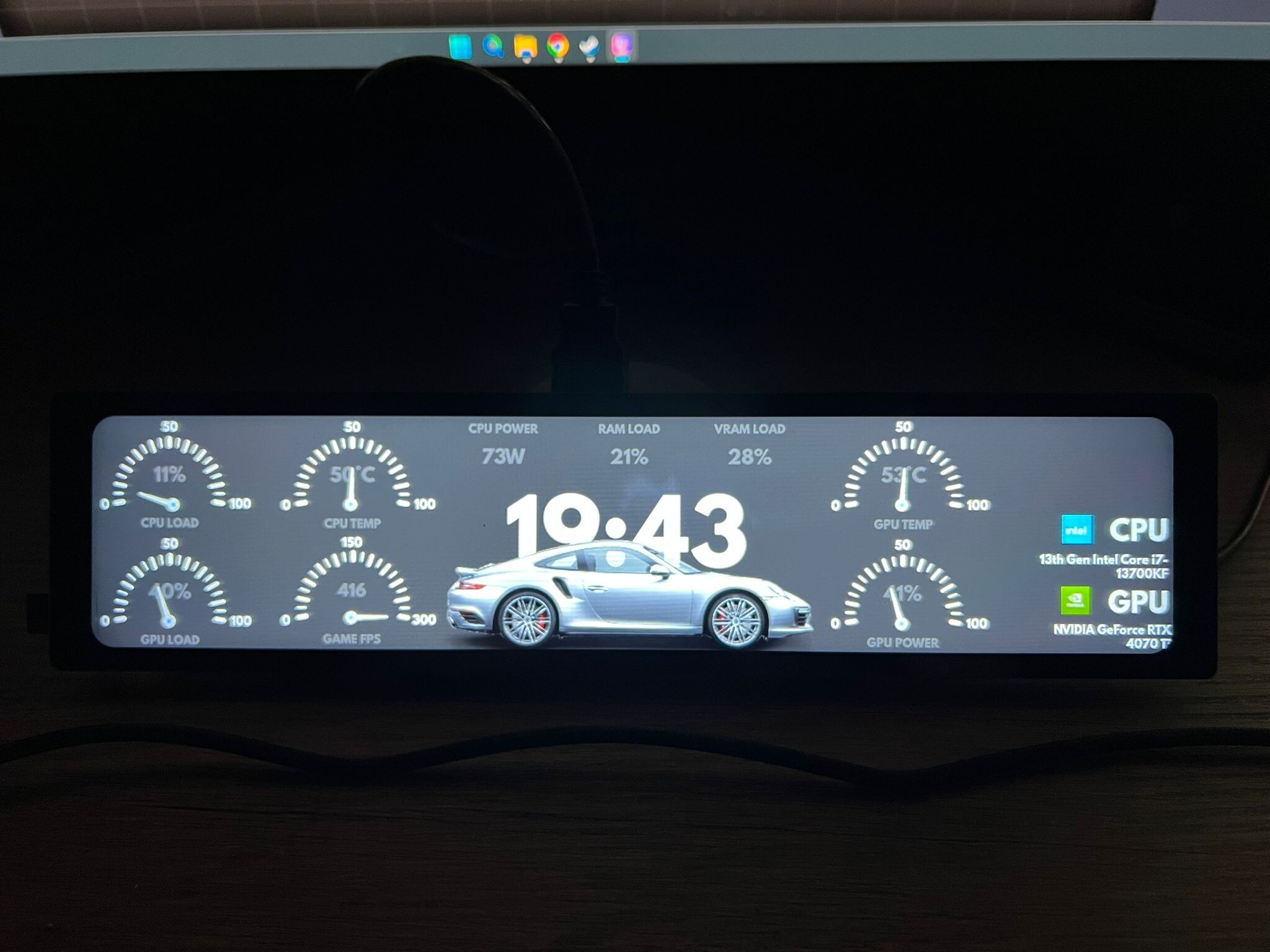
niceHW Monitoring turns any display – whether it’s a screen inside your case or an external monitor – into a live dashboard for CPU temperature, GPU usage, RAM load, fan speeds, storage stats, and much more, all visualized with stunning themes.
The application is built around 3 core modules:
🔹 Viewer
Display your hardware stats in real time with beautiful graphics.
Use it on case-mounted displays or external monitors.
Track CPU, GPU, RAM, storage, fans, and system loads instantly.
Choose between minimal dashboards or detailed layouts that match your setup.
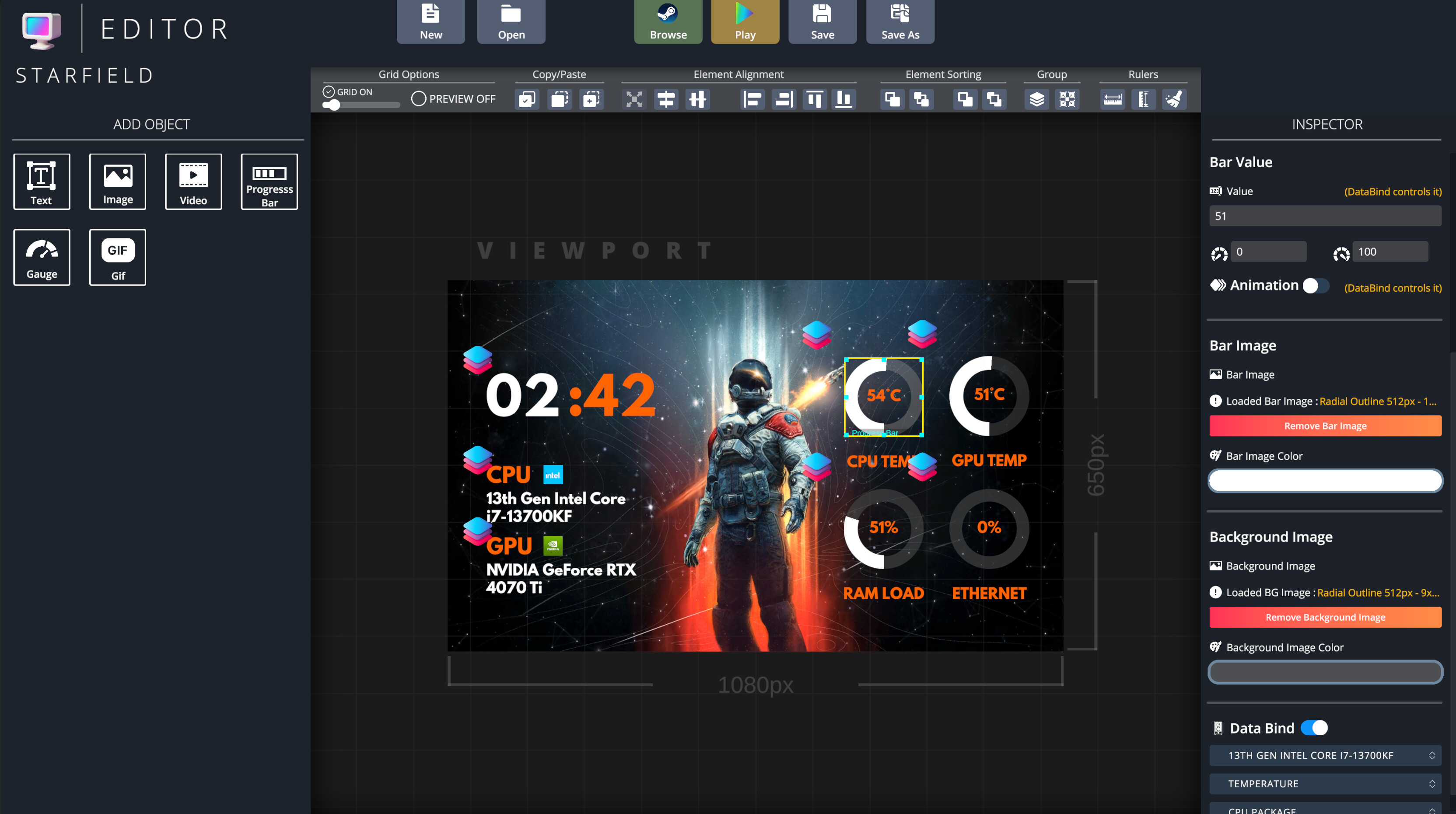
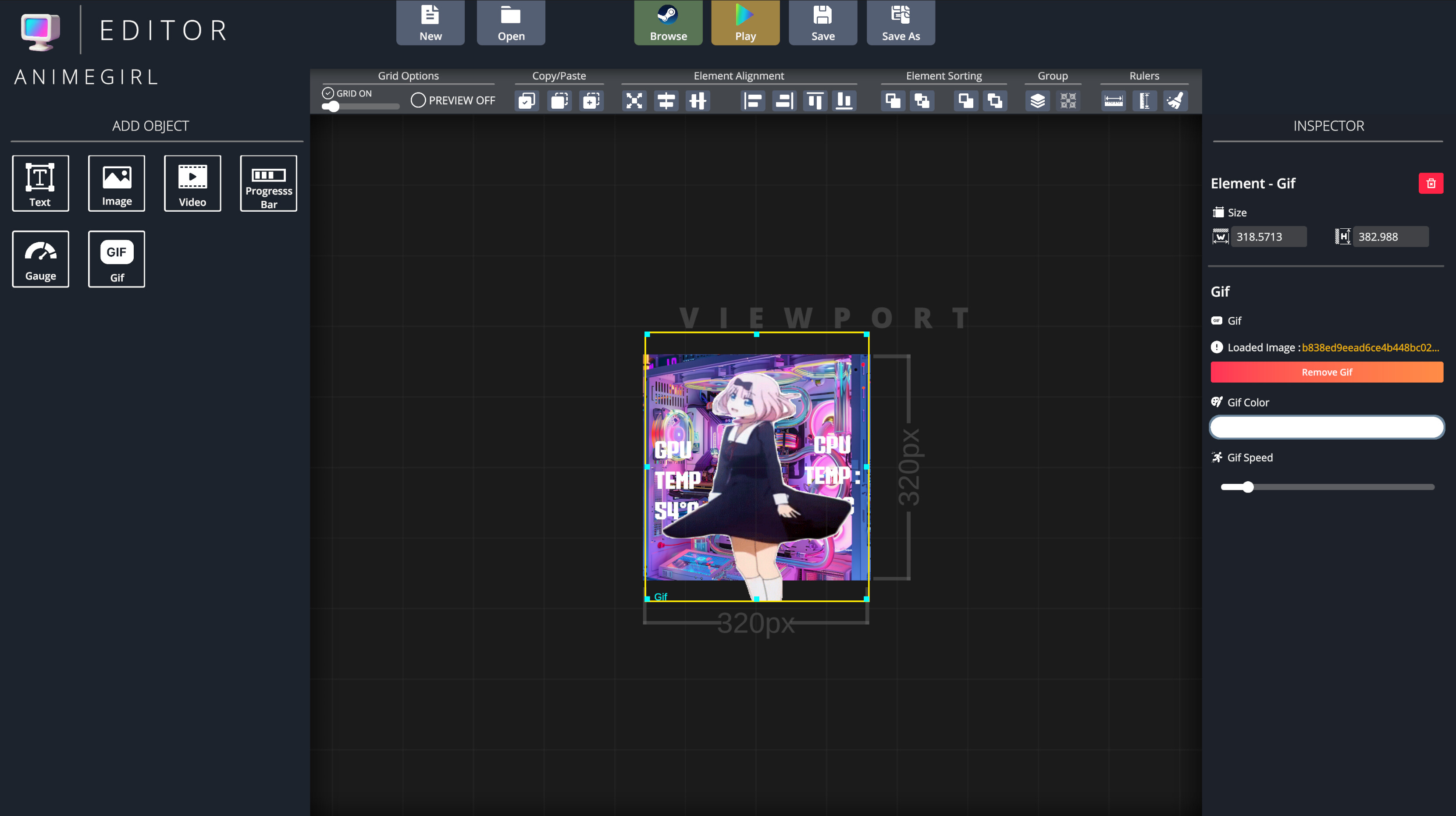
🔹 Editor
Design your own themes from scratch or customize existing ones.
Full control over colors, fonts, graphs, animations, and layouts.
Create a unique look that perfectly fits your build.
🔹 Browser
Explore thousands of community-made themes on the Steam Workshop.
Download and apply themes instantly.
Share your own designs and contribute to the community.
Key Features
✅ Real-time monitoring of CPU, GPU, RAM, storage, and fans
✅ Works on case screens and any secondary monitor
✅ High-quality visuals with customizable layouts
✅ Powerful Theme Editor for full customization
✅ Seamless Steam Workshop integration
✅ Lightweight, fast, and easy to use
Contenido
Tráileres y capturas de la página de la tienda

niceHW Monitoring: historial de precios y ofertas actuales
Seguimiento de precios de niceHW Monitoring en tiendas autorizadas.