PC Steam Region US
Games Sculpting and Rendering a Biomech Creature Bust
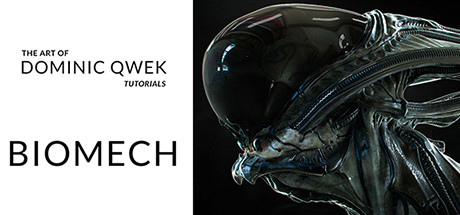
Sculpting and Rendering a Biomech Creature Bust: header artwork
Dominic Qwek Art

Sculpting and Rendering a Biomech Creature Bust

Sculpting and Rendering a Biomech Creature Bust
Windows macOS Linux
2 user reviews · 50% of 2
DeveloperDominic Qwek Art
ControllerFull
Price verdict · US
Why this verdict
Player reviews 50% positive of 2
Quality score 50/100 · small sample

Offers

Official store prices and labeled keyshop comparisons

No offers tracked yet for this product.

Report a problem

Price history

Accepted price history and recorded lows

No price history recorded yet.

Historical lows

No history yet.

Sale cadence

No recorded sale starts yet.

DLC

About this game

What this game is, in the developer's words

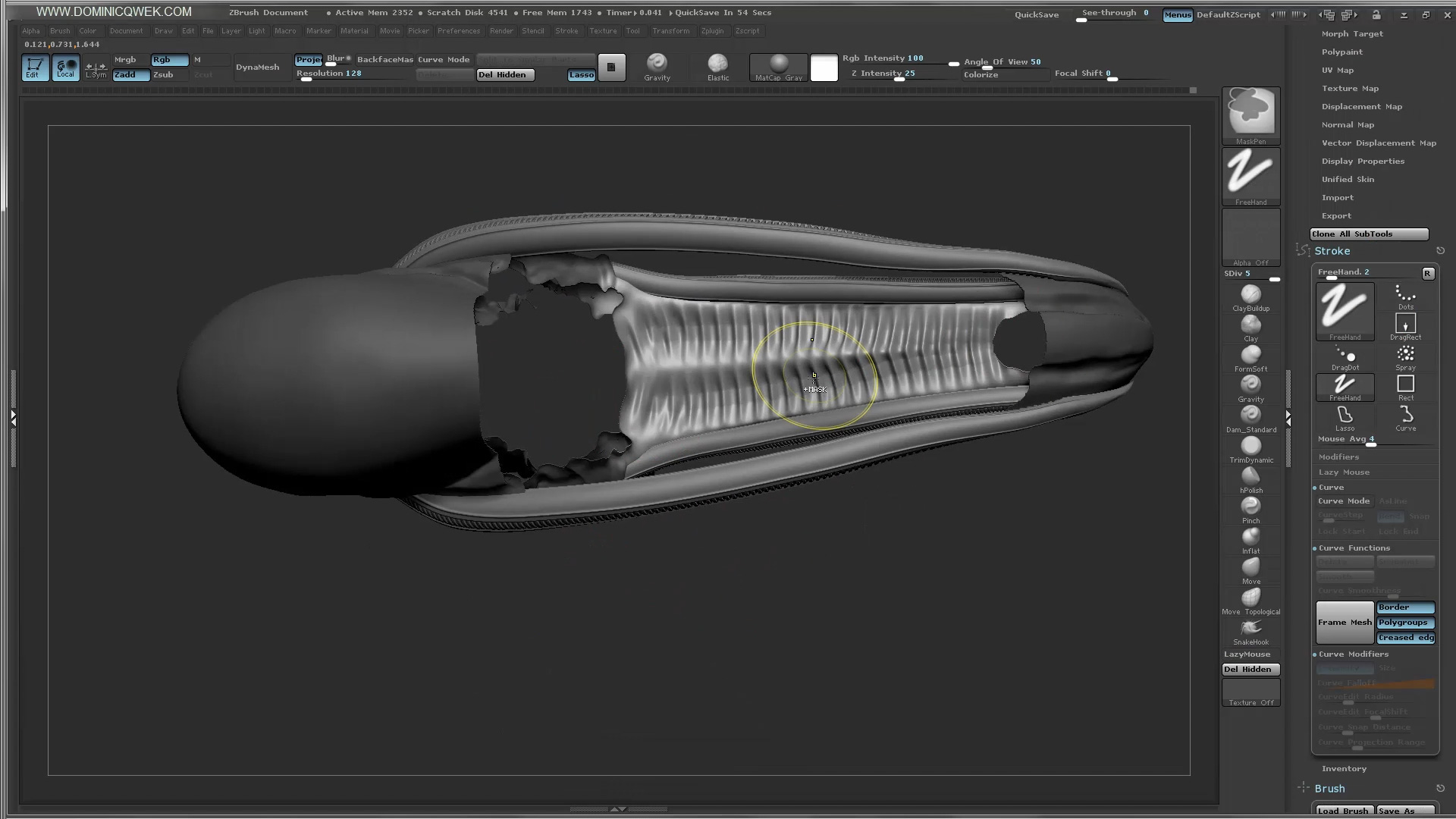
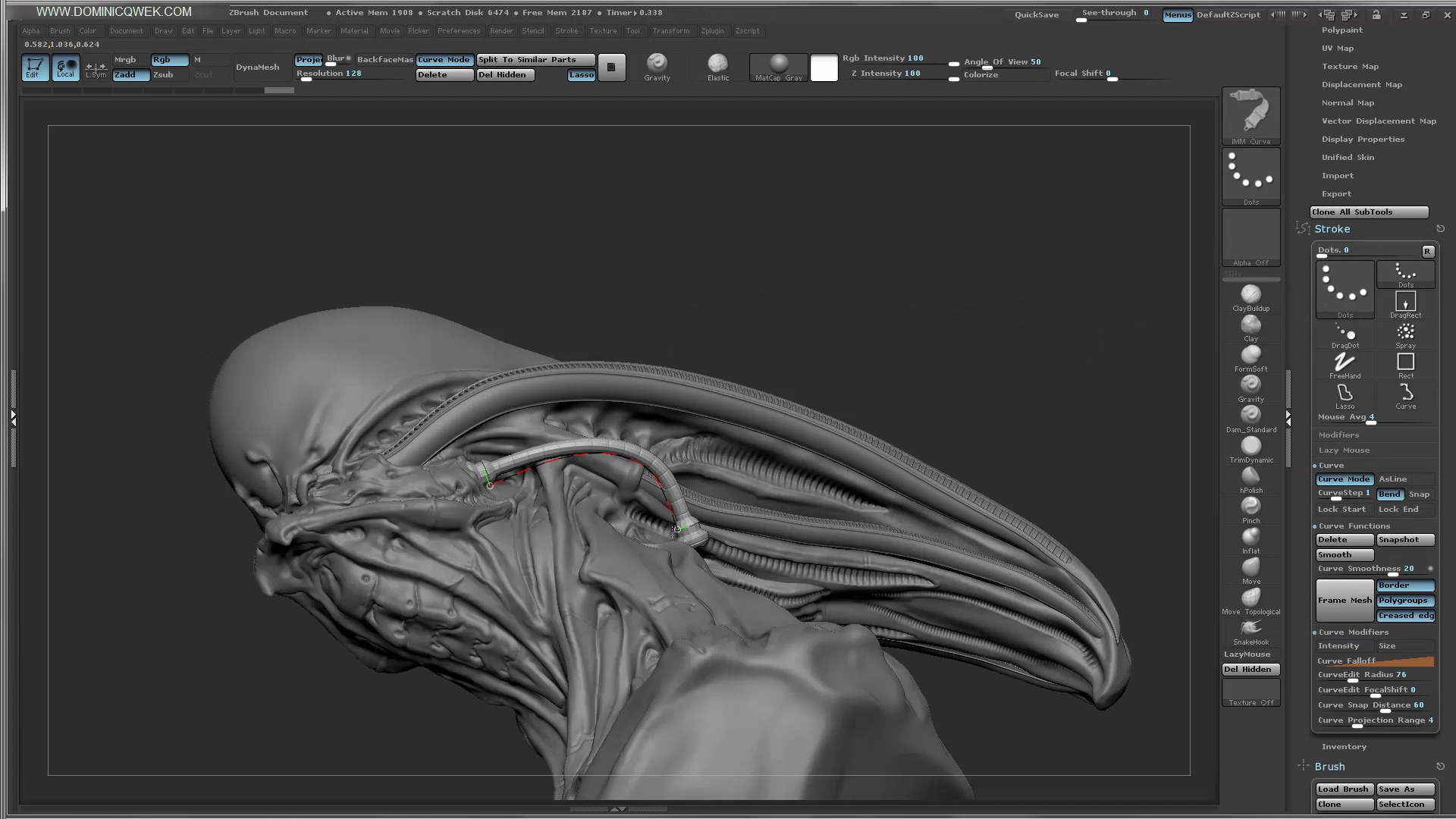
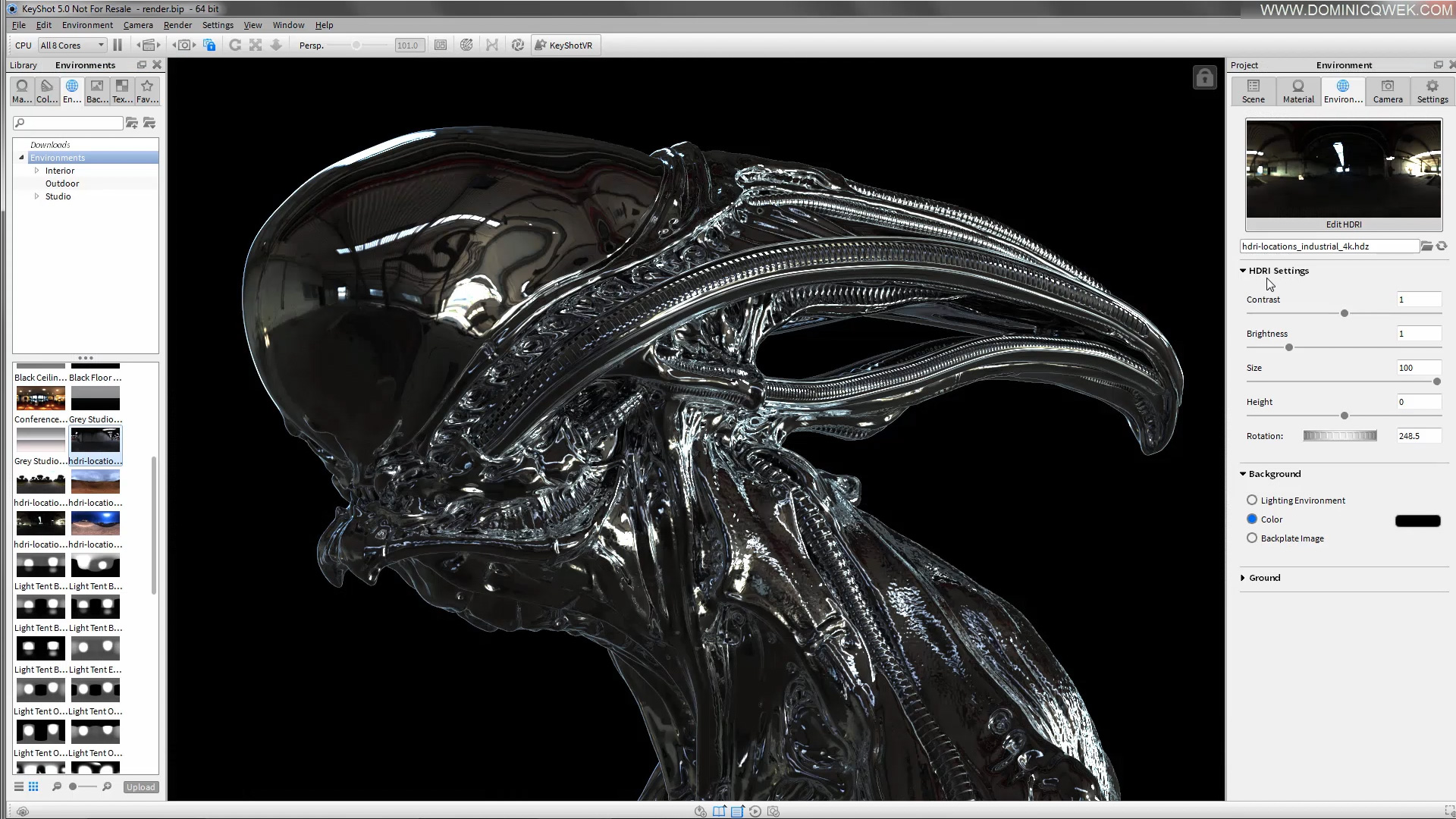
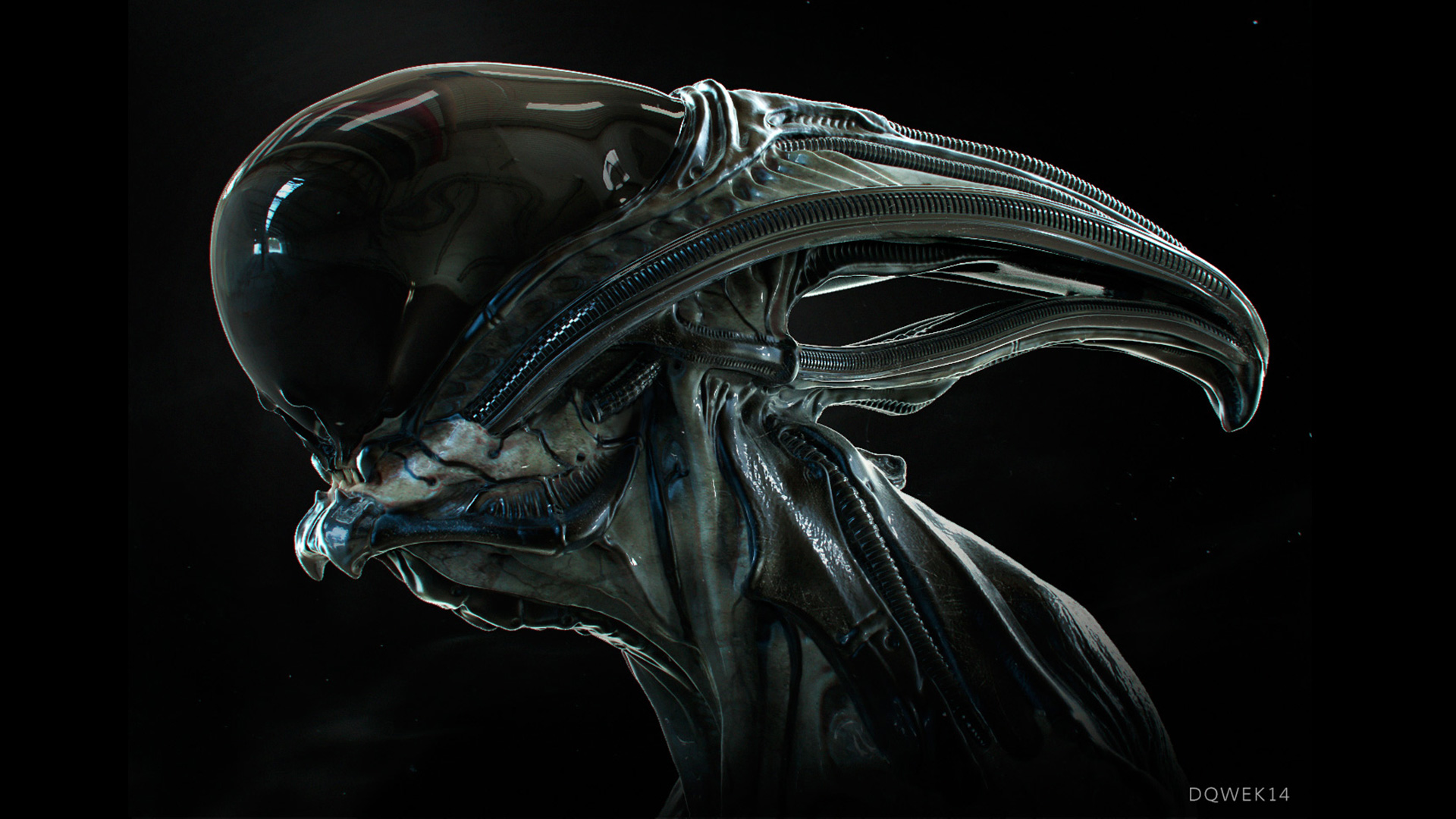
In this tutorial, we'll create a Biomech bust in ZBrush starting from a sphere. We'll use features like Dynamesh, Curve Brush and IMM Brushes. I'll show you every step of the process from designing in 3D, blocking out forms to adding realistic micro-detail. Learn how to use Keyshot to light, shade and render your Biomech bust. Then using Photoshop, we'll composite our renders and add finishing touches to create the final render. This is a live video demonstration covering every step of the process.

In this tutorial, we'll create a Biomech bust in ZBrush starting from a sphere. We'll use features like Dynamesh, Curve Brush and IMM Brushes. I'll show you every step of the process from designing in 3D, blocking out forms to adding realistic micro-detail. Learn how to use Keyshot to light, shade and render your Biomech bust. Then using Photoshop, we'll composite our renders and add finishing touches to create the final render. This is a live video demonstration covering every step of the process.

Basic knowledge of Zbrush required. Average knowledge of Photoshop & Keyshot required.

Latest ZBrush UI configs available at

Chapters:

  • Sculpting with ZBrush
  • Rendering with Keyshot and Photoshop

Files:

  • ZBrush UI config + Gravity Brush
  • BiomechTube Brush
  • Decimated ZTL file for reference.
  • Biomech OBJ files for Keyshot
  • Working PSD file
  • Final JPEG artwork
  • 1 Hi-Res bone texture

Media

Trailers and screenshots straight from the store page
Games like Sculpting and Rendering a Biomech Creature Bust

Shared tags, not the same series.

Sculpting and Rendering a Biomech Creature Bust price history and current deals

Price tracking for Sculpting and Rendering a Biomech Creature Bust across authorized stores.

Sculpting and Rendering a Biomech Creature Bust reviews, playtime, and age rating

2 people have reviewed Sculpting and Rendering a Biomech Creature Bust. 50% are positive. Steam calls that 2 user reviews.

Frequently asked questions

Answered from this game's own data. Where I have none, I say nothing.

Is Sculpting and Rendering a Biomech Creature Bust worth playing?
2 people have reviewed Sculpting and Rendering a Biomech Creature Bust. 50% are positive. Steam calls that 2 user reviews.
Scores
Steam reviews 2 user reviews · 50%
Media (5)
Tech
ControllerFull
Requirements
System requirements platform
Minimum
Minimum:
  • OS *: Windows 7
  • Processor: Intel Core 2 or AMD equivalent
  • Memory: 1 GB RAM
  • Network: Broadband Internet connection
  • Storage: 200 MB available space
  • Additional Notes: Network Bandwidth of 5Mbps for 540p, 3Mbps for 360p.
Recommended
Recommended:
  • OS: Windows 10
  • Processor: Intel Core I3+ or AMD equivalent recommended for HD 1080p playback
  • Memory: 2 GB RAM
  • Network: Broadband Internet connection
  • Storage: 500 MB available space
  • Additional Notes: Network Bandwidth of 12Mbps for 1080p or 8Mbps for 720p.
Minimum
Minimum:
  • OS: Mac OSX 10.7
  • Processor: Intel Core 2 or AMD equivalent
  • Memory: 1 GB RAM
  • Network: Broadband Internet connection
  • Storage: 200 MB available space
  • Additional Notes: Network Bandwidth of 5Mbps for 540p, 3Mbps for 360p.
Recommended
Recommended:
  • OS: Mac OSX 10.10+
  • Processor: Intel Core I3+ or AMD equivalent recommended for HD 1080p playback
  • Memory: 2 GB RAM
  • Network: Broadband Internet connection
  • Storage: 500 MB available space
  • Additional Notes: Network Bandwidth of 12Mbps for 1080p or 8Mbps for 720p.
Minimum
Minimum:
  • OS: Linux Ubuntu 12.04 or later, SteamOS 2.20 or later
  • Processor: Intel Core 2 or AMD equivalent
  • Memory: 1 GB RAM
  • Network: Broadband Internet connection
  • Storage: 200 MB available space
  • Additional Notes: Network Bandwidth of 5Mbps for 540p, 3Mbps for 360p.
Recommended
Recommended:
  • OS: Linux Ubuntu 12.04 or later, SteamOS 2.20 or later
  • Processor: Intel Core I3+ or AMD equivalent recommended for HD 1080p playback
  • Memory: 2 GB RAM
  • Network: Broadband Internet connection
  • Storage: 500 MB available space
  • Additional Notes: Network Bandwidth of 12Mbps for 1080p or 8Mbps for 720p.
Facts
DeveloperDominic Qwek Art
Report an issue with this page