VEGAS Edit 20 Steam Edition

Why this verdict
Offers
Official store prices and labeled keyshop comparisons
Report a problem
Price history
Accepted price history and recorded lows
No recorded sale starts yet.
Editions
Explicitly grouped editions, with the cheapest offer tracked for each
- VEGAS Edit 20 Steam Edition This editiontoolIncludes
-
 VEGAS Edit 20 Steam Edition
From $249.00 at steam -
-
Purchase options
- VEGAS Edit 20 Steam Edition From $159.60
Packs and bundles
- Upgrade from VEGAS 20 Edit to VEGAS Pro 22 From $159.60
About this game
What this game is, in the developer's words
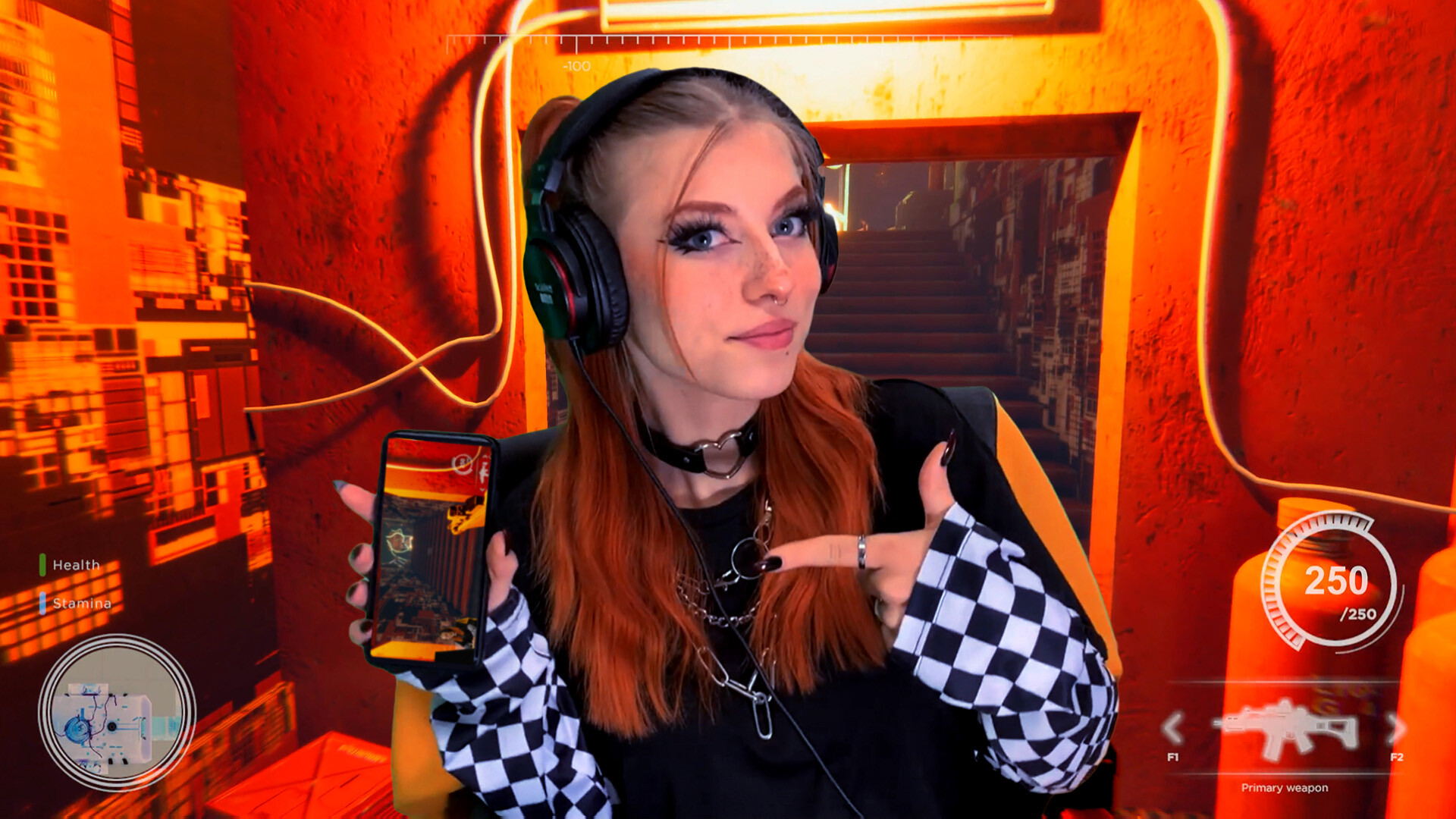
VEGAS Edit 20 Steam Edition. Fast, easy editing to turn your stream highlights and gameplays into engaging and entertaining videos. Then share on your social media to grow your audience.
New Version
About the Software
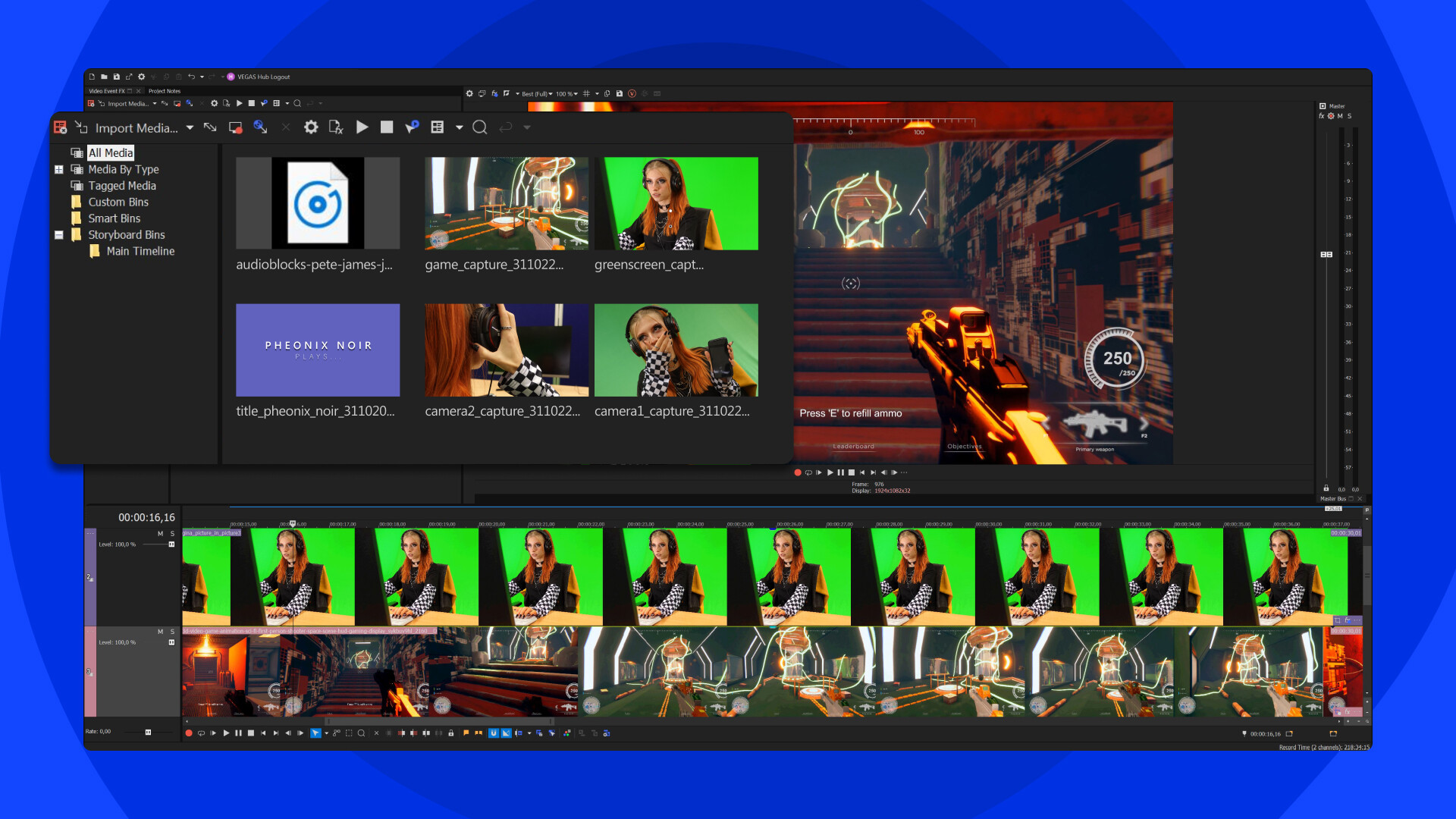
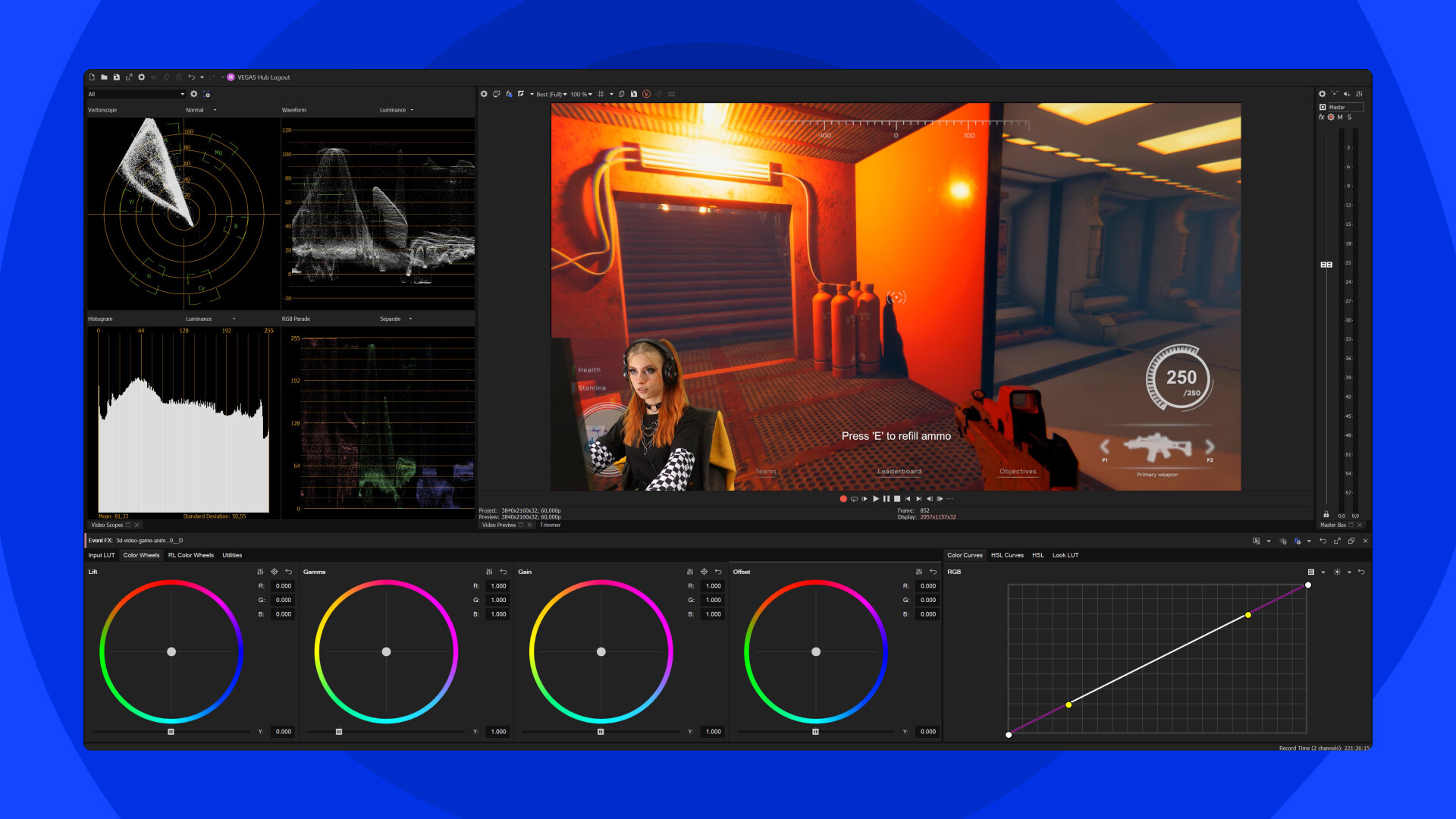
VEGAS Edit 20 Steam Edition is everything you need to edit your gaming videos, from stream highlights to gameplays. Capture your gameplay excitement and edit it into a professional video to showcase your skills and strategies or share your tips. Edit the most exciting parts of the game together and leave out dead scenes or uninteresting parts. Record commentary to add your personality. Splice in footage of yourself or other players reacting to the gameplay to build up the drama.Highlight key moments with special effects like glitches, shaking, or slow motion. Keep your viewers’ attention with jump cuts, transitions, and slow-motion sequences. Write titles and captions to identify players, locations, and key gameplay moments. Create striking looks with powerful HDR color correction and grading. Give viewers different perspectives with multiple camera views. Then, match video with music and sound effects for a complete experience. When you're happy with your edit, export with GPU acceleration and upload to YouTube or other destinations.
Highlights
- Record multiple video and audio sources
- Work with a wide range of professional formats, including Apple ProRes and BRAW
- Edit clips: trim, shuffle, slip, slide, time stretch, reverse, and more
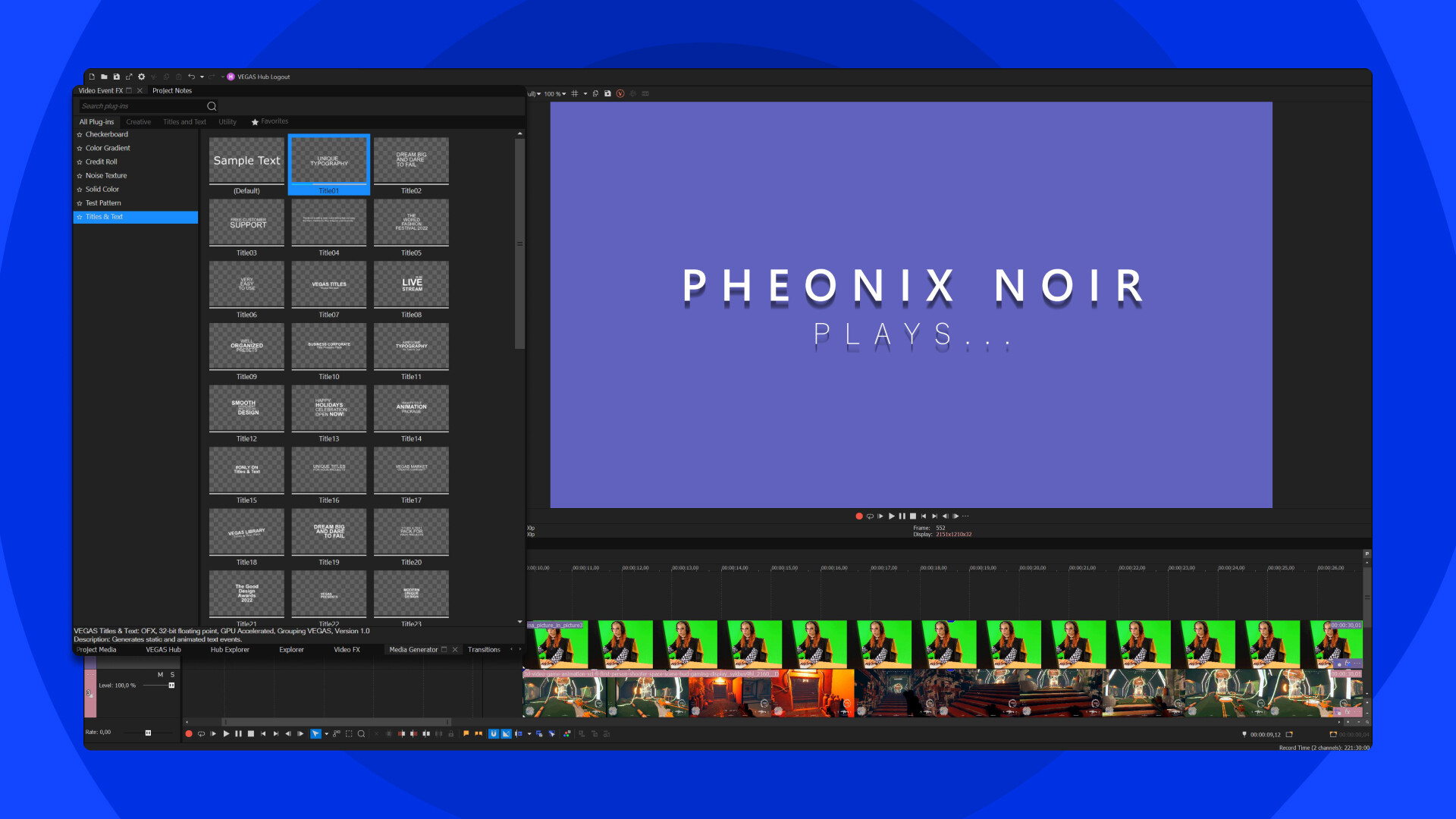
- Add effects, filters, transitions, and titles
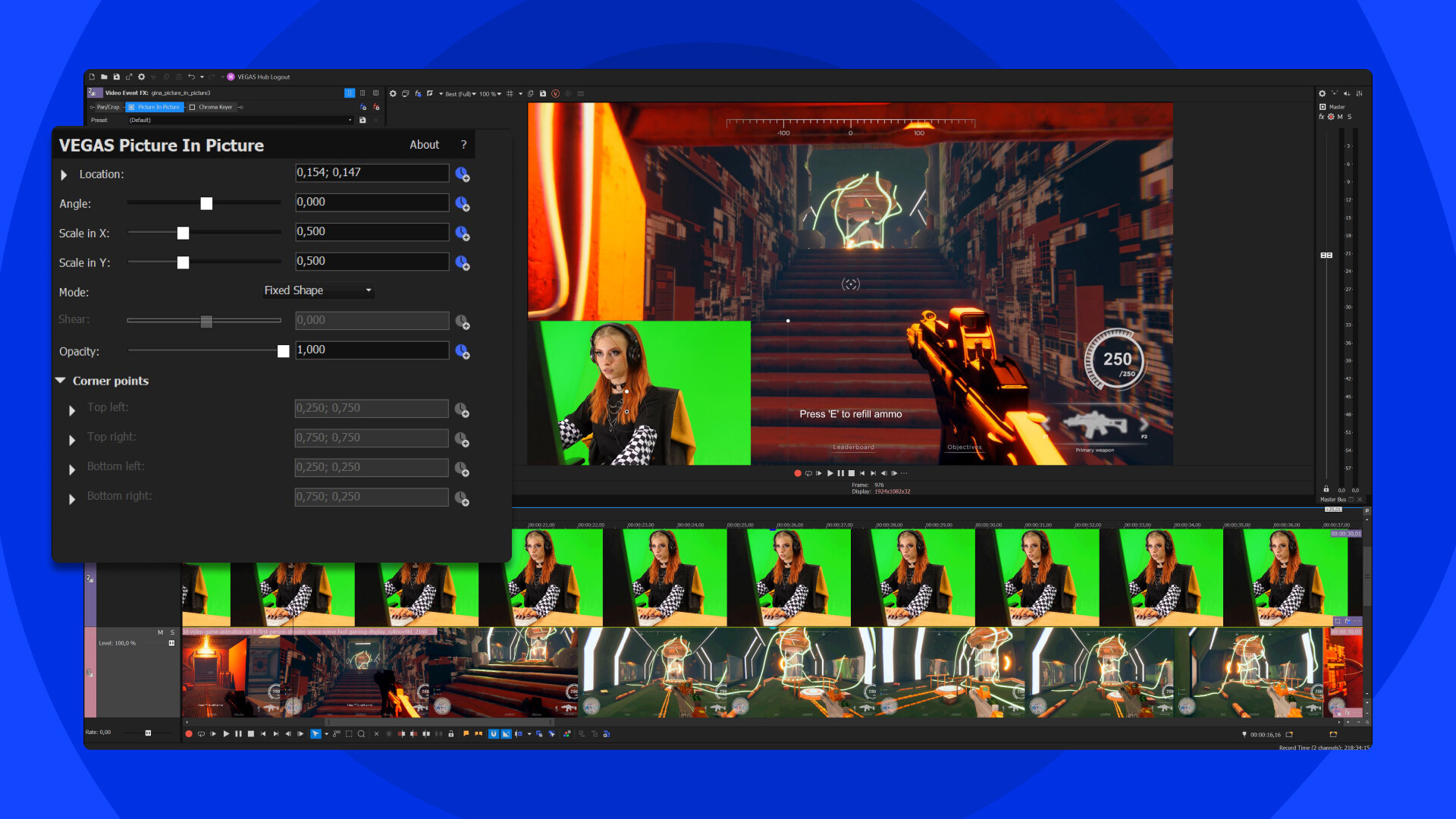
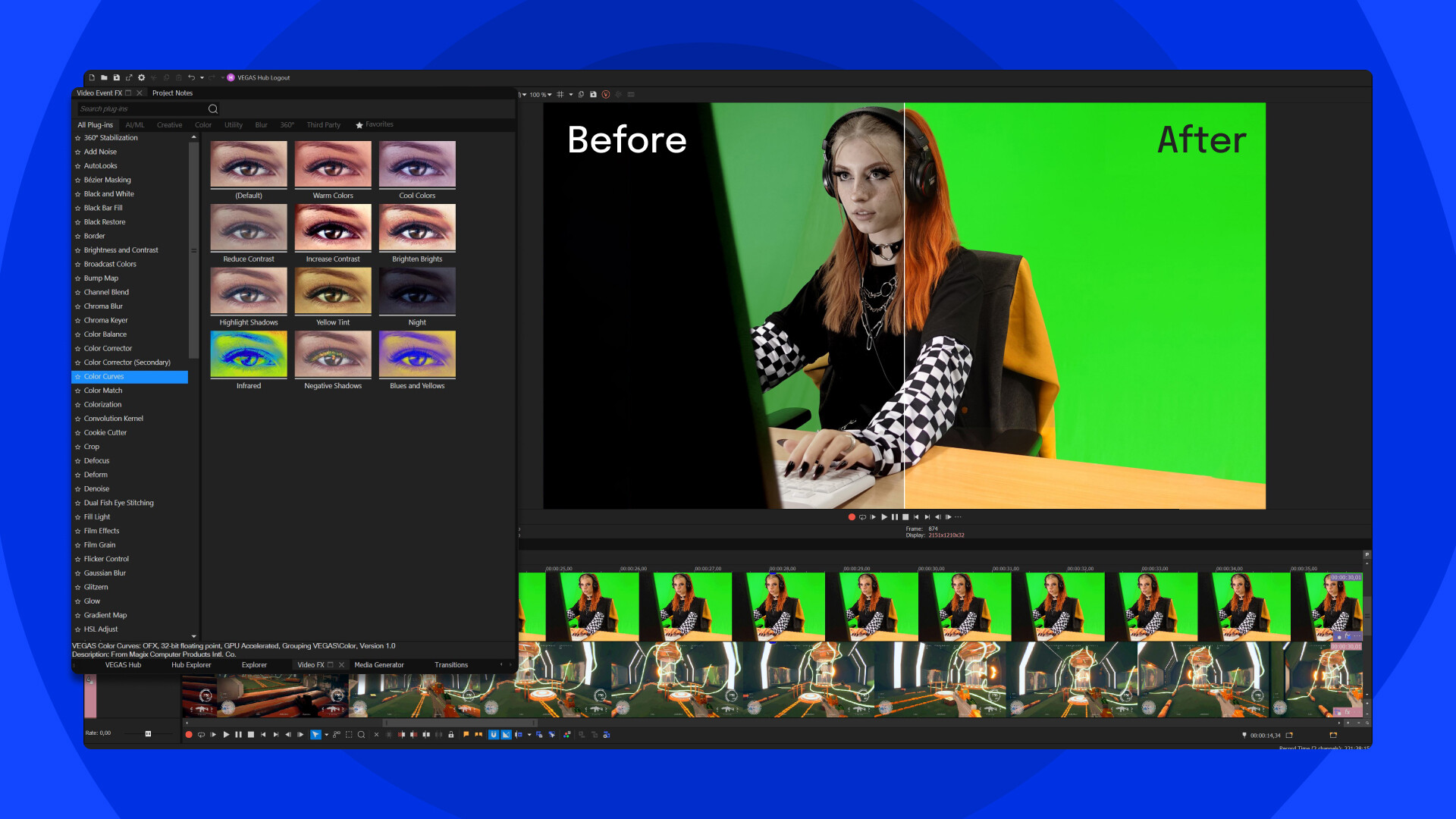
- Easily remove green screen
- Splice yourself into the game with picture in picture
- Create your signature look with HDR color correction and grading
- Edit effects with adjustment tracks
- Apply multi-region motion tracking to spice up your production
- Use audio to enhance your video with a multichannel mixer, reverbs and echoes, equalization tools, and VST3 support
- Use audio synchronization for multicam editing
- Use comprehensive built-in screen capture
- Work fast with GPU acceleration for decoding/encoding for Nvidia®, AMD® and Intel®
- Choose from a wide range of output formats
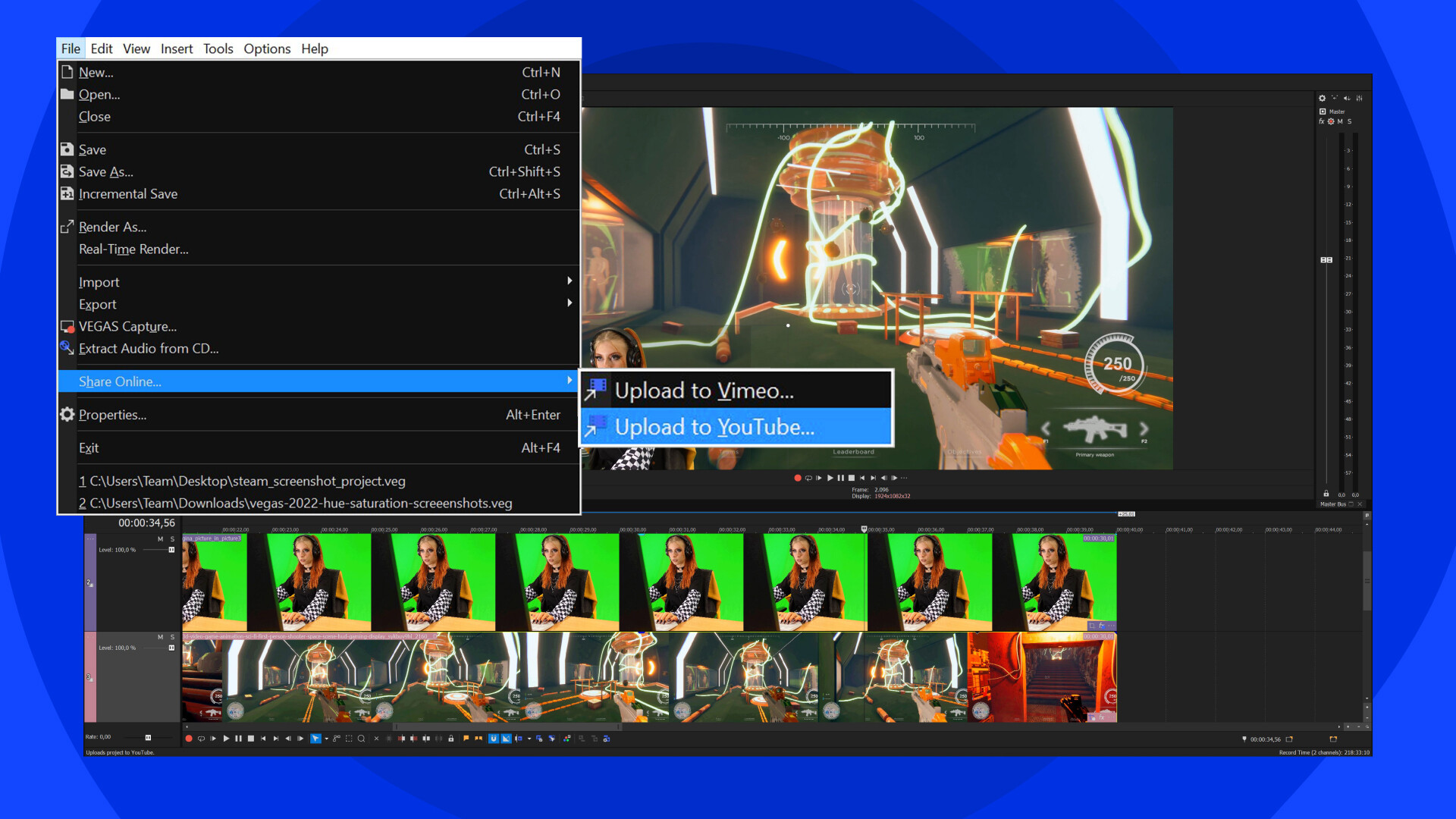
- Upload directly to YouTube and Vimeo
What’s new?
- Audio production with support for the latest VST3 plug-ins for reverbs, delays, EQs, and more
- Optical Flow motion: create smooth slow motion, and fluid warp-flow movement along with seamless resampling
- Motion Blur FX: create a natural feel for motion sequences and target specific areas of your footage.
- Animated transitions and effects: build dynamic animation into your transitions and effects with complete Bézier curve control
- Automatic project collections: easily access all of your projects and their media files with automatic file organization
- Scene detection: automatically detect scenes from rendered video. Mark them as regions or break them up to work with them individually
- Modern flexible transitions: create your own transitions or choose from dozens of presets to spice up the story
- Hue vs Saturation color curve: target a specific color then change the saturation
- Saturation vs Saturation color curve: target a specific saturation then pump it or mute it
- Curves color picker: sample the exact colors or ranges to adjust in the color curves
- Zoomable Preview: get up close to your footage in the Video Preview window
Media
Trailers and screenshots straight from the store page

VEGAS Edit 20 Steam Edition price history and current deals
VEGAS Edit 20 Steam Edition for PC currently sells from $249.00 at authorized stores. Its all-time low is $249.00, set on 2026-06-25.
Compare VEGAS Edit 20 Steam Edition editions
VEGAS Edit 20 Steam Edition comes in 2 editions: VEGAS Edit 20 Steam Edition, VEGAS Edit 20 Steam Edition. For owners of the base game, VEGAS Edit 20 Steam Edition alone at $159.60 costs $89.40 less than the bundled edition.
VEGAS Edit 20 Steam Edition reviews, playtime, and age rating
66 people have reviewed VEGAS Edit 20 Steam Edition. 73% are positive. Steam calls that Mostly Positive.
Frequently asked questions
Answered from this game's own data. Where I have none, I say nothing.
How do the VEGAS Edit 20 Steam Edition editions compare?
Which stores list VEGAS Edit 20 Steam Edition?
Where can I buy VEGAS Edit 20 Steam Edition cheap?
Is VEGAS Edit 20 Steam Edition worth playing?